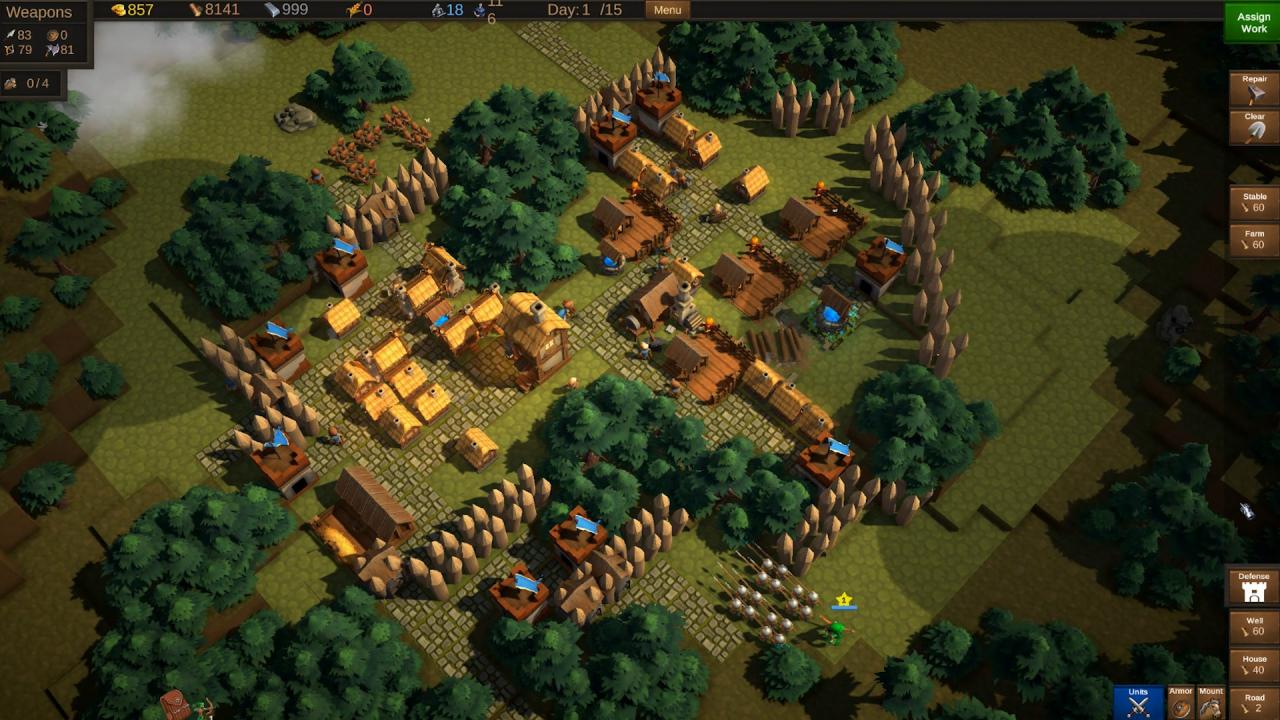
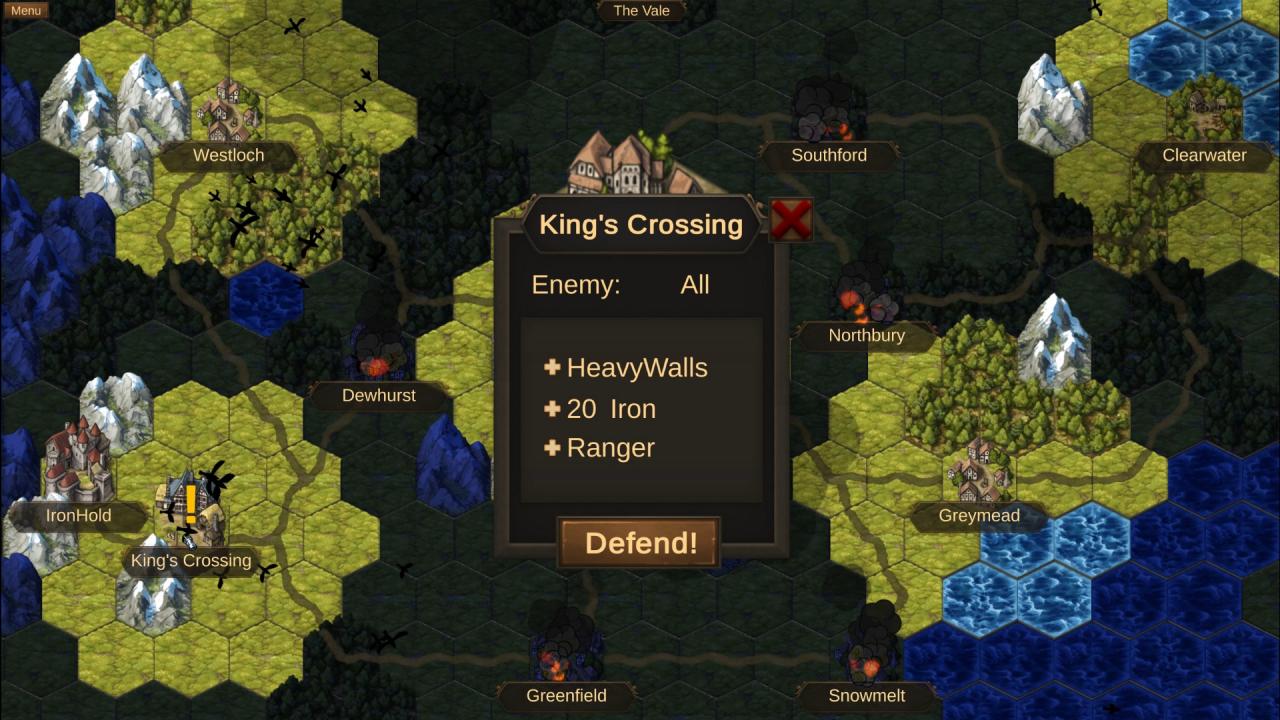
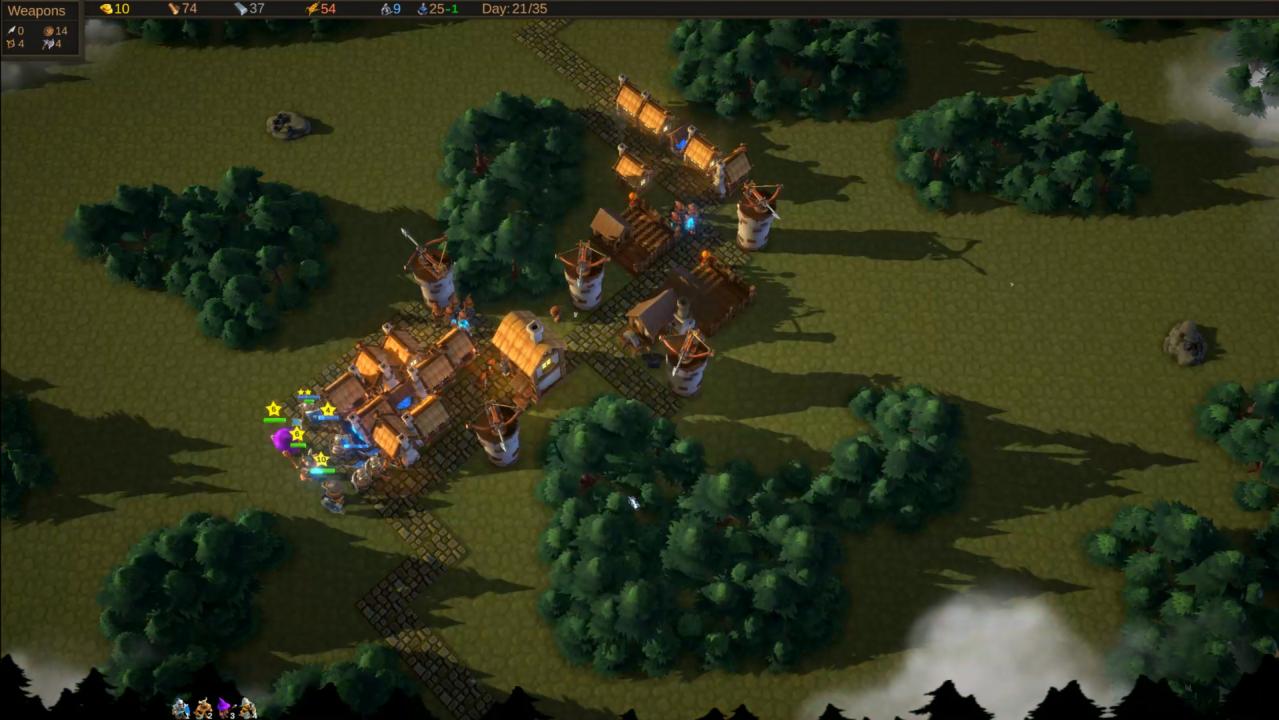
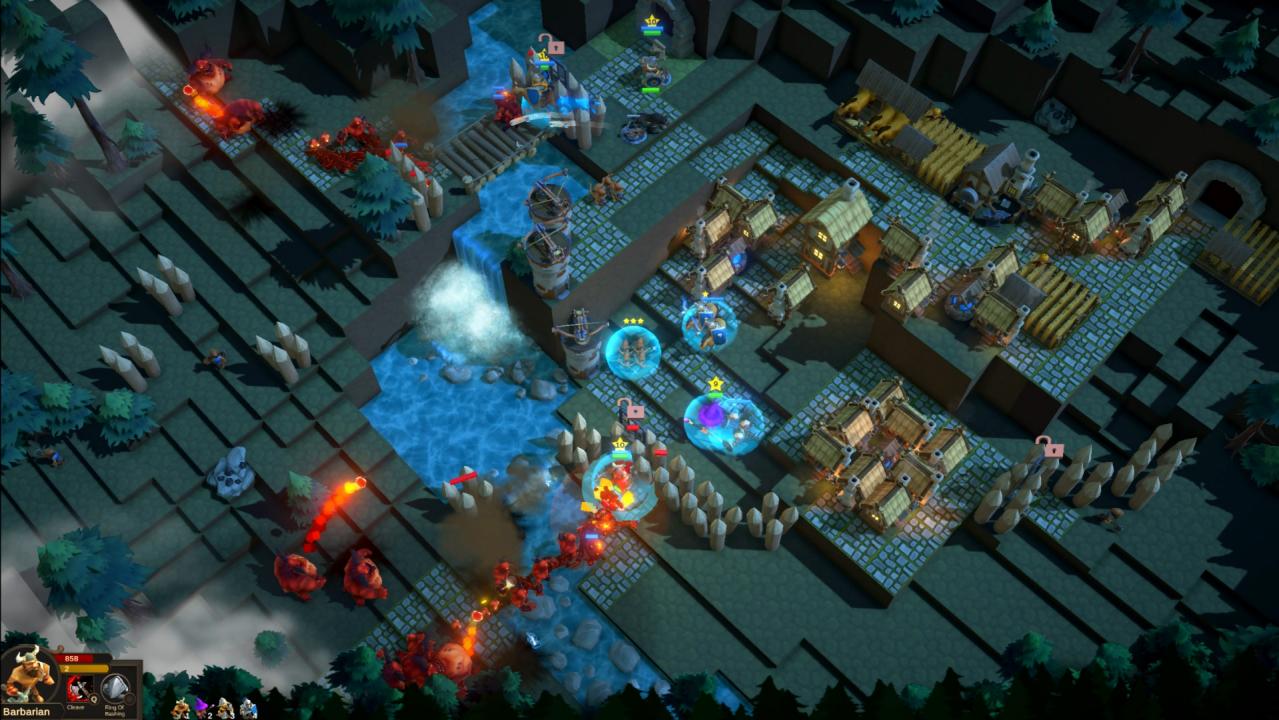
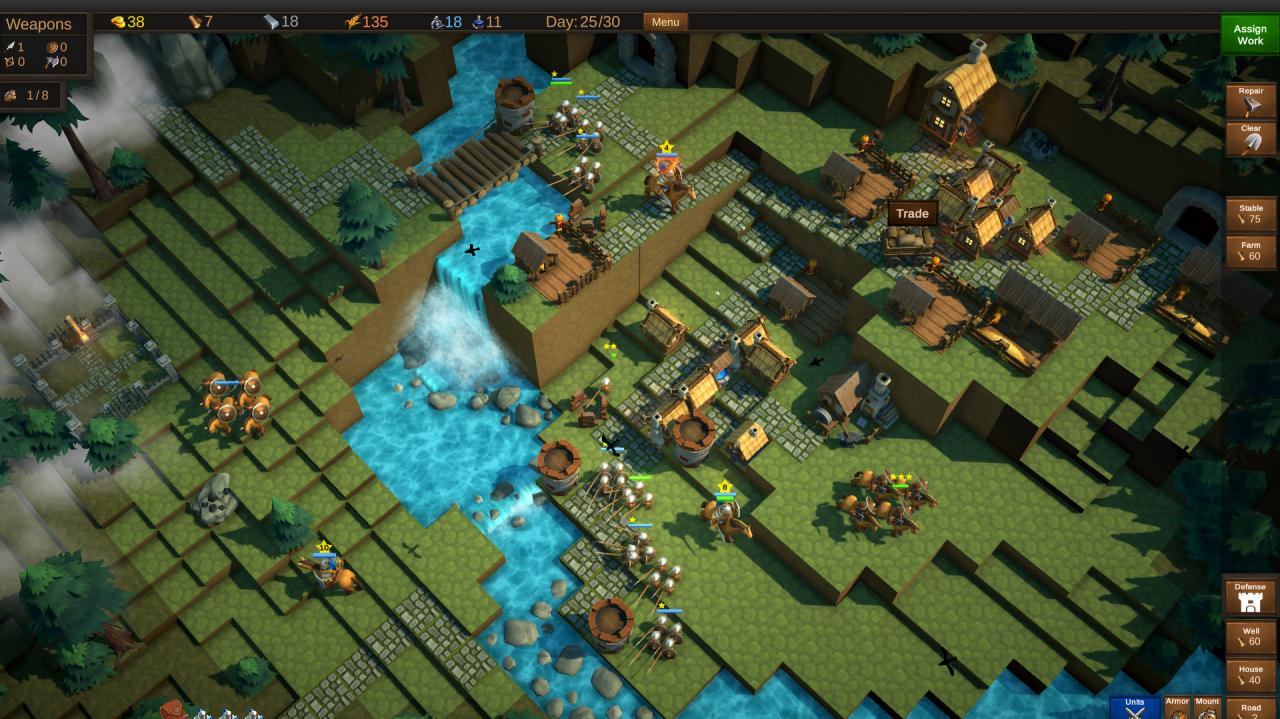
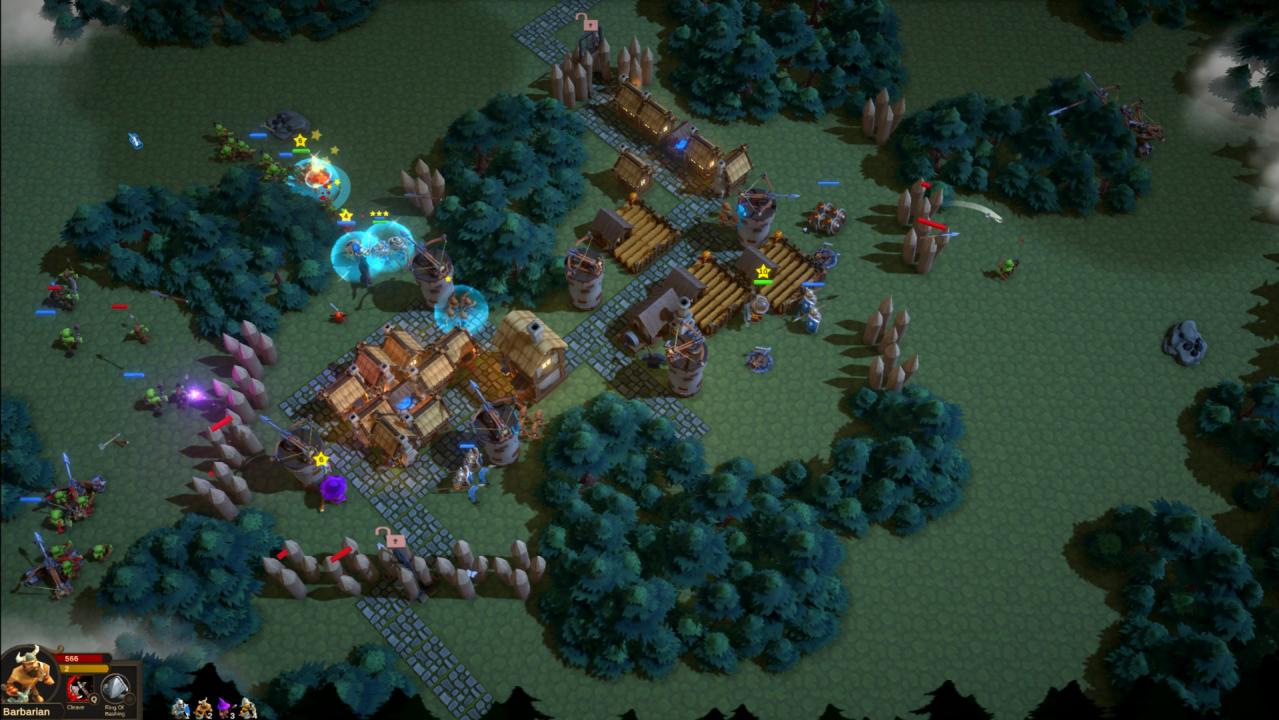
The quiet hamlets of the Vale stand defenseless... No walls, no moats, not even a presentable fence. You'll have to use your resources wisely to transform each village from farm-town to fortress. Build defenses, train troops, and hold the line with powerful heroes in ValeGuard, a Defensive Strategy game.Gameplay: Valeguard is part "turn-based-strategy" and part "tower-defense". Each day you construct your defenses, train troops, and prepare for attack. When enemies come in the night, you defend with RTS-style combat using troops and heroes with powerful abilities. Save as many towns as you can, while you travel through the Vale. Choose wisely, because each town unlocks unique assets and a hero to aid in future battles. Defeat is not the end in Valeguard. Each play you can unlock more heroes and discover new strategies to achieve victory. Features Build in the day and defend at night Gather resources, craft weapons, and train troops Trade with merchants and buy items on the black market Build your party of heroes with each successful defense Random events and levels make each play unique Hop from town to town as you travel across the map of the Vale Build walls, towers, and traps to defend your village Acquire new technologies depending on what towns you visit Unlock new heroes through special events and quest Confront the dark generals in a final epic battle