Get 10% back in Relic Coins on every order
Future Proof cover

SteamGlobal· Key

Future Proof

€0.23

+€0.02 cashback eligibility in Relic Coins

Check before you play

Platform
Steam
Region
Global
Product type
Key
Developer
Silhouette Valley Games
Publisher
Silhouette Valley Games
Supplier release date
2018-05-18
Genres
Adventure, Indie

About this product

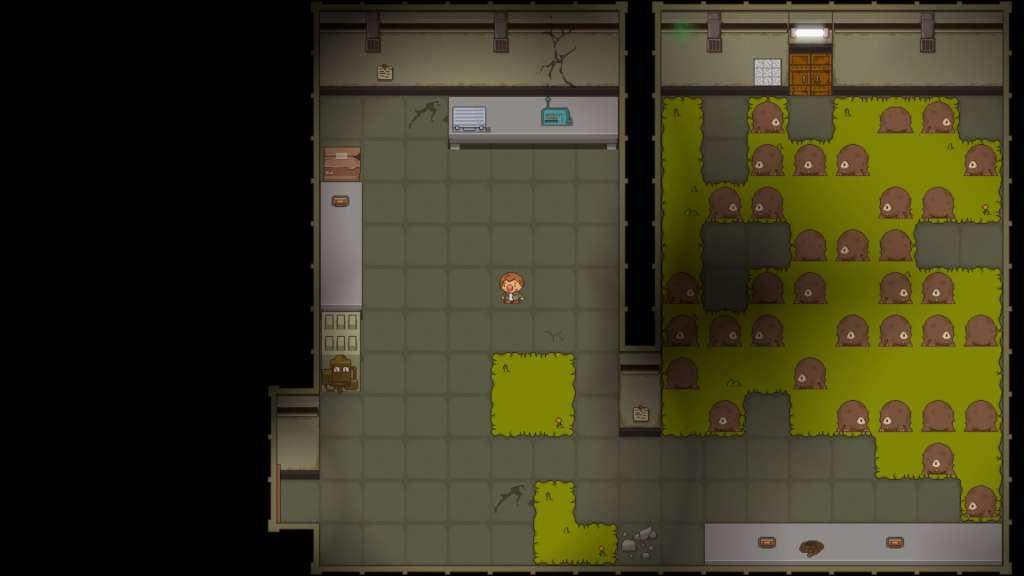
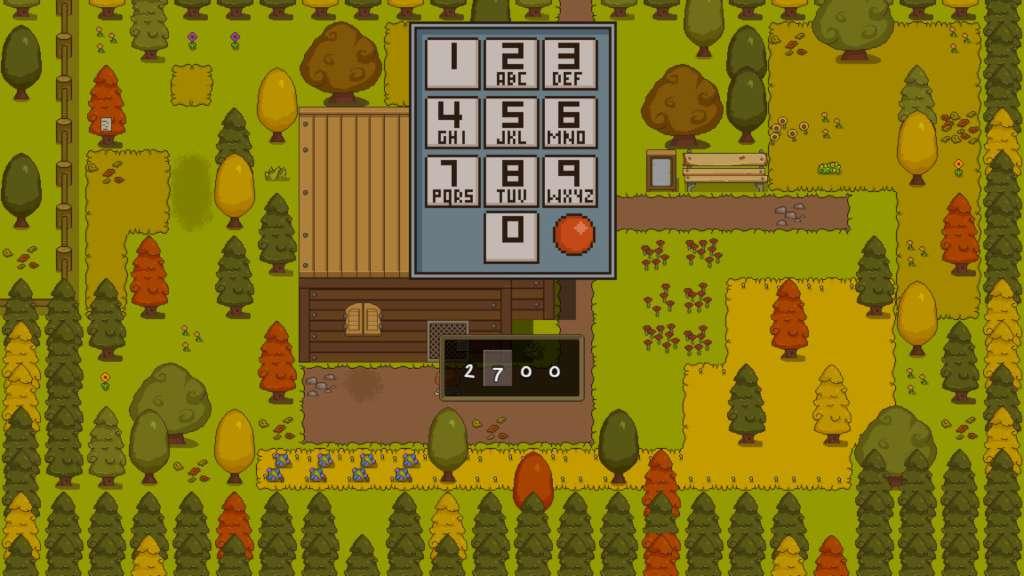
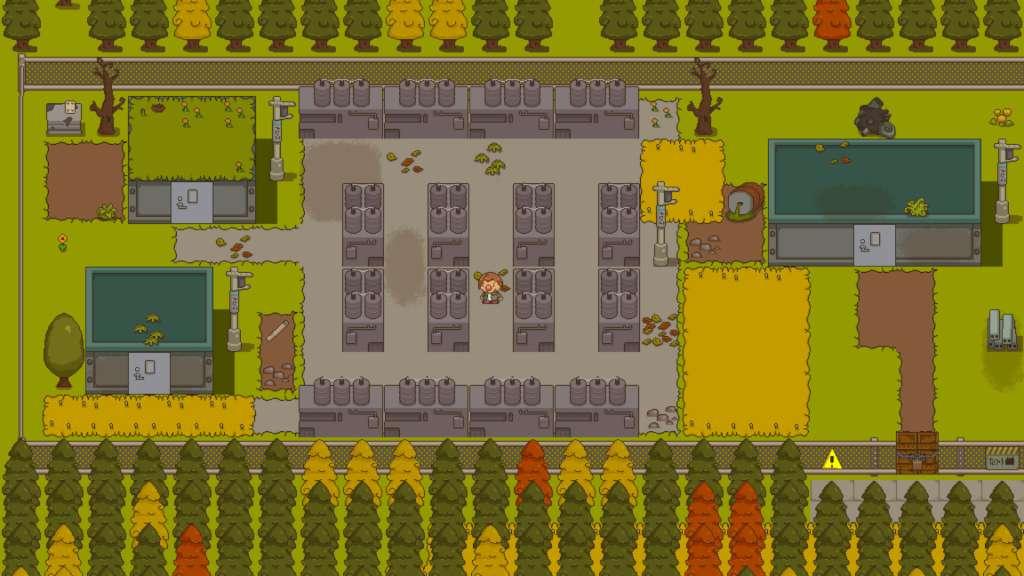
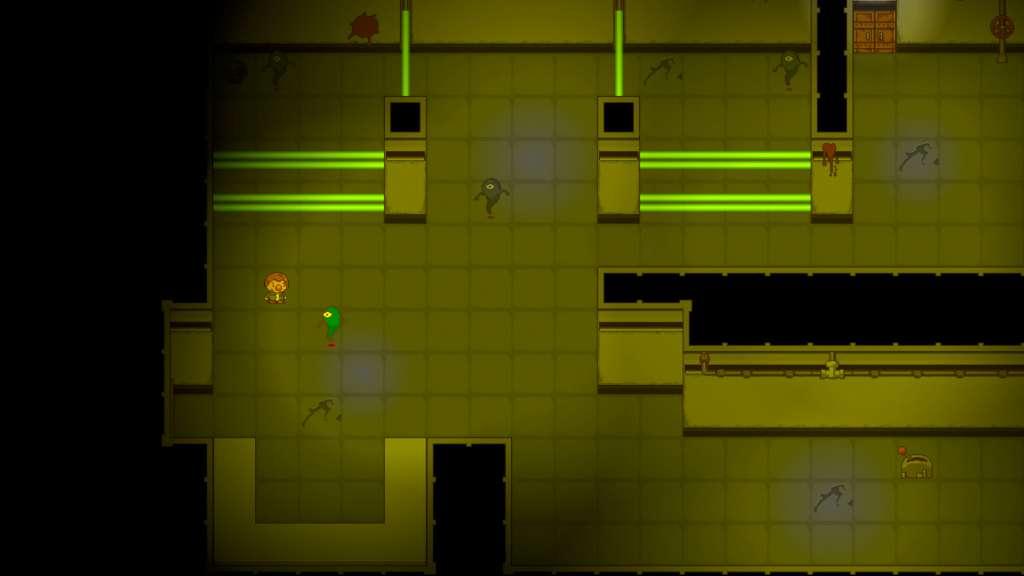
A meteorite is about to hit the town of Greensvale and you don't have much time to find a way out!You play as a teen-age boy named Sean who has the untapped ability to go back in time when he dies. Trapped in a time loop by the fiery death of a meteorite impact you must find a way to either escape or save the town from destruction.You are not alone, however - with the help of several other stragglers in the town you will have to solve problems and find a way to help everyone, or yourself – you choose!Be wary though, as nothing is as it seems in Greensvale and secrets are waiting to be discovered around every corner! Features A single-player 2D puzzle adventure game with both challenging and rewarding logic-based puzzles. The level of challenge you want to take on is up to you. Complete freedom to explore the town of Greensvale. Replay value - 14 different endings. If you want to find just one or all of them is up to you. Collect items and clothing from around the town to help you solve puzzles and avoid dangers. Thought system to help you keep track of different clues you may find. Visually fresh and unique inspired by 90's cartoons and classic games like Earthbound.


Future Proof screenshotFuture Proof screenshotFuture Proof screenshotFuture Proof screenshotFuture Proof screenshot

How to redeem

  1. 1Check your Steam account and the listed region before purchasing.
  2. 2Find your code and supplier activation instructions in your confirmed order.
  3. 3Open the redeem-code section on Steam, enter the code and follow the platform’s prompts.

Supplier instructions

Go to: http://store.steampowered.com/ and download STEAM client Click "Install Steam" (from the upper right corner) Install and start application, login with your Account name and Password (create one if you don't have). Please follow these instructions to activate a new retail purchase on Steam: Launch Steam and log into your Steam account. Click the Games Menu. Choose Activate a Product on Steam... Follow the onscreen instructions to complete the process. After successful code verification go to the "MY GAMES" tab and start downloading.

You might also like