Get 10% back in Relic Coins on every order
GROOD cover

SteamGlobal· Key

GROOD

€3.41

+€0.34 cashback eligibility in Relic Coins

Check before you play

Platform
Steam
Region
Global
Product type
Key
Developer
Claudio Catalano, CC_ARTS
Publisher
Claudio Catalano, CC_ARTS
Supplier release date
2018-03-31
Genres
Action, Indie

About this product

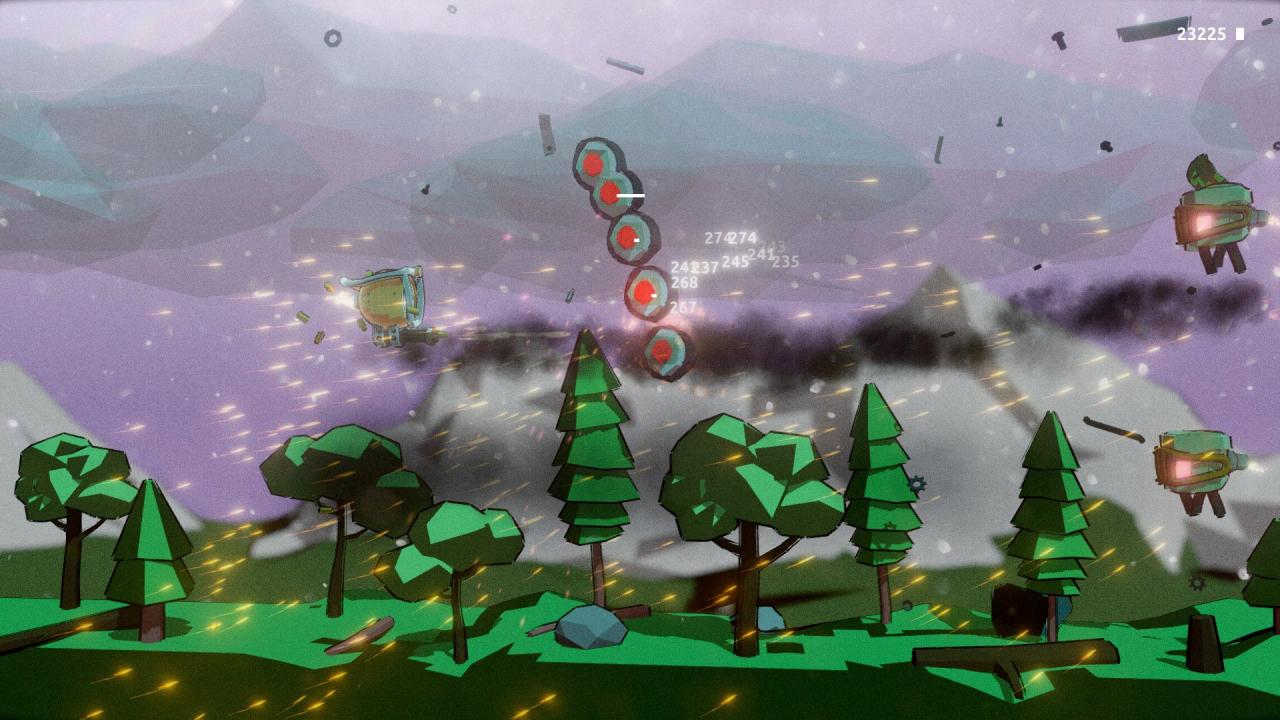
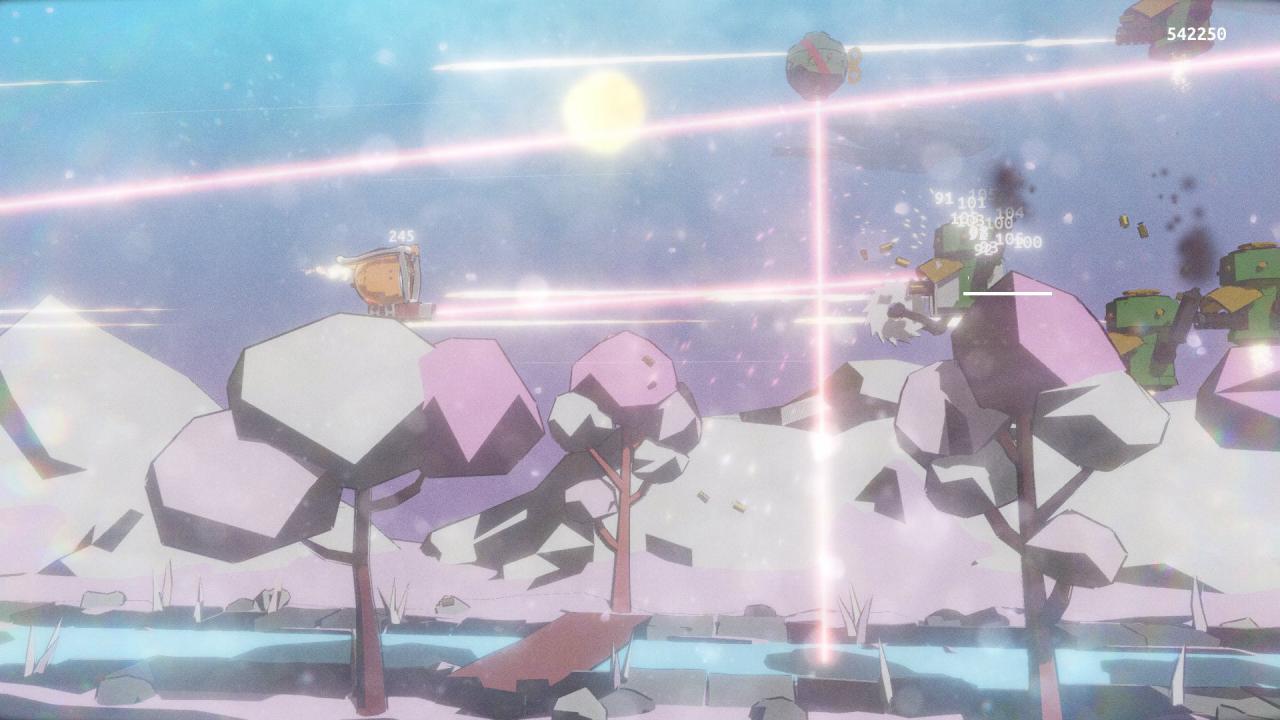
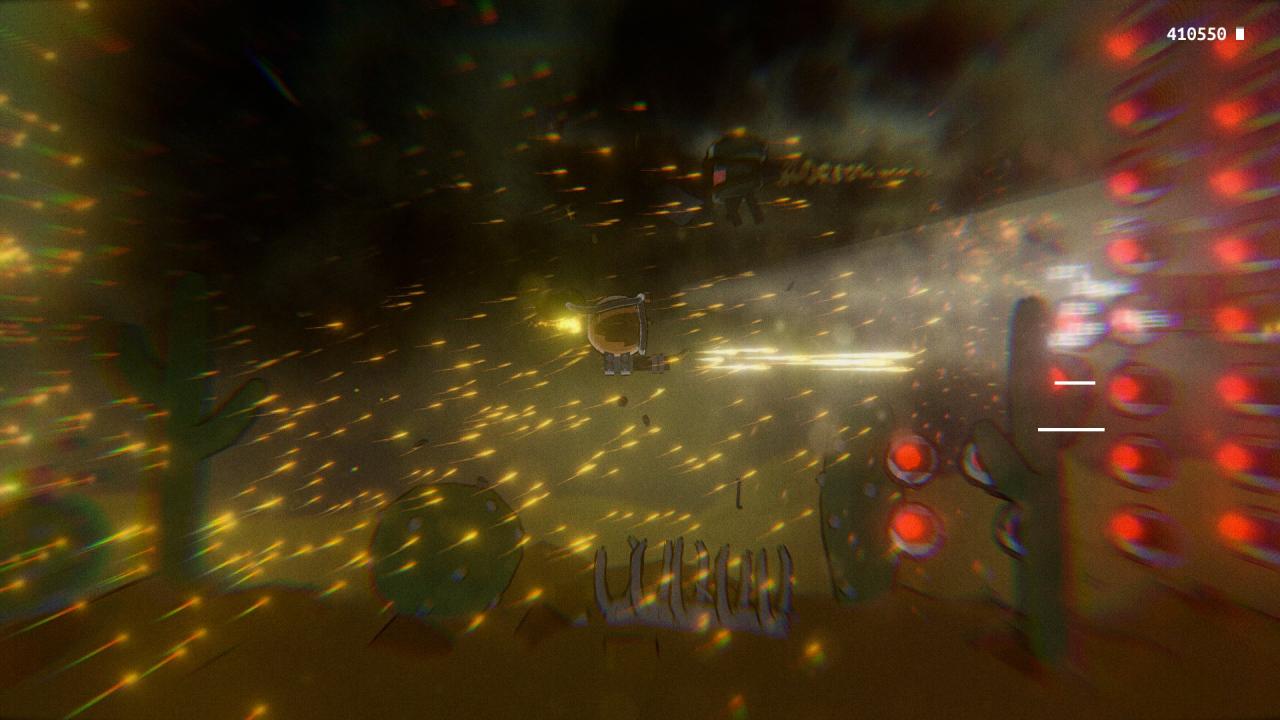
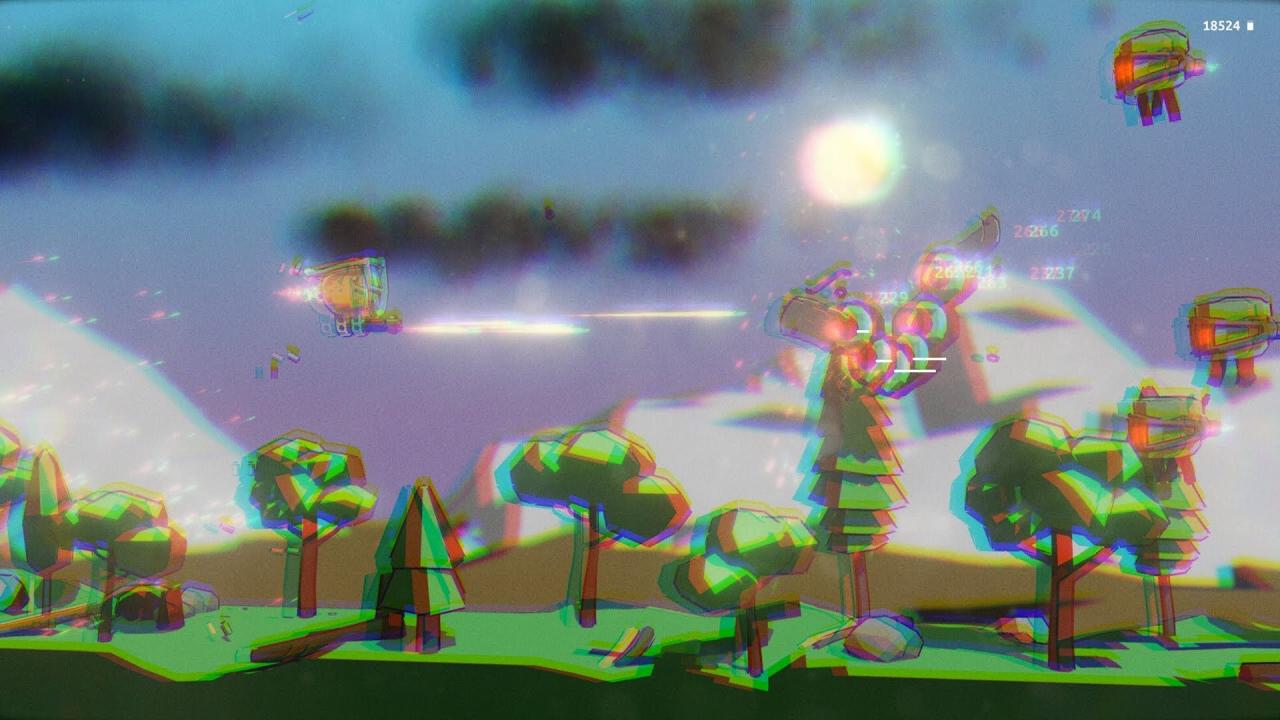
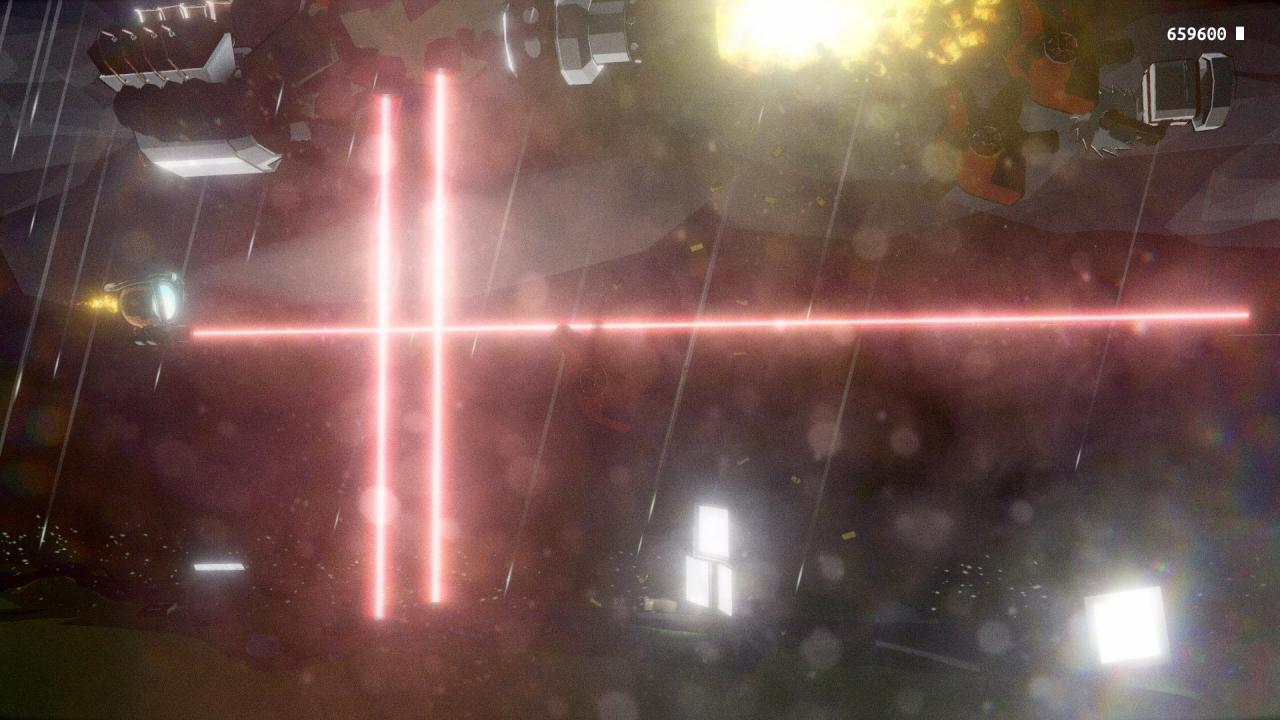
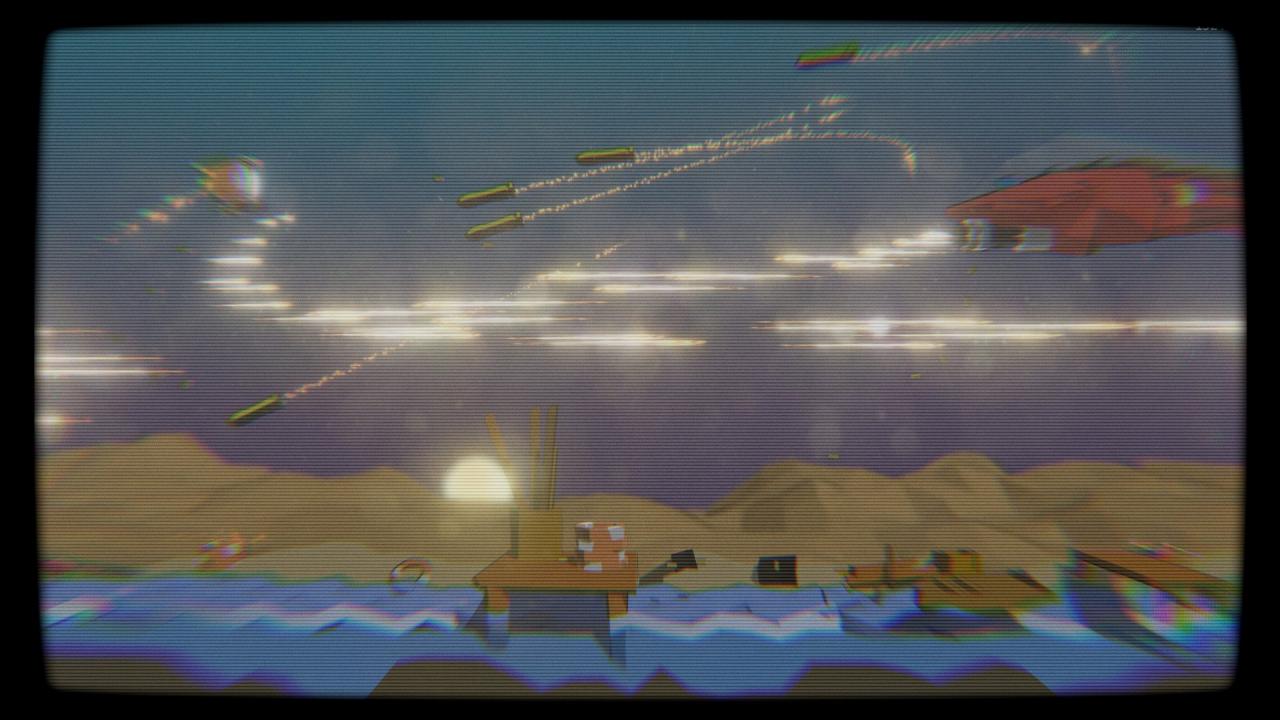
GROOD is an indie 2.5D Shoot 'em up made with Unity and Heavy Metal.The gameplay blends classic Shoot 'em up mechanics with modern low poly graphics, particles, shaders, and the power of Unity.Journey through different environments and all kinds of weather, from day until night. Annihilate an army of machines, and afterward, annihilate their bosses—go all the way to confirm that your battle paid off.Travel through woods, swamps, cities, frozen lands, deserts, and more. The dynamic weather system of the game means that your battle will take place in a different background every time you play.A forest will look wildly different under the rain at sunrise, in the noonday sun, and during an overnight snowfall.You’ll face different enemies in different gameplays. Small, big, slow, fast: go fight them all. Features Super fast gameplay Dynamic weather conditions for a different experience every time you play Multiple final bosses Multiple weapons Day/night cycle. Fight early in the morning, during afternoon or at night! 30+ difficult-to-achieve achievements Global leaderboard: beat your friends and everyone in the world! Slow motion: hit your opponents hard and enjoy your fight from a new perspective

GROOD screenshotGROOD screenshotGROOD screenshotGROOD screenshotGROOD screenshotGROOD screenshot

How to redeem

  1. 1Check your Steam account and the listed region before purchasing.
  2. 2Find your code and supplier activation instructions in your confirmed order.
  3. 3Open the redeem-code section on Steam, enter the code and follow the platform’s prompts.

Supplier instructions

Go to: http://store.steampowered.com/ and download STEAM client Click "Install Steam" (from the upper right corner) Install and start application, login with your Account name and Password (create one if you don't have). Please follow these instructions to activate a new retail purchase on Steam: Launch Steam and log into your Steam account. Click the Games Menu. Choose Activate a Product on Steam... Follow the onscreen instructions to complete the process. After successful code verification go to the "MY GAMES" tab and start downloading.

You might also like