Get 10% back in Relic Coins on every order
Castlevania: Lords of Shadow 2 Required cover

SteamRu Vpn· Key

Castlevania: Lords of Shadow 2 Required

€8.21

+€0.82 cashback eligibility in Relic Coins

Check before you play

Platform
Steam
Region
Ru Vpn
Product type
Key
Developer
MercurySteam
Publisher
Konami Digital Entertainment
Supplier release date
2014-02-25
Genres
Action, Adventure

About this product

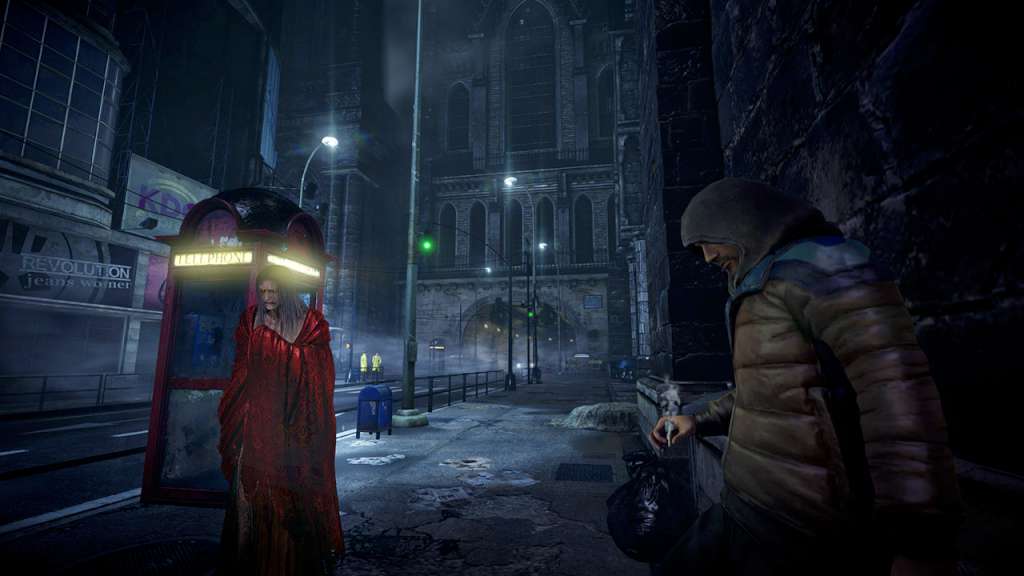
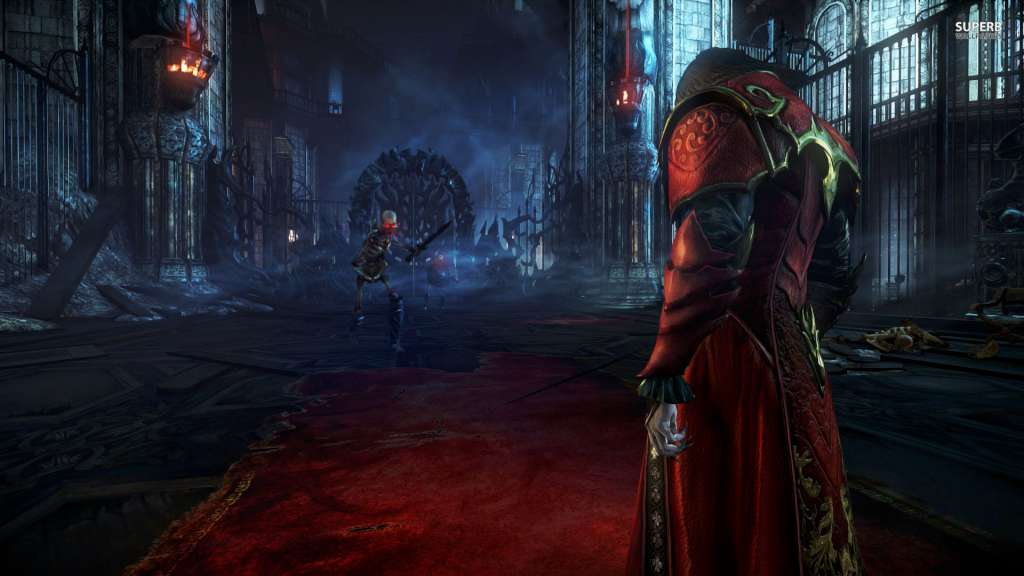
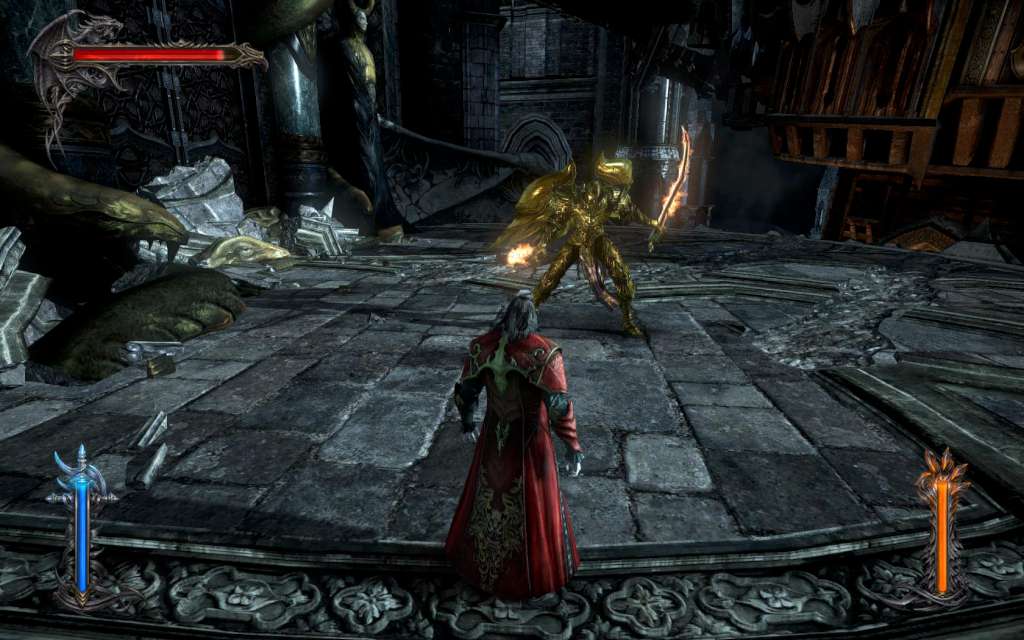
Dracula, weak and yearning release from immortality, must reclaim his powers and defeat Satan. An epic fantasy adventure set in an expansive modern-day world!Awoken after centuries of slumber, weakened and yearning for release from his immortal bonds, Dracula must reclaim his powers and make a pact with Death, to defeat Satan and gain eternal rest. Blood is everything as Dracula faces both his nemesis and his descendant’s unyielding quest for revenge, in this final, dramatic battle between good & evil. Play as Dracula and discover the ultimate fate behind the ‘Lord of Shadow’ himself!Castlevania: Lords of Shadow 2 includes a High-Definition Texture Pack. Recommended for systems with at least 1Gb of dedicated video memory. This pack can be enabled from the Advanced Settings, in the Video Configuration menu.

Castlevania: Lords of Shadow 2 Required screenshotCastlevania: Lords of Shadow 2 Required screenshotCastlevania: Lords of Shadow 2 Required screenshotCastlevania: Lords of Shadow 2 Required screenshotCastlevania: Lords of Shadow 2 Required screenshotCastlevania: Lords of Shadow 2 Required screenshot

How to redeem

  1. 1Check your Steam account and the listed region before purchasing.
  2. 2Find your code and supplier activation instructions in your confirmed order.
  3. 3Open the redeem-code section on Steam, enter the code and follow the platform’s prompts.

Supplier instructions

This is the Russian version of the game.Buy this product only if you understand the risk and at your own responsibility! Russian IP address is required to activate the key on Steam!Use a Russian VPN to do so. (Quick & Easy Instructions here) If you experience any issues redeeming the key, follow these instructions: Open your Steam client, and log in to your account, in the Steam settings, choose Account tab, then Manage Steam Guard Account Security and deauthorize all other devices, close Steam client, and then start your VPN app, open Steam client and login to your account. In your account details, update your store country to match your VPN location, redeem the key in Steam.

You might also like