Get 10% back in Relic Coins on every order
Street Fighter 30th Anniversary Collection Required cover

SteamRu Vpn· Key

Street Fighter 30th Anniversary Collection Required

€11.39

+€1.14 cashback eligibility in Relic Coins

Check before you play

Platform
Steam
Region
Ru Vpn
Product type
Key
Developer
Capcom Production Studio 2
Publisher
Capcom
Supplier release date
2018-05-29
Genres
Action

About this product

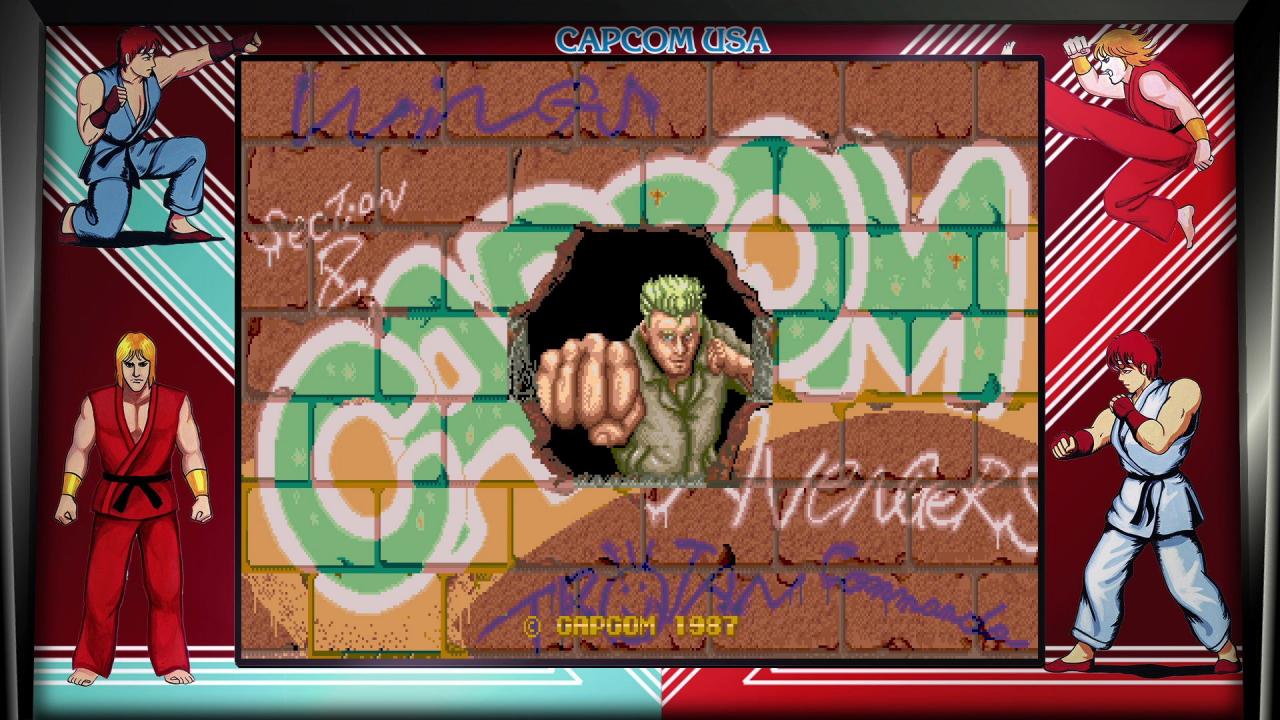
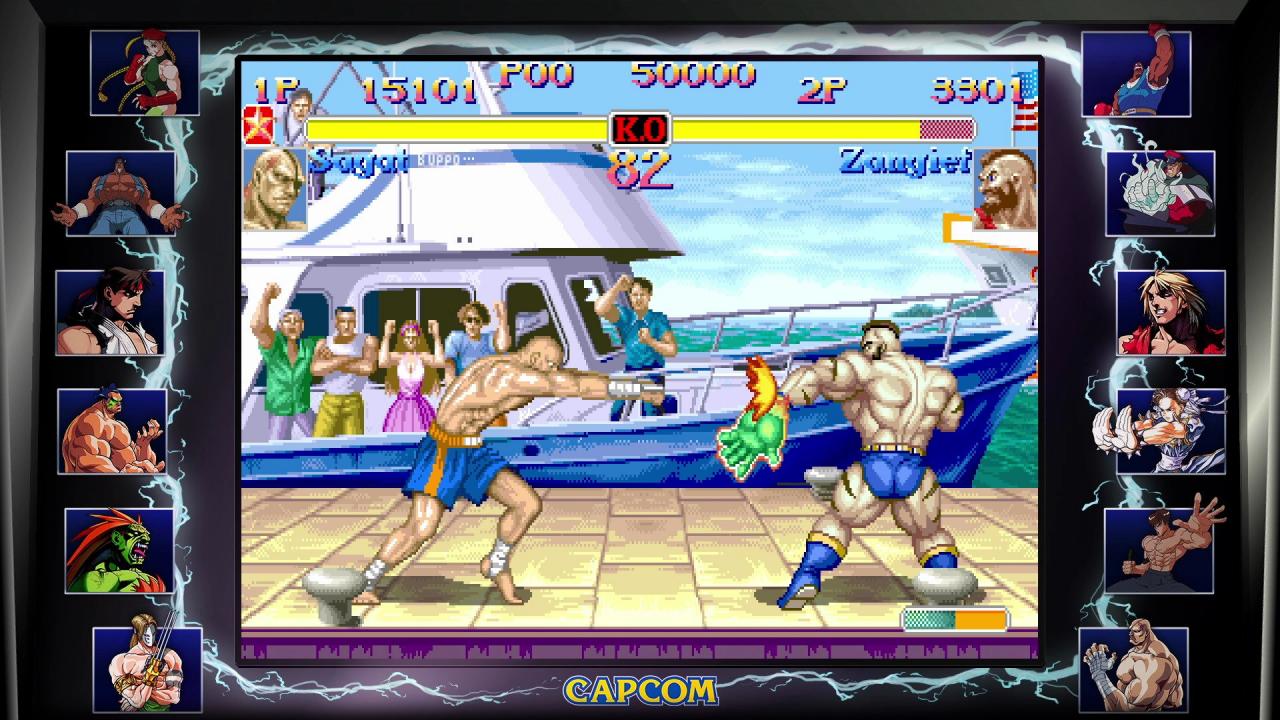
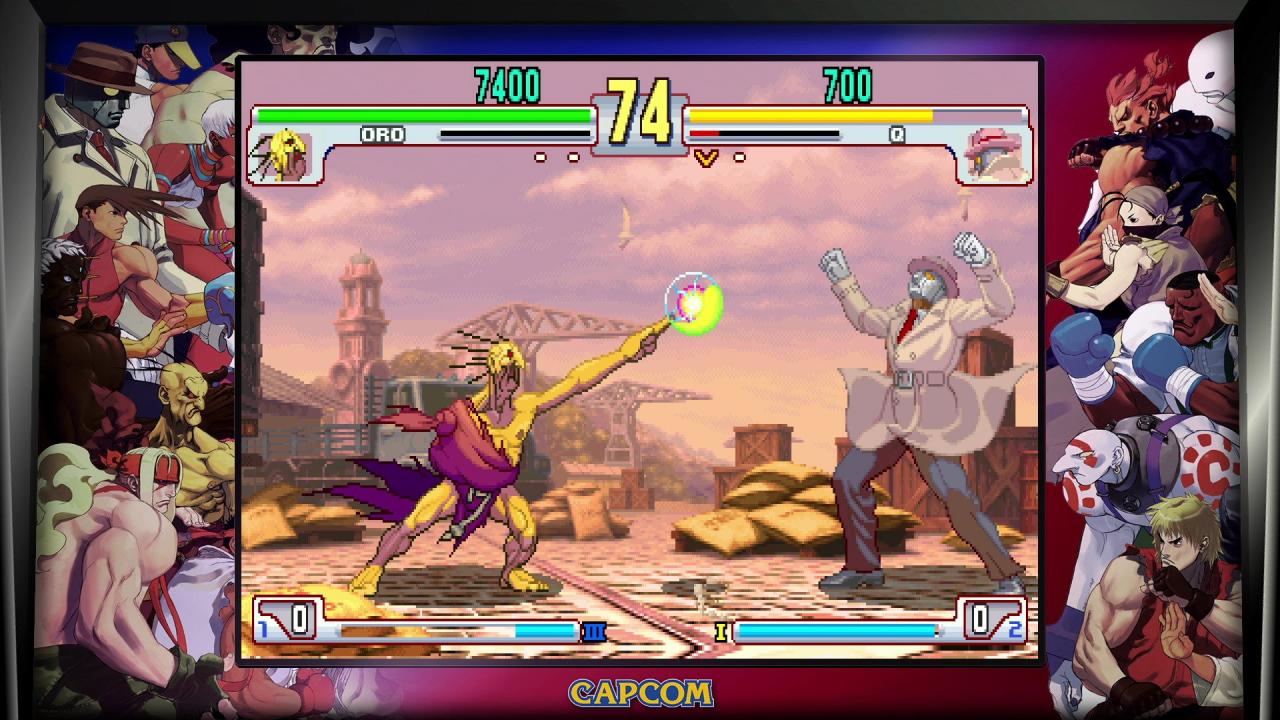
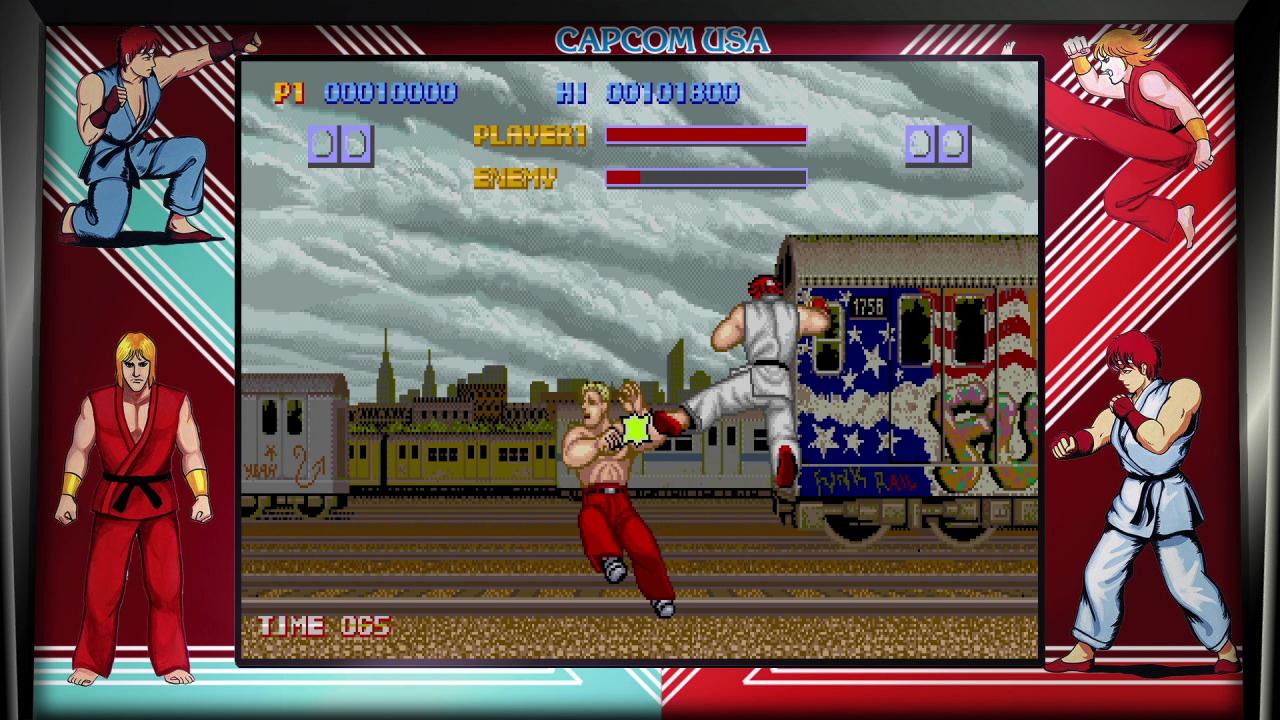
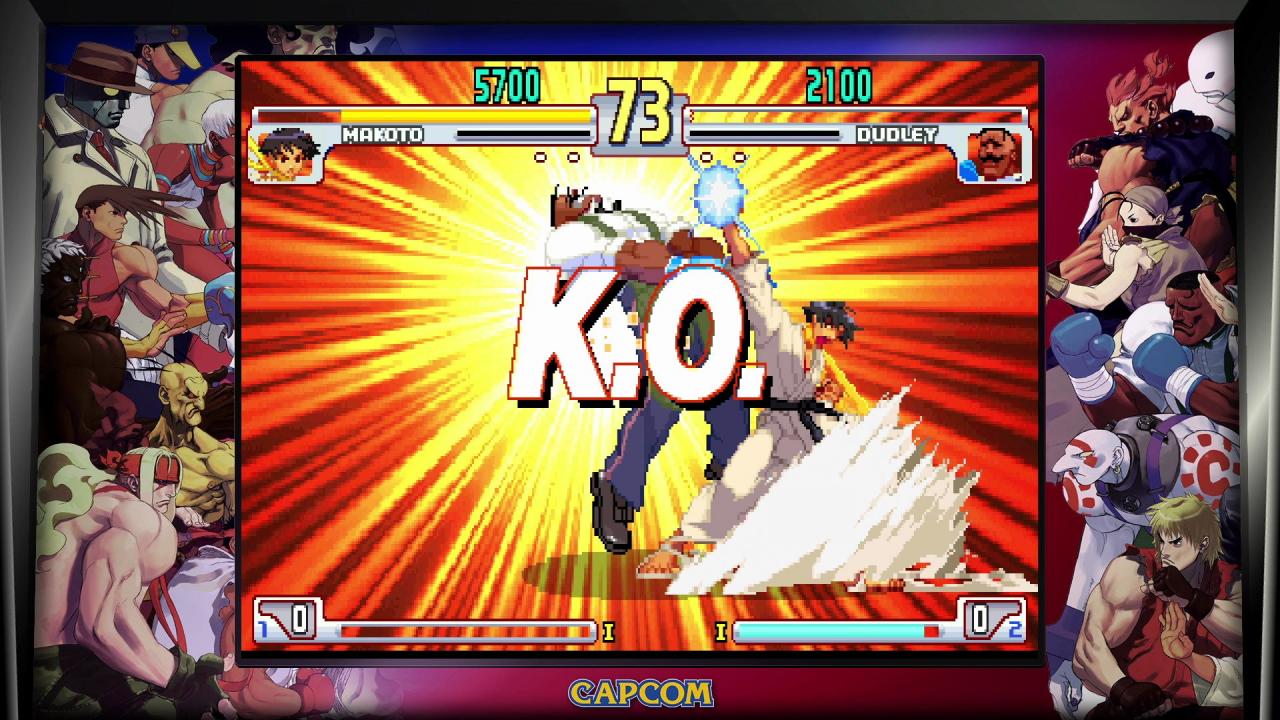
Celebrate Street Fighter’s historic legacy with the Street Fighter 30th Anniversary Collection. In this massive collection of 12 Street Fighter titles, perfect arcade balance makes it to consoles and PC for the first time ever. Four groundbreaking titles let you hop online and relive the arcade experience through the online Arcade Mode or play with friends - SFII Hyper Fighting, Super SFII Turbo, SF Alpha 3 and SFIII: Third Strike! The celebration continues in the Museum, where fans and historians alike can follow the timeline of how Street Fighter has evolved over the past 30 years. Learn more about the Street Fighter cast, view key animation sprites in the character viewer and take a behind-the-scenes look at the design documents that helped solidify the franchise that produced generations of World Warriors!

Street Fighter 30th Anniversary Collection Required screenshotStreet Fighter 30th Anniversary Collection Required screenshotStreet Fighter 30th Anniversary Collection Required screenshotStreet Fighter 30th Anniversary Collection Required screenshotStreet Fighter 30th Anniversary Collection Required screenshot

How to redeem

  1. 1Check your Steam account and the listed region before purchasing.
  2. 2Find your code and supplier activation instructions in your confirmed order.
  3. 3Open the redeem-code section on Steam, enter the code and follow the platform’s prompts.

Supplier instructions

This is the Russian version of the game.Buy this product only if you understand the risk and at your own responsibility! Russian IP address is required to activate the key on Steam!Use a Russian VPN to do so. (Quick & Easy Instructions here) If you experience any issues redeeming the key, follow these instructions: Open your Steam client, and log in to your account, in the Steam settings, choose Account tab, then Manage Steam Guard Account Security and deauthorize all other devices, close Steam client, and then start your VPN app, open Steam client and login to your account. In your account details, update your store country to match your VPN location, redeem the key in Steam.


You might also like