

SteamGlobal· Key
Taco Gun
€1.73
+€0.17 cashback eligibility in Relic Coins
Check before you play
- Platform
- Steam
- Region
- Global
- Product type
- Key
- Supplier release date
- 2018-05-17
- Genres
- Action, Indie, Casual
SteamGlobal· Key
€1.73
+€0.17 cashback eligibility in Relic Coins
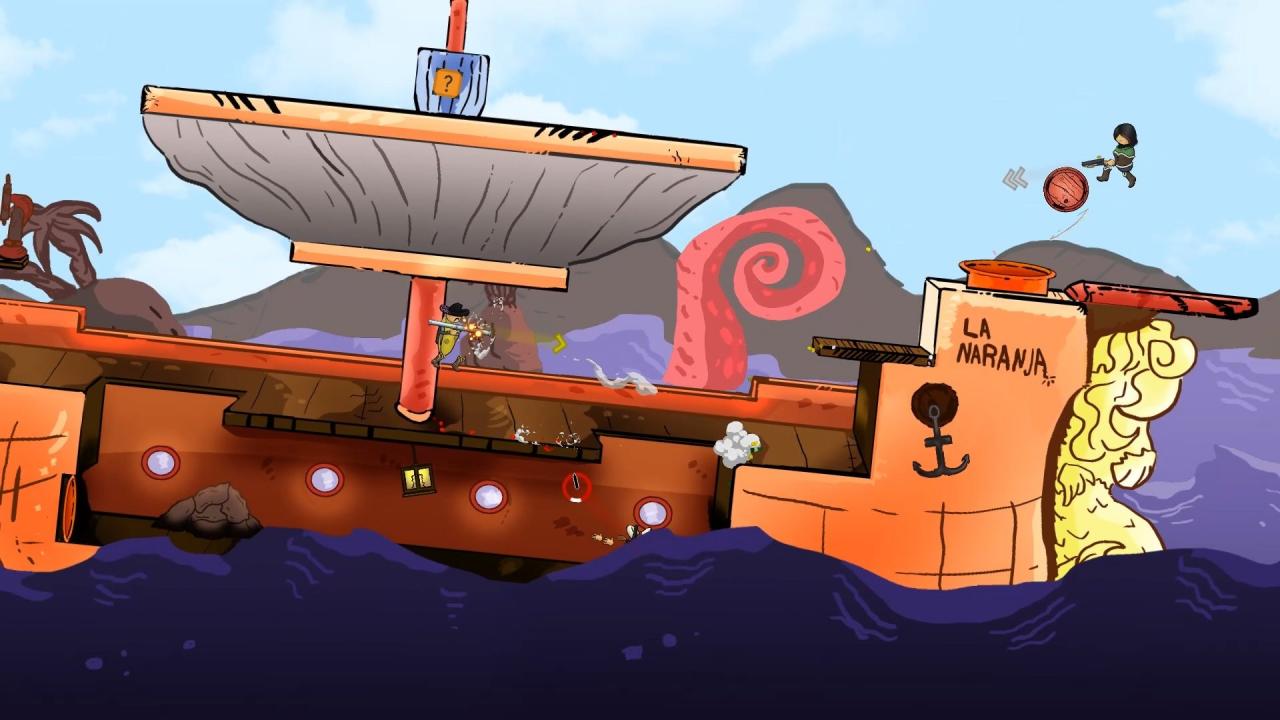
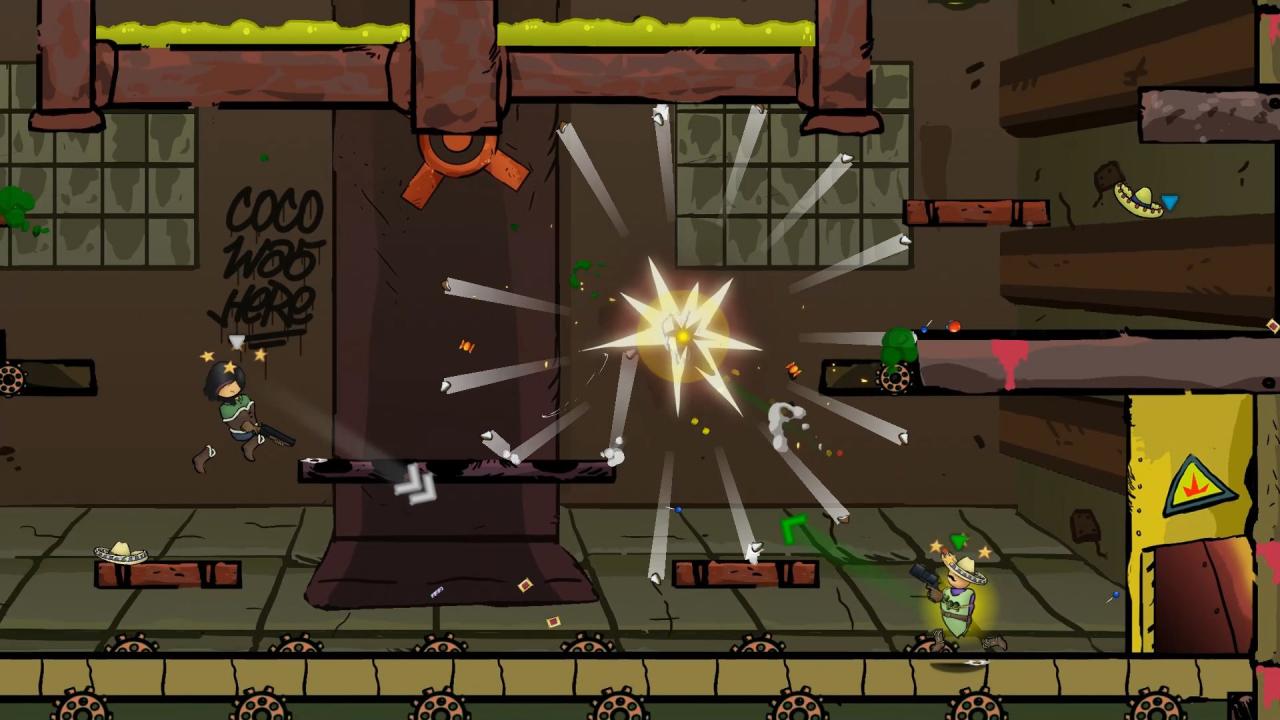
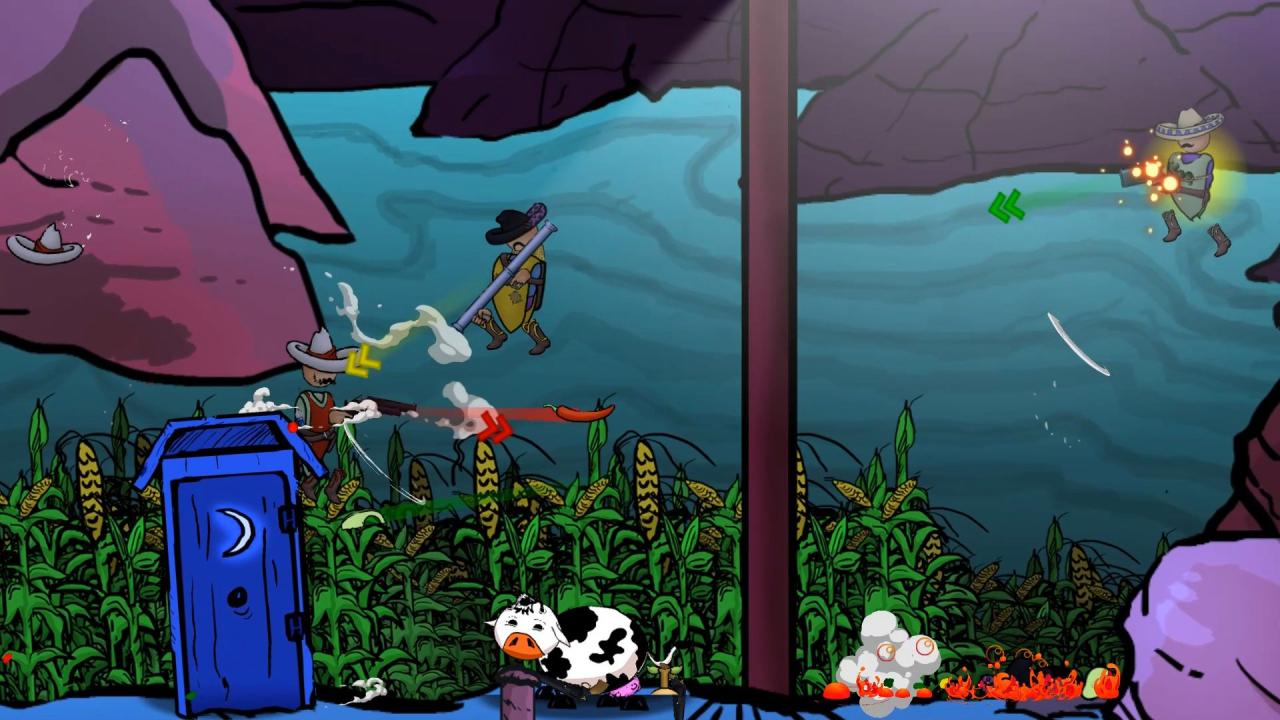
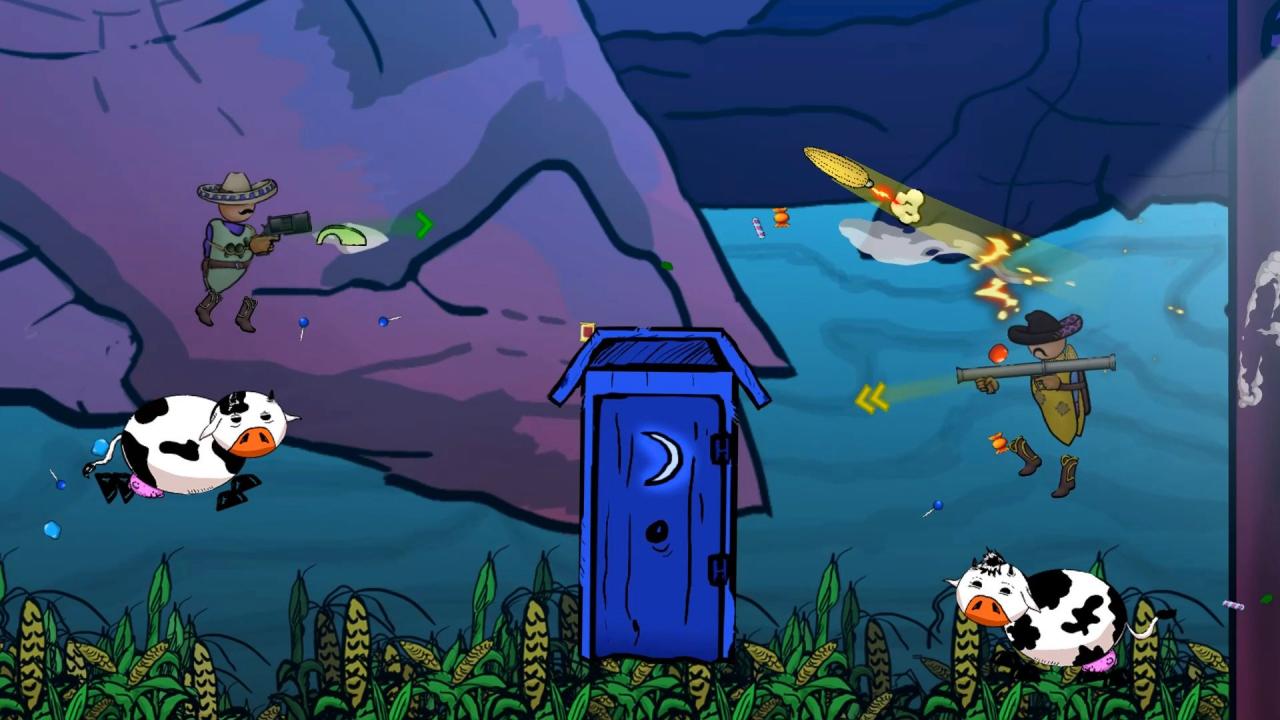
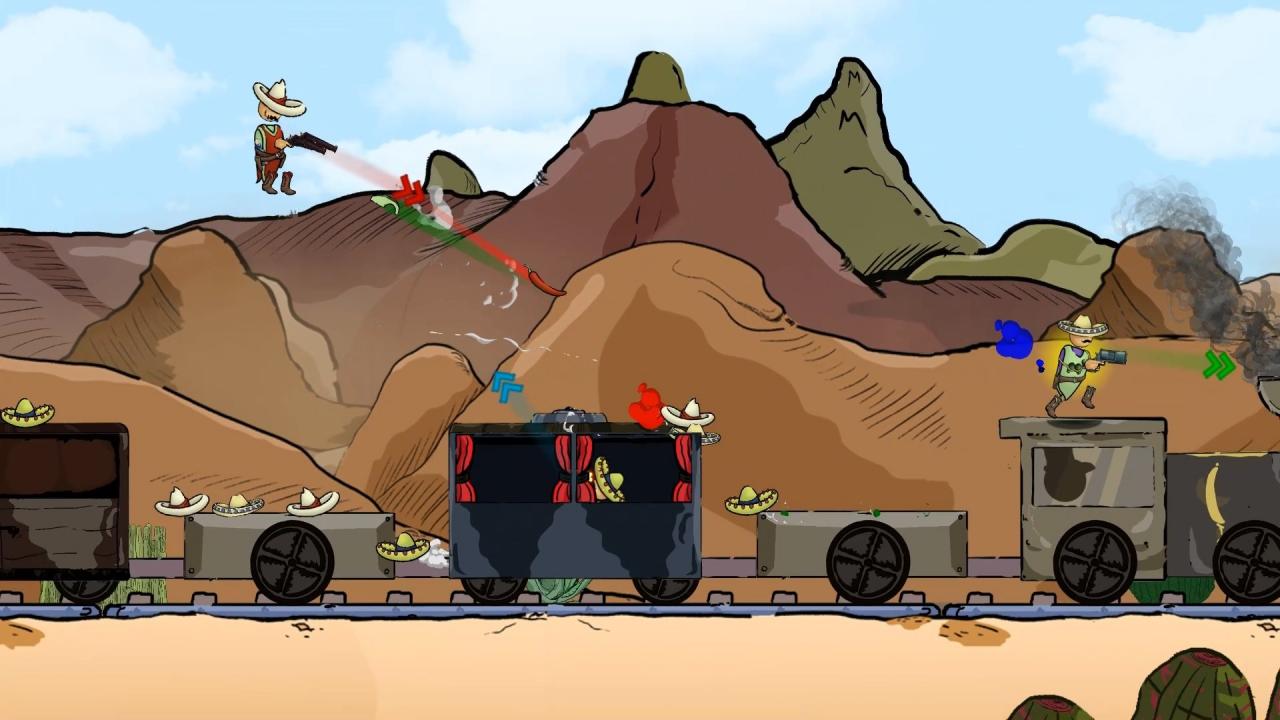
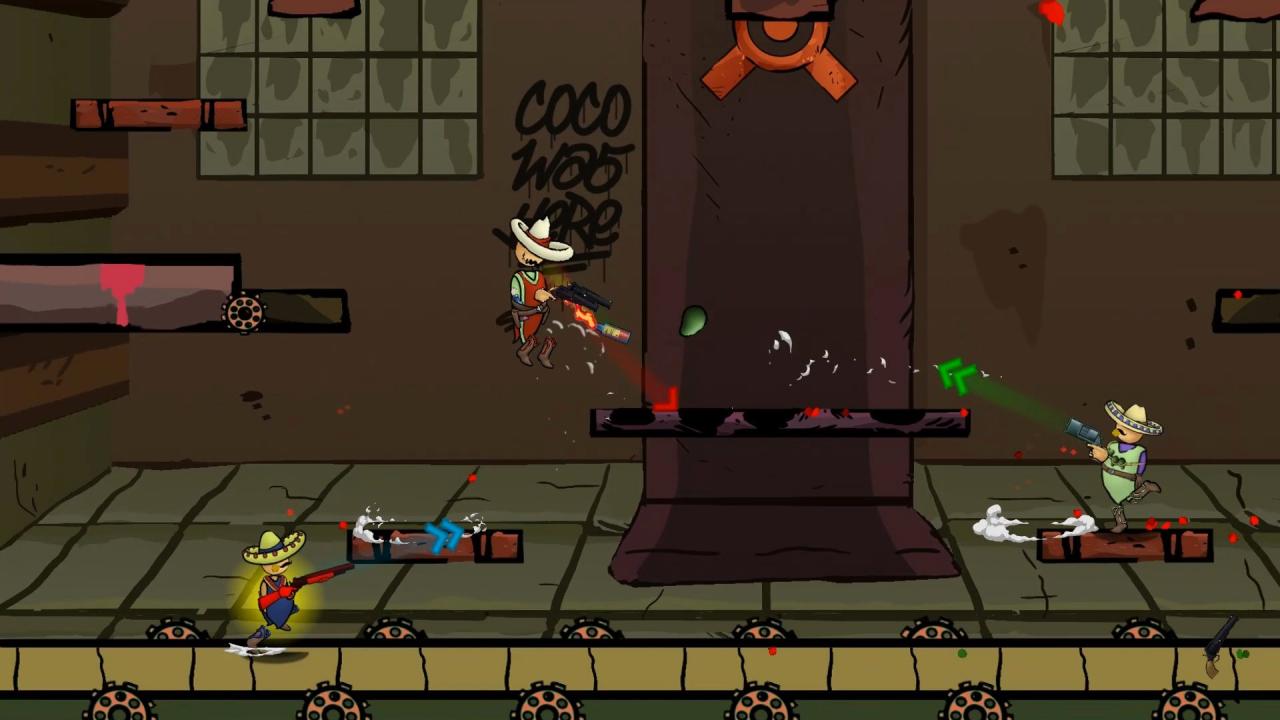
In Taco Gun, you take on the role of a mexican pistolero; fighting with or against your friends in an absurd world where food is bullets, the only way to survive is to shoot your opponents full of tacos!Taco Gun is an up to 4 player PvP party game about shooting your friends up with tacos and various other food items until they explode! Foodfight your way through 8 different levels, taking your pick out of 7 different characters each with unique weapons and abilities!Every level in Taco Gun features unique mechanics and new obstacles to overcome. Take advantage of the situation and find creative ways to blow your opponents up! Features Immersive Fattening System!The more you eat, the rounder you get! You might walk slower, but bouncing around is still an option, as is taking a swig of Diet Tequila! Parkour-like Grace~Wall Jumping and air-dashing couldn’t be easier! Hunger can be a great motivator. 8 Insane Levels to choose from!Fight your friends across trains, factories or UFO-infested cornfields. Nothing is sacred, lather everything up with your food of choice! 7 pistoleros, armed to the teethThey lie in wait, each has unique abilities and weapons, prepared for any type of foodfight. Find your favorite or pick around, either way you’ll enjoy it! 8 unique music tracks for fighting to the death!Each level features it’s unique theme song, making sure the taco-shooting mood keeps going!
Go to: http://store.steampowered.com/ and download STEAM client Click "Install Steam" (from the upper right corner) Install and start application, login with your Account name and Password (create one if you don't have). Please follow these instructions to activate a new retail purchase on Steam: Launch Steam and log into your Steam account. Click the Games Menu. Choose Activate a Product on Steam... Follow the onscreen instructions to complete the process. After successful code verification go to the "MY GAMES" tab and start downloading.