

SteamGlobal· Key
Axis Game Factory
€63.32
+€6.33 cashback eligibility in Relic Coins
Check before you play
- Platform
- Steam
- Region
- Global
- Product type
- Key
- Genres
- Software
SteamGlobal· Key
€63.32
+€6.33 cashback eligibility in Relic Coins
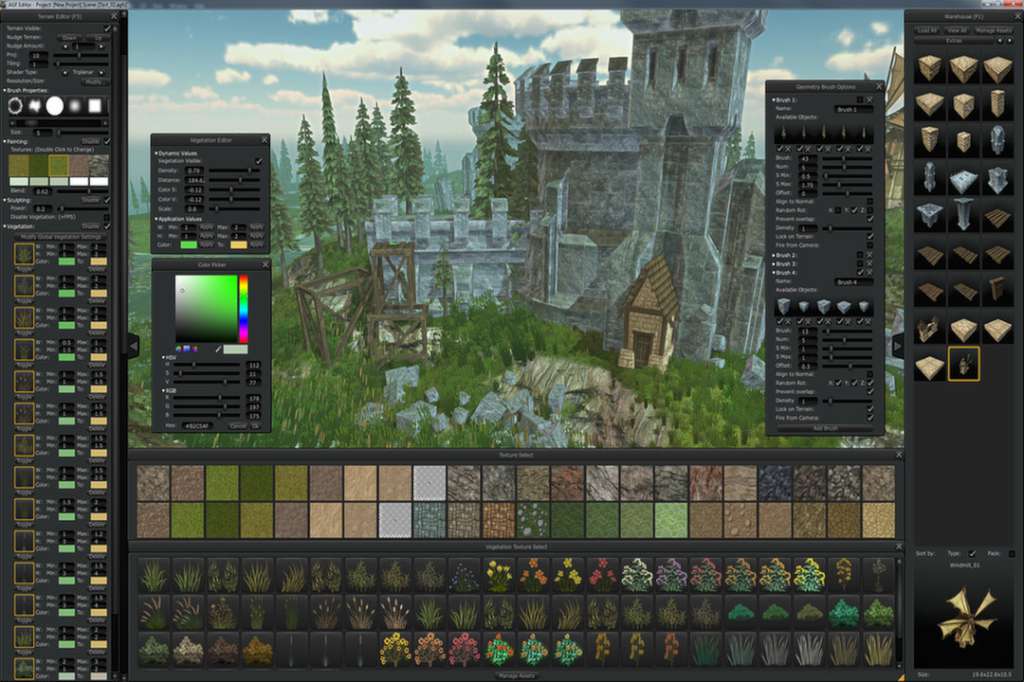
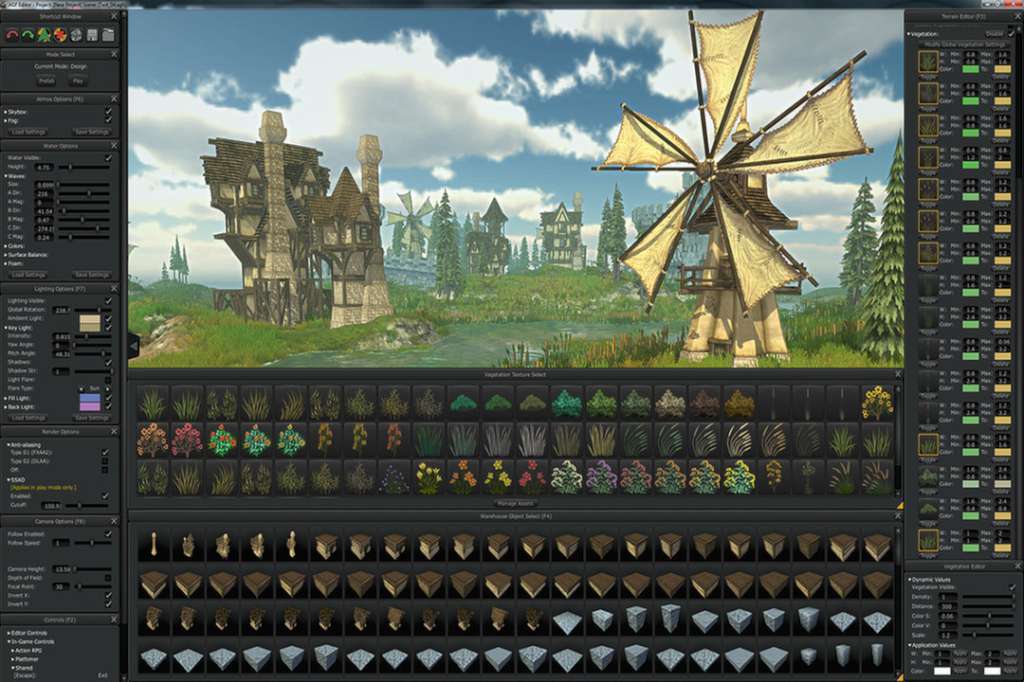
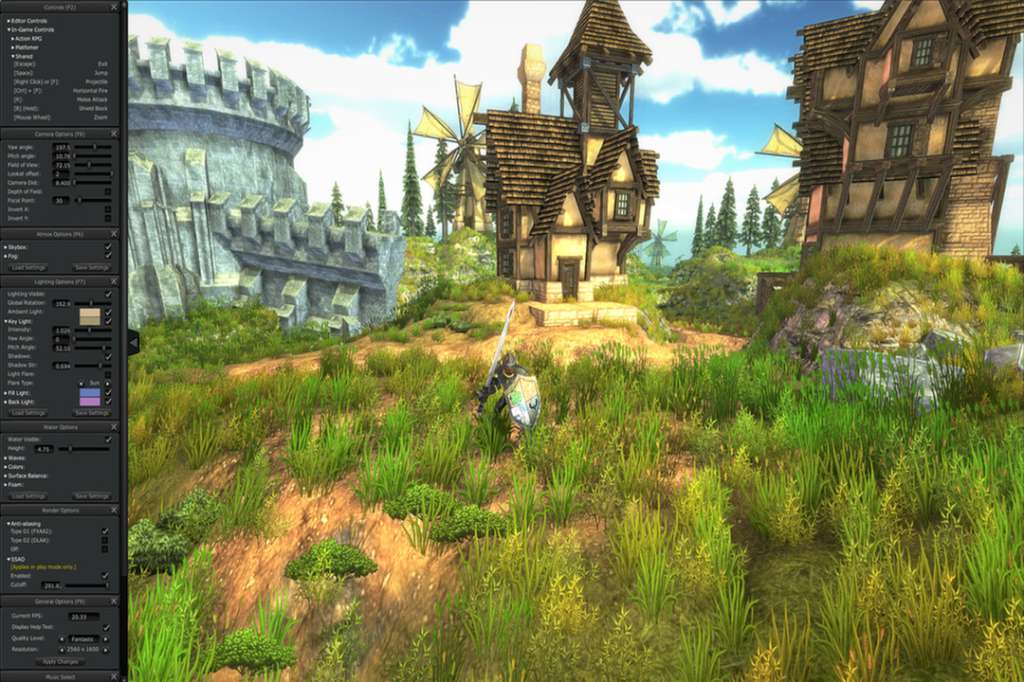
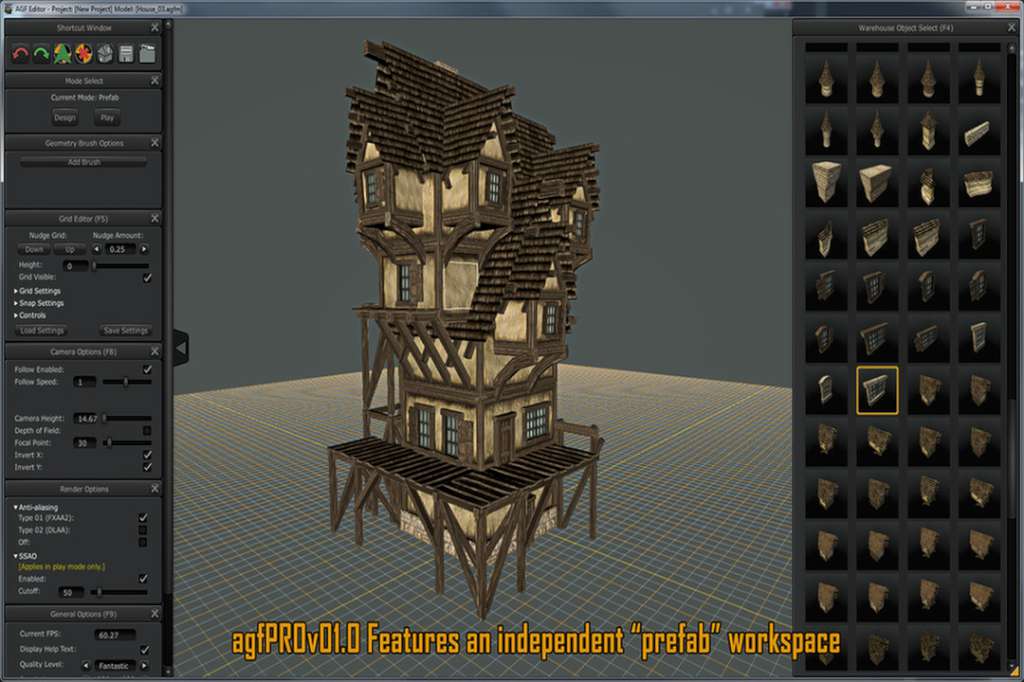
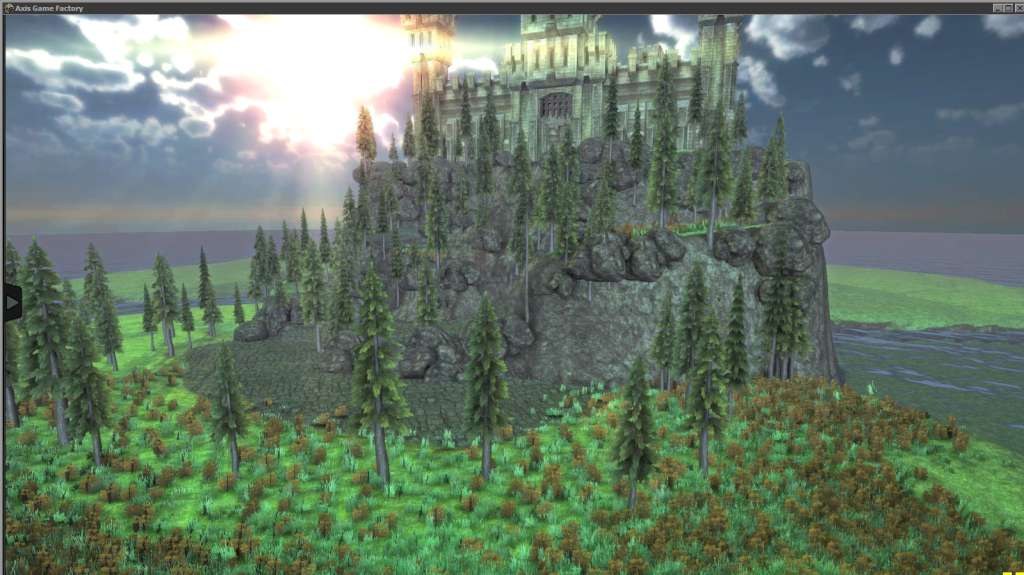
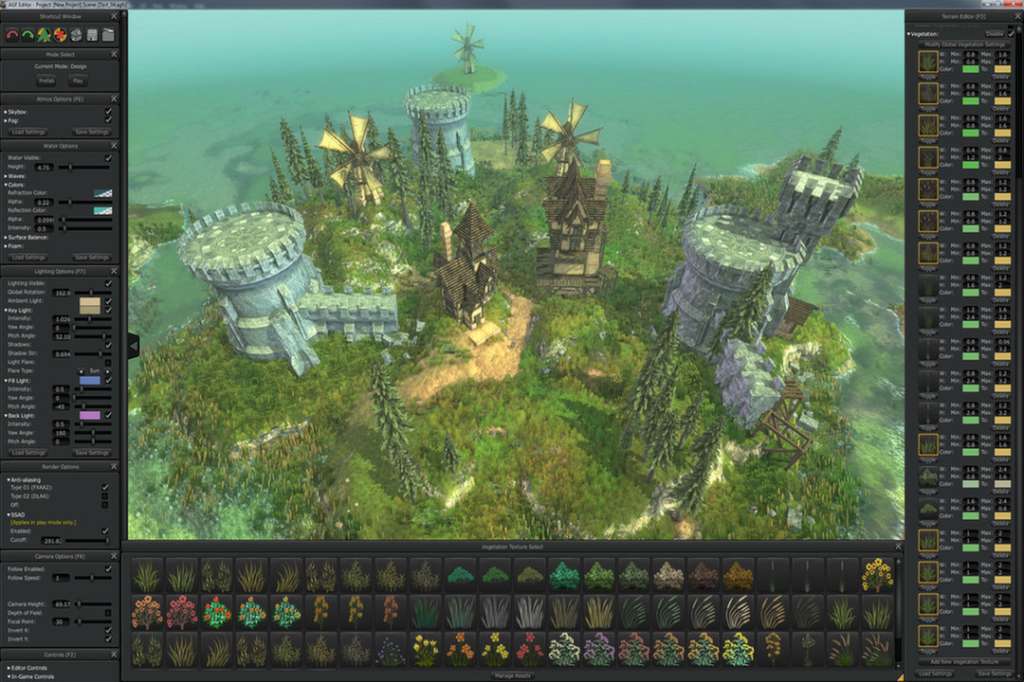
Axis Game Factory Steam Key Platform: Steam Release Date: 19 Nov 2013 Product Description AGFPRO 1.0 is a comprehensive toolset designed to provide game developers and enthusiasts with a powerful and rapid level creation, terrain/vegetation editing, lighting and atmosphere system. AGF is an independent product that empowers users to create game levels and environments for many types of game genres, and the AGFPRO 1.0 PREMIUM version is also designed to work in concert with the Free and Pro versions of the Unity 4 game engine to allow further customization and game publishing. AGF runs on the PC, MAC and LINUX systems. AGF empowers developers to rapidly create game maps, sculpt terrain and design levels quickly and easily. With over 500 assets pre-stocked in the warehouse, along with 28 pre-set themes and 8 sample maps, developers and enthusiasts can begin creating levels in minutes. AGFPRO 1.0 PREMIUM includes all of the necessary plug-ins, scripts and shaders to allow users the ability to import AGF scenes into Unity4. Features User-Friendly Project Creation Wizard Extensive library of pre-set themes for immediate level design Themes include lighting, atmosphere, terrain, vegetation, & water pre-defined Intuitive User Interface with "Radial Menu" to expedite workflow Drag and reorganize windows to customize UI On & Off feature quickly hide menus Advanced Terrain Creation System Adjustable: terrain size, splat map & vegetation detail resolution Supports terrains from 100ms to 2, 000ms Paint, Sculpt and Plant vegetation individually or simultaneously Toggle: terrain visibility, painting, sculpting, planting Sophisticated Brush Support Extensive brush library with adjustable brush size, rotation, power, blend Real Time Terrain Deformation and Painting System with Tri-Planar Texturing with Normal Maps Toggle between tri-planar shader & simple Intuitive Terrain "Snap to Grid Height" to set terrain Numeric input and readout of terrain height at specific locations Tri-Planar Shaders and Texturing Shader automatically maps terrain inclines with user defined texture Over 40 textures included with Normal Maps Terrain Texture Color Tinting Feature Change individual textures or batch Change terrain textures quickly and update in real-time Advanced Vegetation System Adjustable vegetation density & distance, unlimited layers Set vegetation min. width, height & color spectrum Advanced Global Vegetation Editor Globally change vegetation color saturation, value, size, minimum width & height, color spectrums Fully featured lighting and atmosphere configuration allows quick real time and runtime customization Customized Lighting System Key, Fill, Back, and Ambient light sources Set light colors, flares & shadow configurations Fog System Global and simple fog with a variety of parameters: density, falloff, color and distance Set fog haze, density, distance, color, height and falloff Skyboxes – Select skybox cube maps with the ability to apply rotation & tint Beautiful water system with sliders for wave direction, speed, intensity, refraction/reflection color and foam properties Geometry Brush System Create unlimited sets of geometry brushes Brushes function as an independent layer to edit Set min/max scale range Randomly rotate X, Y, Z coordinates Align to Normal Spray geometry from camera view direction User-friendly file saving thumbnail generation for scenes when saved Extensive Presets to quickly start scenes (28 included) Create custom presets and share with friends Independent Pre-Fab Mode to create complex collections of assets outside of your scene Fully featured transformation tools include: Select, Multiple-Select, Copy/Paste, Duplicate, Translate, Rotate & Scale Intuitive Grid-Snapping and Collision Detection easily place objects in scene Two internal players and three external players included Action-Role Playing Player (Int. & Ext.) Platformer Player (Int. & Ext.) FPS Player (Ext.) System Requirements PC System Requirements OS: Wind
Go to: http://store.steampowered.com/ and download STEAM client Click "Install Steam" (from the upper right corner) Install and start application, login with your Account name and Password (create one if you don't have). Please follow these instructions to activate a new retail purchase on Steam: Launch Steam and log into your Steam account. Click the Games Menu. Choose Activate a Product on Steam... Follow the onscreen instructions to complete the process. After successful code verification go to the "MY GAMES" tab and start downloading.