Get 10% back in Relic Coins on every order
Arizona Sunshine - Dead Man DLC cover

SteamGlobal· DLC

Arizona Sunshine - Dead Man DLC

€0.83

+€0.08 cashback eligibility in Relic Coins

Check before you play

Platform
Steam
Region
Global
Product type
DLC

Check the required base game and edition before purchasing this add-on.

Supplier release date
2018-05-24
Genres
Action, Adventure, Indie

About this product

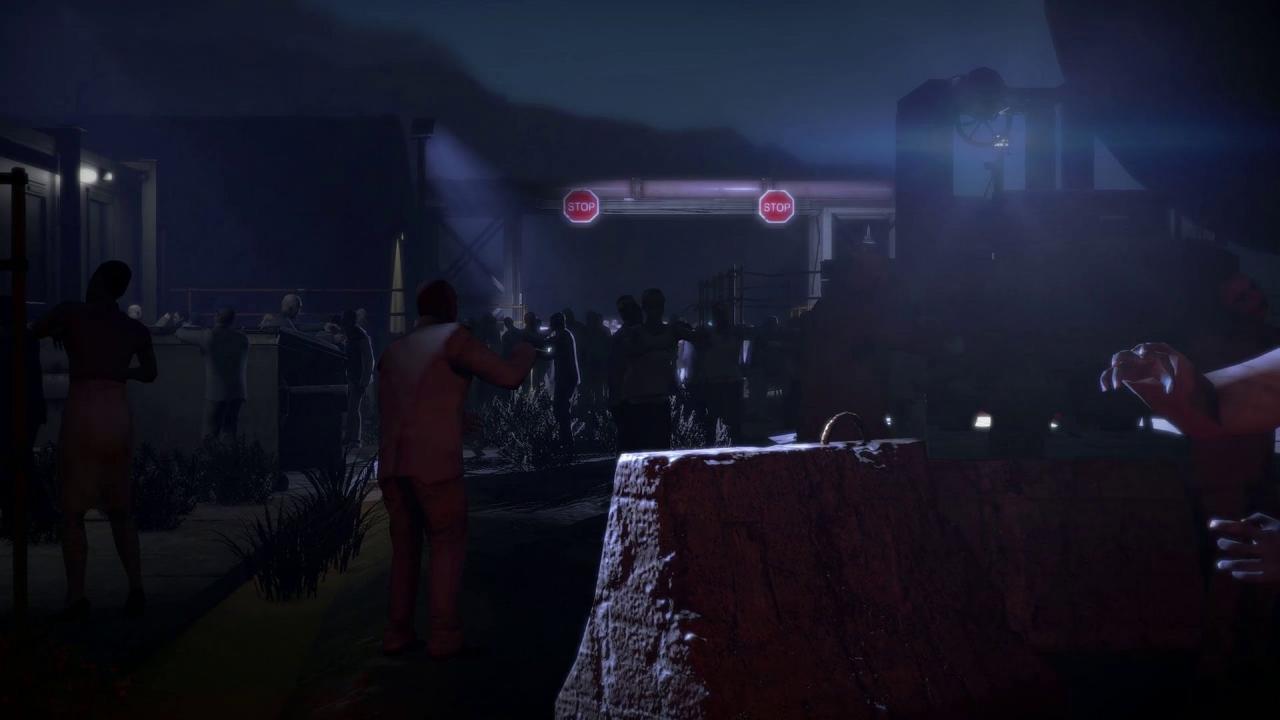
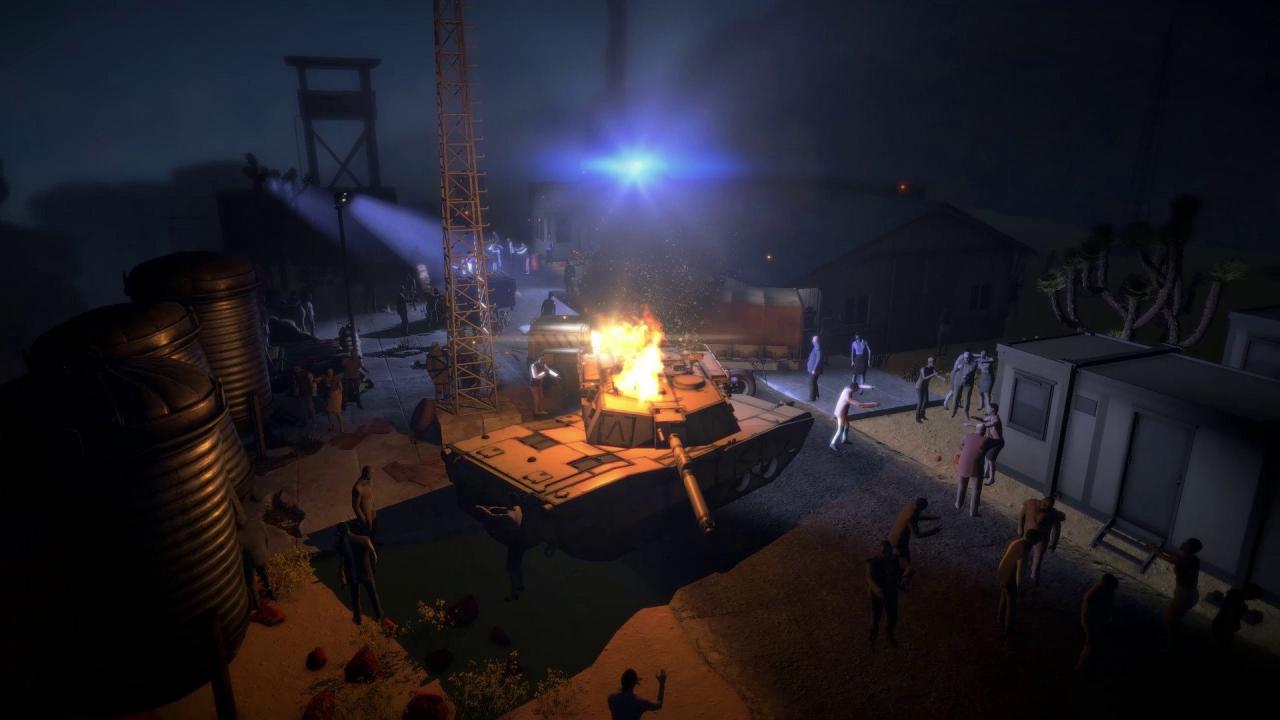
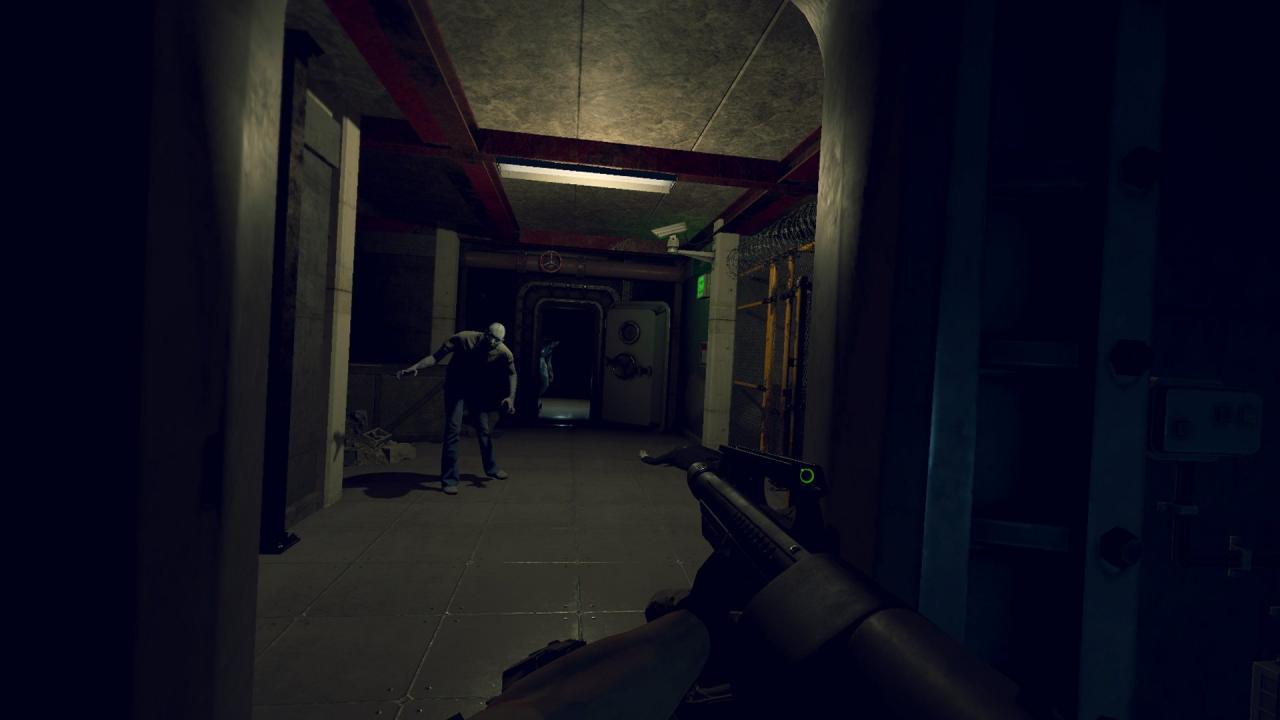
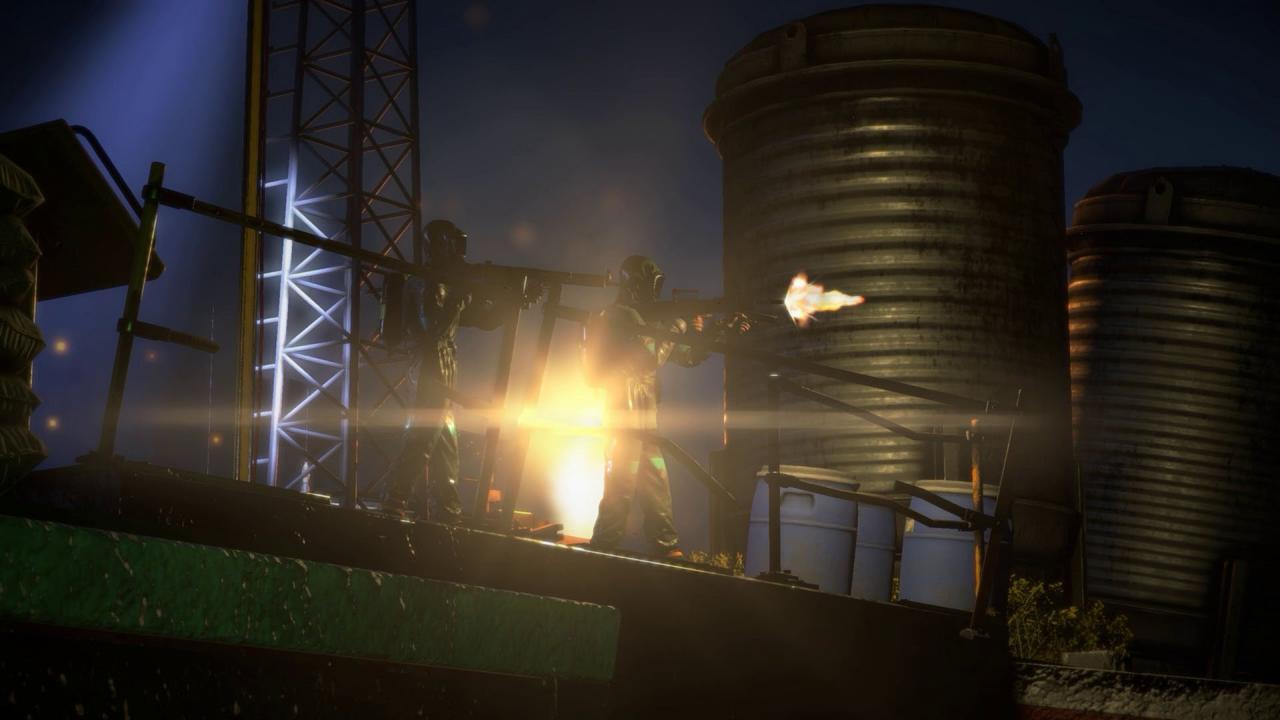
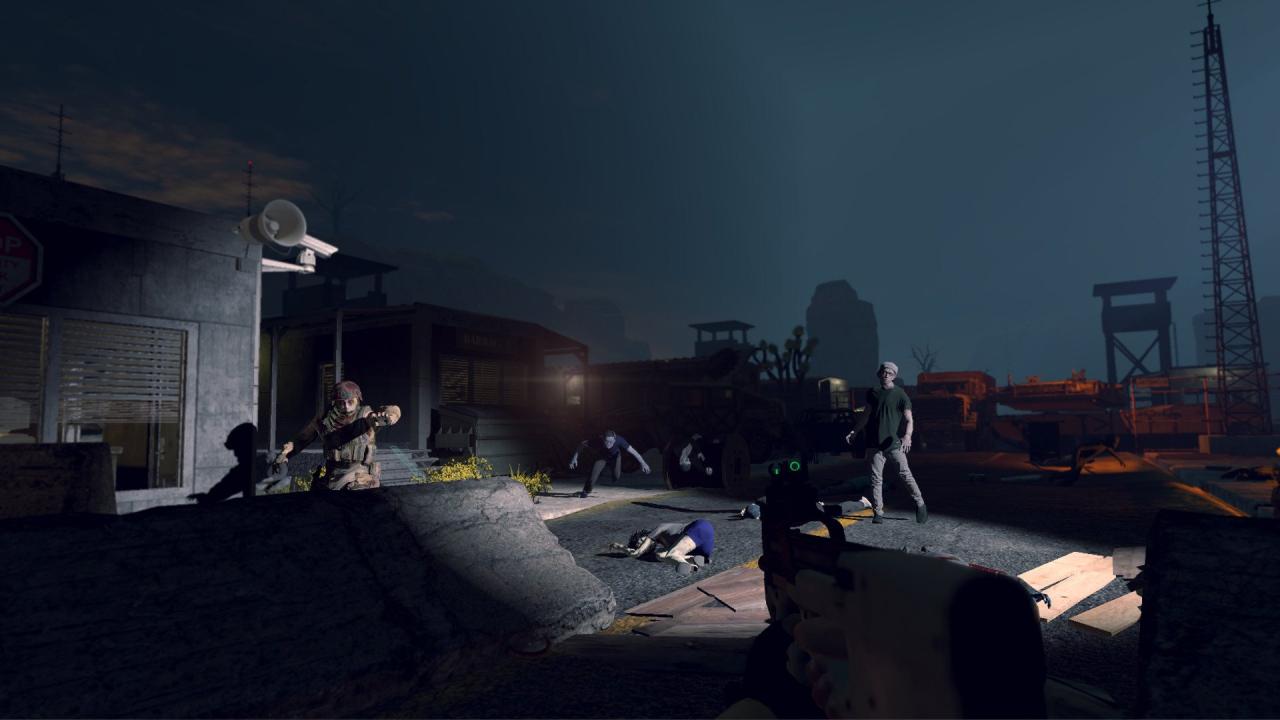
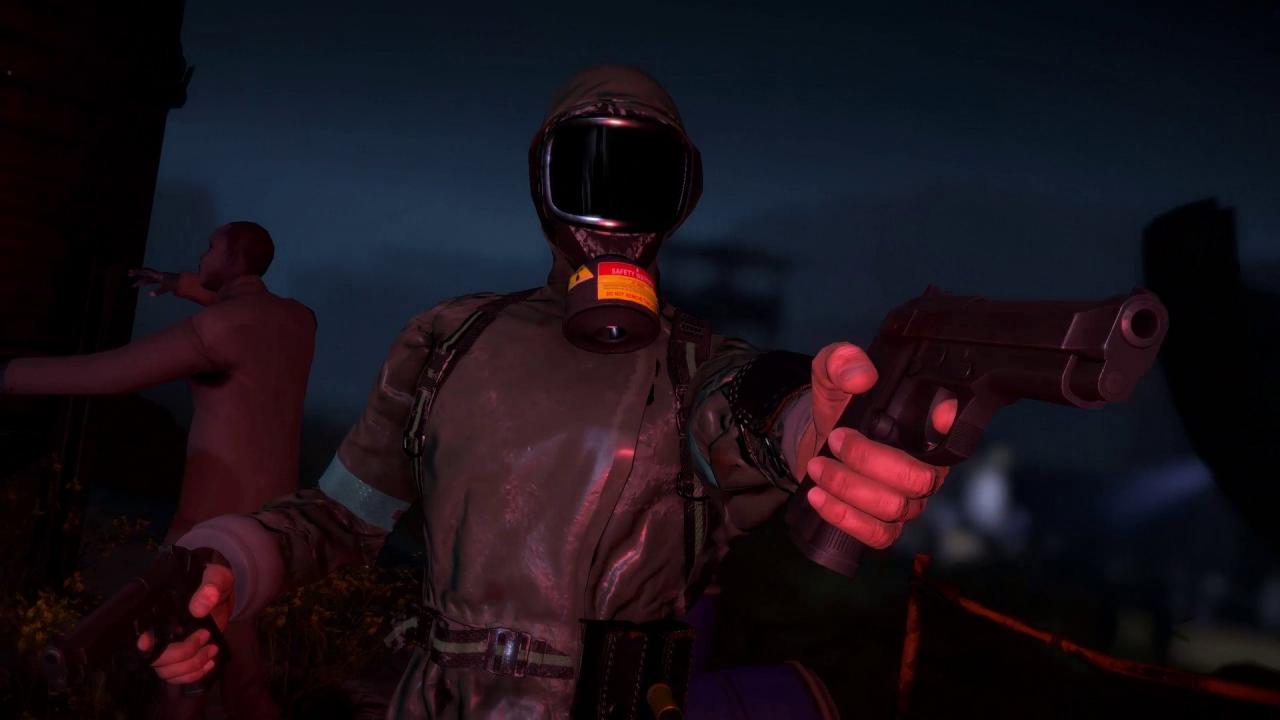
Welcome to the final days before the zombie apocalypse! Arizona Sunshine – Dead Man DLC drops you at an infested US missile base where you lead a frantic attempt to contain the expanding zombie outbreak. Playing as Dockson, a US Army Special Forces corporal, the faith of the American Southwest rests in your hands as you fight to launch a nuclear-warhead loaded missile vital to stopping the spread of zombies. In the close-quarters of the missile silo, even the most veteran of Arizona Sunshine survivors need to stay alert to overcome the undead onslaught and complete the mission. Arizona Sunshine - Dead Man DLC offers a host of blood-pumping VR content: An all-new campaign mission taking place before the events of Arizona Sunshine Online co-op functionality for up to two players Support for two-handed mode A range of difficulty degrees including the insane Apocalyptic Mode! Six new Steam achievements spread across an infested missile silo Three new weapons: A fully automatic submachine gun, a two-handed shotgun and a tactical handgun New character customization options that carry over to the base game


Arizona Sunshine - Dead Man DLC screenshotArizona Sunshine - Dead Man DLC screenshotArizona Sunshine - Dead Man DLC screenshotArizona Sunshine - Dead Man DLC screenshotArizona Sunshine - Dead Man DLC screenshotArizona Sunshine - Dead Man DLC screenshot

How to redeem

  1. 1Check the required base game, platform and edition before purchasing.
  2. 2Find the code or supplier activation instructions in your confirmed order.
  3. 3Redeem on Steam using the supplied instructions, then install the add-on with the compatible base game.

Supplier instructions

Go to: http://store.steampowered.com/ and download STEAM client Click "Install Steam" (from the upper right corner) Install and start application, login with your Account name and Password (create one if you don't have). Please follow these instructions to activate a new retail purchase on Steam: Launch Steam and log into your Steam account. Click the Games Menu. Choose Activate a Product on Steam... Follow the onscreen instructions to complete the process. After successful code verification go to the "MY GAMES" tab and start downloading.

You might also like