Get 10% back in Relic Coins on every order
Airport Simulator 2019 cover

SteamGlobal· Key

Airport Simulator 2019

€14.23

+€1.42 cashback eligibility in Relic Coins

Check before you play

Platform
Steam
Region
Global
Product type
Key
Developer
Toplitz Productions, ALTUMVI
Publisher
Toplitz Productions
Supplier release date
2018-05-31
Genres
Strategy, Simulation

About this product

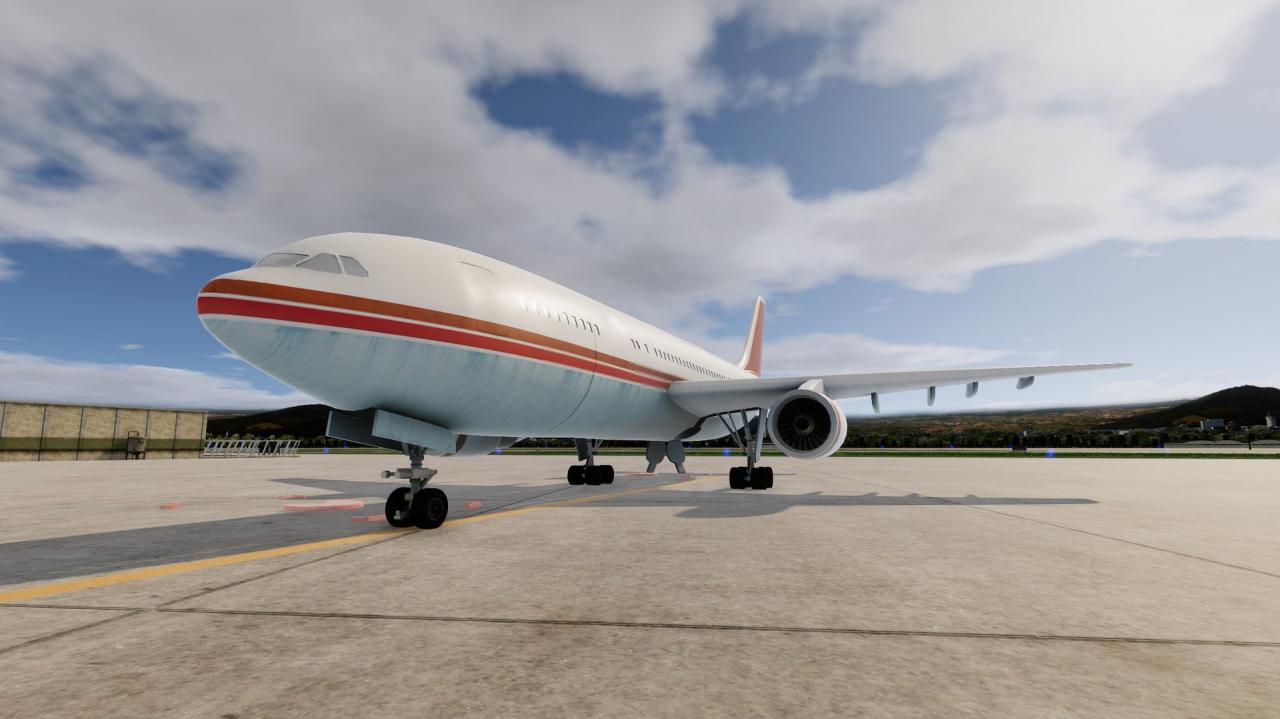
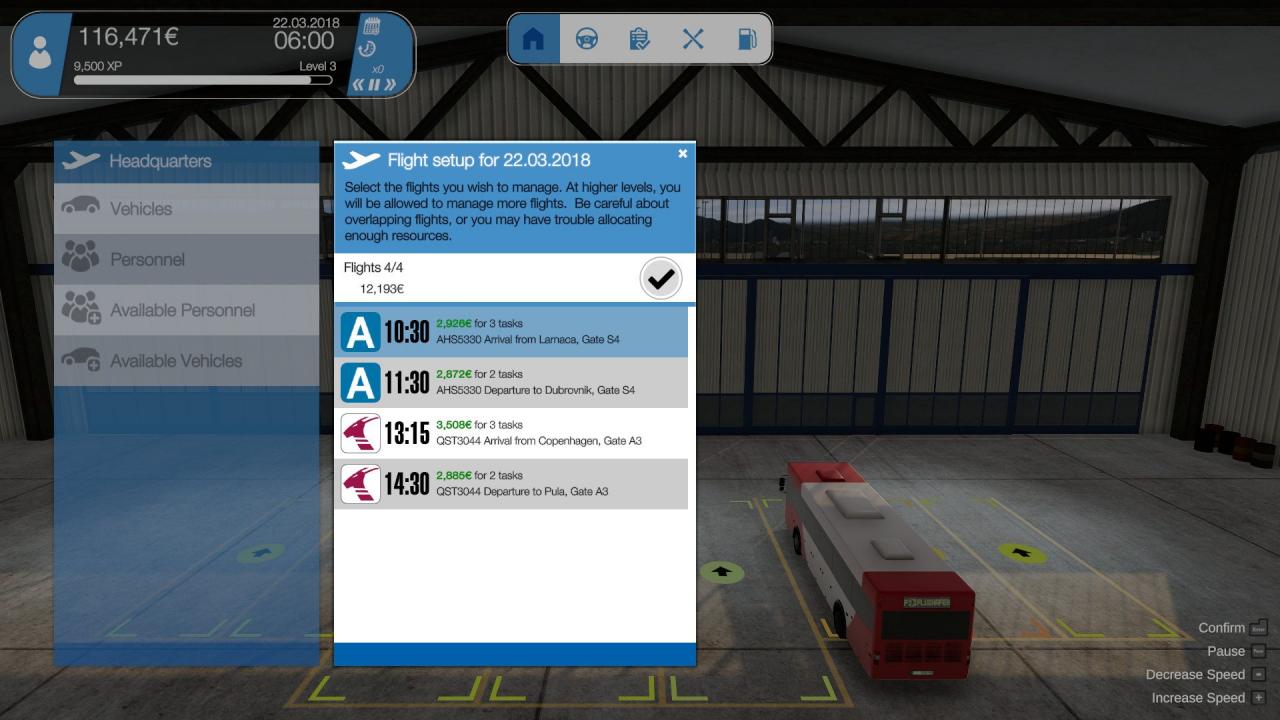
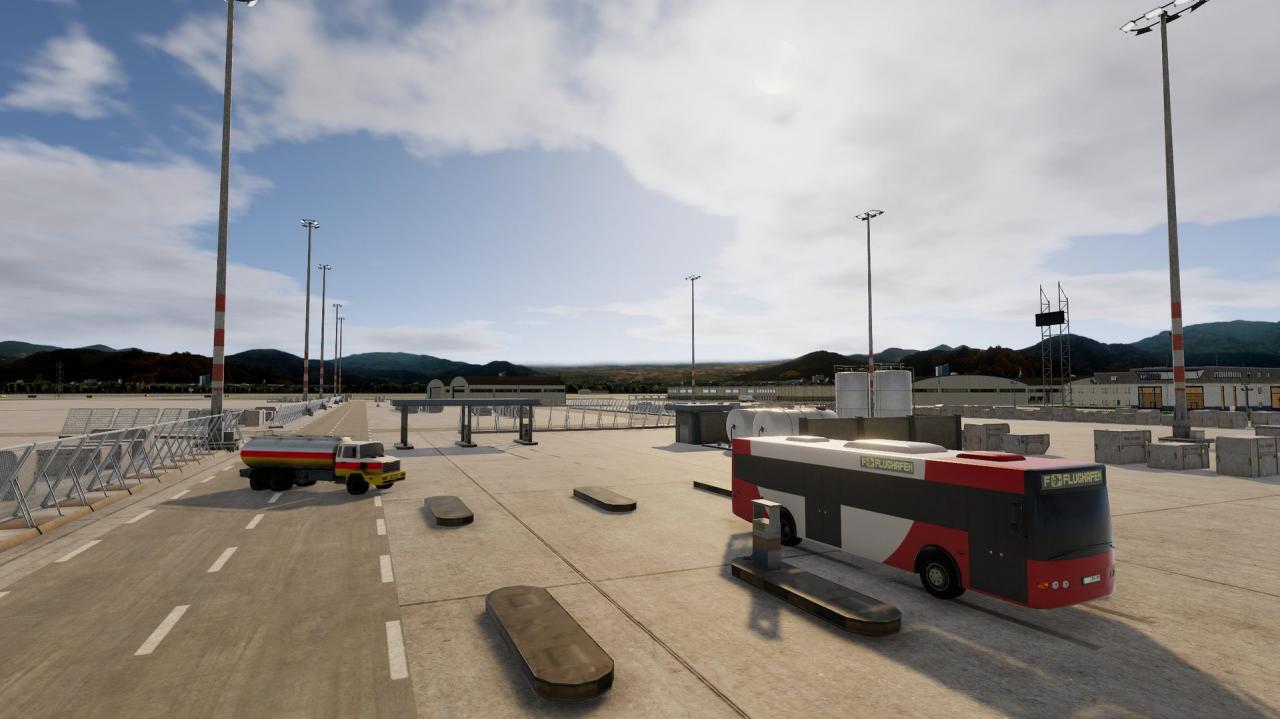
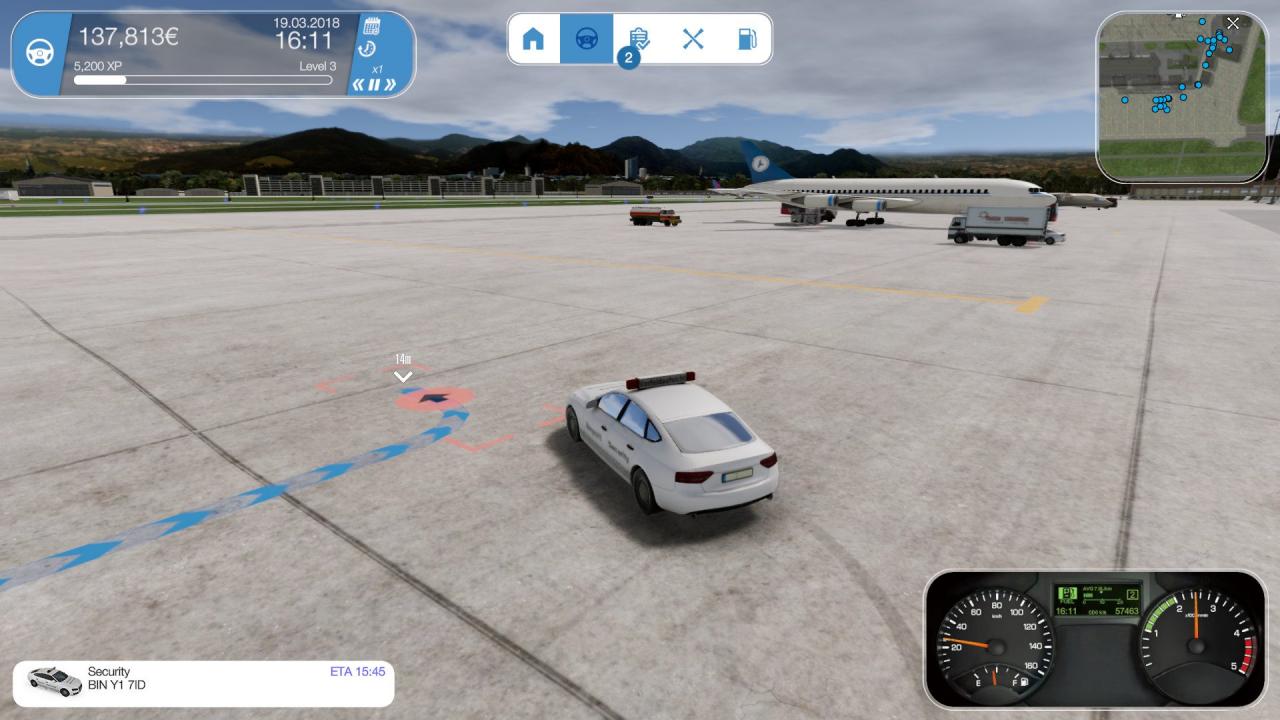
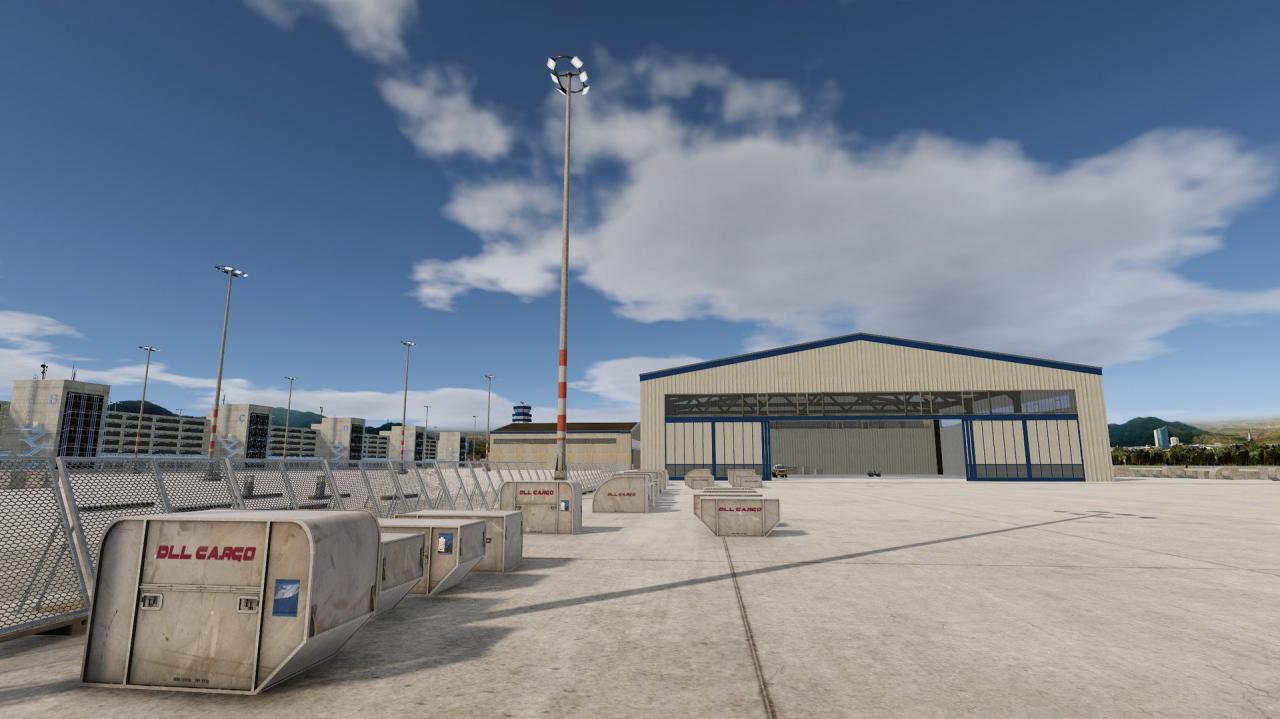
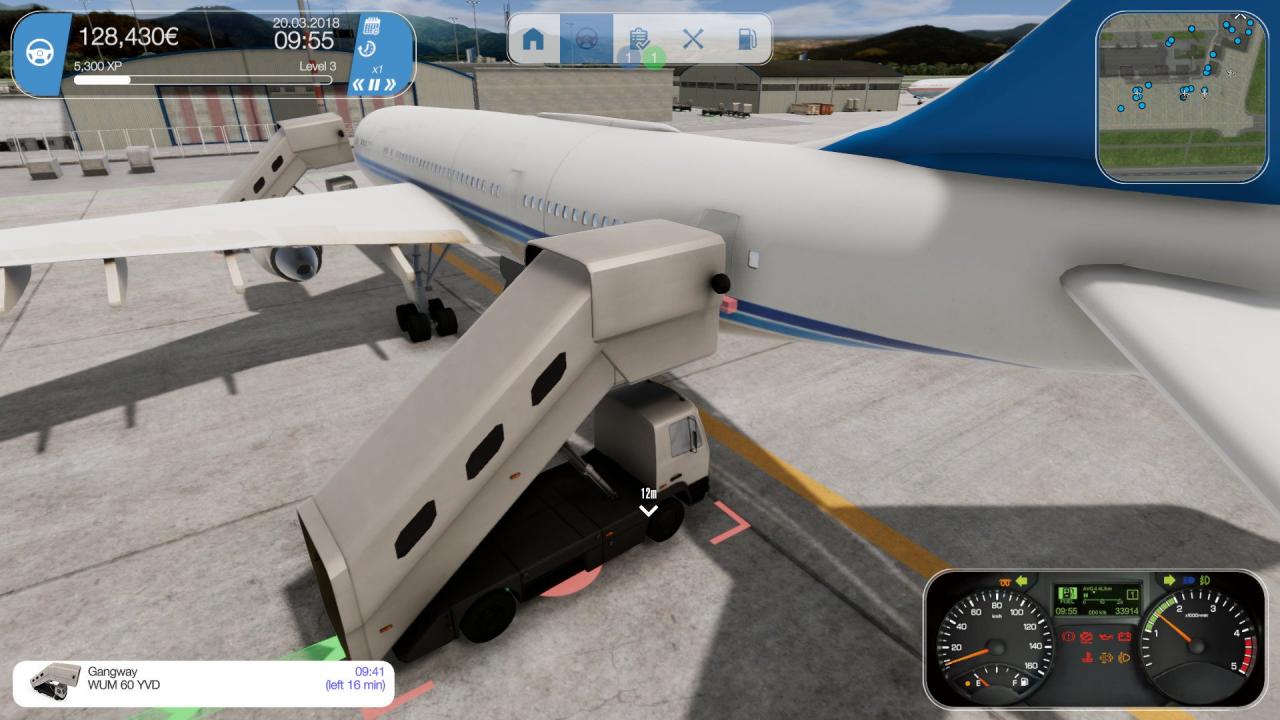
You are the manager of a major international airport. Your duties range from planning and allocating personnel to procuring and maintaining a vehicle fleet, facility maintenance and handling ever larger aircraft from a variety of airlines.At first, you will do all the work yourself. Later, you can train staff to do certain jobs for you. Fueling, positioning jetways, managing baggage wagons, security, busses, or fire fighters – keep a watchful eye on everything to keep operations at peak performance.Gradually, you will earn experience and your airport will grow. New runways and gates will be added, and larger planes will arrive – no time to rest! Features: Huge, realistic airport The airport grows with your experience (runway, gates, buildings) Detailed aircrafts and vehicles Personnel management and training Simulates damage to vehicles, and personnel injuries and sick leave Intelligent AI and assistants You can drive every vehicle yourself

Airport Simulator 2019 screenshotAirport Simulator 2019 screenshotAirport Simulator 2019 screenshotAirport Simulator 2019 screenshotAirport Simulator 2019 screenshotAirport Simulator 2019 screenshot

How to redeem

  1. 1Check your Steam account and the listed region before purchasing.
  2. 2Find your code and supplier activation instructions in your confirmed order.
  3. 3Open the redeem-code section on Steam, enter the code and follow the platform’s prompts.

Supplier instructions

Go to: http://store.steampowered.com/ and download STEAM client Click "Install Steam" (from the upper right corner) Install and start application, login with your Account name and Password (create one if you don't have). Please follow these instructions to activate a new retail purchase on Steam: Launch Steam and log into your Steam account. Click the Games Menu. Choose Activate a Product on Steam... Follow the onscreen instructions to complete the process. After successful code verification go to the "MY GAMES" tab and start downloading.

You might also like