

SteamRu Vpn· Key
RUGBY 18 Activated
€1.77
+€0.18 cashback eligibility in Relic Coins
Check before you play
- Platform
- Steam
- Region
- Ru Vpn
- Product type
- Key
- Supplier release date
- 2017-10-27
- Genres
- Sport
SteamRu Vpn· Key
€1.77
+€0.18 cashback eligibility in Relic Coins
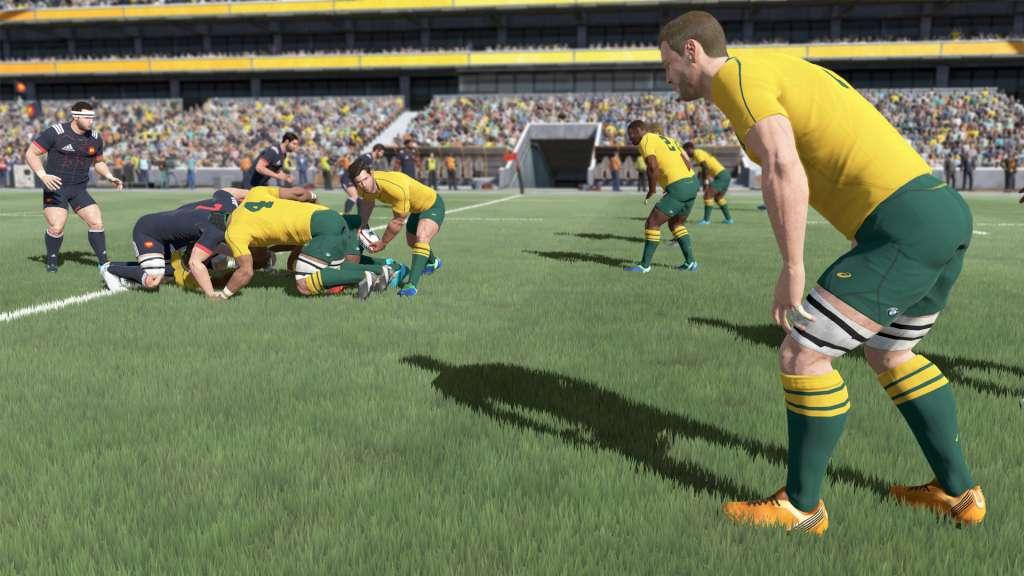
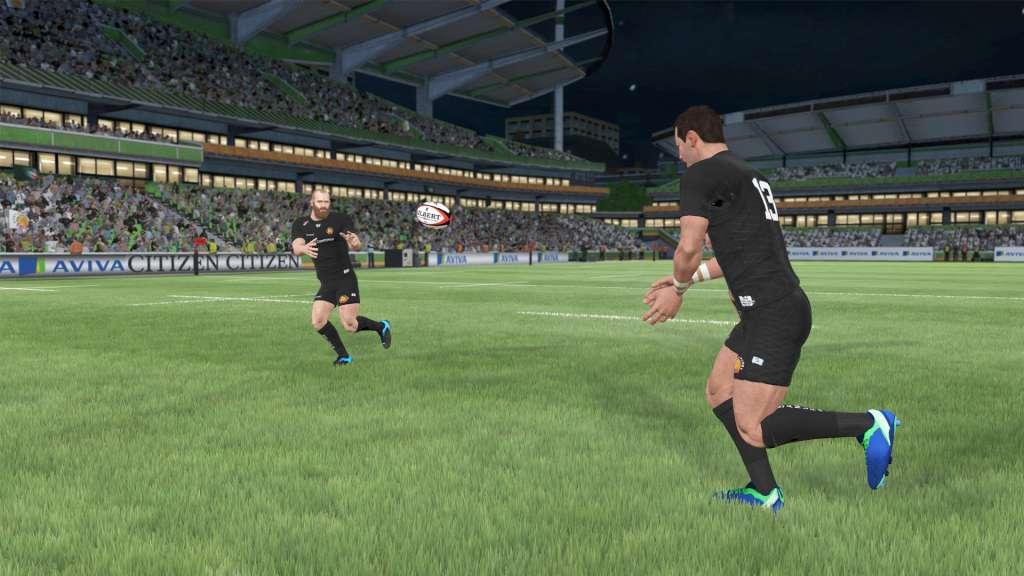
Jump into the roles of the official players from the most prestigious teams and championships of the 2017-2018 season: Championships and all their clubs: Aviva Premiership Rugby, PRO14, TOP 14, PRO D2 National teams: All Blacks, England, Springboks, Wallabies, Wales, Scotland, Fiji, France, Italy TAKE FULL CONTROLMaster all the game phases using intuitive controls and innovative gameplay that faithfully reproduces each situation of a rugby game. On attack or defence, teammates take their positions and move to develop the game depending on your decisions. MANAGE YOUR FAVOURITE CLUBLead your favourite club to the top in Career mode, play full seasons in League mode, and re-write history in the Match of the Week. Build up your dream team in My Squad mode by recruiting your favourite players from 2000+ rugbymen. Challenge your friends and players around the world in one-on-one matches, online or on the same screen.



This is the Russian version of the game.Buy this product only if you understand the risk and at your own responsibility! Russian IP address is required to activate the key on Steam!Use a Russian VPN to do so. (Quick & Easy Instructions https://www.kinguin.net/vpn) If you experience any issues redeeming the key, follow these instructions: Open your https://store.steampowered.com/about/ client, and log in to your account, in the Steam settings, choose Account tab, then Manage Steam Guard Account Security and deauthorize all other devices, close Steam client, and then start your VPN app, open Steam client and login to your account. In your account details, update your store country to match your VPN location, redeem the key in Steam.