

SteamGlobal· Key
Don't Stand Out
€0.51
+€0.05 cashback eligibility in Relic Coins
Check before you play
- Platform
- Steam
- Region
- Global
- Product type
- Key
- Supplier release date
- 2018-05-31
- Genres
- Action, MMO, Indie
SteamGlobal· Key
€0.51
+€0.05 cashback eligibility in Relic Coins
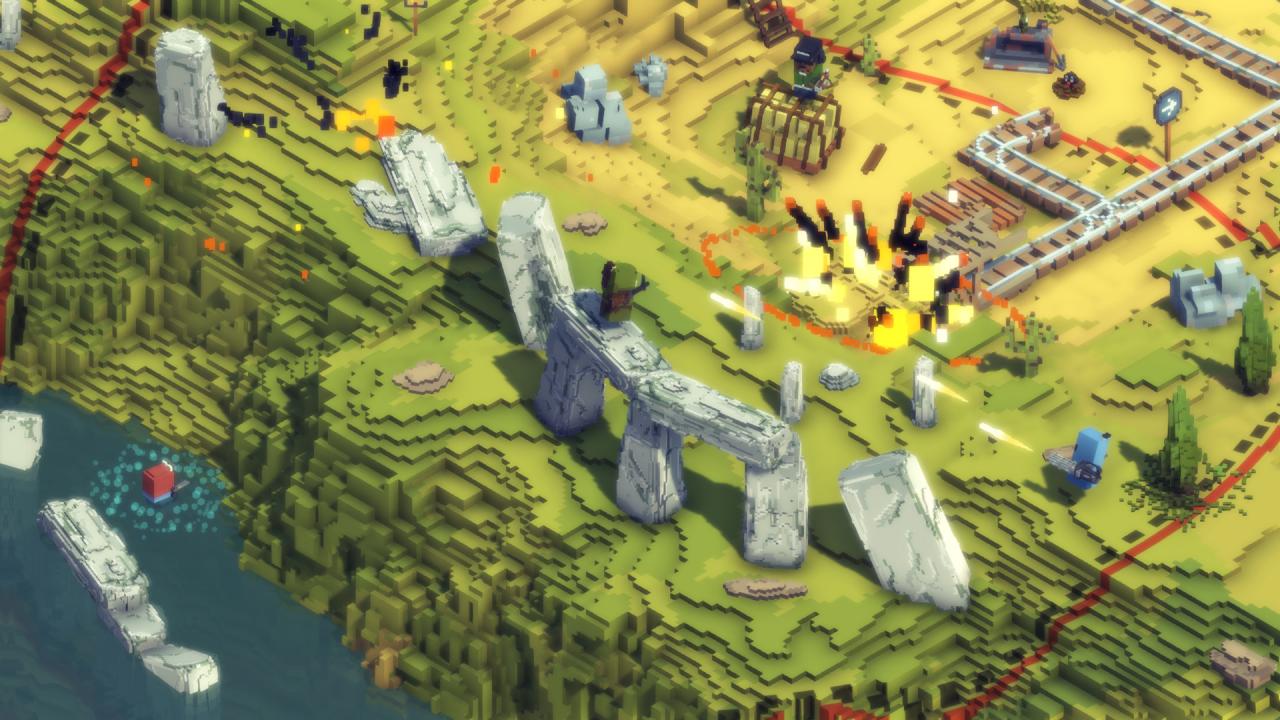
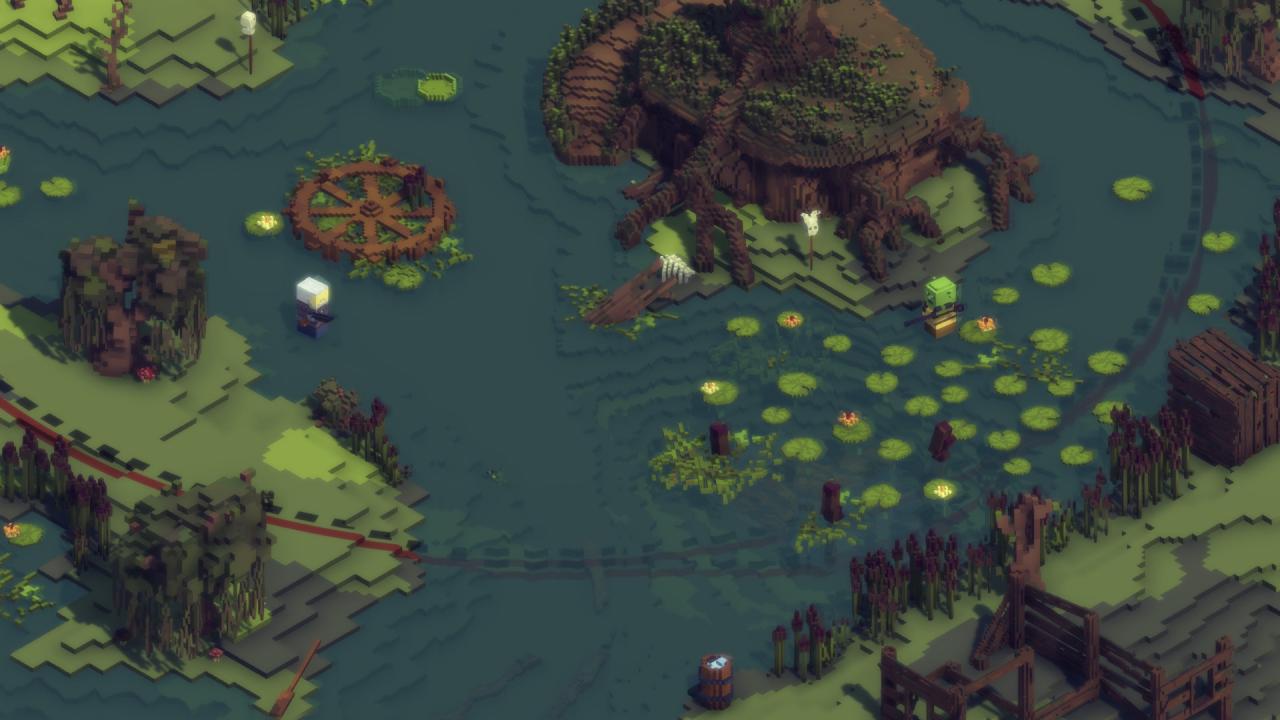
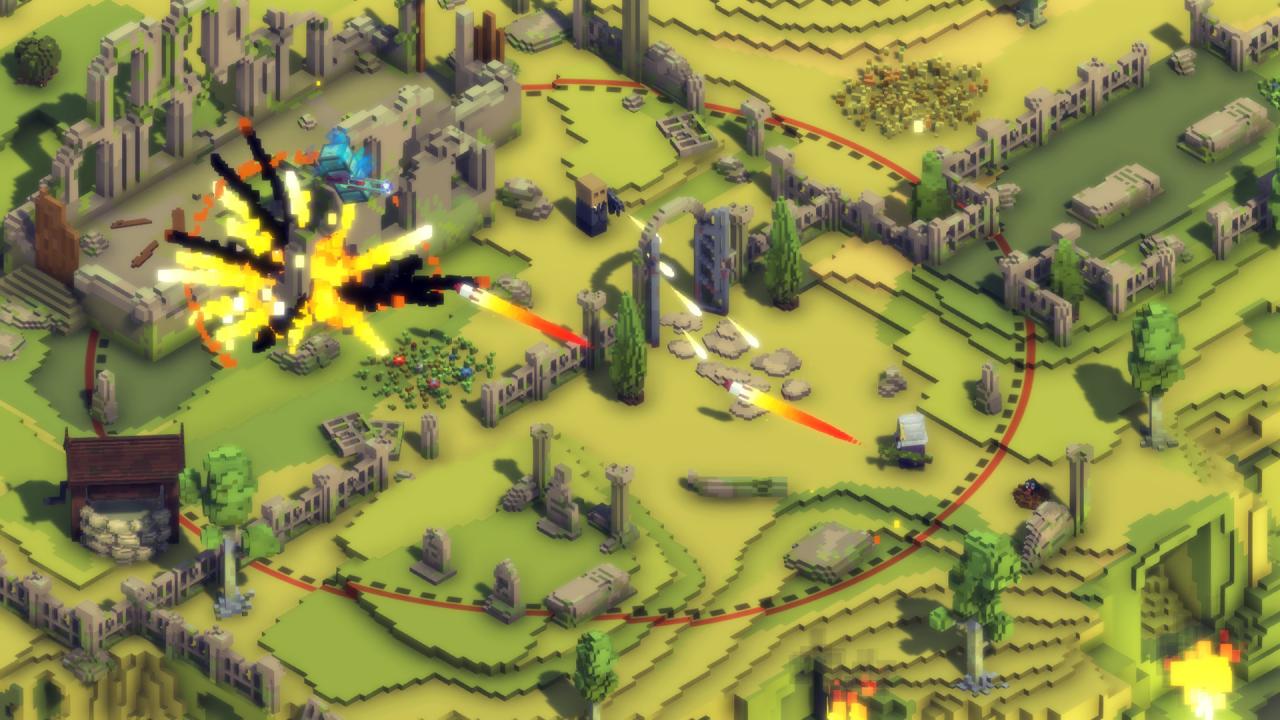
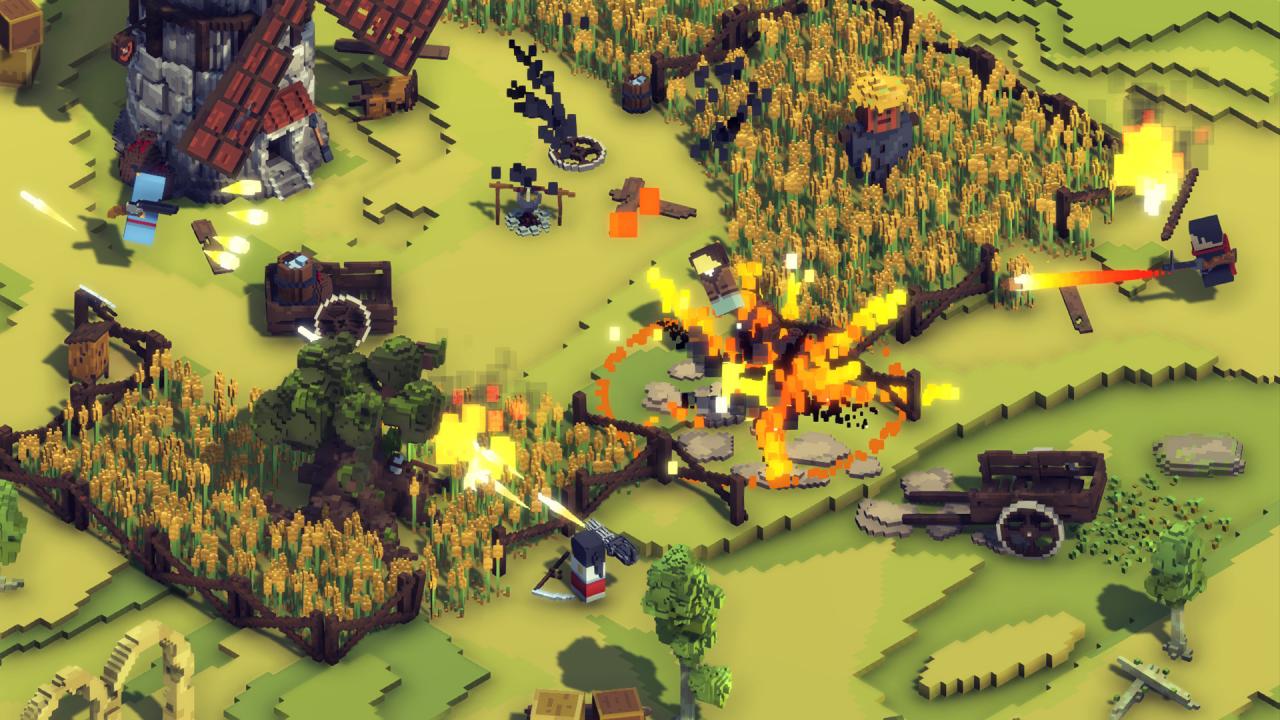
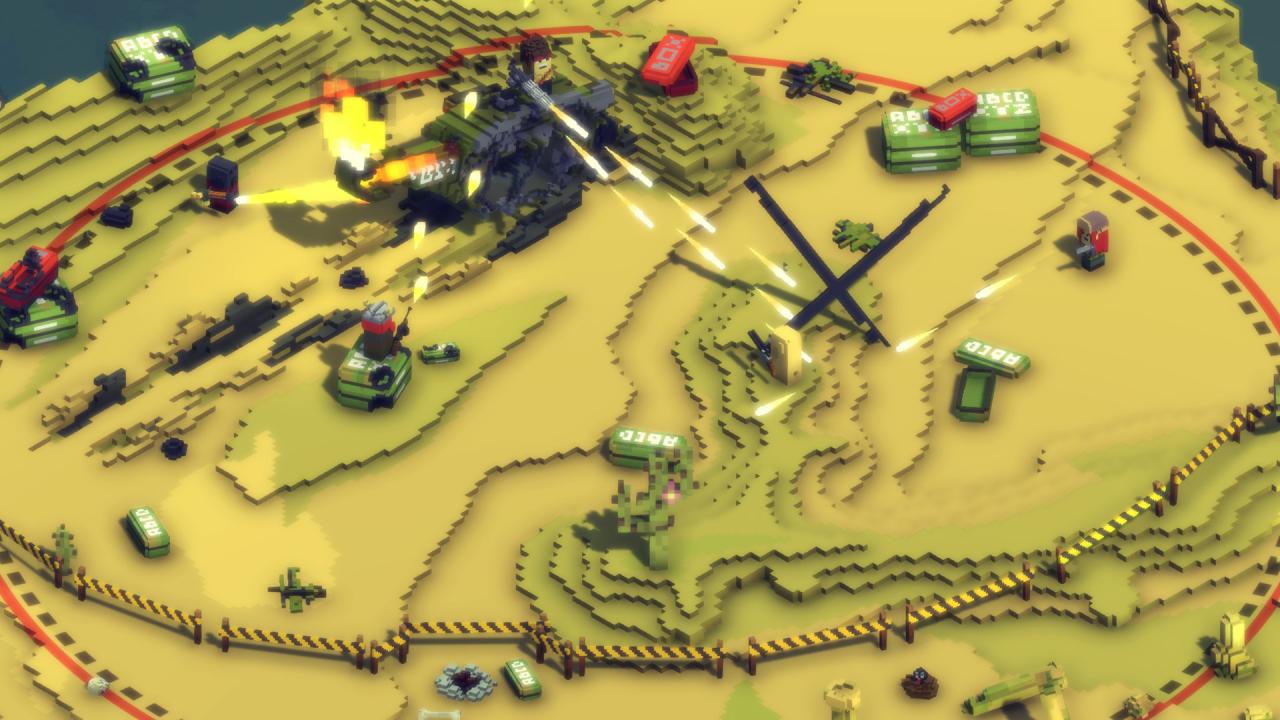
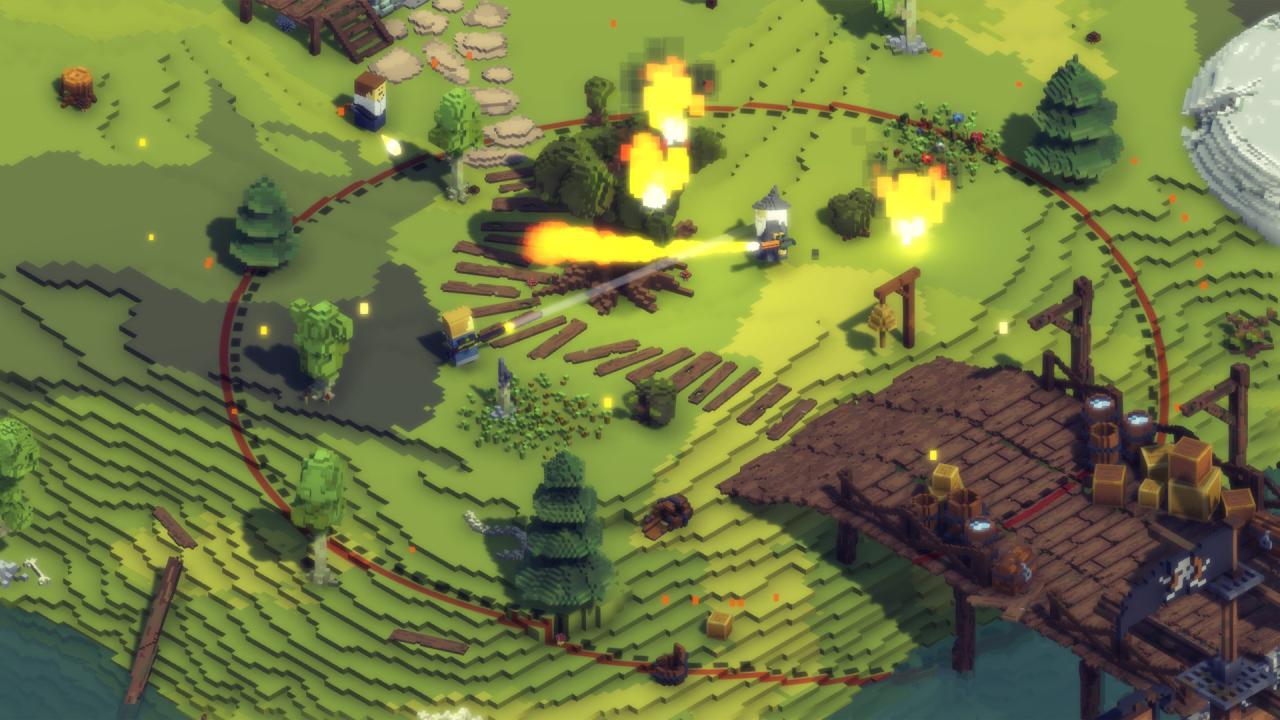
Don’t Stand Out is a fast-paced take on the Battle Royale games – the ones where you have a few brief skirmishes in a half an hour match. The game uses the genre’s basics to build a multiplayer experience suited for short matches packed with action. You can play in a more traditional fashion – set up an ambush, controlling the location and moving between covers. Or just don’t give a monkey’s, run guns blazing and wreak havoc! It’s up to you. Don’t Stand Out is all about fun combat, not looting. The game’s action is packed with colorful voxel graphics. Because this explosive party just can’t take place is some gray+brown setting. And as it’s a party there sure are costumes! Don’t Stand Out features tons of customization options for your inner fashion killa. Fast-paced take on the Battle Royale genre. You don’t have to look for the nearest enemy for minutes – everything is lightning fast. Short matches packed with action. The game is perfect both for a work break and for that weekend gaming marathon. Colorful looks. ‘Fun’ is the main focus for Don’t Stand Out – starting from it’s graphics. Customisation. The game features tons of costumes for you to try. Don’t Stand Out is like Battle Royale. But fun.
Go to: http://store.steampowered.com/ and download STEAM client Click "Install Steam" (from the upper right corner) Install and start application, login with your Account name and Password (create one if you don't have). Please follow these instructions to activate a new retail purchase on Steam: Launch Steam and log into your Steam account. Click the Games Menu. Choose Activate a Product on Steam... Follow the onscreen instructions to complete the process. After successful code verification go to the "MY GAMES" tab and start downloading.