Get 10% back in Relic Coins on every order
Destiny 2 - Planet of Peace Exclusive Emblem DLC Digital Download cover

OtherRest of the world· DLC

Destiny 2 - Planet of Peace Exclusive Emblem DLC Digital Download

€4.62

+€0.46 cashback eligibility in Relic Coins

Check before you play

Region
Rest of the world
Product type
DLC

Check the required base game and edition before purchasing this add-on.

Developer
Bungie
Publisher
Activision
Supplier release date
2017-09-06
Genres
Action, MMO, FPS

About this product

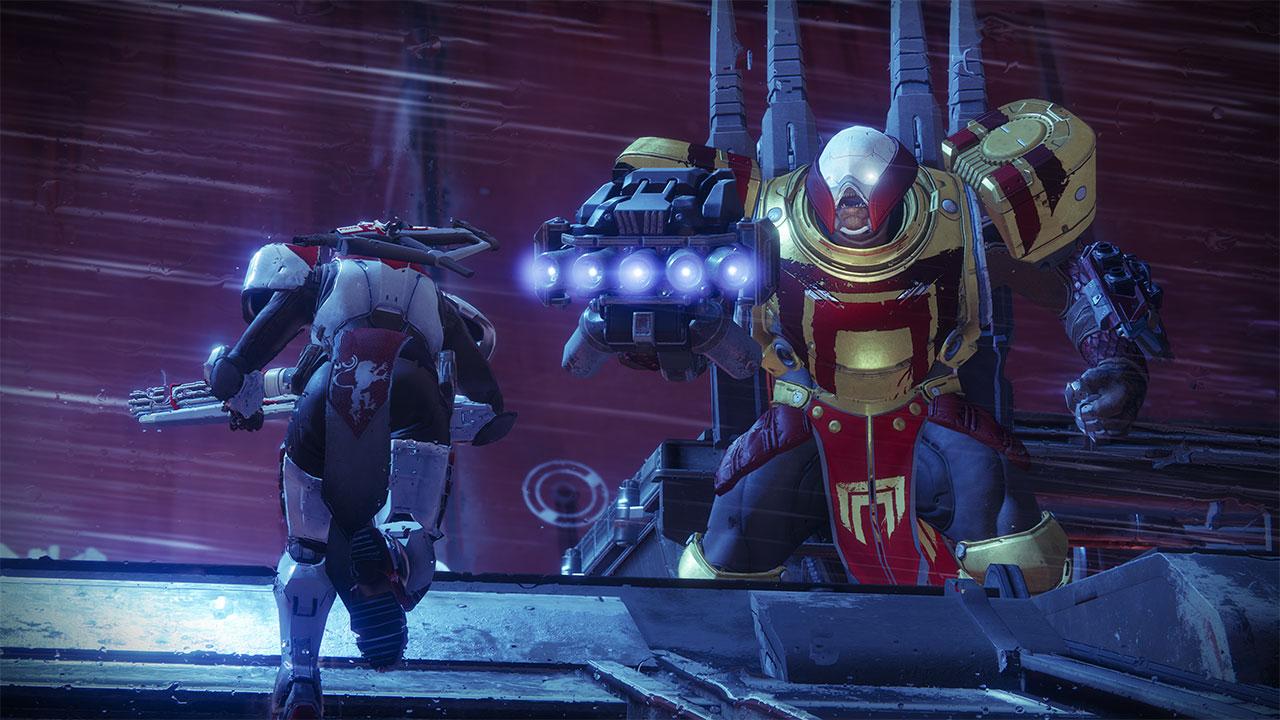
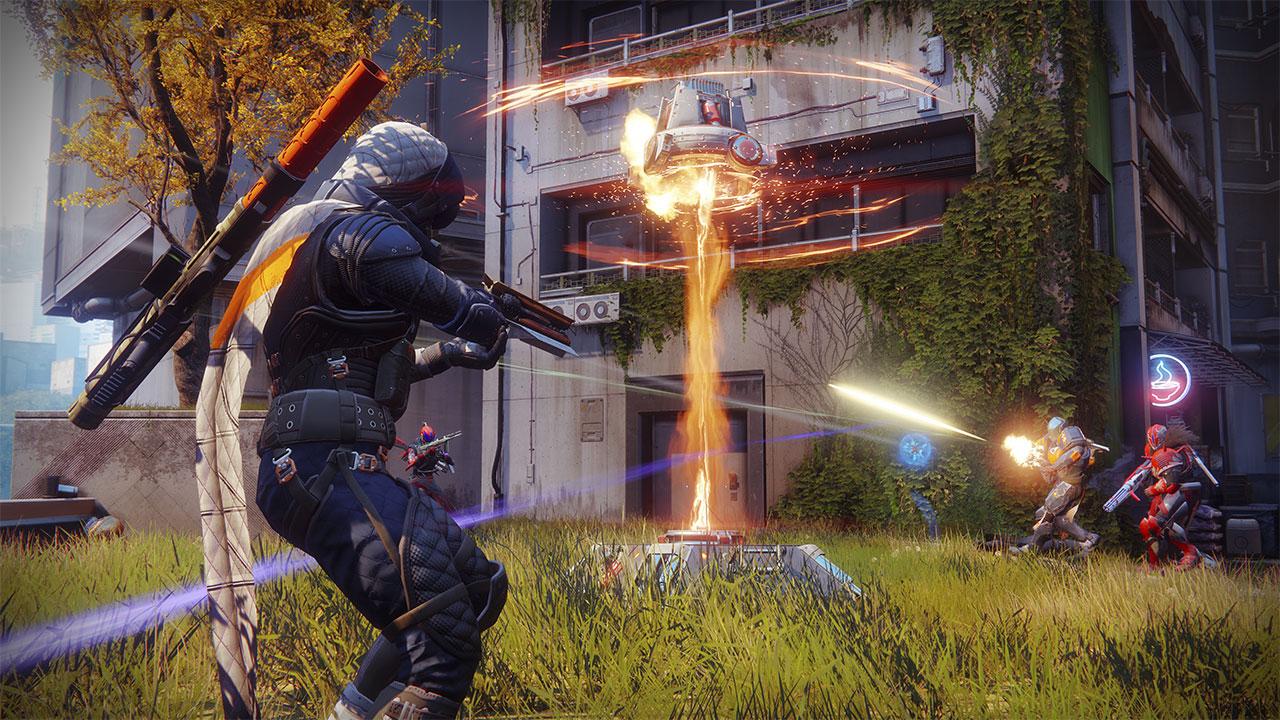
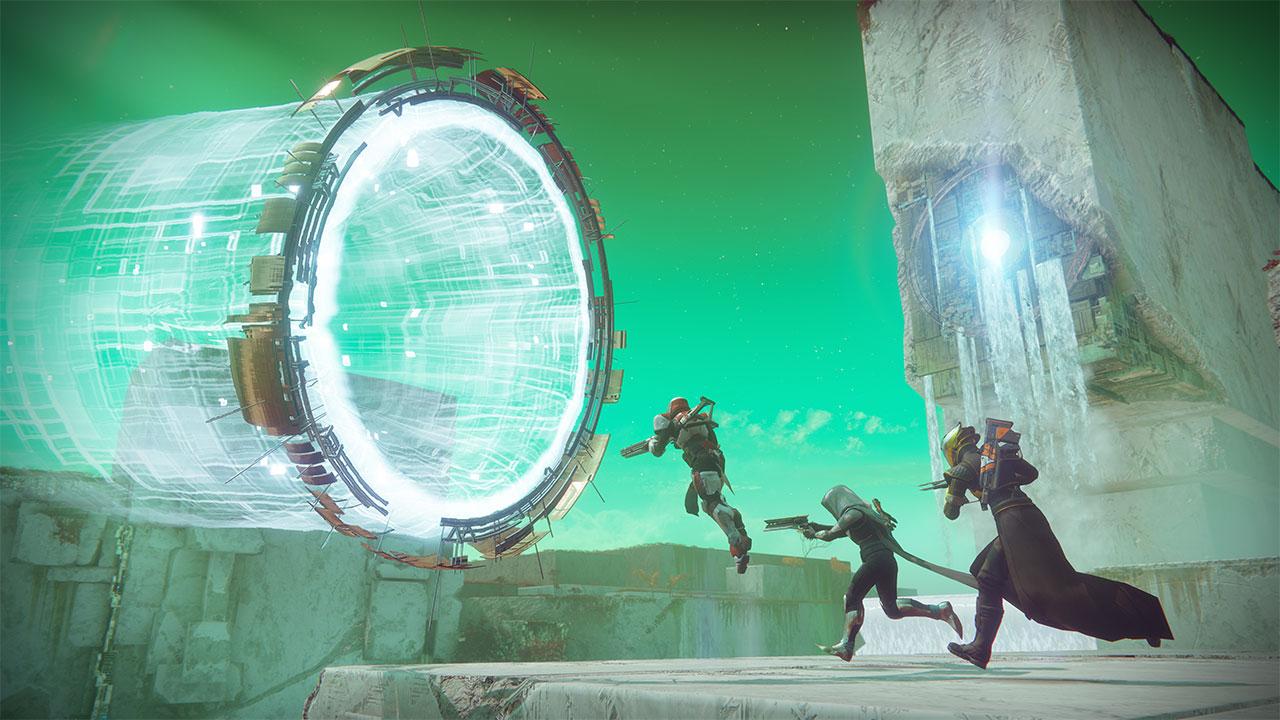
The "Planet of Peace" emblem awarded in-game is exclusive to Destiny 2. The Emblem will be available in-game once the Tutorual is completed. Destiny 2 is an action shooter that takes you on an epic journey across the solar system. In the cinematic campaign, you’ll enter a world filled with compelling characters and fight to take back our home. Battle alongside friends with multiple cooperative modes or challenge others in intense multiplayer matches. Destiny 2 on PC will include scalable resolution up to 4K, uncapped framerate, an adjustable field of view, support for ultra-wide/special monitor configurations, and more.

Destiny 2 - Planet of Peace Exclusive Emblem DLC Digital Download screenshotDestiny 2 - Planet of Peace Exclusive Emblem DLC Digital Download screenshotDestiny 2 - Planet of Peace Exclusive Emblem DLC Digital Download screenshotDestiny 2 - Planet of Peace Exclusive Emblem DLC Digital Download screenshotDestiny 2 - Planet of Peace Exclusive Emblem DLC Digital Download screenshotDestiny 2 - Planet of Peace Exclusive Emblem DLC Digital Download screenshot

How to redeem

  1. 1Check the required base game, platform and edition before purchasing.
  2. 2Find the code or supplier activation instructions in your confirmed order.
  3. 3Redeem on Other using the supplied instructions, then install the add-on with the compatible base game.

Supplier instructions

To redeem the Emblem: Log in or create an account on https://www.bungie.net/en/User/coderedemption Click the Battle.net button and log in with your credentials You will then see a screen to copy/paste your code into Once redeemed, you will be able to access it in-game: Launch battle.net and log into the same account Go to any Hub and open your Vault; it will be waiting for you in the Collections tab, Emblems section.

You might also like