Get 10% back in Relic Coins on every order
In memory of TITAN cover

SteamGlobal· Key

In memory of TITAN

€0.24

+€0.02 cashback eligibility in Relic Coins

Check before you play

Platform
Steam
Region
Global
Product type
Key
Developer
Valhalla Universe, Inc.
Supplier release date
2018-06-02
Genres
Action, Strategy, RPG, Indie, Casual

About this product

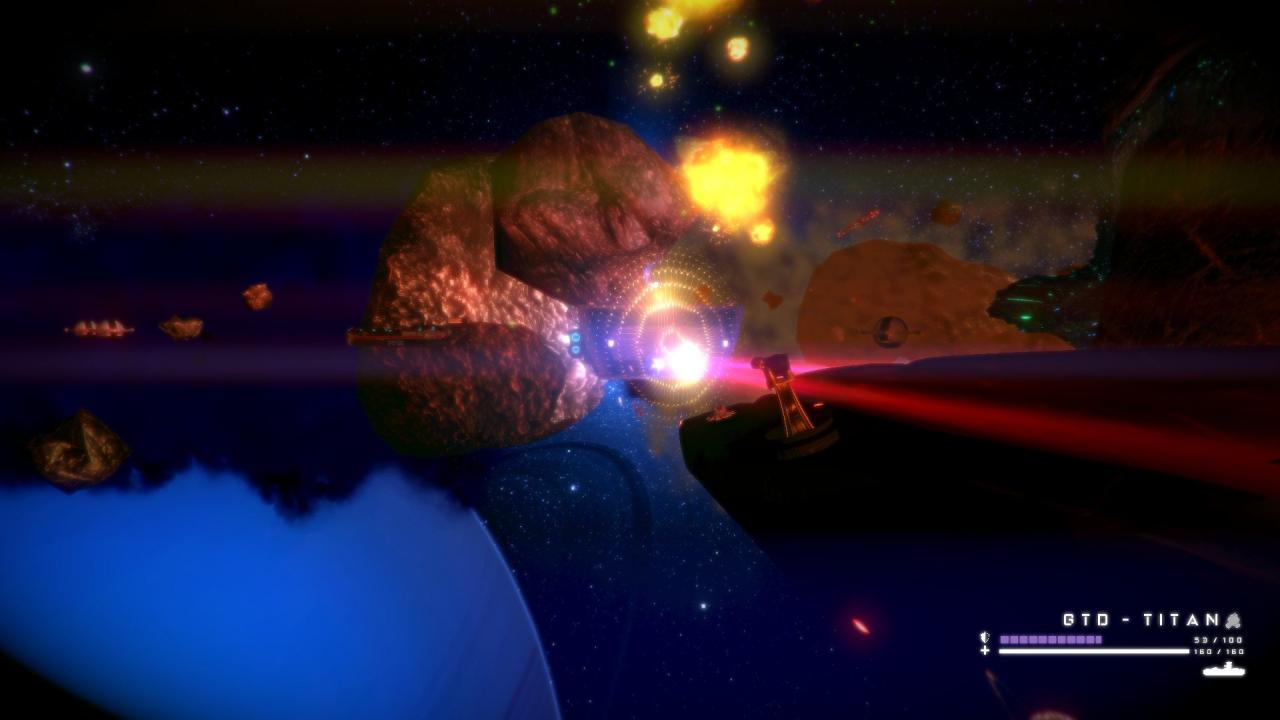
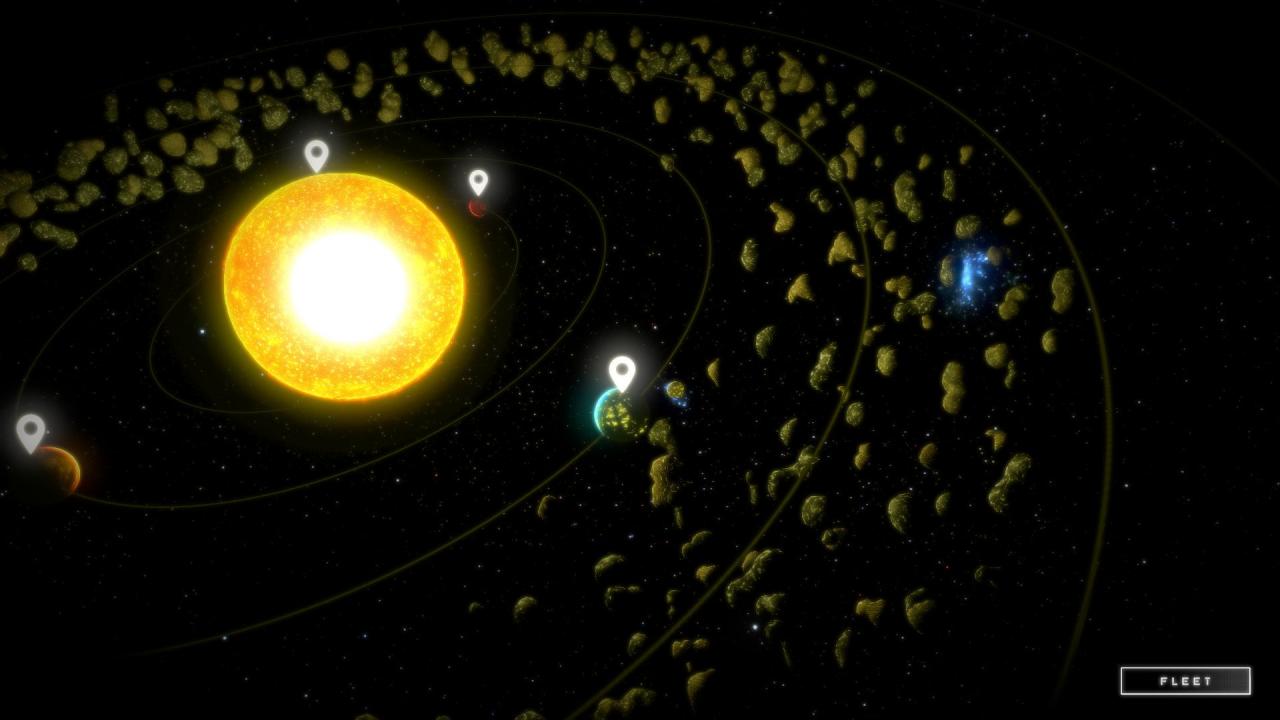
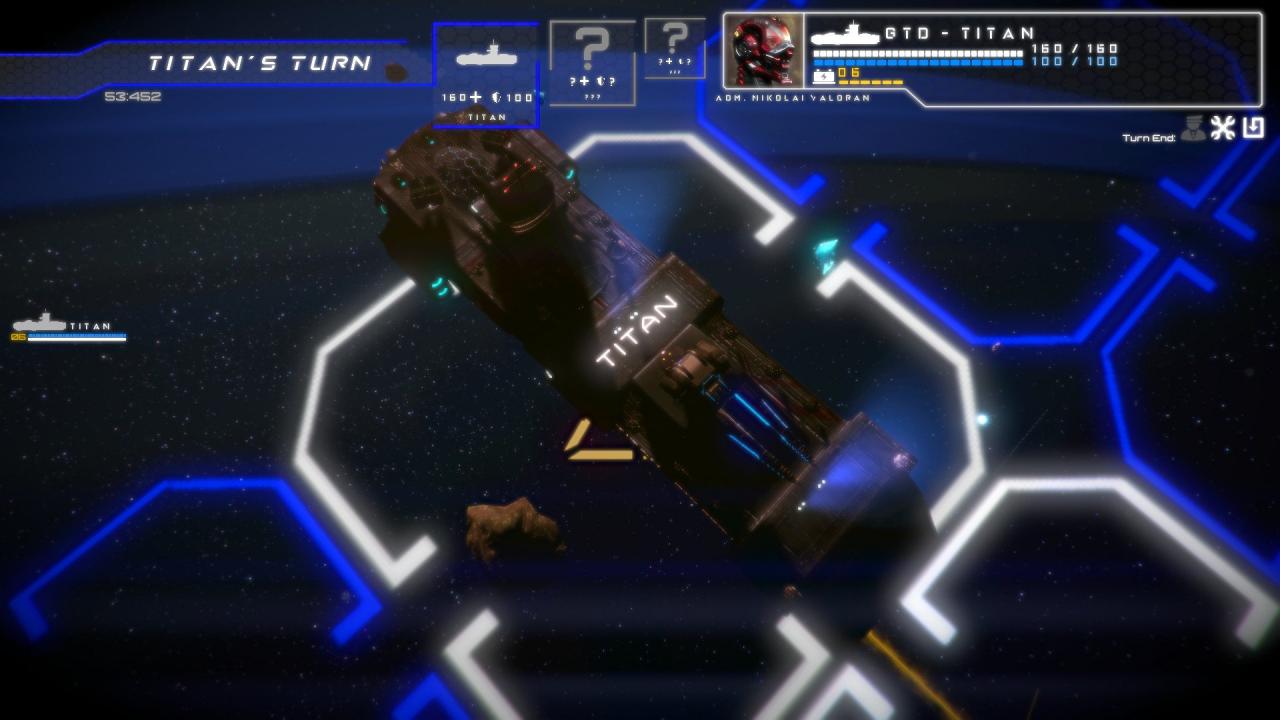
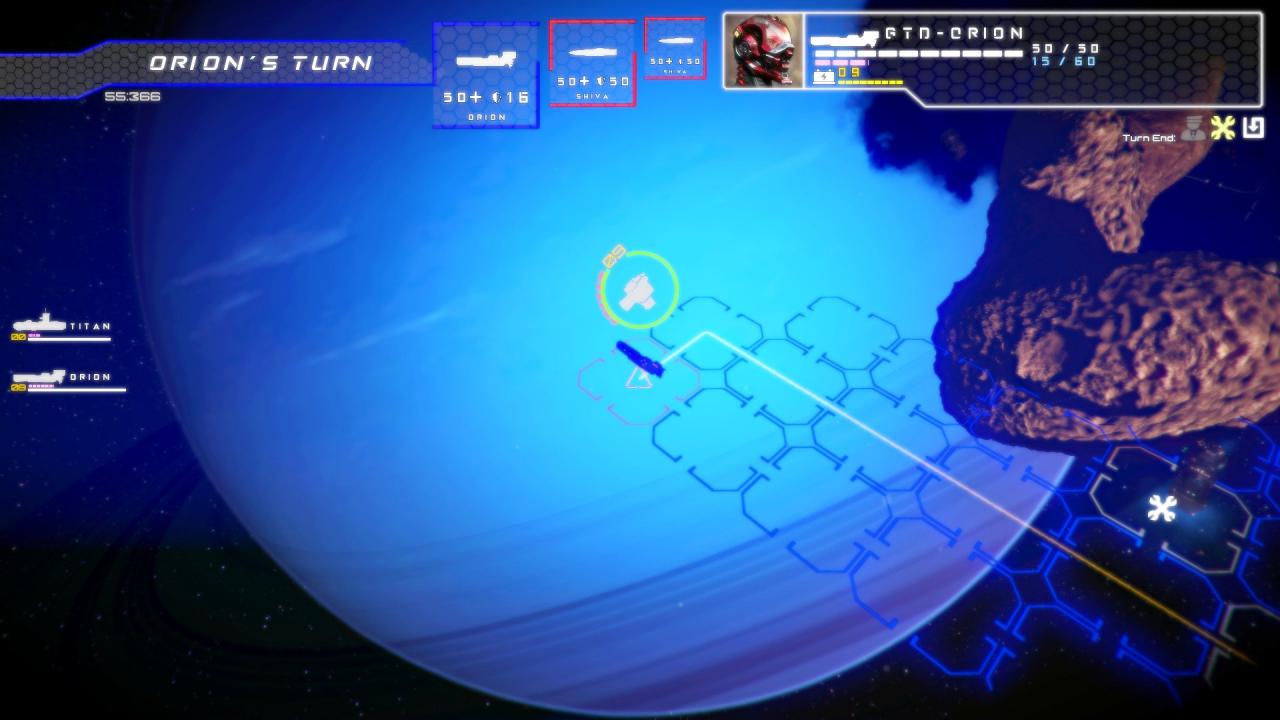
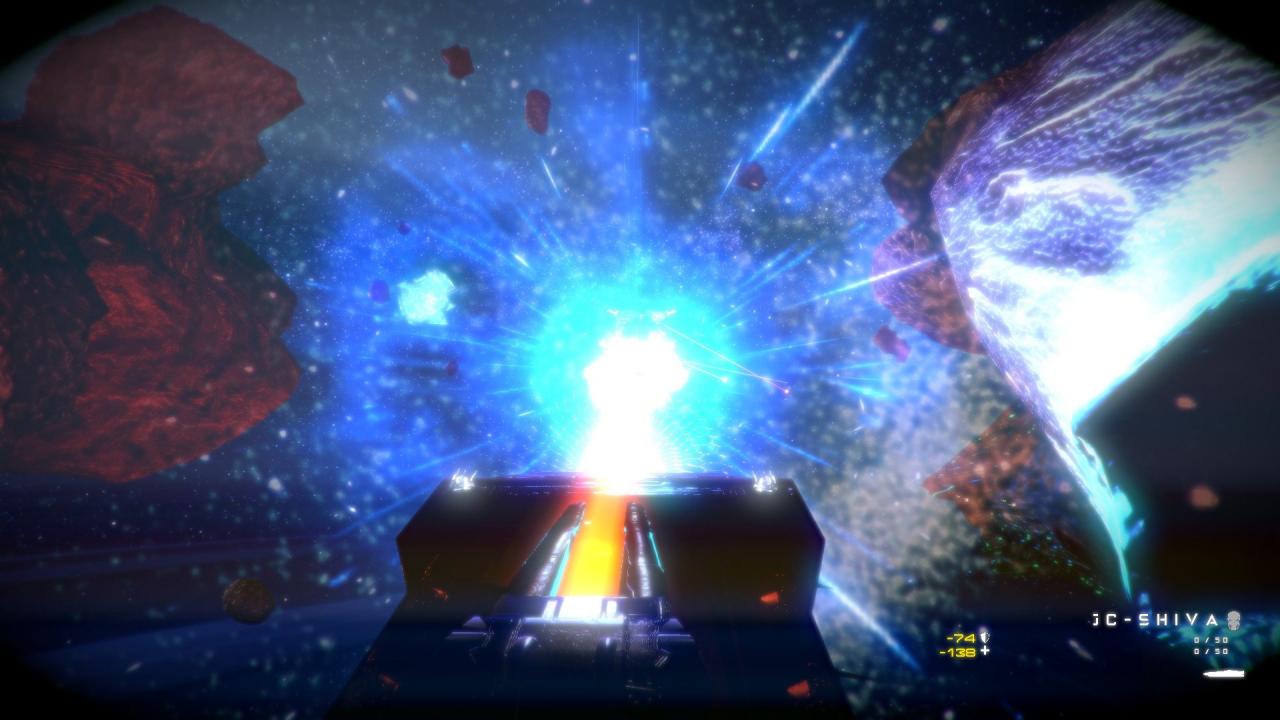
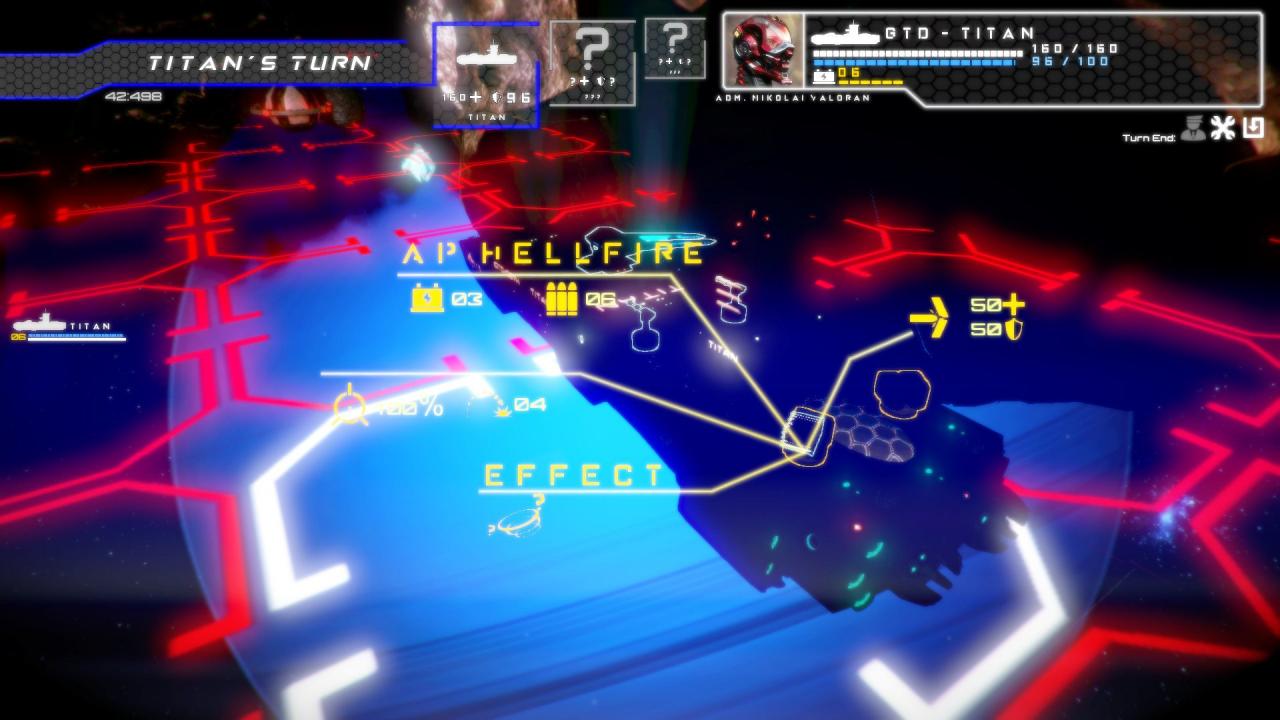
Tactics? Turn-Based? Real-Time? Roguelite?You grew up playing Turn-Based Tactics and RTS but always wanted to have the best of both worlds... The action packed thrill of the RTS, the customization of an RPG and the depth of the Turn-Based games. You always wanted more...? We'll like to introduce RAPSO (Roguelite-Action-Packed-Space-Opera). Behold a modern blend of Tactical Turn-Based RPG games (Front Mission, Final Fantasy Tactics, etc), with RTS games (Starcraft, C&C, Homeworld, etc) and Roguelite elements for flavor; all that plus multiplayer, co-op and procedural generated missions and you'll get a never ending, ever changing RAPSO.*Multiplayer, Co-Op and Procedural-Generated missions are still not implemented. Features 5 history missions with approximately 5-7 hours of play. (Prologue) 11 Ship-class. 15 Weapons. 15 Perks. Turn-based initiative system. Ship loadout system. (Work in progress) Passive proximity combat AI (RTS element) Destroyable levels. (Work in progress) Solar system exploration through missions zones. Procedural system of cameras for combat cinematics. (Work in progress) Art and UI elements are not final and most of the systems need testing still.

In memory of TITAN screenshotIn memory of TITAN screenshotIn memory of TITAN screenshotIn memory of TITAN screenshotIn memory of TITAN screenshotIn memory of TITAN screenshot

How to redeem

  1. 1Check your Steam account and the listed region before purchasing.
  2. 2Find your code and supplier activation instructions in your confirmed order.
  3. 3Open the redeem-code section on Steam, enter the code and follow the platform’s prompts.

Supplier instructions

Go to: http://store.steampowered.com/ and download STEAM client Click "Install Steam" (from the upper right corner) Install and start application, login with your Account name and Password (create one if you don't have). Please follow these instructions to activate a new retail purchase on Steam: Launch Steam and log into your Steam account. Click the Games Menu. Choose Activate a Product on Steam... Follow the onscreen instructions to complete the process. After successful code verification go to the "MY GAMES" tab and start downloading.

You might also like