

SteamGlobal· Key
Paws and Claws: Pampered Pets
€10.46
+€1.05 cashback eligibility in Relic Coins
Check before you play
- Platform
- Steam
- Region
- Global
- Product type
- Key
- Publisher
- ValuSoft
- Supplier release date
- 2009-12-15
- Genres
- Simulation, Casual
SteamGlobal· Key
€10.46
+€1.05 cashback eligibility in Relic Coins
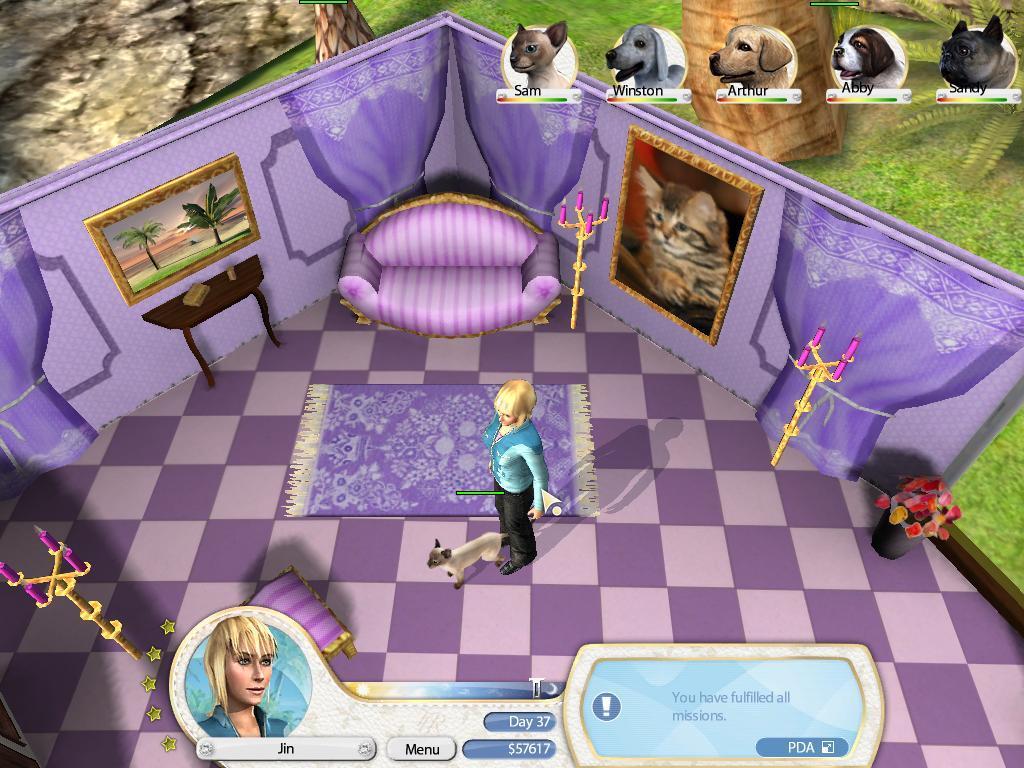
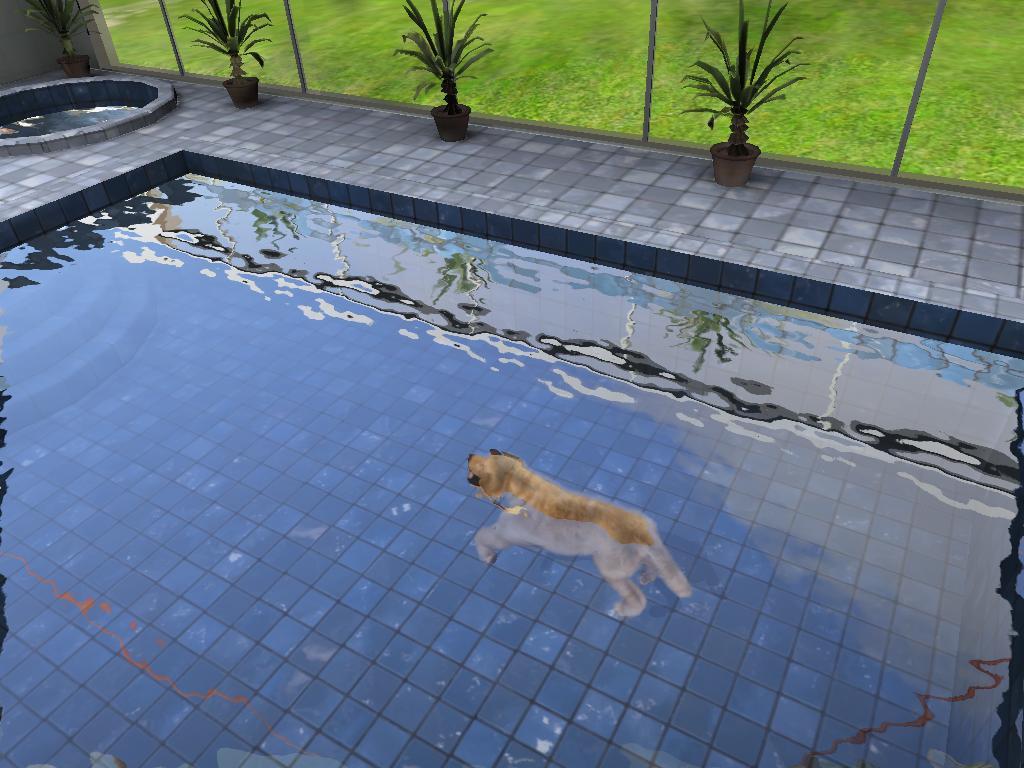
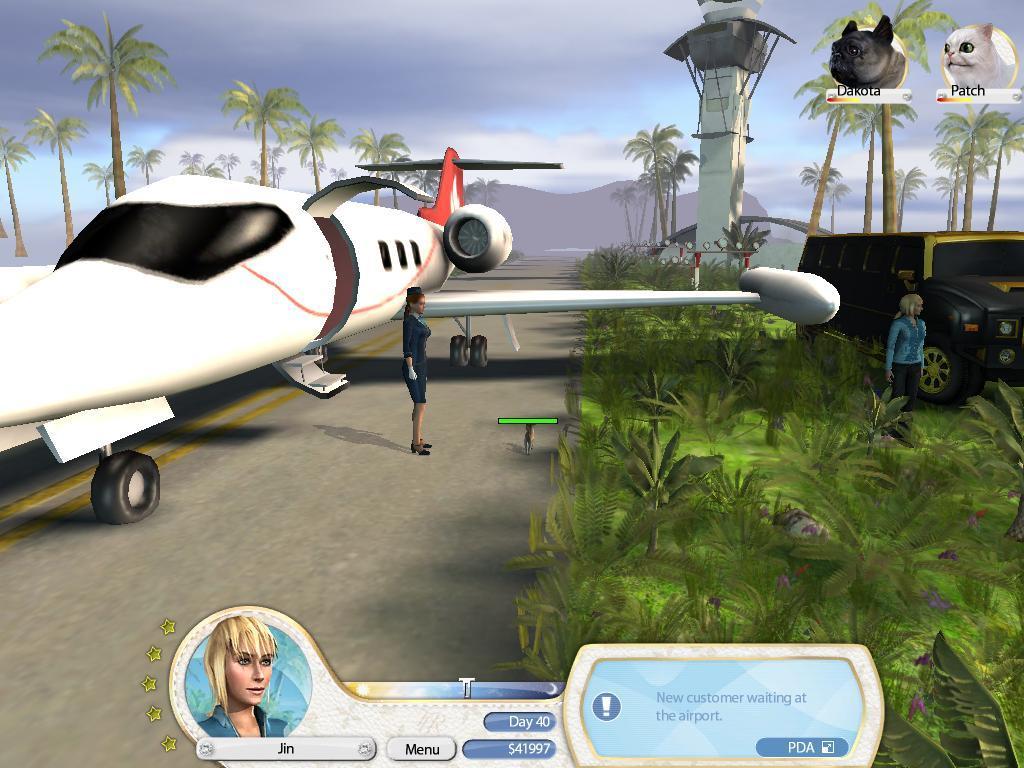
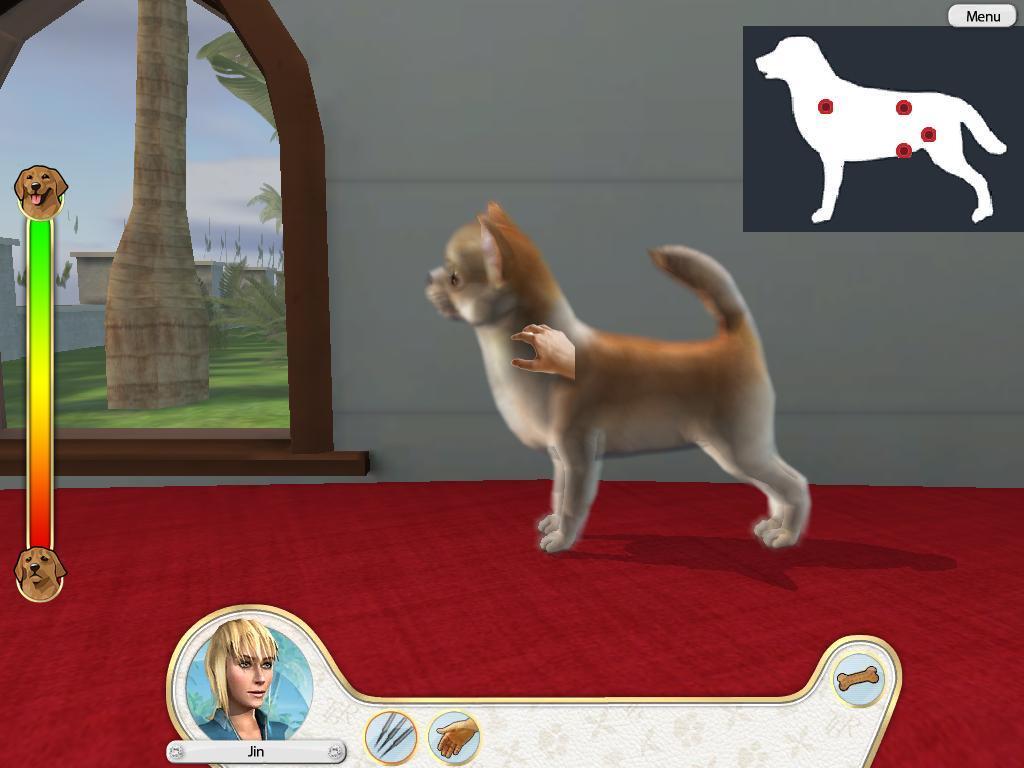
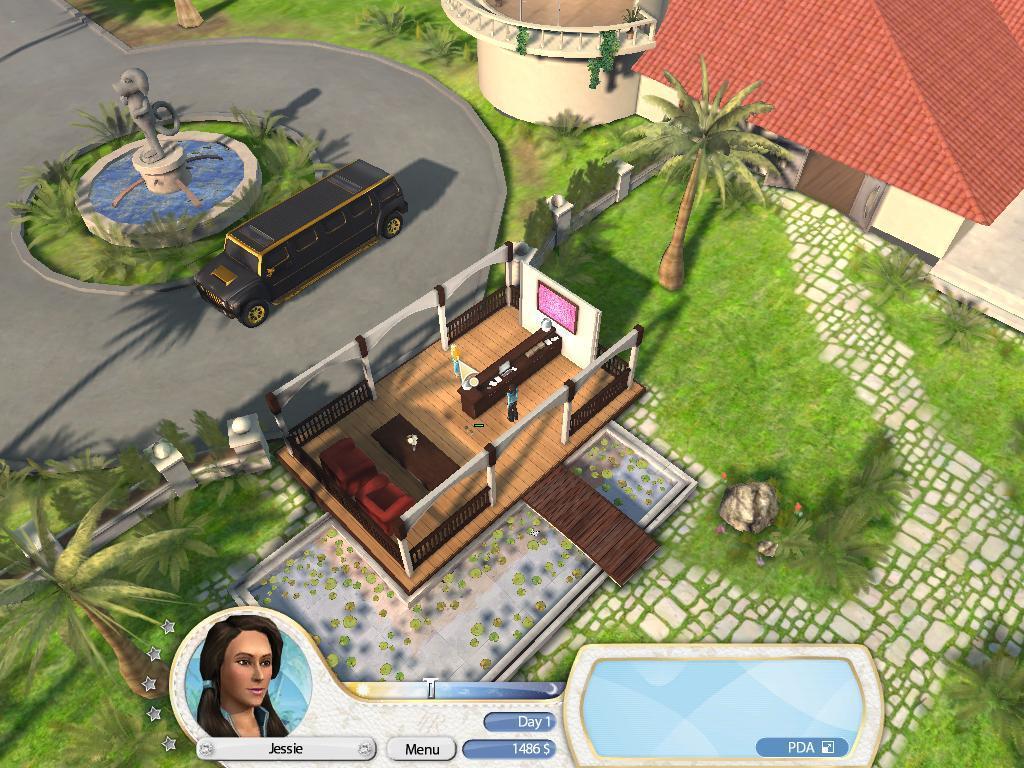
Only the best for your pets! Luxury and extravagance are the way of life at the Pampered Pets Spa. Let the pampering begin! Features Time for TLC! Welcome your clients to your Pampered Pets Spa to style and spoil your pets. Bling! Create custom diamond collars, sequined bags and more in your very own Pet Shop. Posh pad! Welcome your VIPets to their very own luxurious themed room including the Pretty in Purple and You’re a Movie Star rooms. Secret to Success! Grow your Pet Spa business as you receive gold star recommendations from your satisfied customers. Spare No Expense! Expand your custom treatments such as water aerobics and acupuncture in the Wellness Center. Pamper your VIPets with nothing but the best treatments including massage therapy and oxygen tents. Become the star of the business welcoming your guests with a limo ride from the airport. Offer your Pet Spa customers posh accessories and lavish personal pet rooms.

Go to: http://store.steampowered.com/ and download STEAM client Click "Install Steam" (from the upper right corner) Install and start application, login with your Account name and Password (create one if you don't have). Please follow these instructions to activate a new retail purchase on Steam: Launch Steam and log into your Steam account. Click the Games Menu. Choose Activate a Product on Steam... Follow the onscreen instructions to complete the process. After successful code verification go to the "MY GAMES" tab and start downloading.