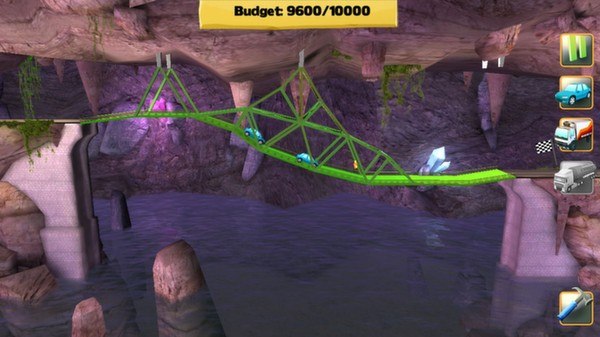
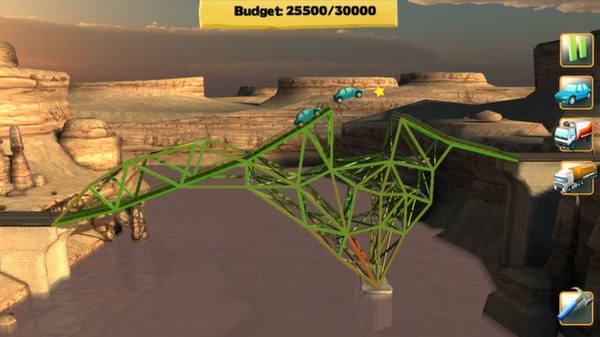
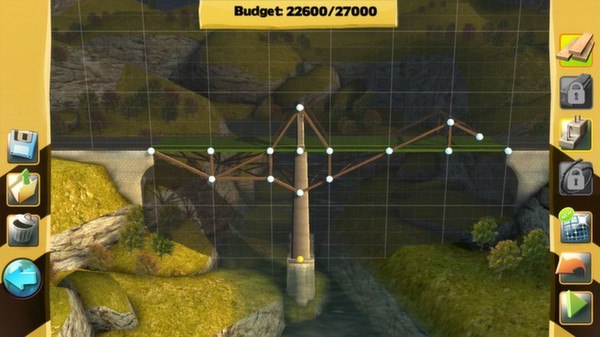
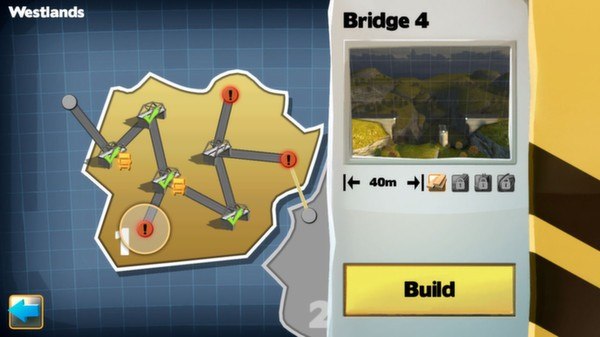
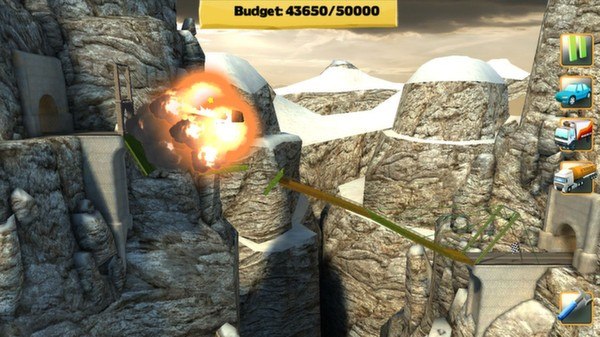
Become an appraised bridge engineer and architect in Bridge Constructor. Create and design your own constructions and watch the cars and trucks pass over them - or see them fall and crash while your inferior creations collapse due to weight and the laws of physics! Progress through numerous levels and build bridges over deep valleys, canals, or rivers. Stress tests reveal whether the bridge you build can withstand the daily stress of continual use from cars and trucks. Choose between a range of materials for each individual bridge, such as wood, steel, cables, or concrete pillars. Use the appropriate materials and stay within budget to build the perfect bridge. The choice of materials enables you to build each bridge in almost infinite variety – your budget is the only limit. So get on the drawing board and set your imagination and creativity free! The Steam version also includes SlopeMania, a fully sized Add-On to the original game, bringing more levels, features, a new setting and much more. Features 64 Levels 6 Settings: City, Canyon, Beach, Mountains, Hills, Grotto Option to build sloping roads Map with all unlocked worlds/levels 4 different building materials: Wood, Steel, Cables, Concrete pillars Color coded load indicator for different building materials Three different load bearing levels: Car, Truck and Tank Truck High score per level Steam achievements & Leaderboards