

SteamGlobal· Key
Orczz
€0.66
+€0.07 cashback eligibility in Relic Coins
Check before you play
- Platform
- Steam
- Region
- Global
- Product type
- Key
- Publisher
- Camel 101
- Supplier release date
- 2018-11-17
- Genres
- Strategy
SteamGlobal· Key
€0.66
+€0.07 cashback eligibility in Relic Coins
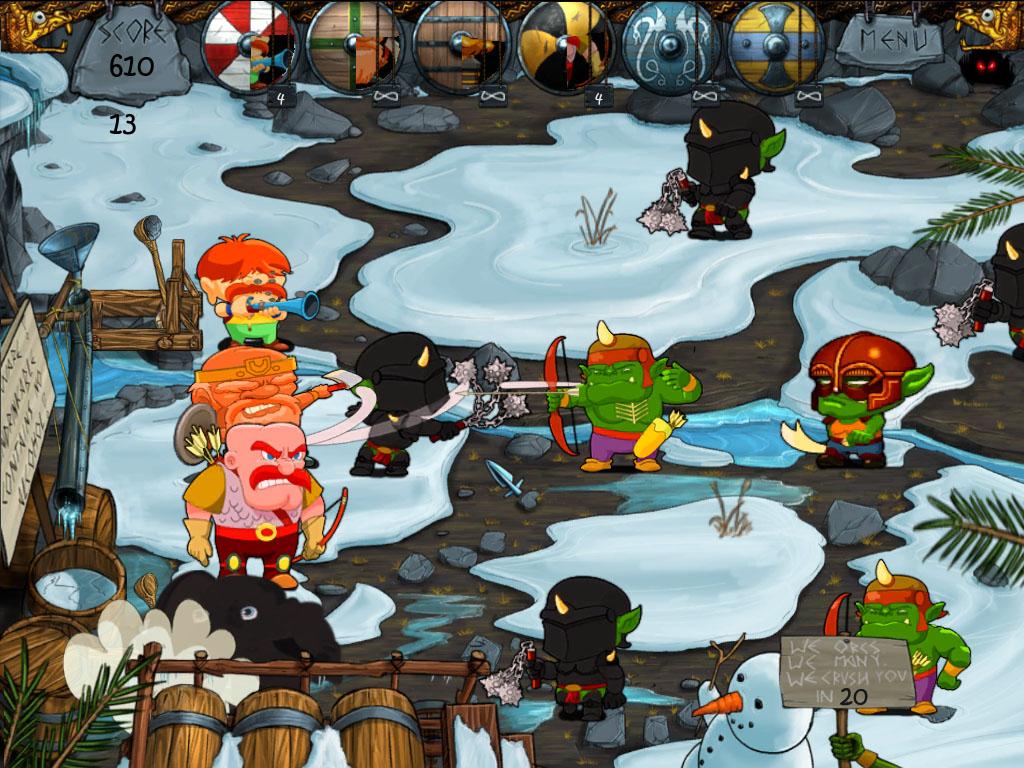
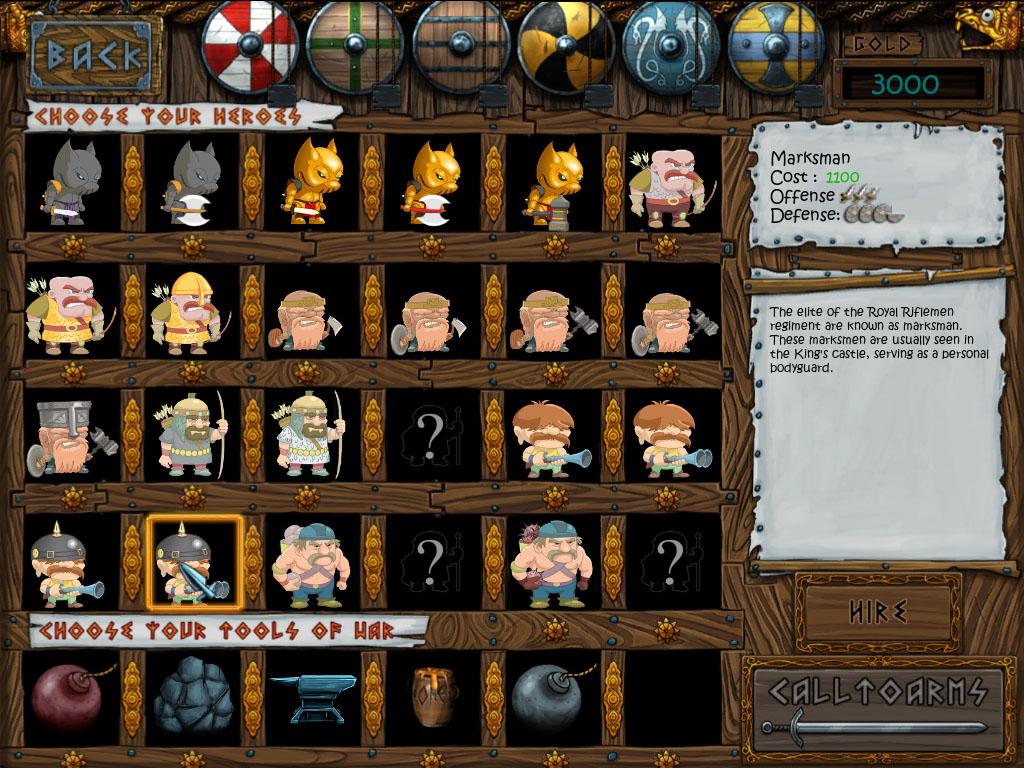
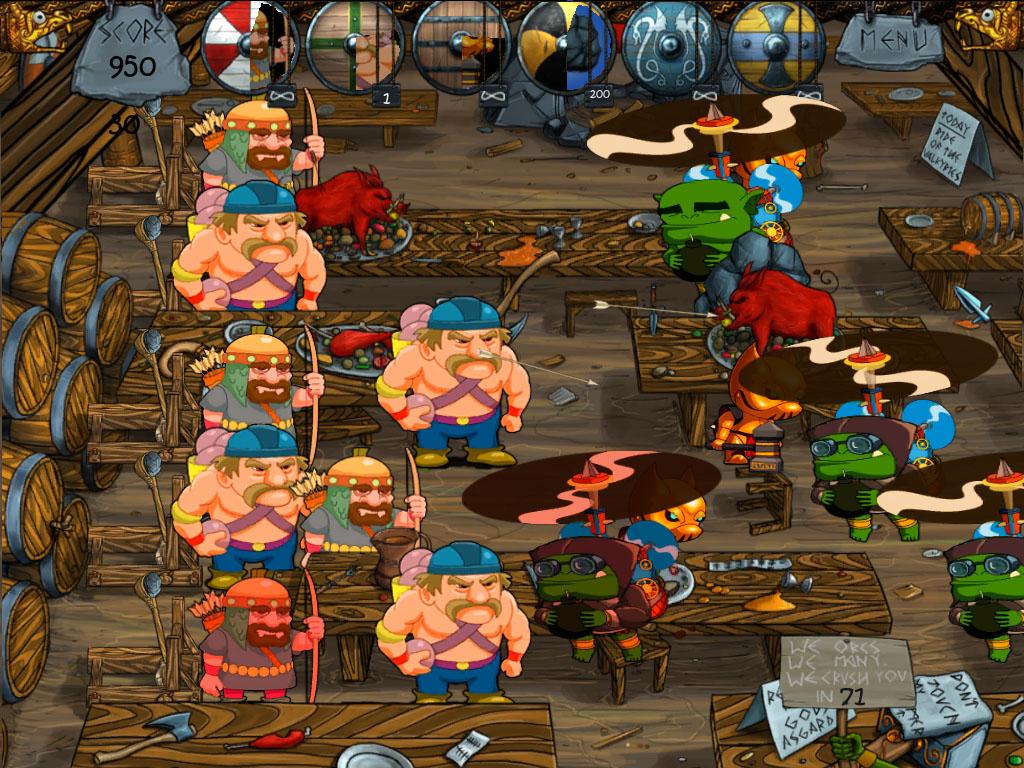
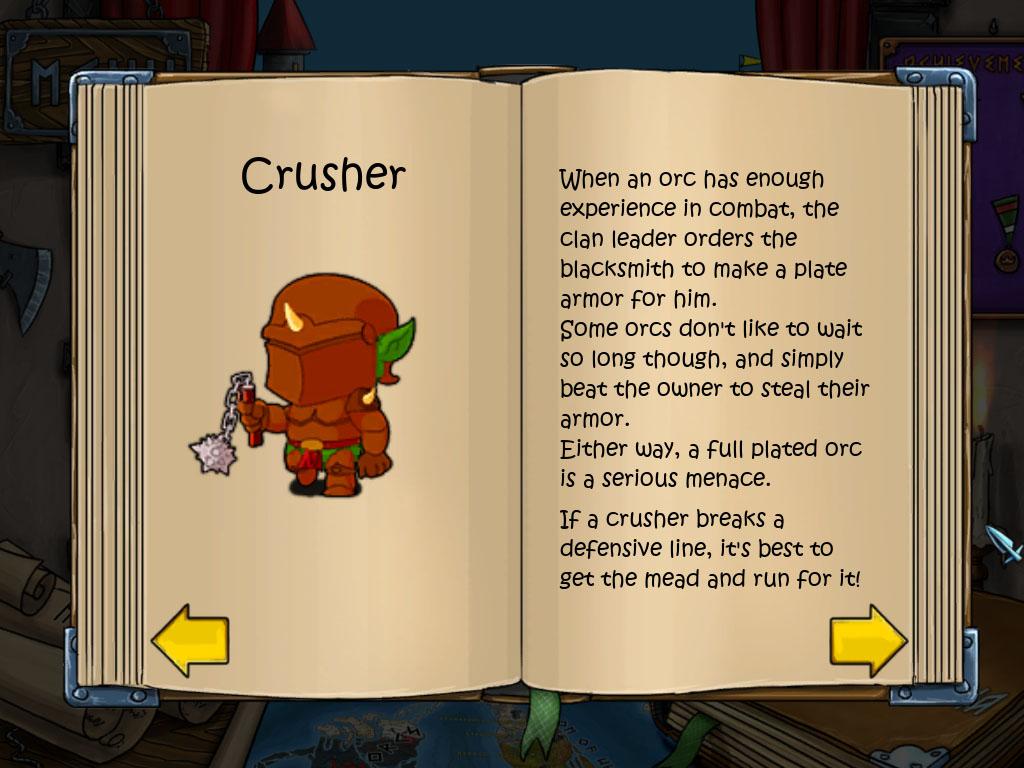
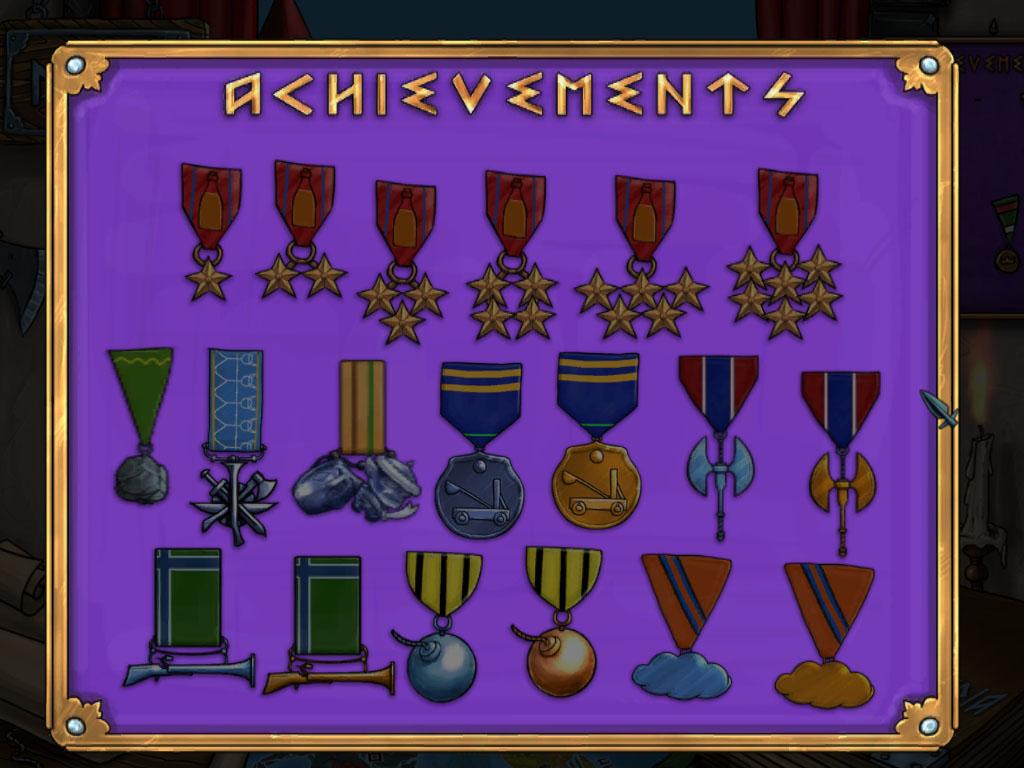
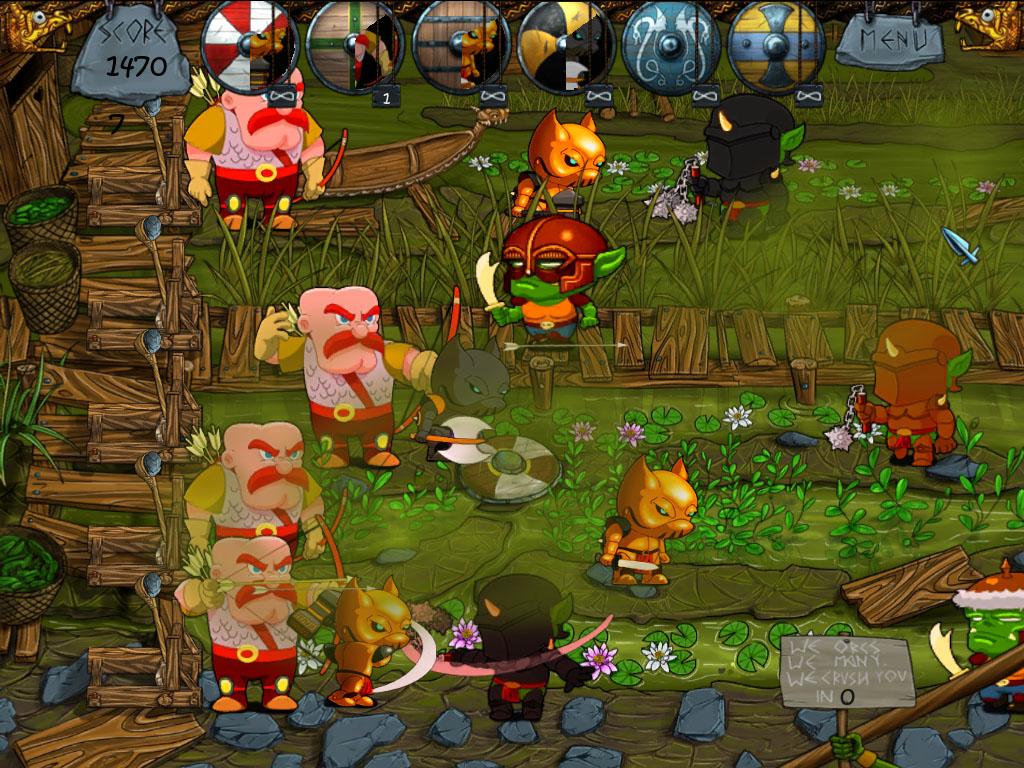
Welcome, General! Until last year, the mead business couldn't have been better. But then that horde of evil, mead-stealing, green-skins turned up and stole our machinery.At times like this, a mead-maker's got to do what a mead-maker's got to do.So put down your mead mugs and get those axes sharpened. These are dark days, my friend. But we will not rest until we have taken revenge for every last drop of stolen mead!Orczz is a fantasy tower defense game set in the fantasy Kingdom of Whiteleaf, famous for its delicious honey wine – the mead.The player controls the Knight Order of the Mug, protectors of Whiteleaf and the mead, who are once again called to defend the land against an invading horde of orcs.The game features a story driven campaign with 6 different areas, minigames, achievements and 40 different units. Features No flying cows in the final version. More alcohol than you can shake a beer mug at. 40+ different units - and half of them are green. Great minigames - watch out for anvils! Superior graphics - forget ugly 3D, we're ugly in 2D. Adorably violent - fun for all the family. Child-friendly (yes, even the bits with booze!)
Go to: http://store.steampowered.com/ and download STEAM client Click "Install Steam" (from the upper right corner) Install and start application, login with your Account name and Password (create one if you don't have). Please follow these instructions to activate a new retail purchase on Steam: Launch Steam and log into your Steam account. Click the Games Menu. Choose Activate a Product on Steam... Follow the onscreen instructions to complete the process. After successful code verification go to the "MY GAMES" tab and start downloading.