Get 10% back in Relic Coins on every order
White Day: A Labyrinth Named School (valid until March 2027) cover

SteamGlobal· Key

White Day: A Labyrinth Named School (valid until March 2027)

€2.47

+€0.25 cashback eligibility in Relic Coins

Check before you play

Platform
Steam
Region
Global
Product type
Key
Developer
Sonnori
Publisher
PQube
Supplier release date
2017-08-22
Genres
Action, Adventure, Indie, Horror

About this product

Prepare yourself for one of the most chilling games ever created! On the eve of gift-giving holiday White Day, new Yeondu High School student Hee-Min Lee slips into school to hide a box of candies for the girl of his dreams. But when the school shutters slam shut, he finds himself trapped in the building overnight, hunted by a killer janitor and haunted by the troubled souls of the dead. Playing as Hee-Min Lee, can you remain hidden, solve the clues and uncover the dark secrets of the building's past to survive the deadly threats? Or will the after-class horrors claim your life before you can escape? With no weapons to defend yourself there’s zero room for error in this tense, stealth-based scarefest brimming with secrets and multiple endings.

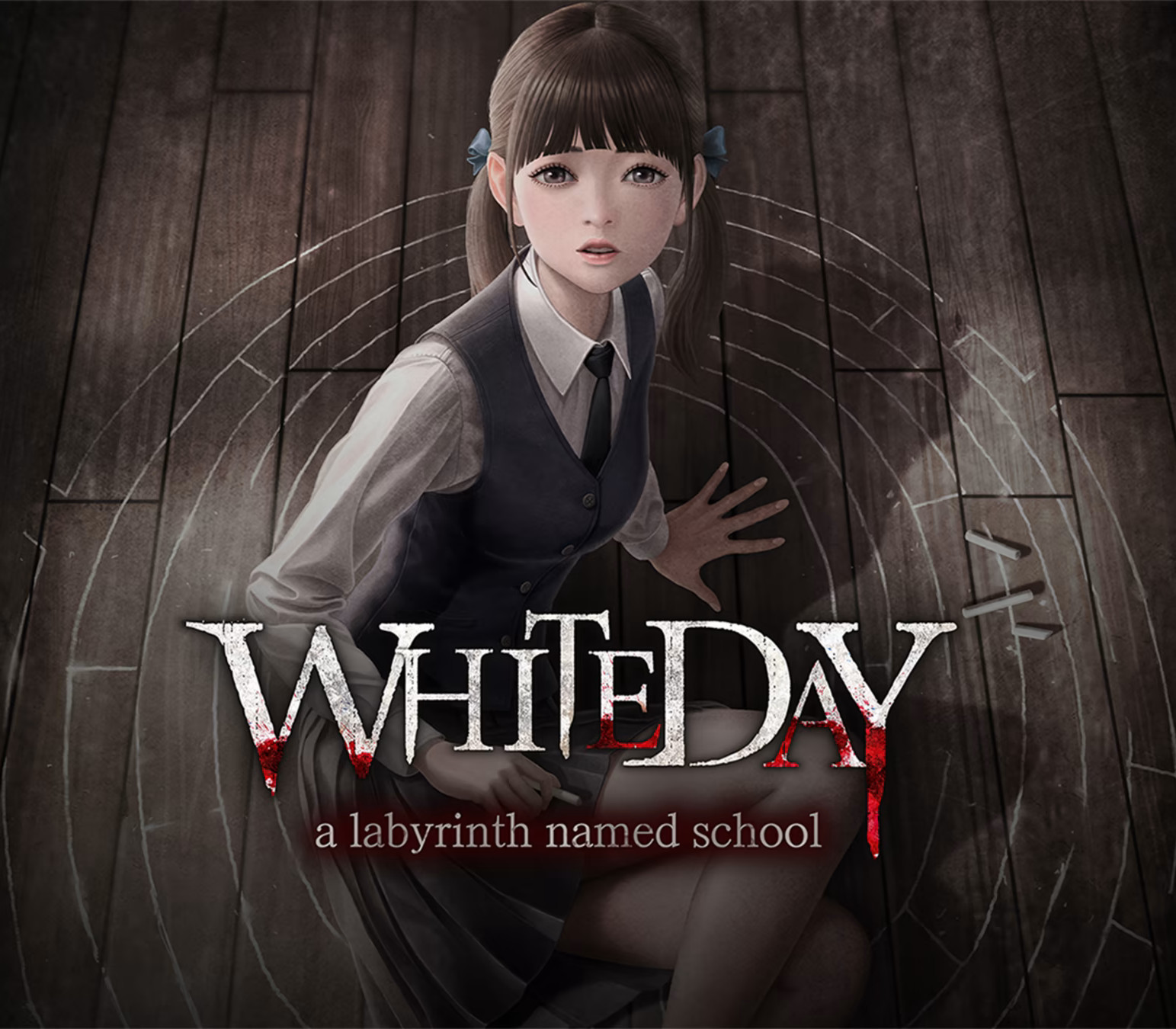
White Day: A Labyrinth Named School (valid until March 2027) screenshotWhite Day: A Labyrinth Named School (valid until March 2027) screenshotWhite Day: A Labyrinth Named School (valid until March 2027) screenshotWhite Day: A Labyrinth Named School (valid until March 2027) screenshot

How to redeem

  1. 1Check your Steam account and the listed region before purchasing.
  2. 2Find your code and supplier activation instructions in your confirmed order.
  3. 3Open the redeem-code section on Steam, enter the code and follow the platform’s prompts.

Supplier instructions

Go to: http://store.steampowered.com/ and download STEAM client Click "Install Steam" (from the upper right corner) Install and start application, login with your Account name and Password (create one if you don't have). Please follow these instructions to activate a new retail purchase on Steam: Launch Steam and log into your Steam account. Click the Games Menu. Choose Activate a Product on Steam... Follow the onscreen instructions to complete the process. After successful code verification go to the "MY GAMES" tab and start downloading.

You might also like