Get 10% back in Relic Coins on every order
Northern Tale 3 cover

SteamGlobal· Key

Northern Tale 3

€5.06

+€0.51 cashback eligibility in Relic Coins

Check before you play

Platform
Steam
Region
Global
Product type
Key
Developer
Realore
Publisher
Qumaron
Supplier release date
2017-12-01
Genres
Adventure, Strategy, Casual

About this product

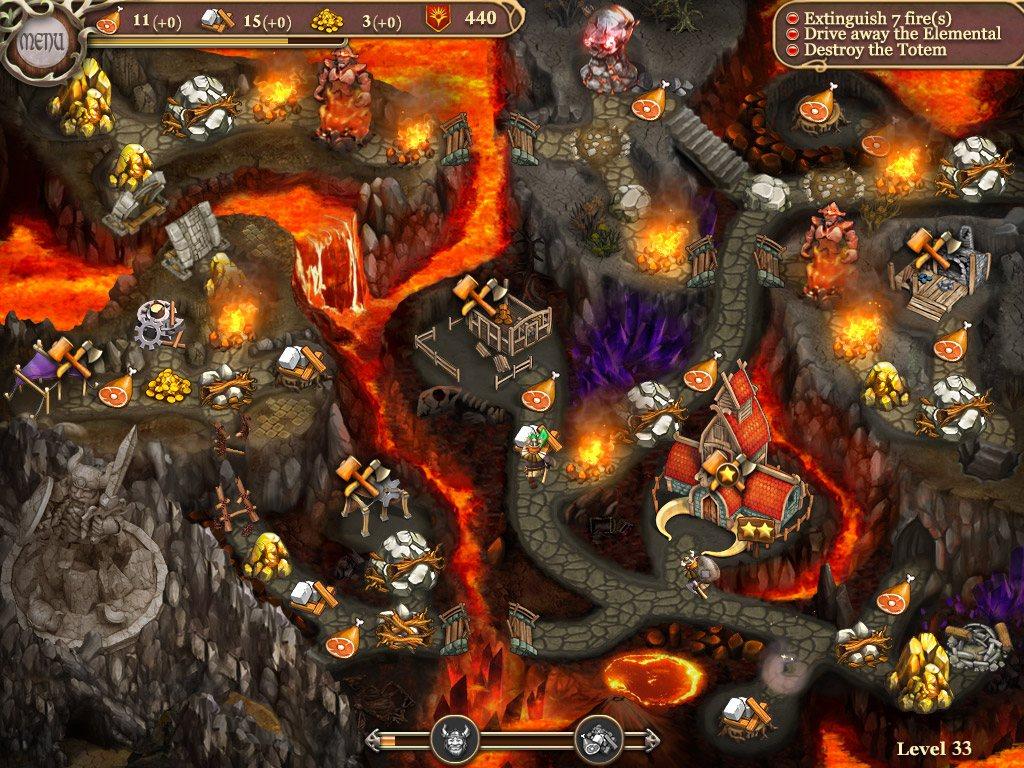
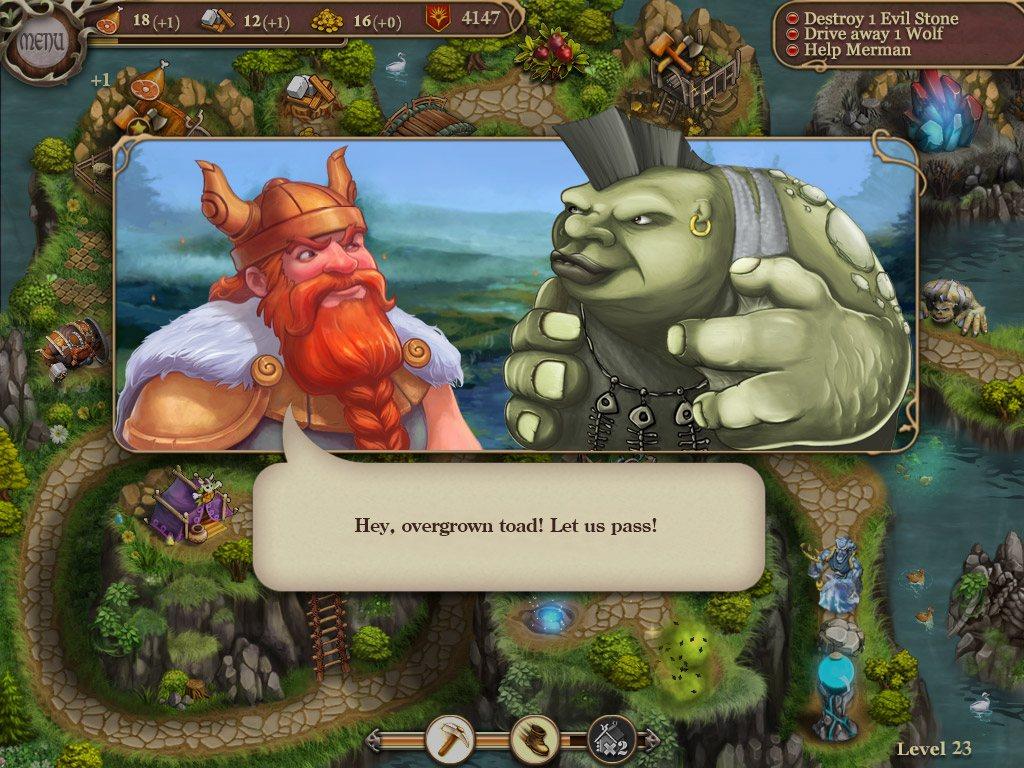
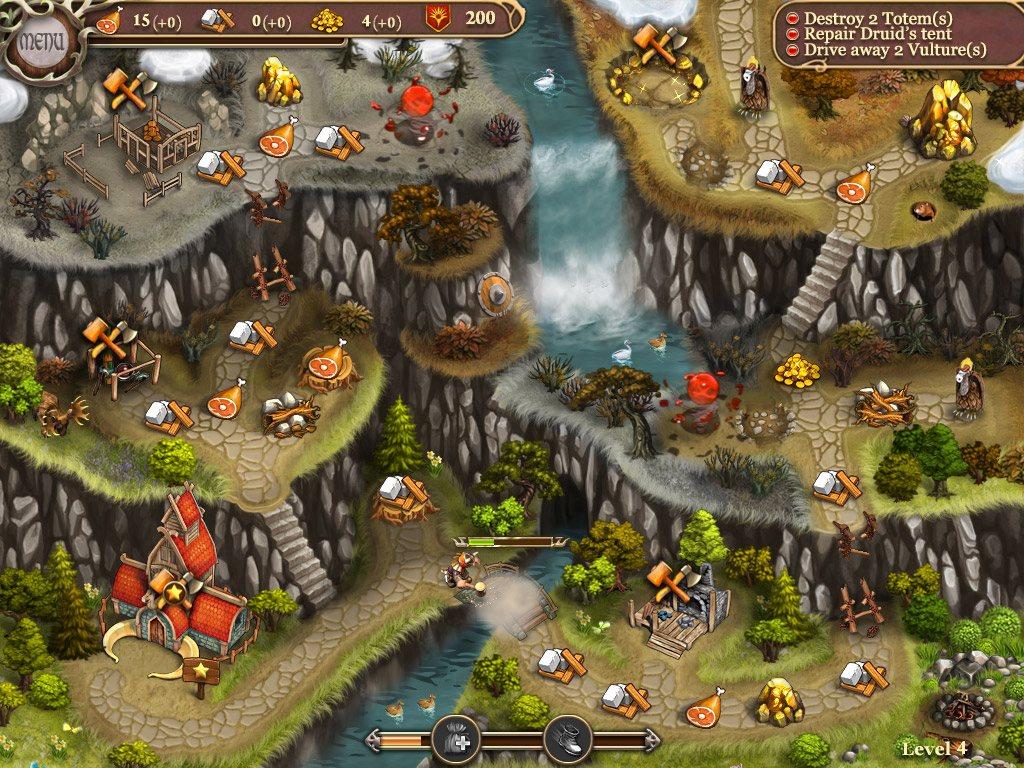
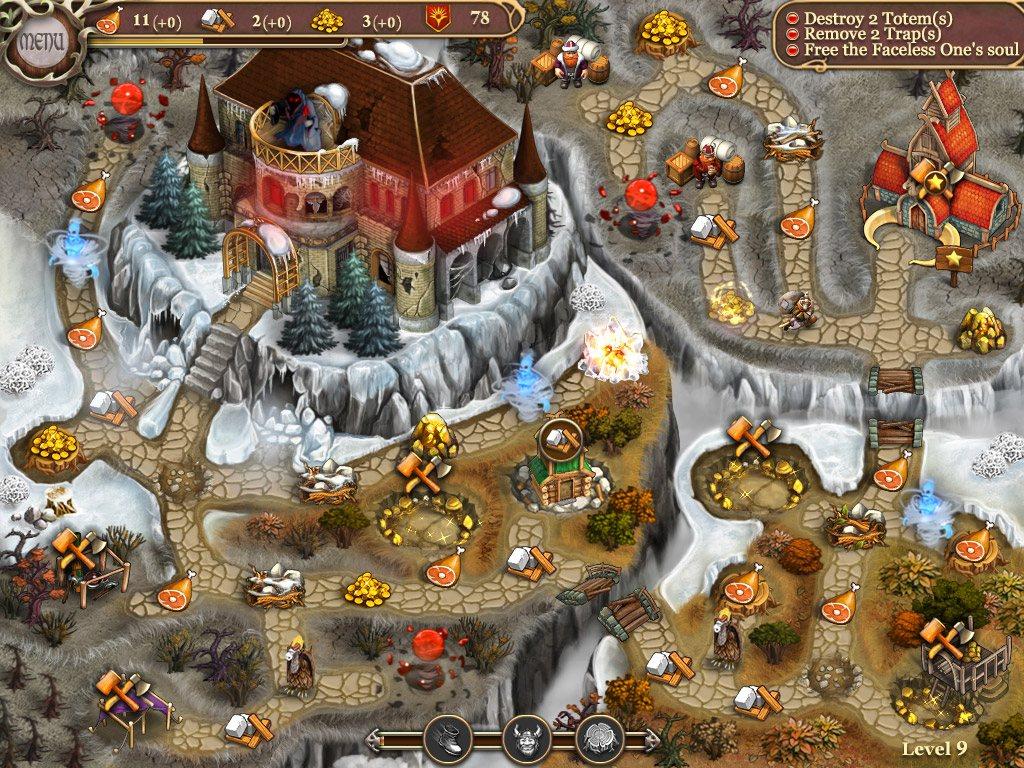
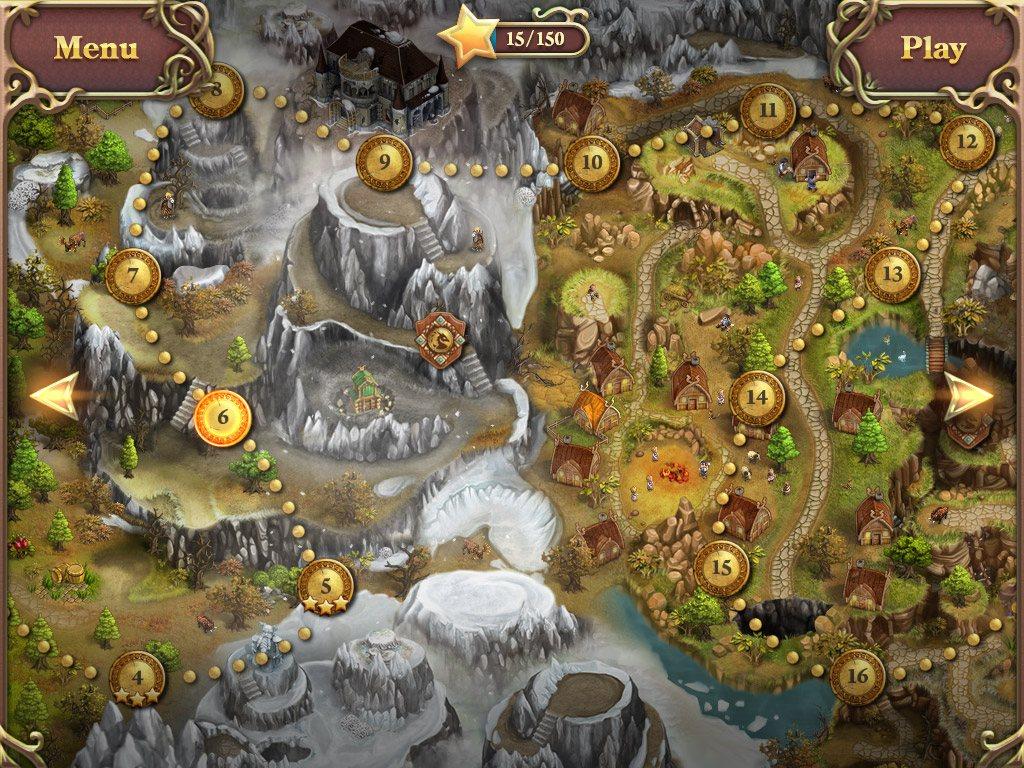
Embark on an epic quest to save your lands from evil. Award-winning casual strategy game comes to Google Play. A resource-management adventure game of epic proportions! Become the King of the Vikings. Lead your fellow companions into the world full of mystical legends and ancient myths. As king Ragnar travel through the beautiful landscapes of four fantasy kingdoms. Explore mesmerizing but haunting forests full of wild beasts and otherworldly creatures. Construct camps, find food and clear the roads from obstacles and minions in order to proceed. Upgrade your buildings to summon other characters each with a different set of unique abilities. Find hidden treasures and lost artifacts to use them and complete challenging time-management puzzles. Northern Tale 3 is a casual strategy that will challenge you but will not overwhelm with difficulty. This game will invite you to become a part of a great legend. Rescue your friends from the curse of the Ethereal Dragon! Become the ultimate hero of the North! Features Travel across 50 colorful levels! Solve challenging resource-management puzzles! Play as different heroes! Use unique characters' abilities! Color the black and white world! Unlock over 40 challenging achievements!

Northern Tale 3 screenshotNorthern Tale 3 screenshotNorthern Tale 3 screenshotNorthern Tale 3 screenshotNorthern Tale 3 screenshot

How to redeem

  1. 1Check your Steam account and the listed region before purchasing.
  2. 2Find your code and supplier activation instructions in your confirmed order.
  3. 3Open the redeem-code section on Steam, enter the code and follow the platform’s prompts.

Supplier instructions

Go to: http://store.steampowered.com/ and download STEAM client Click "Install Steam" (from the upper right corner) Install and start application, login with your Account name and Password (create one if you don't have). Please follow these instructions to activate a new retail purchase on Steam: Launch Steam and log into your Steam account. Click the Games Menu. Choose Activate a Product on Steam... Follow the onscreen instructions to complete the process. After successful code verification go to the "MY GAMES" tab and start downloading.

You might also like