

SteamGlobal· Key
Master Pyrox Wizard Smackdown
€0.89
+€0.09 cashback eligibility in Relic Coins
Check before you play
- Platform
- Steam
- Region
- Global
- Product type
- Key
- Supplier release date
- 2018-06-09
- Genres
- Action, Indie, Casual
SteamGlobal· Key
€0.89
+€0.09 cashback eligibility in Relic Coins
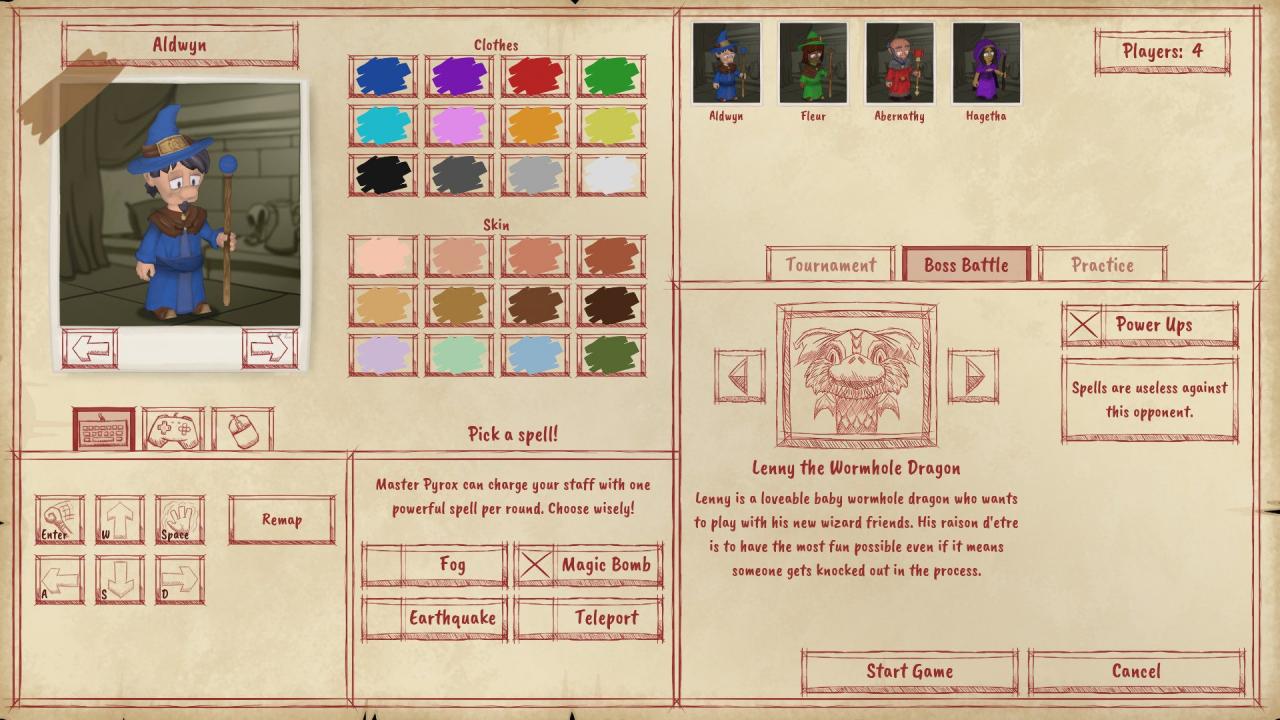
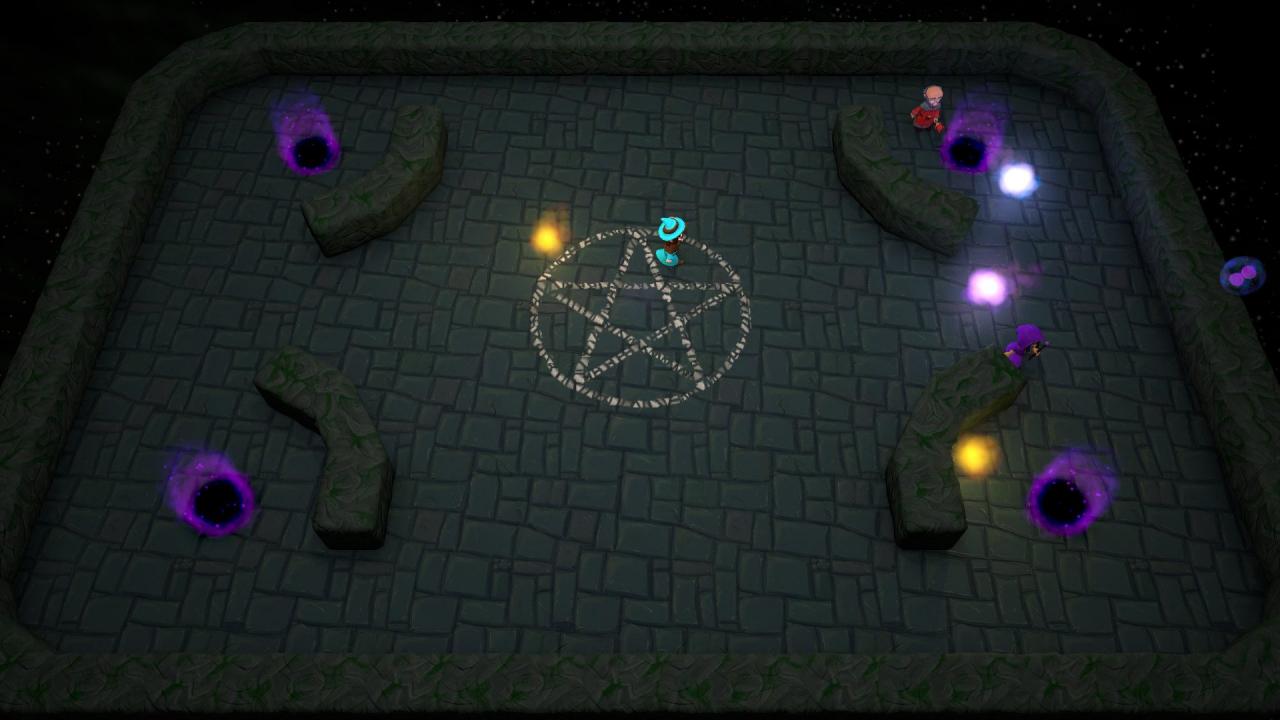
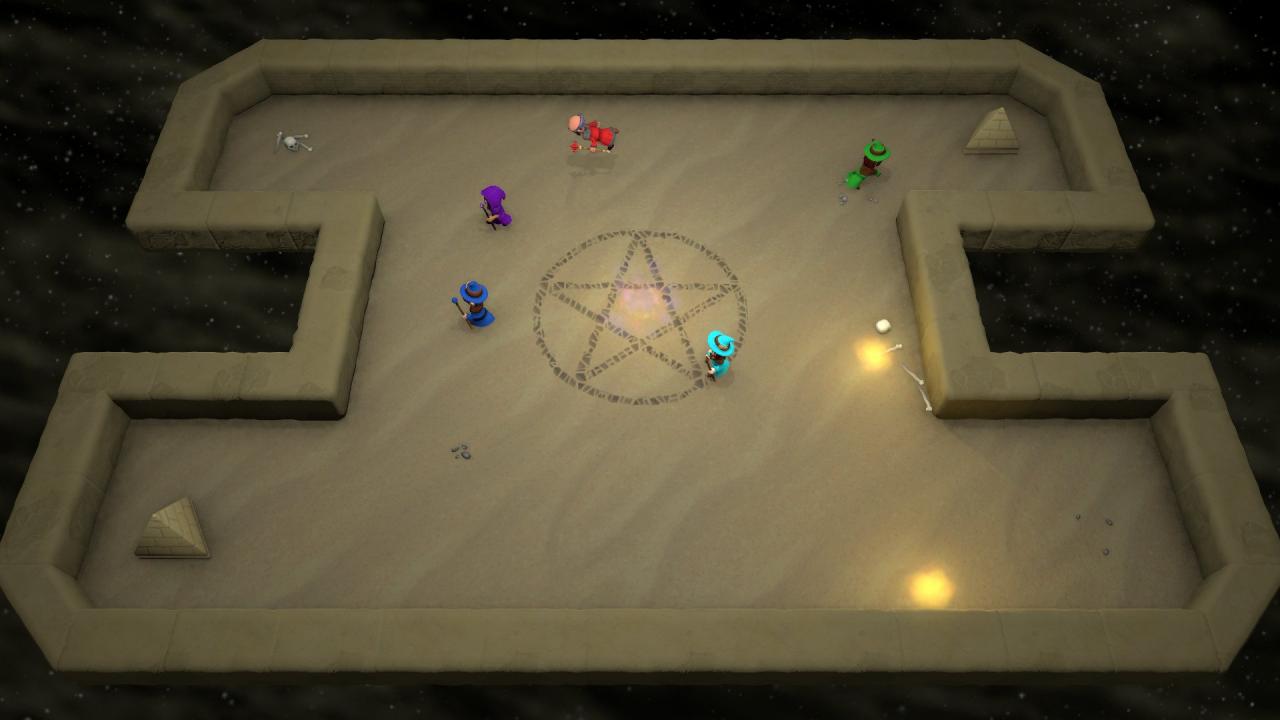
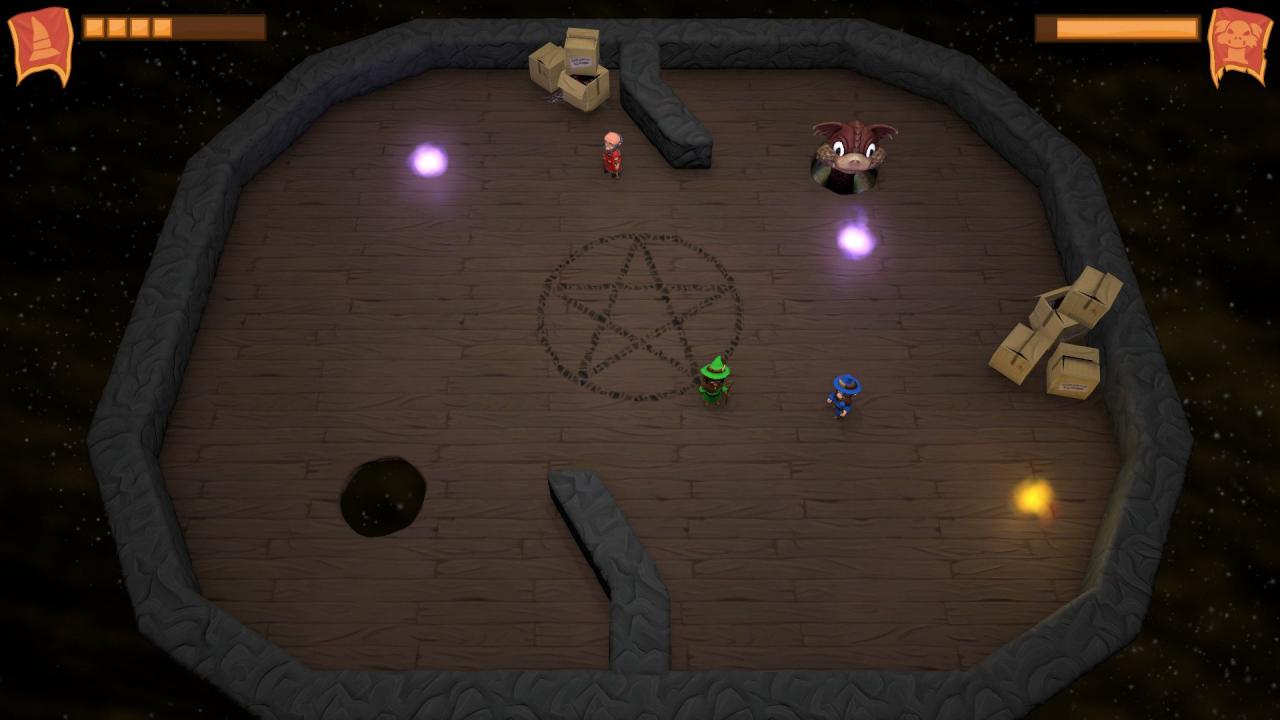
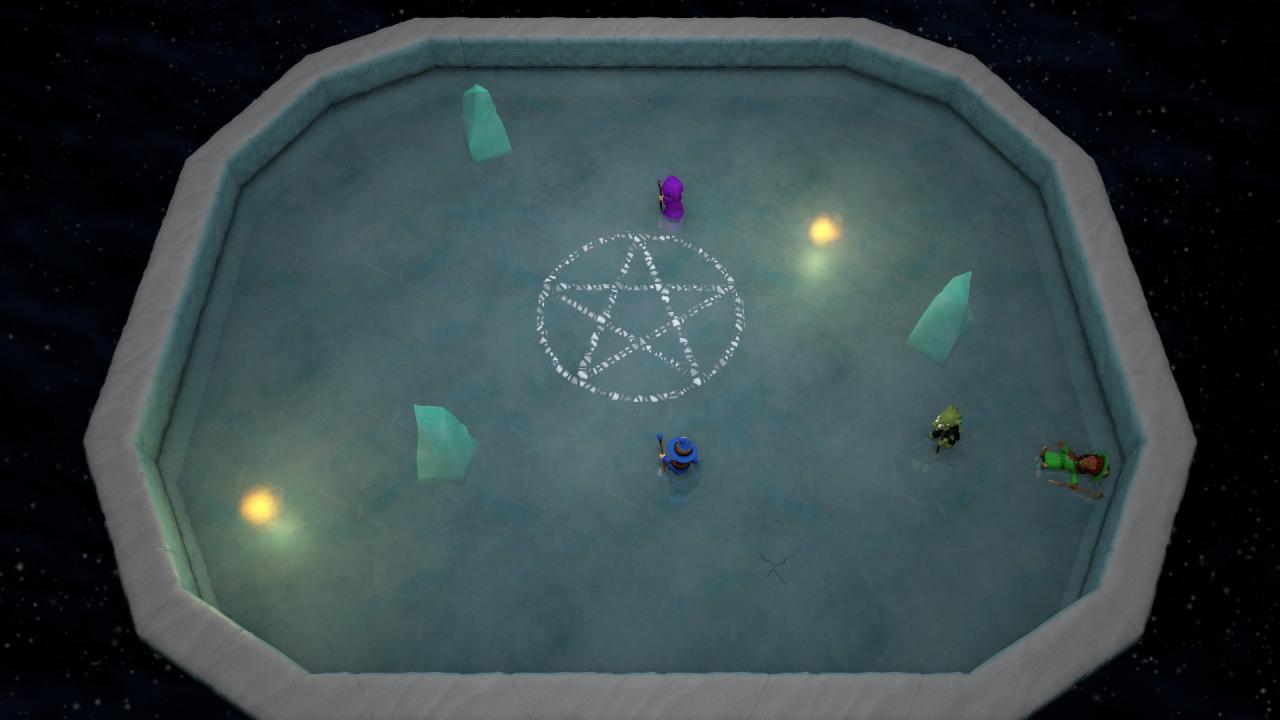
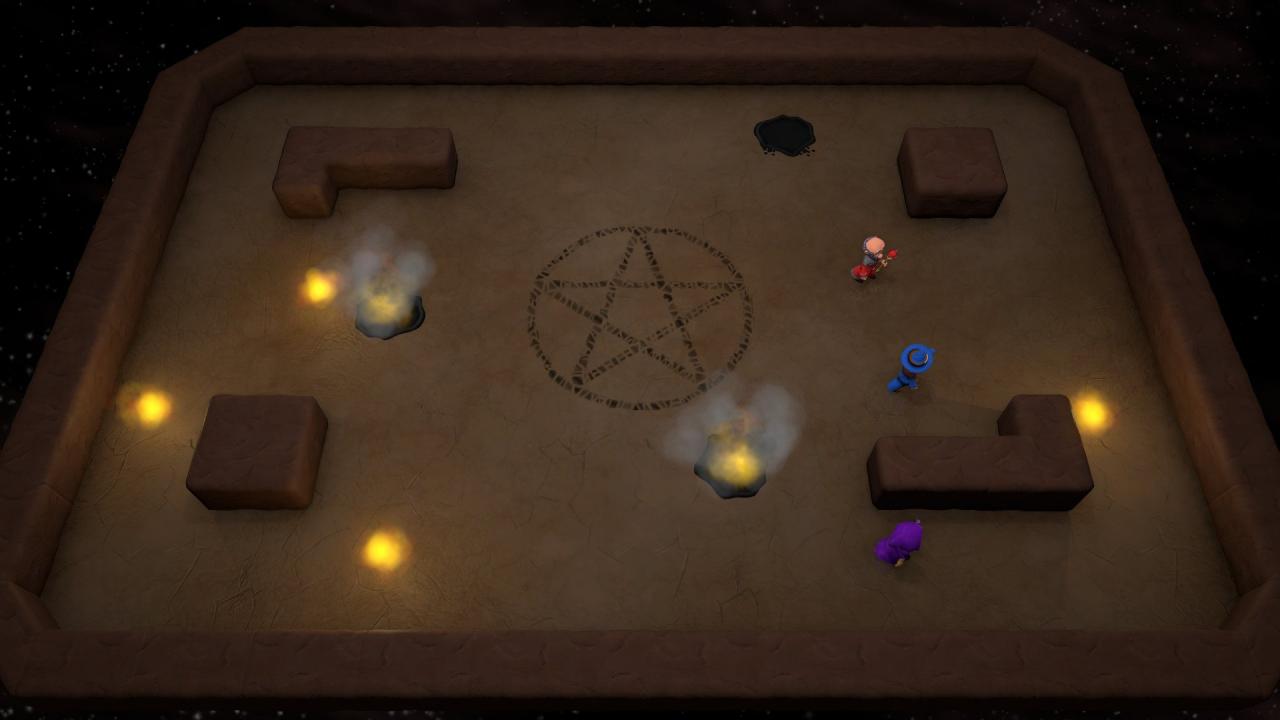
Master Pyrox, greatest pyromancer of the wizard dimension, is holding a tournament in order to find a new apprentice. Are you good enough to win against your competitors and inherit his legacy? Find out and apply for the Master Pyrox Wizard Smackdown!Master Pyrox Wizard Smackdown is a fast-paced arcade-style multiplayer game. It's very easy to learn, but difficult to master. Avoid the fireballs that manifest in the center of the screen, knock your opponents down, collect power-ups and cast spells. Up to 8 players can fight against each other in a tournament or cooperate against one of Pyrox's creatures in a boss fight. Various gameplay options allow you to customize the game, and you can even design your own maps. Features Competitive and cooperative game modes. Single player mode against AI opponents. Shared screen multiplayer and network multiplayer modes. Design your own maps with the built-in level editor. The game will continue to receive free content updates based on player feedback.
"Please remember that we are NOT responsible for any problems that may arise from purchasing and using Steam Gifts. You are doing it at your own risk. "Please note, that due to recent Valve https://support.steampowered.com/kb_article.php?ref=1327-WUJX-5722 Steam Gifts for games that are covered by VAC ban program can no longer be added to Inventory. Make sure that you are logged in to the proper account before entering the link as Steam Gifts can be only added to your library or rejected. How do I use a Steam gift given to me? If you do not already have Steam, download and install Steam http://store.steampowered.com/about/. Once you have Steam installed, you will be prompted to create an account or login to an existing Steam account. If you do not have an account, please create one. You will receive an e-mail containing a link that will open Steam allowing you to redeem your gift. After clicking the link, you will receive a notification at the top right corner in the Steam client informing that you have a new gift.