

SteamGlobal· Key
God of Failure
€0.83
+€0.08 cashback eligibility in Relic Coins
Check before you play
- Platform
- Steam
- Region
- Global
- Product type
- Key
- Developer
- Axyos Games
- Publisher
- Axyos Games
- Supplier release date
- 2017-12-19
- Genres
- Strategy, Indie
SteamGlobal· Key
€0.83
+€0.08 cashback eligibility in Relic Coins
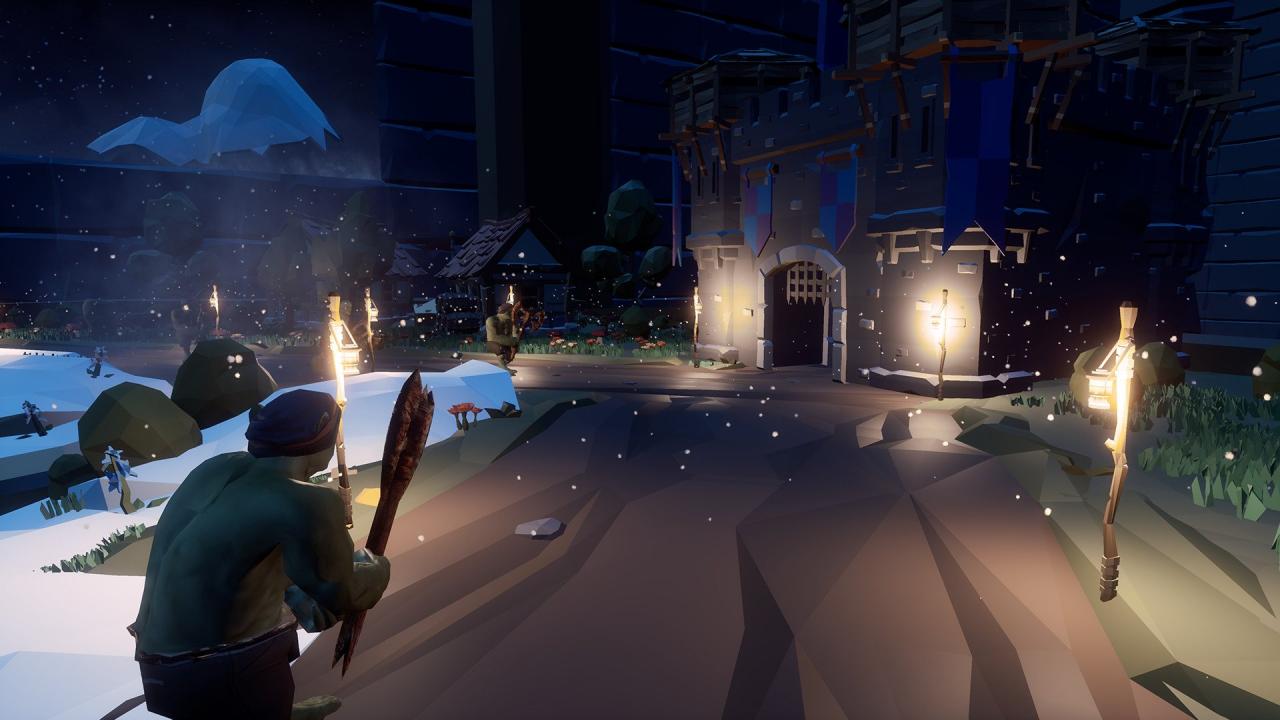
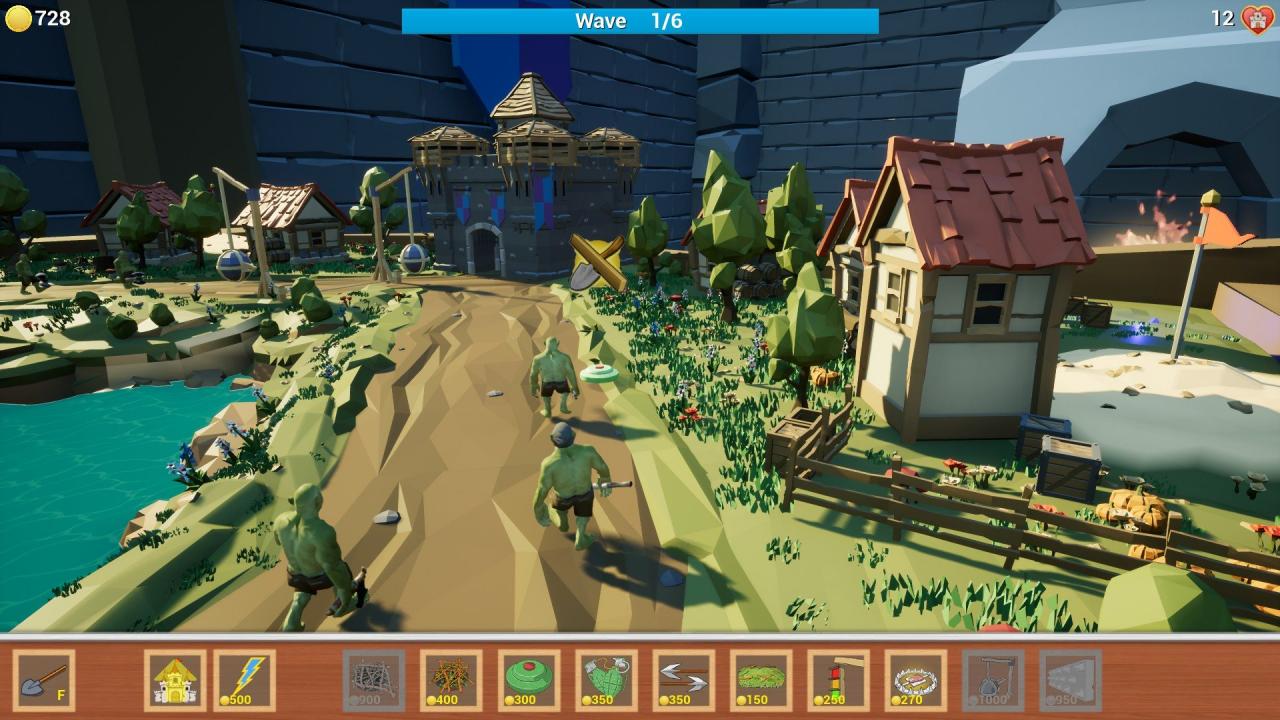
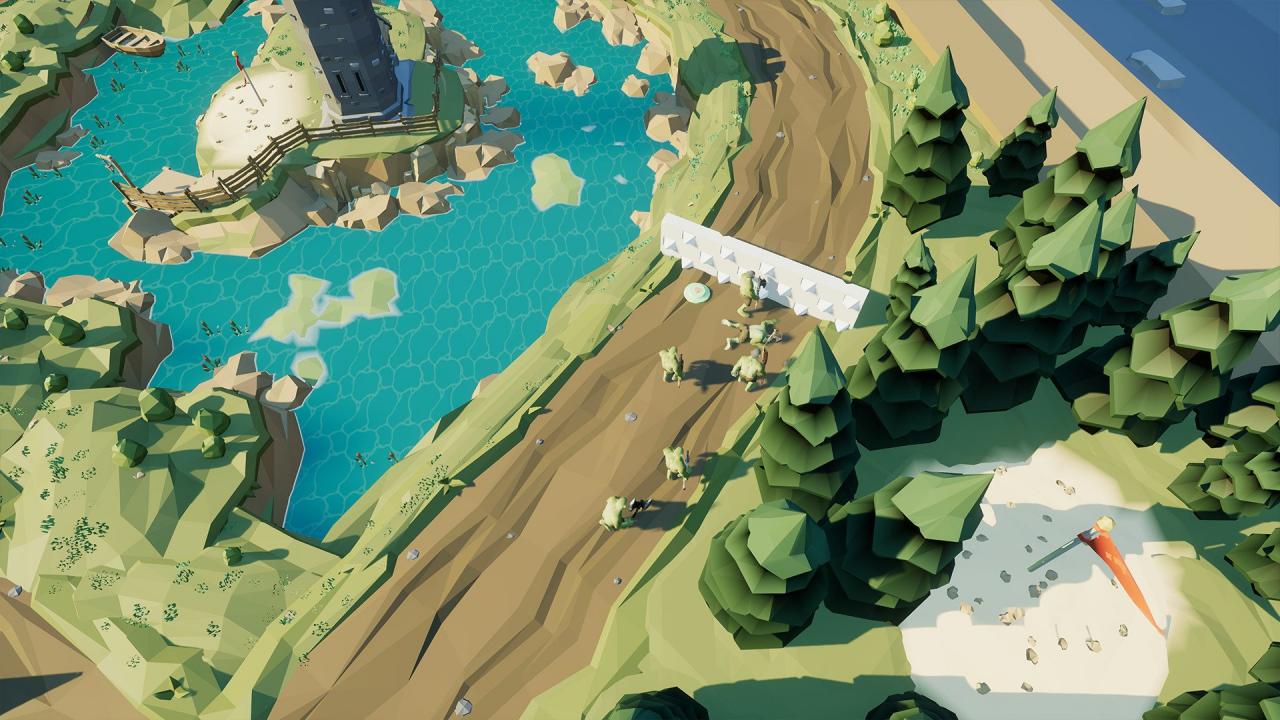
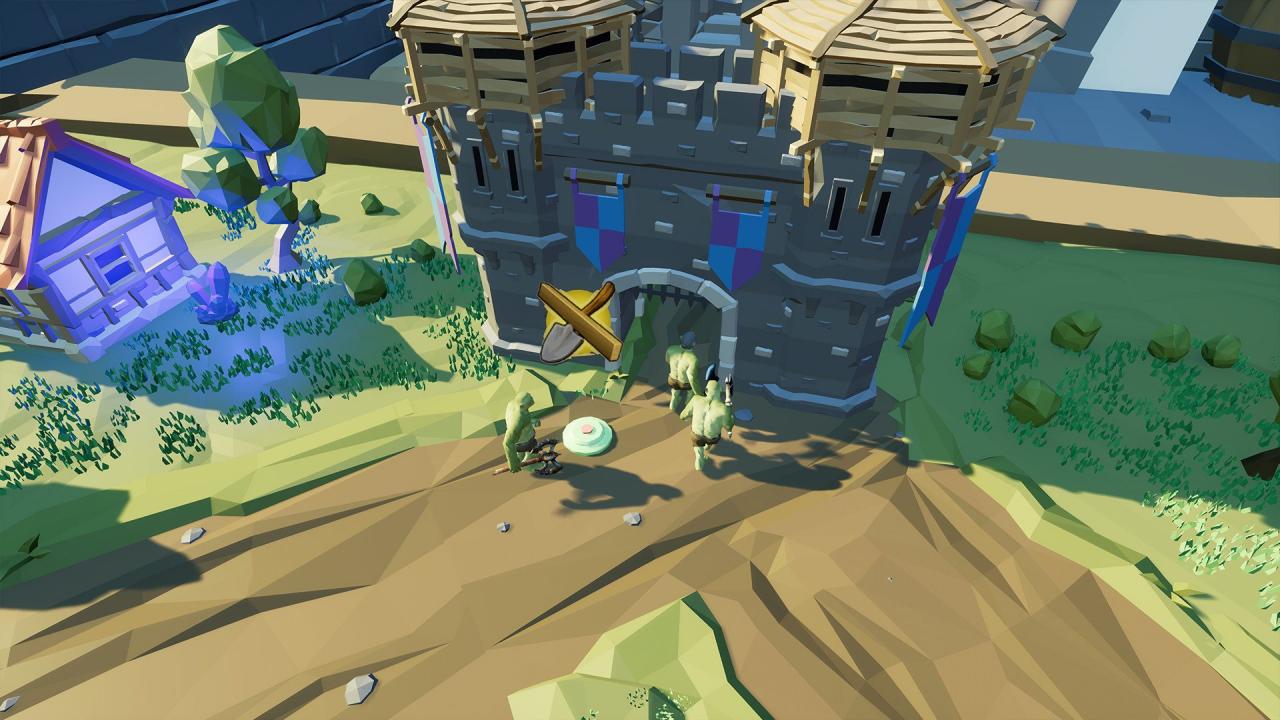
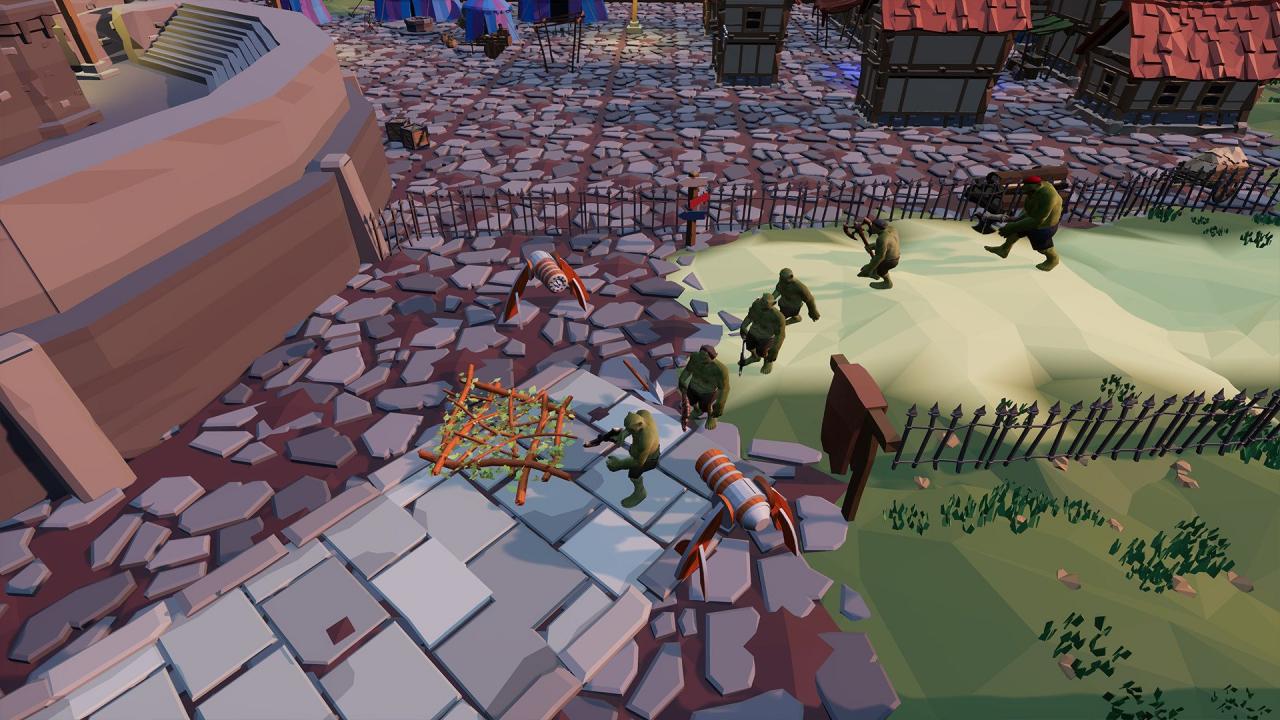
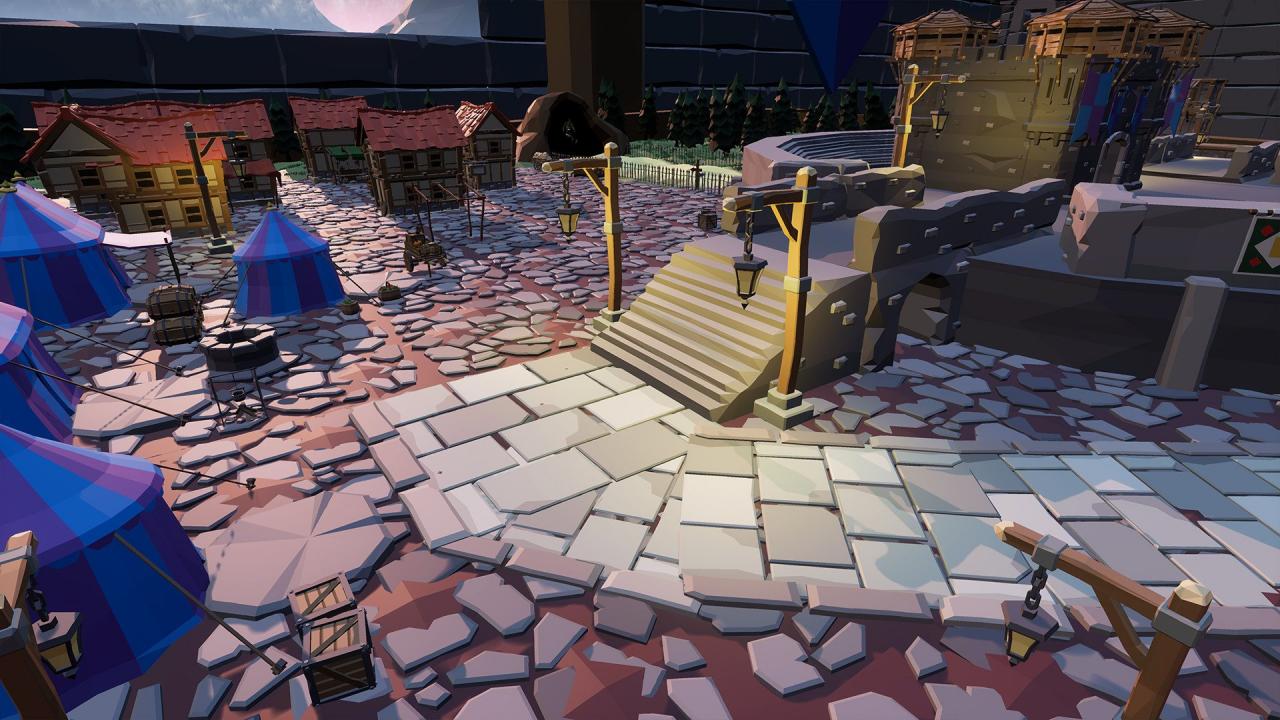
In the God of Failure you will defend the castle from the evil orcs. Place the traps on their way to stop them! Plan your strategy wisely. You should get rid of the orcs by placing the traps which cost money. You have a whole castle at your service which will bring you more resources and will hold up to the fiercest attack after some upgrading. Your castle will bring some income but you also could dig the ground to find a treasure and replenish the money stock! During the Medieval times the orcs invaded the land of men and unleashed robbery on the innocents. People were powerless against this menace so they had to plea to the higher forces.Become their god and help them protect what they hold dear by setting up traps on the path of mindless orcs. Building traps requires resources so you have to plan carefully to reach success. You also can try your luck and look for treasures! Features Funny orcs 10 types of traps 10 maps 2 game modes
Go to: http://store.steampowered.com/ and download STEAM client Click "Install Steam" (from the upper right corner) Install and start application, login with your Account name and Password (create one if you don't have). Please follow these instructions to activate a new retail purchase on Steam: Launch Steam and log into your Steam account. Click the Games Menu. Choose Activate a Product on Steam... Follow the onscreen instructions to complete the process. After successful code verification go to the "MY GAMES" tab and start downloading.