Get 10% back in Relic Coins on every order
Football Nation VR Tournament 2018 cover

SteamGlobal· Key

Football Nation VR Tournament 2018

€2.89

+€0.29 cashback eligibility in Relic Coins

Check before you play

Platform
Steam
Region
Global
Product type
Key
Supplier release date
2018-06-07
Genres
Sport, Simulation, Indie, Casual, VR Games

About this product

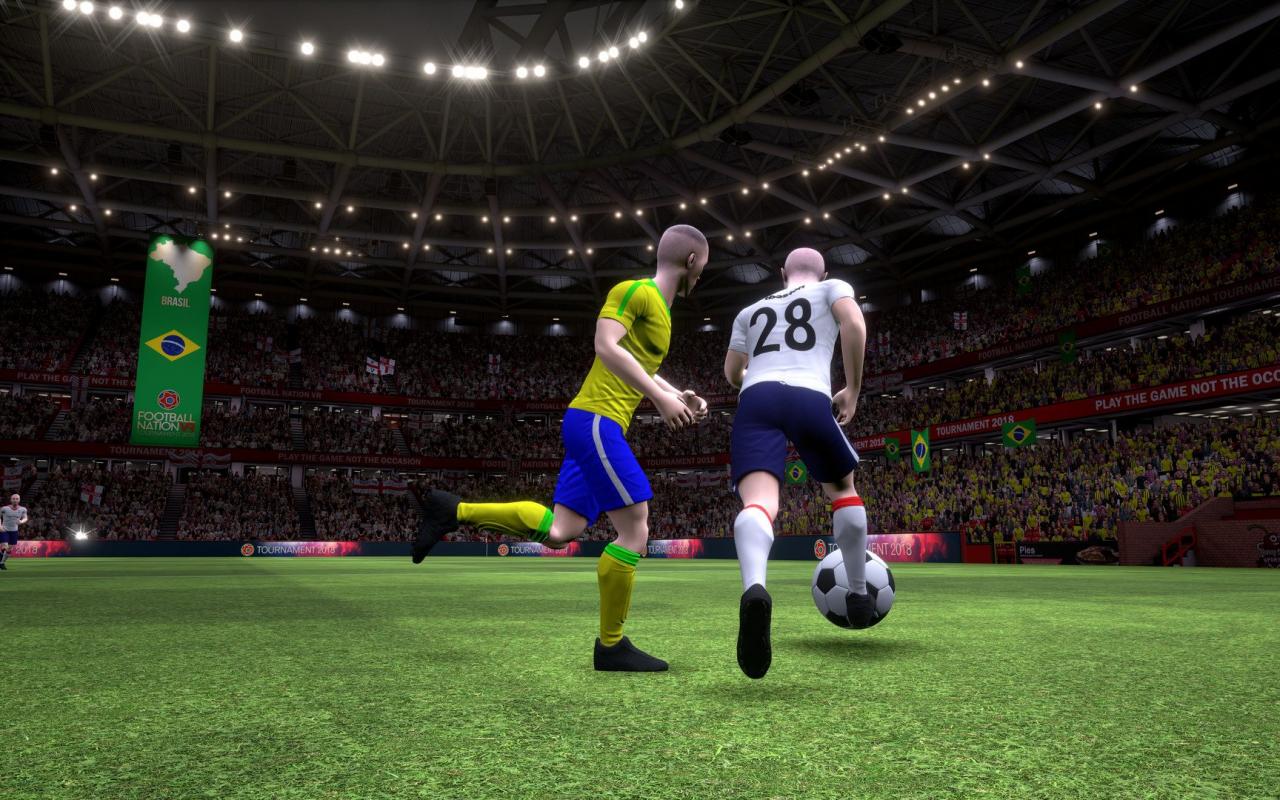
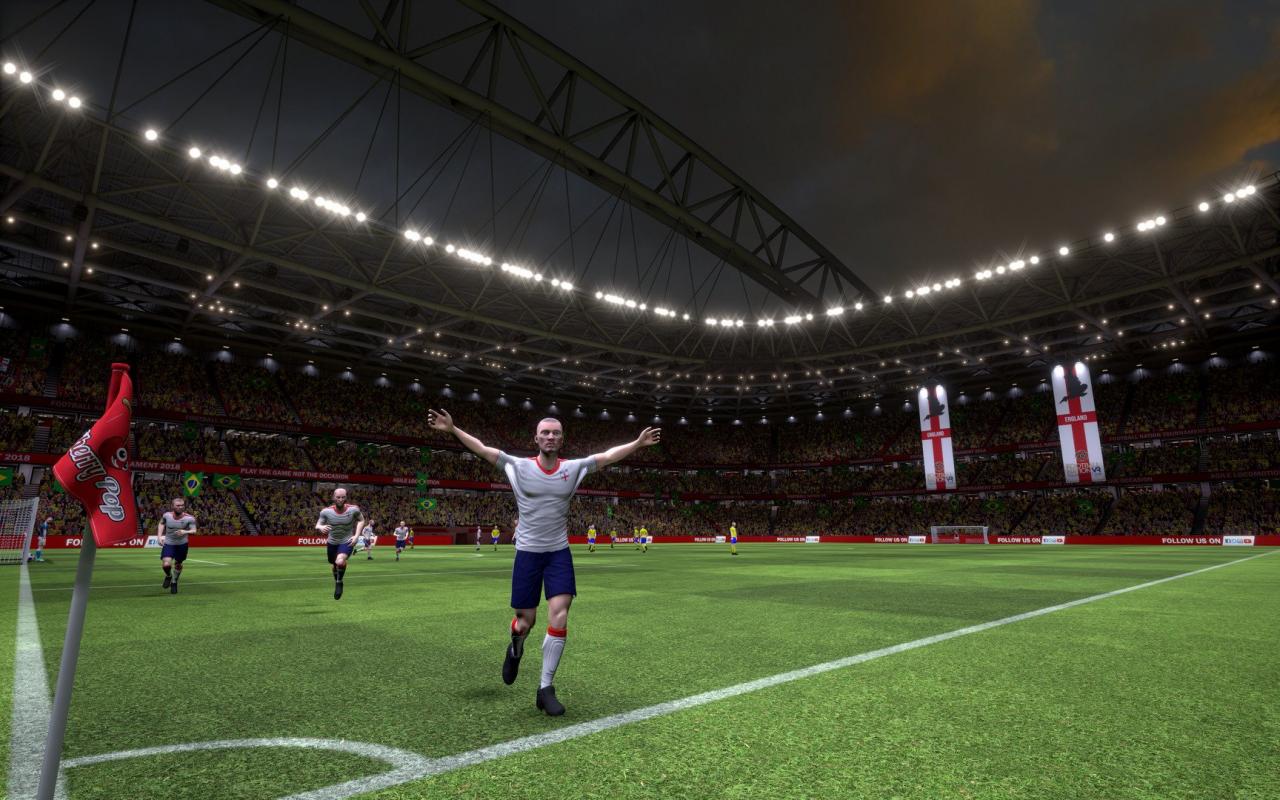
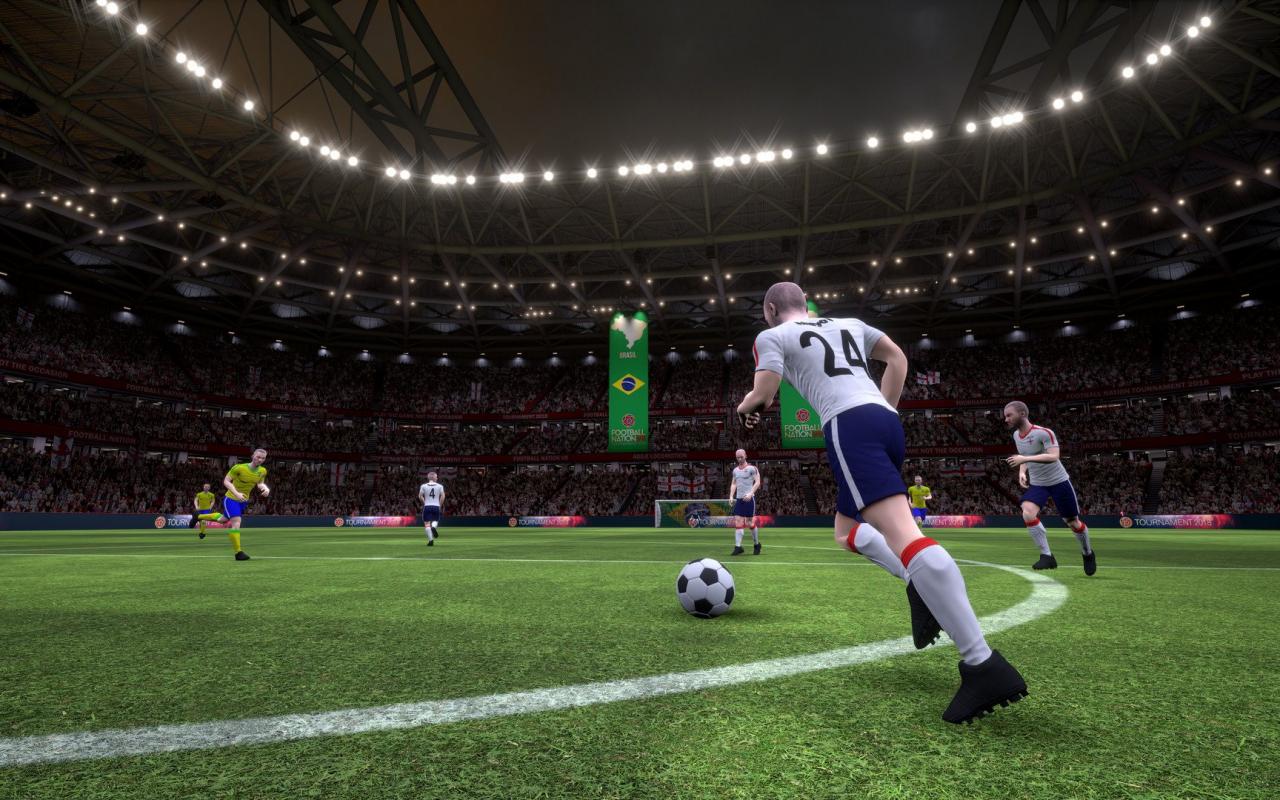
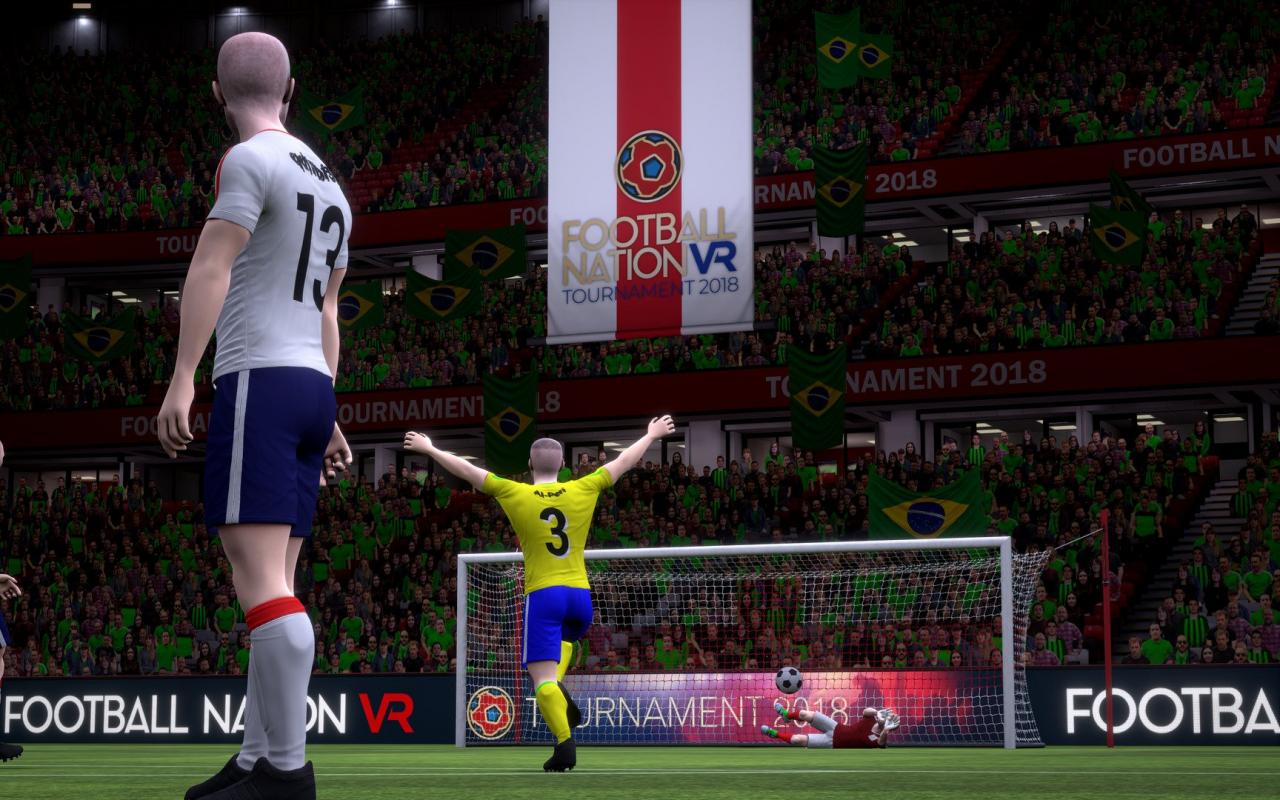
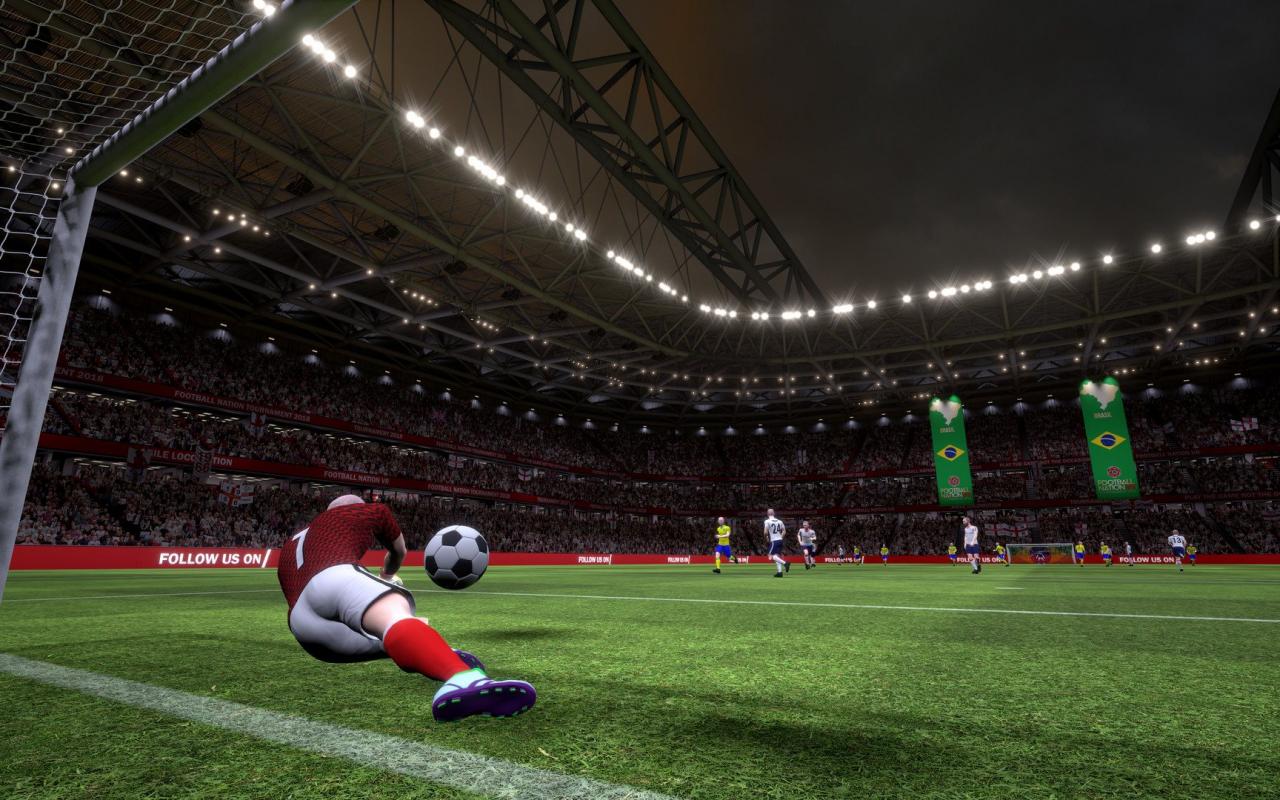
Football Nation VR™, bringing virtual football to life. NEW 2018 Tournaments inspired by the World Cup. For the first time ever, you can physically feel the rush of playing in Football's biggest VR tournament as the vast stadium surrounds you; the virtual grass underfoot, the crowd cheering, the excitement and the undeniable patriotism for your country - a childhood dream come true. Play solo against the A.I, join up to 16 player matches (8 Player online lobbies), or invite your friends into a private match for a little friendly competition. With a choice of pitches to play on, players can choose to play in the International league Stadium, or just have a Five A Side kick around with friends. However you play, Football Nation VR™ brings to life the players, teams, and atmosphere of competitive football like no other game can; celebrate together as you and your team run, kick and tackle your way to the top spot on the global leaderboards.


Football Nation VR Tournament 2018 screenshotFootball Nation VR Tournament 2018 screenshotFootball Nation VR Tournament 2018 screenshotFootball Nation VR Tournament 2018 screenshotFootball Nation VR Tournament 2018 screenshotFootball Nation VR Tournament 2018 screenshot

How to redeem

  1. 1Check your Steam account and the listed region before purchasing.
  2. 2Find your code and supplier activation instructions in your confirmed order.
  3. 3Open the redeem-code section on Steam, enter the code and follow the platform’s prompts.

Supplier instructions

Go to: http://store.steampowered.com/ and download STEAM client Click "Install Steam" (from the upper right corner) Install and start application, login with your Account name and Password (create one if you don't have). Please follow these instructions to activate a new retail purchase on Steam: Launch Steam and log into your Steam account. Click the Games Menu. Choose Activate a Product on Steam... Follow the onscreen instructions to complete the process. After successful code verification go to the "MY GAMES" tab and start downloading.

You might also like