Get 10% back in Relic Coins on every order
Halo Wars 2 - Awakening the Nightmare DLC cover

Xbox OneGlobal· DLC

Halo Wars 2 - Awakening the Nightmare DLC

€18.46

+€1.85 cashback eligibility in Relic Coins

Check before you play

Platform
Xbox One
Region
Global
Product type
DLC

Check the required base game and edition before purchasing this add-on.

Developer
The Creative Assembly
Publisher
Microsoft Studios
Supplier release date
2017-09-26
Genres
Action

About this product

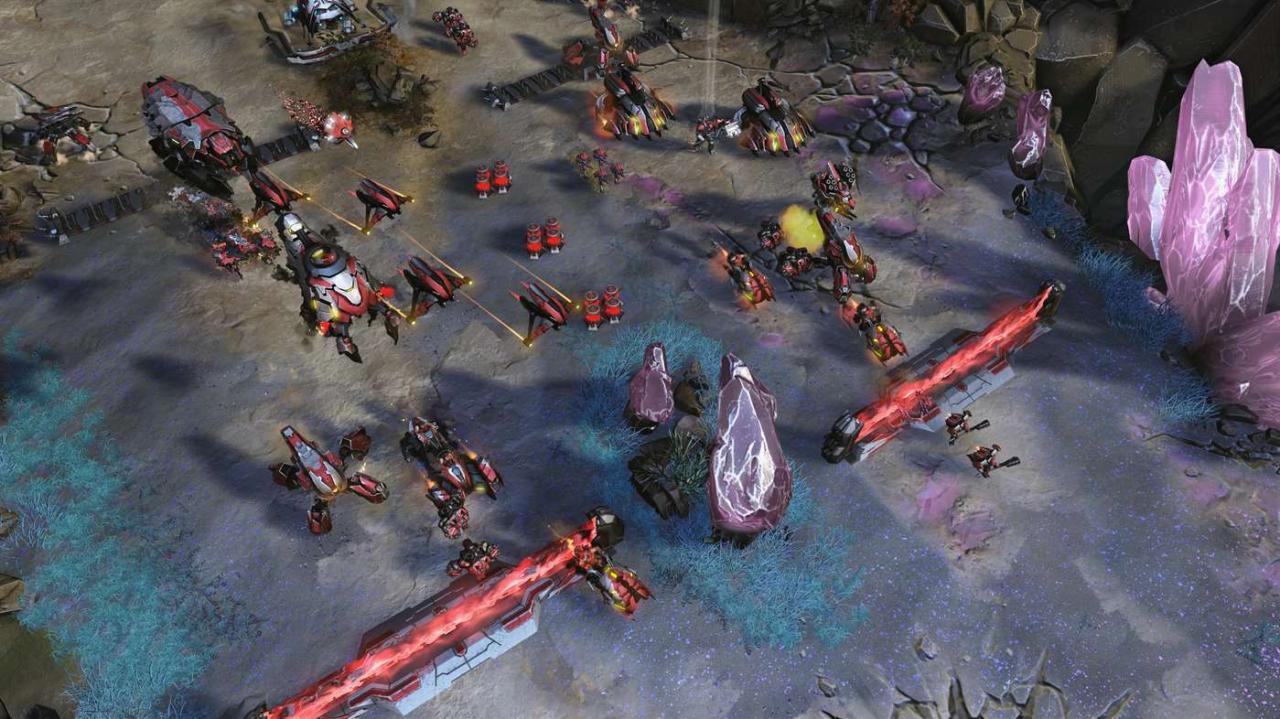
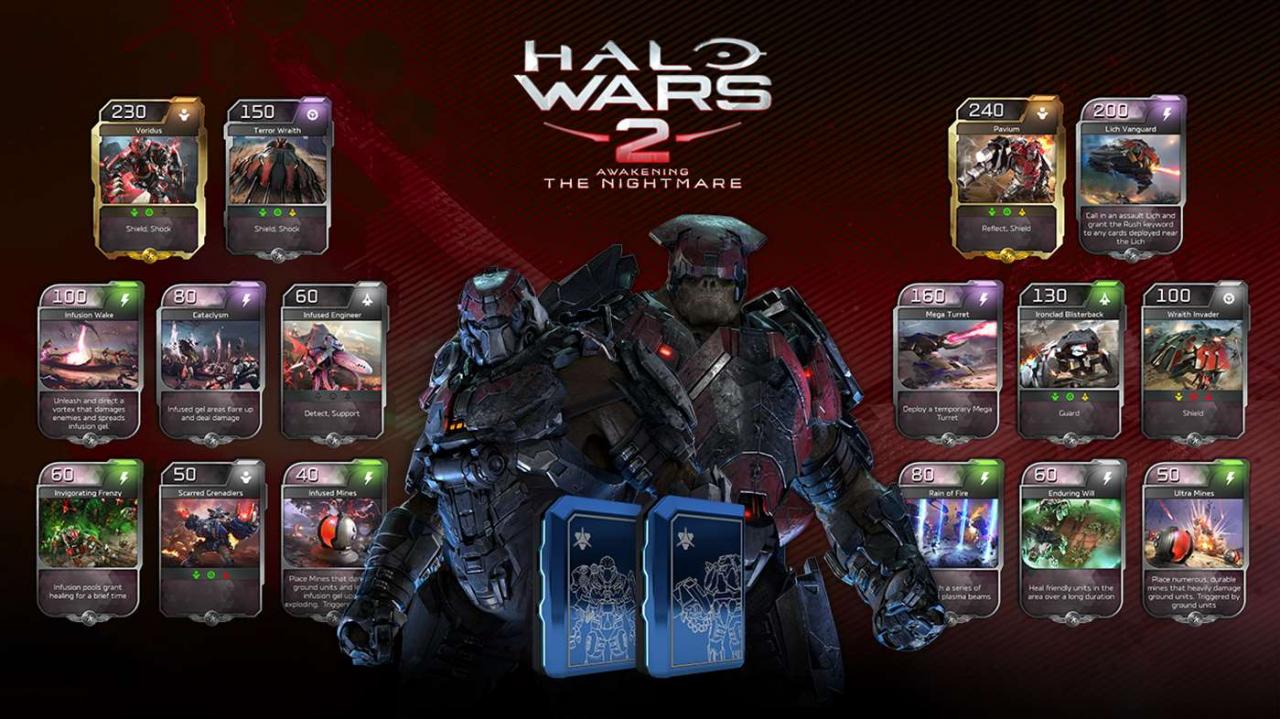
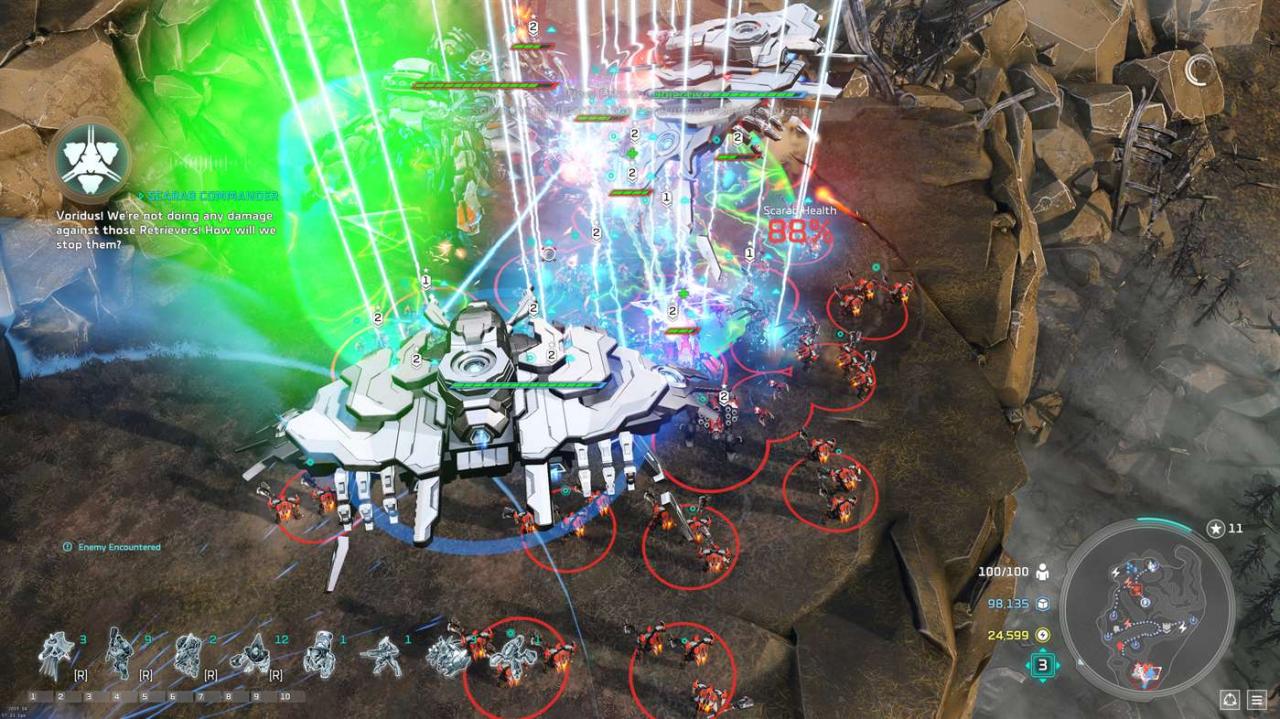
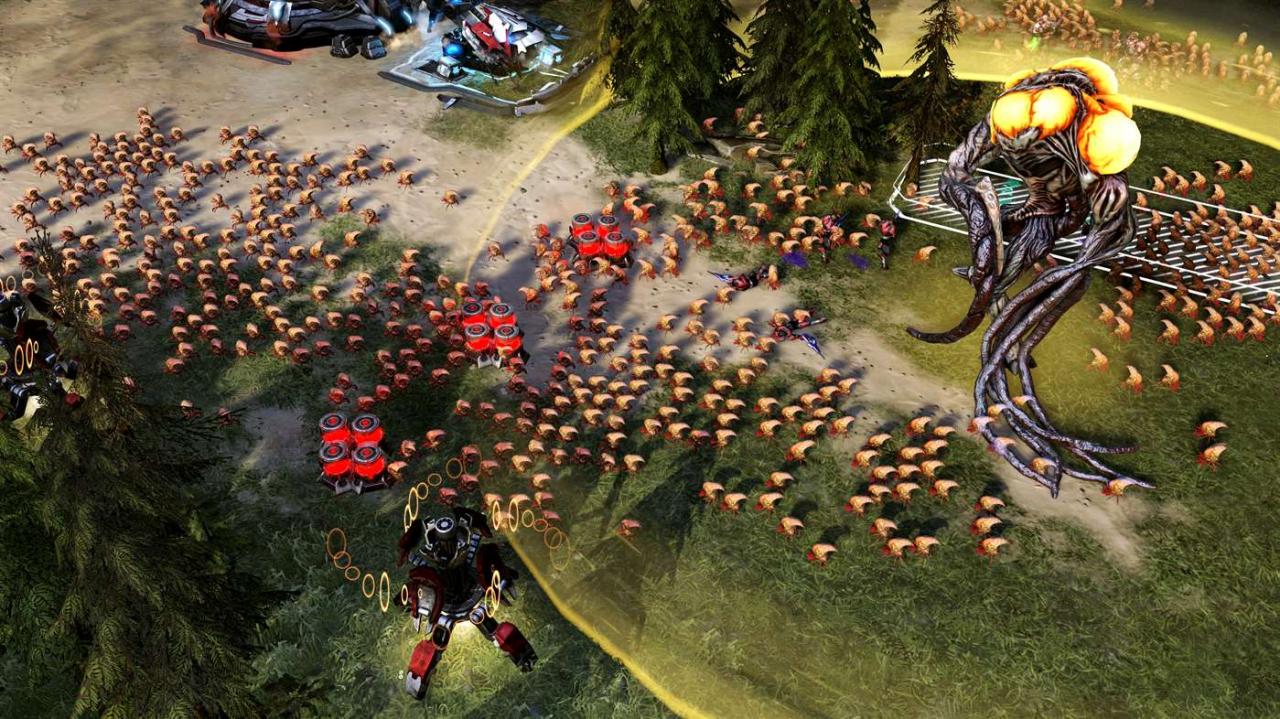
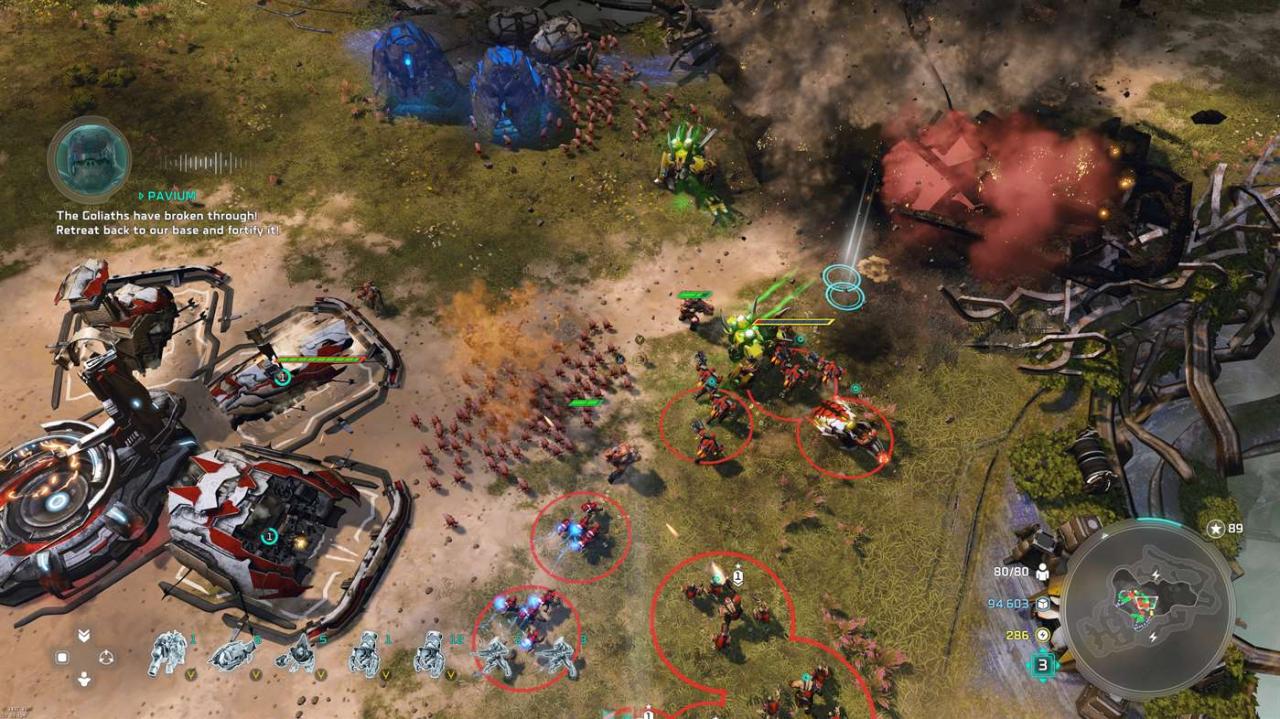
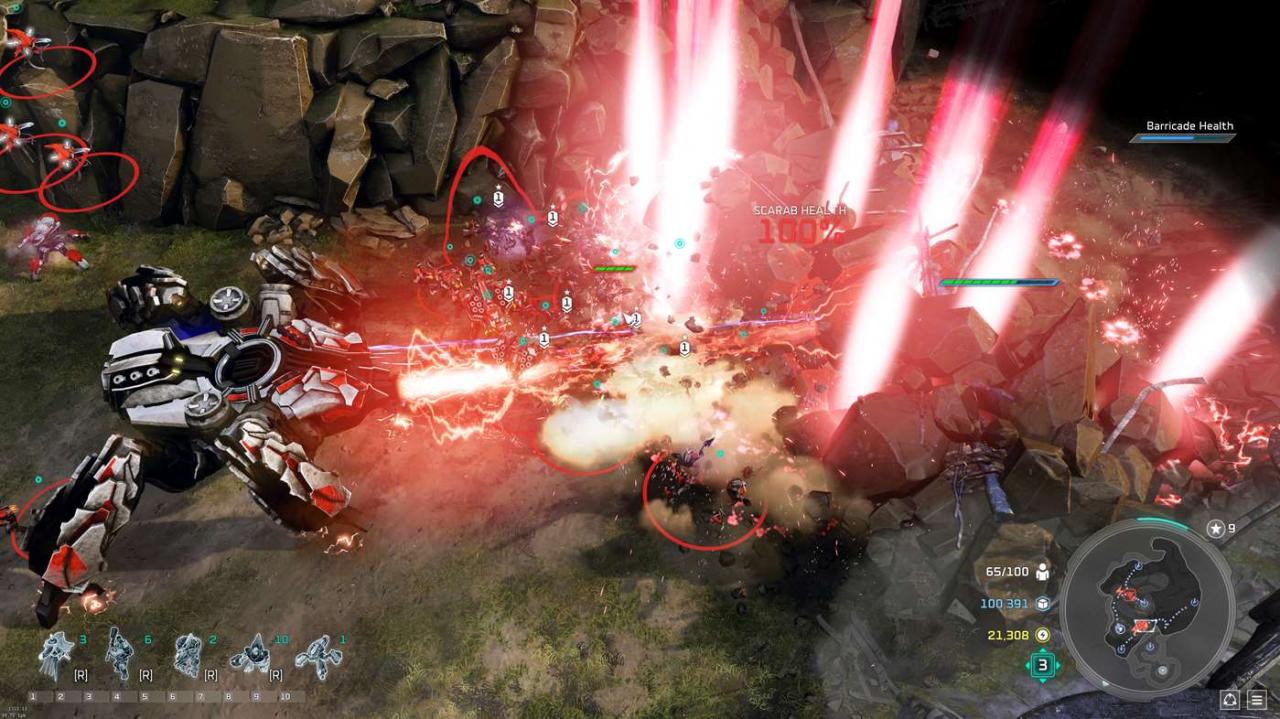
Awakening the Nightmare is an entirely new chapter in the Halo Wars universe. Following the events of Halo Wars 2, now you can play as the legendary Banished and lead Pavium and Voridus in a fight for survival against an ancient enemy – the Flood. This Expansion includes a new single player and co-op campaign with ultra-realistic cinematics, two new multiplayer leaders to use in Blitz and traditional multiplayer, and a brand-new tower defense firefight mode called Terminus Firefight. Terminus Firefight allows for you and up to two other players to defend your base against deadly waves of Banished, UNSC, and Flood units including new boss units. You’ll have to strategize to survive, especially if you want to make it to the top of the leaderboards. The Awakening the Nightmare DLC Expansion is not included in the Season Pass. The Halo Wars 2 base game is required to play the expansion. Play as the Banished in an all-new single player campaign Battle against an ancient enemy, the Flood Play online with new multiplayer leaders, units, and maps Hold your ground in the co-op Terminus Firefight mode Game playable in native 4K Ultra HD graphics with HDR on the Xbox One X and Windows 10

Halo Wars 2 - Awakening the Nightmare DLC screenshotHalo Wars 2 - Awakening the Nightmare DLC screenshotHalo Wars 2 - Awakening the Nightmare DLC screenshotHalo Wars 2 - Awakening the Nightmare DLC screenshotHalo Wars 2 - Awakening the Nightmare DLC screenshotHalo Wars 2 - Awakening the Nightmare DLC screenshot

How to redeem

  1. 1Check the required base game, platform and edition before purchasing.
  2. 2Find the code or supplier activation instructions in your confirmed order.
  3. 3Redeem on Xbox One using the supplied instructions, then install the add-on with the compatible base game.

Supplier instructions

Go to https://www.xbox.com Login to your account Hover over your account link (the top right of the screen) a menu will appear, click on the "Redeem Code" button. On the next page, click "Redeem" Enter your code Click "Confirm" Click "Confirm" again to assign the key to your account.

You might also like