Get 10% back in Relic Coins on every order
Tsundere Idol cover

SteamGlobal· Key

Tsundere Idol

€6.66

+€0.67 cashback eligibility in Relic Coins

Check before you play

Platform
Steam
Region
Global
Product type
Key
Developer
Norn / Miel
Publisher
Cherry Kiss Games
Supplier release date
2018-05-29
Genres
Adventure, Visual Novel

About this product

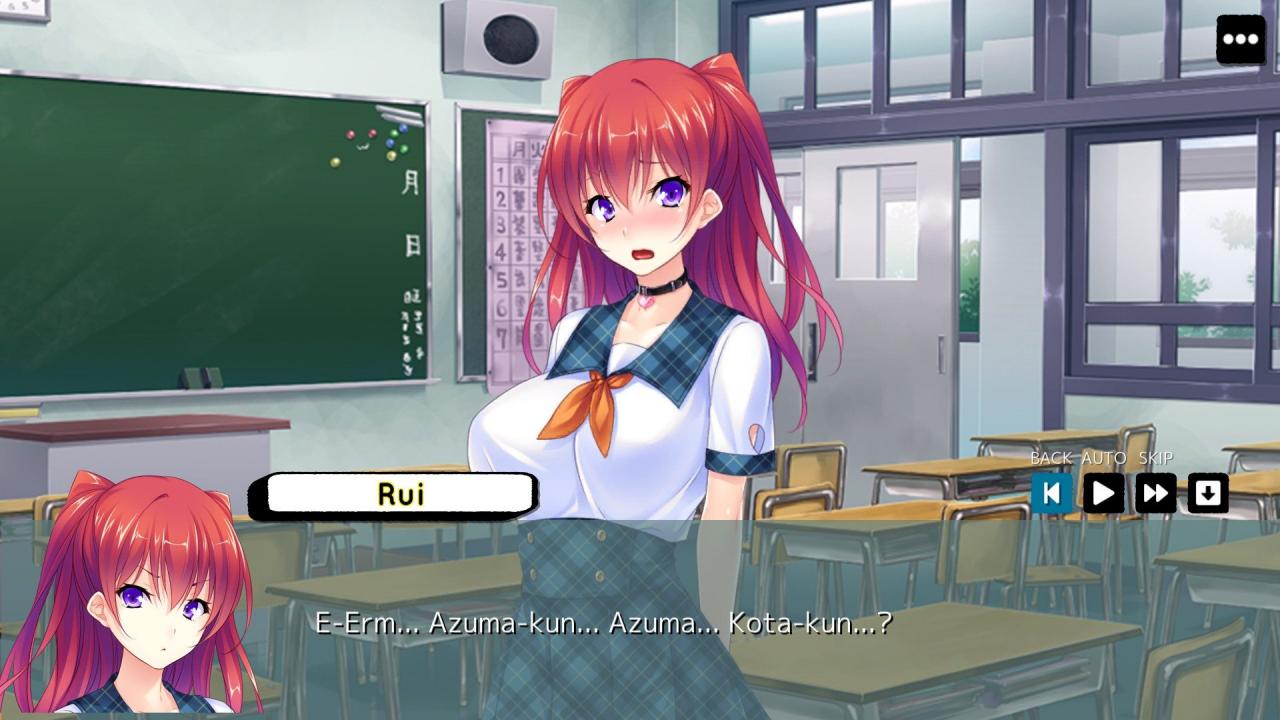
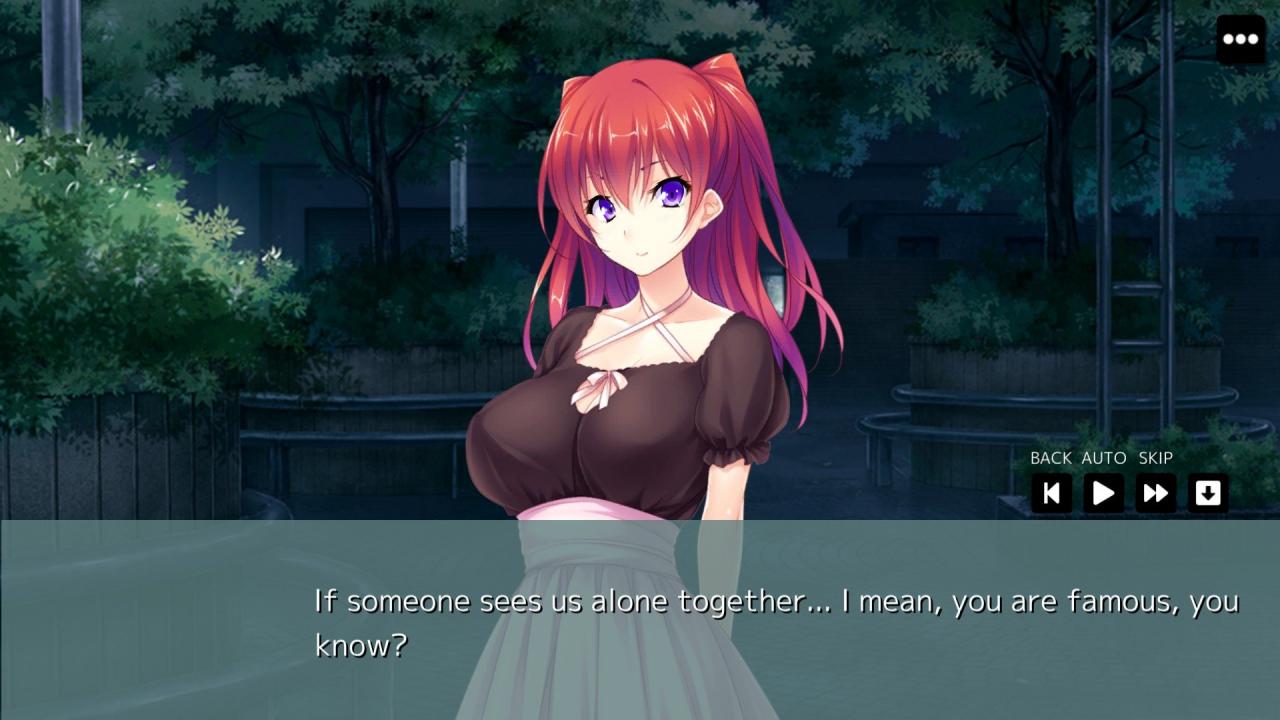
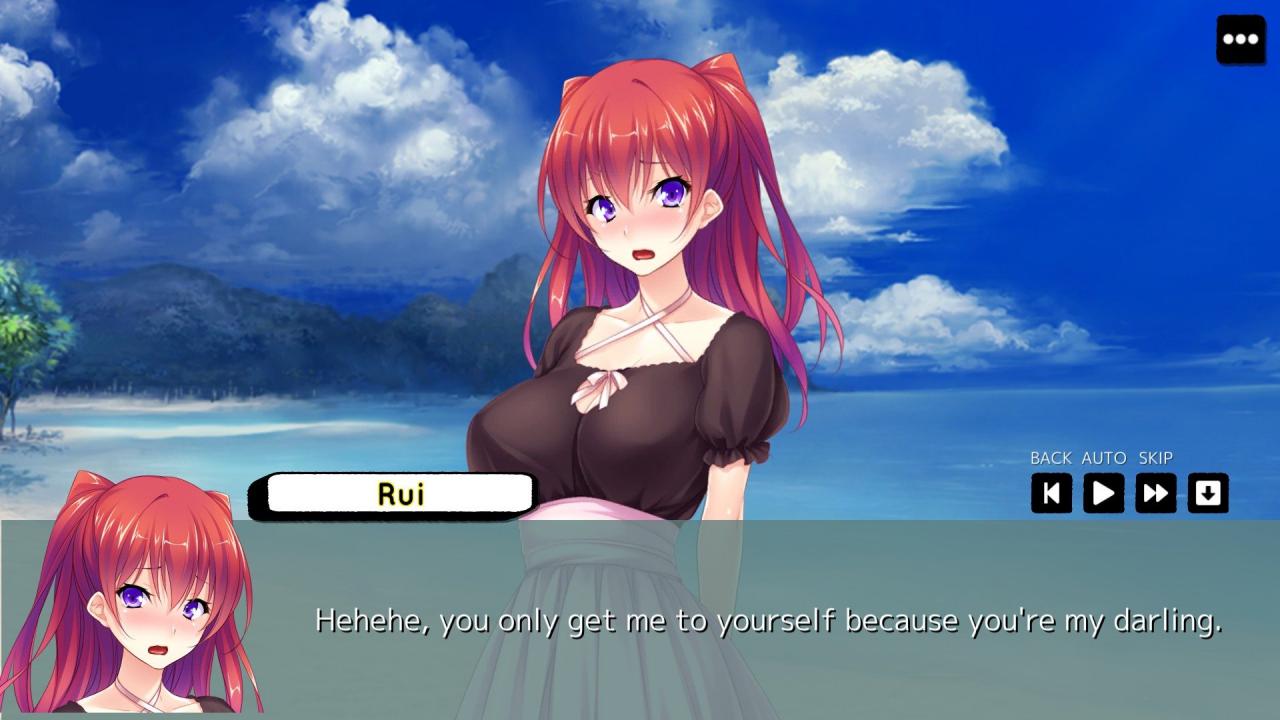
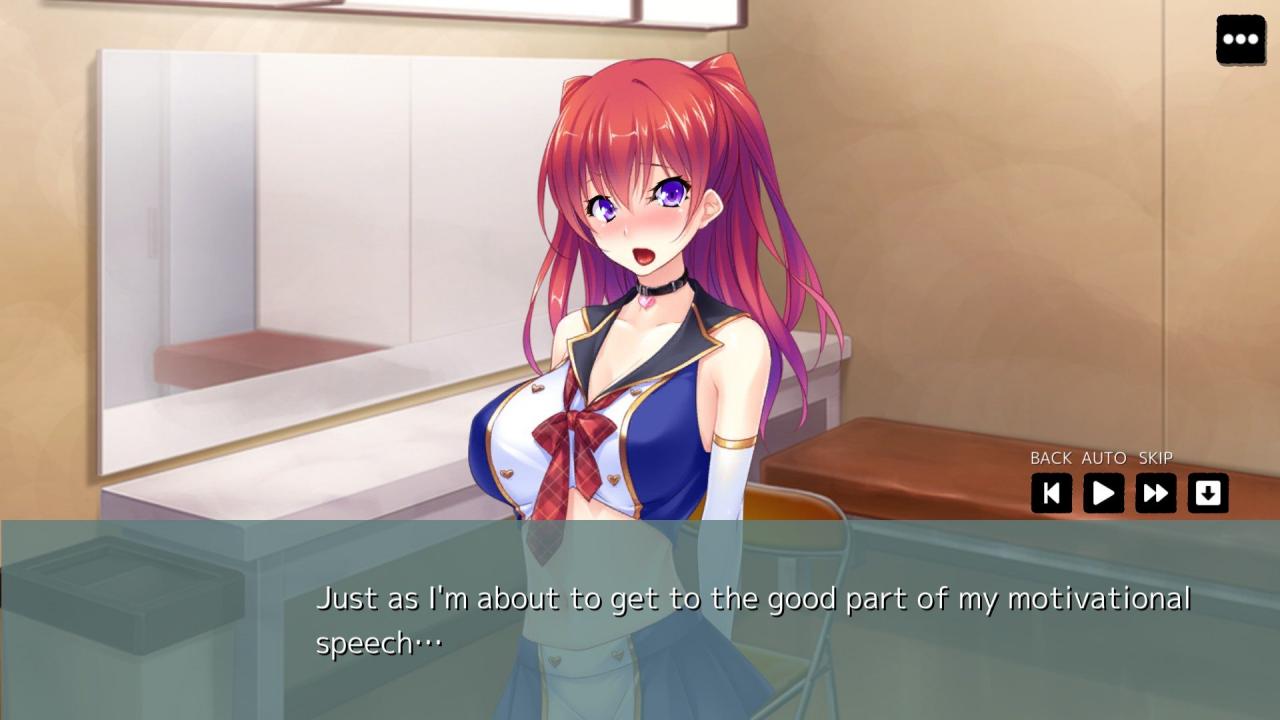
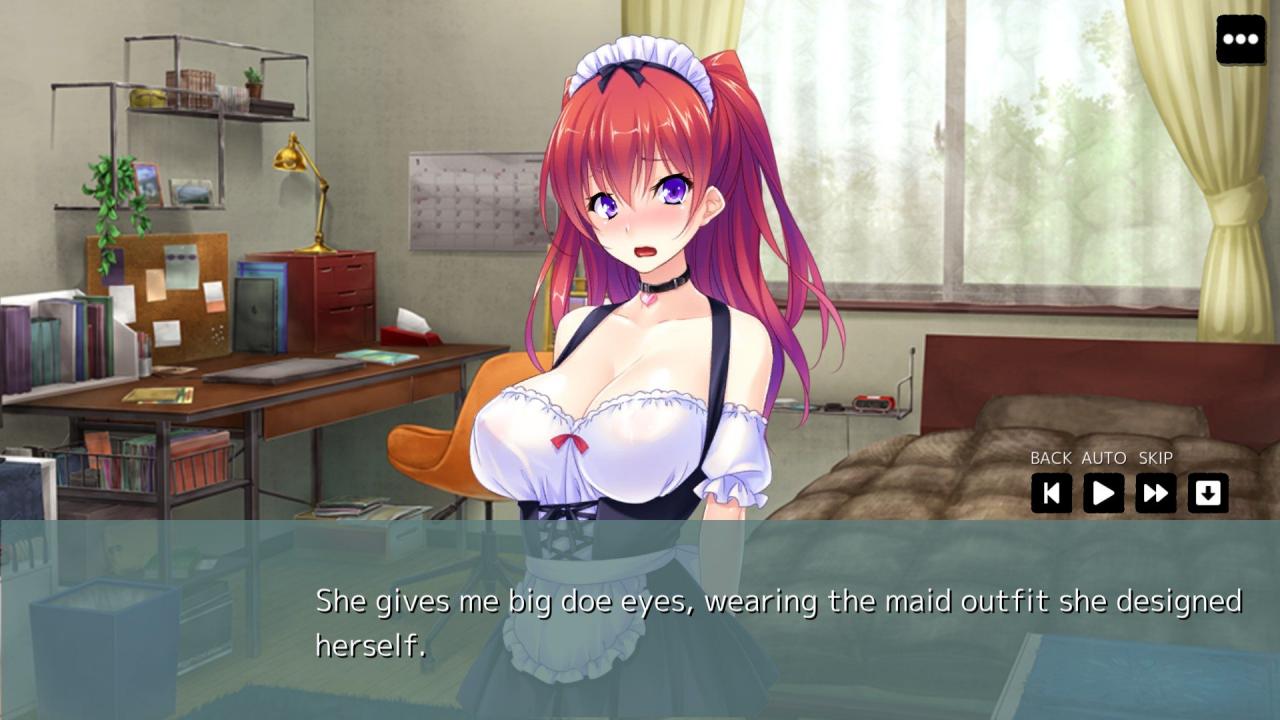
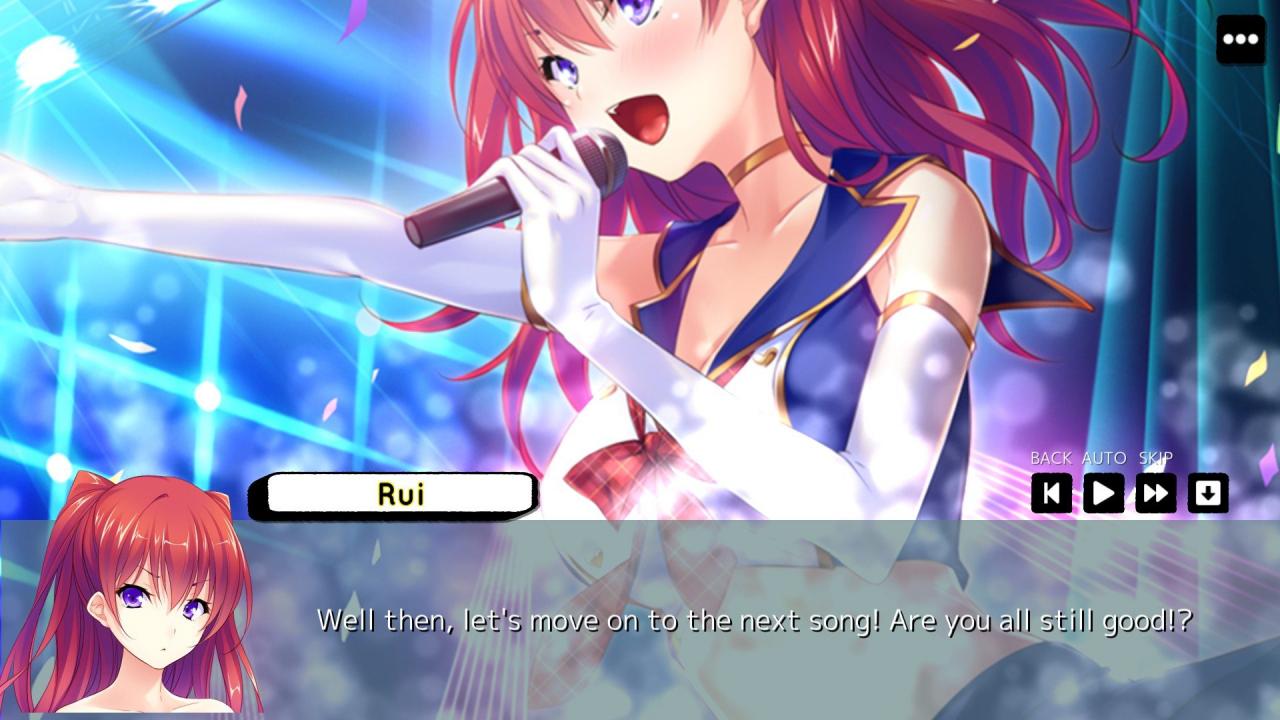
Tsundere Idol is the story of Kota, a mild-mannered student in Japan who is a fan of the up and coming idol sensation Rui Kurumizaka. Wouldn't you know it she happens to attend the same college as him and is in one of his classes! Too shy to approach the cool and popular Rui, Kota is happy just to be in the same classroom as her. Then one day an accident occurs and the contents of Rui's bag spill out on the floor revealing a naughty magazine! Our hero steps up and claims ownership in order to save the true owner the embarrassment of owning up to possessing such salacious literature. And thus begins an unexpected and unusual affair. Features A translated version of the original Japanese Visual Novel Main female character fully voiced with original Japanese dialogue Original Japanese artwork modified to 16:9 aspect ratio Hours of story content Audio including music and special effects Enhanced with character sprite animations

Tsundere Idol screenshotTsundere Idol screenshotTsundere Idol screenshotTsundere Idol screenshotTsundere Idol screenshotTsundere Idol screenshot

How to redeem

  1. 1Check your Steam account and the listed region before purchasing.
  2. 2Find your code and supplier activation instructions in your confirmed order.
  3. 3Open the redeem-code section on Steam, enter the code and follow the platform’s prompts.

Supplier instructions

Go to: http://store.steampowered.com/ and download STEAM client Click "Install Steam" (from the upper right corner) Install and start application, login with your Account name and Password (create one if you don't have). Please follow these instructions to activate a new retail purchase on Steam: Launch Steam and log into your Steam account. Click the Games Menu. Choose Activate a Product on Steam... Follow the onscreen instructions to complete the process. After successful code verification go to the "MY GAMES" tab and start downloading.

You might also like