Get 10% back in Relic Coins on every order
NIGHTSTAR: Alliance VR cover

SteamGlobal· Key

NIGHTSTAR: Alliance VR

€2.33

+€0.23 cashback eligibility in Relic Coins

Check before you play

Platform
Steam
Region
Global
Product type
Key
Developer
Tiny Leviathan Studios
Publisher
Tiny Leviathan Studios
Supplier release date
2018-06-18
Genres
Action, VR Games

About this product

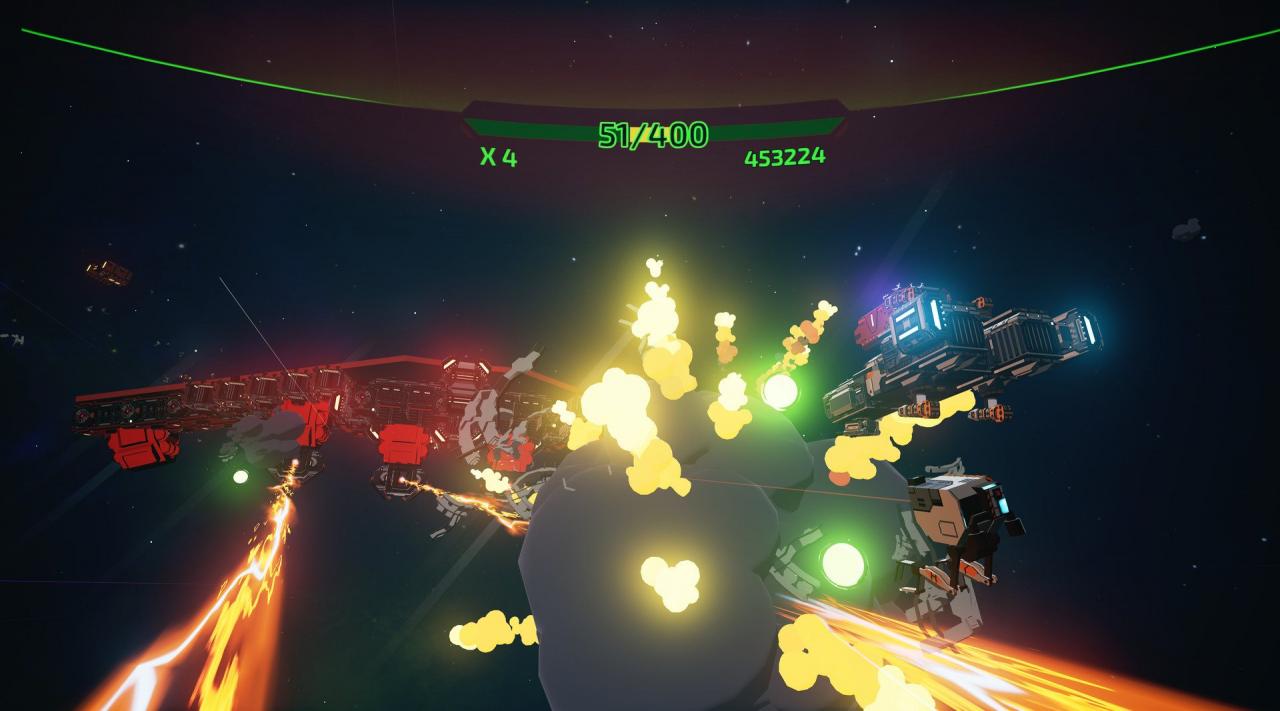
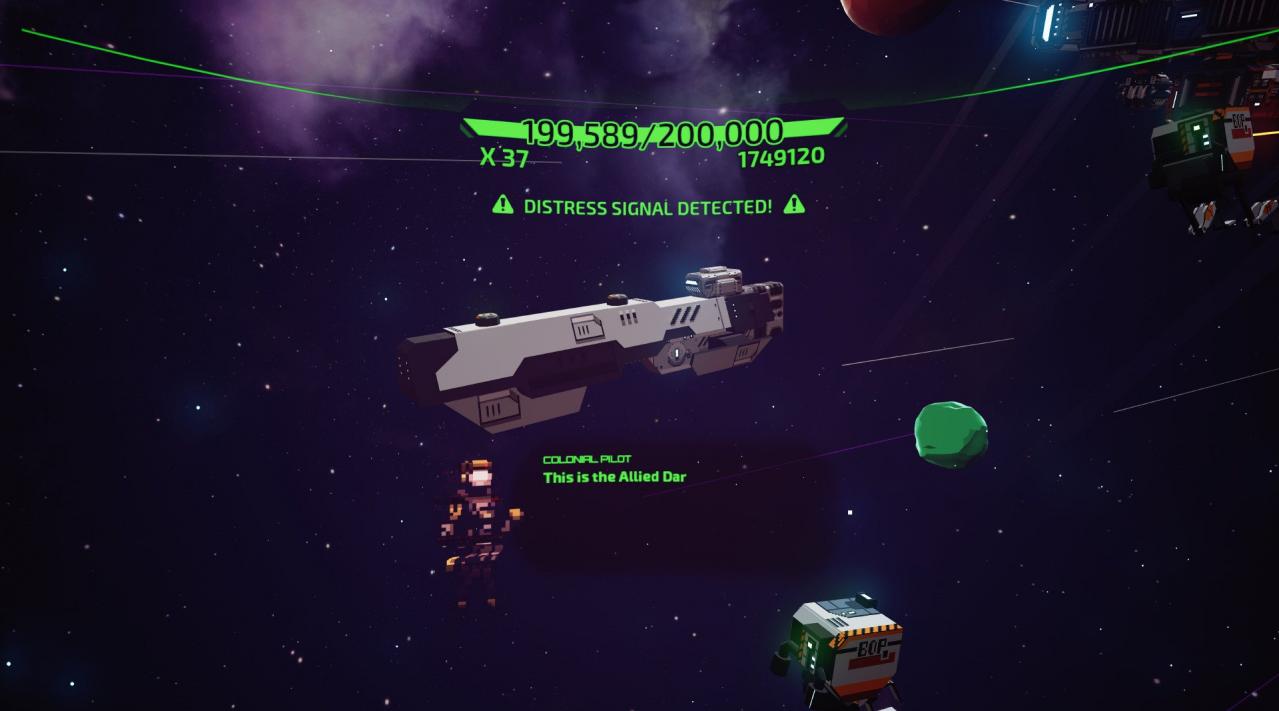
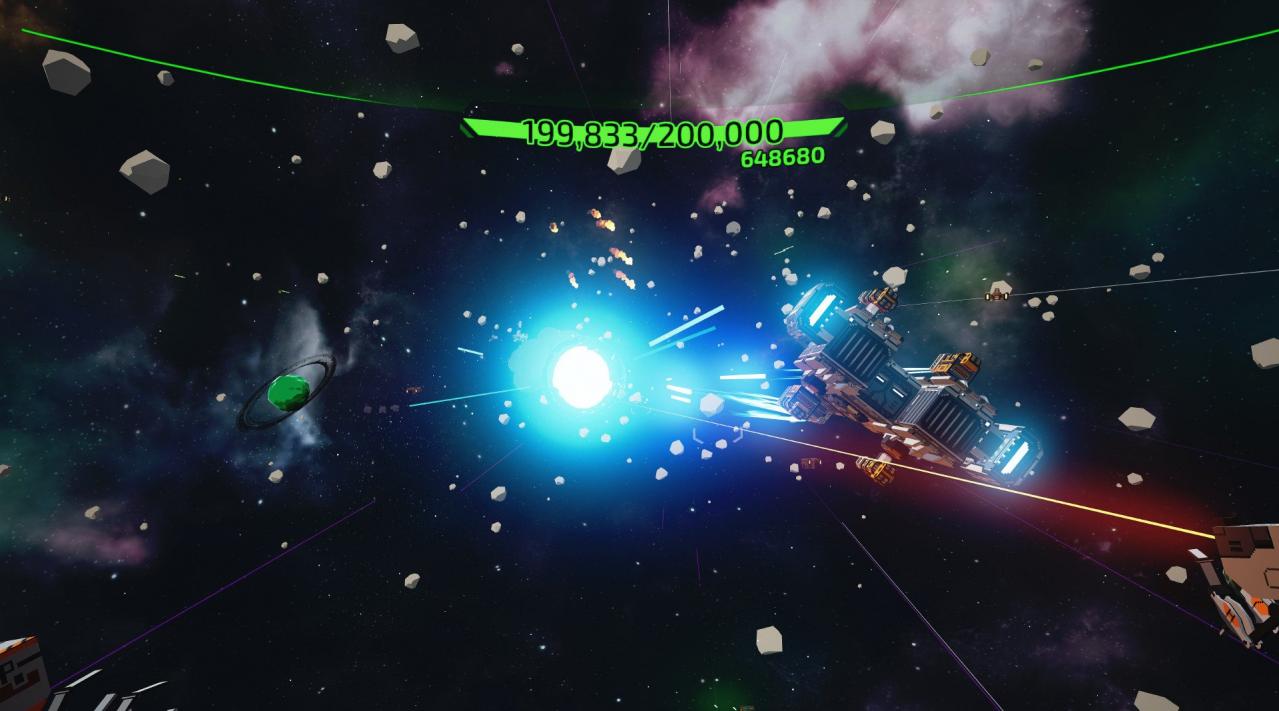
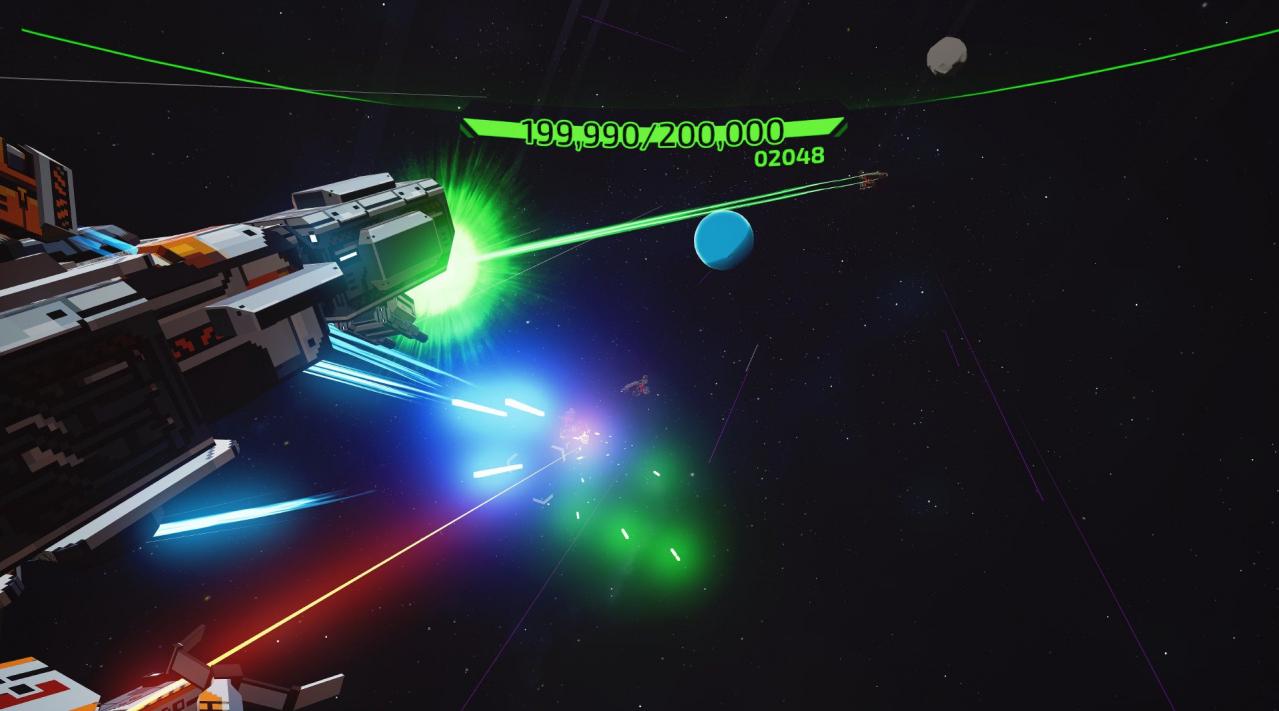
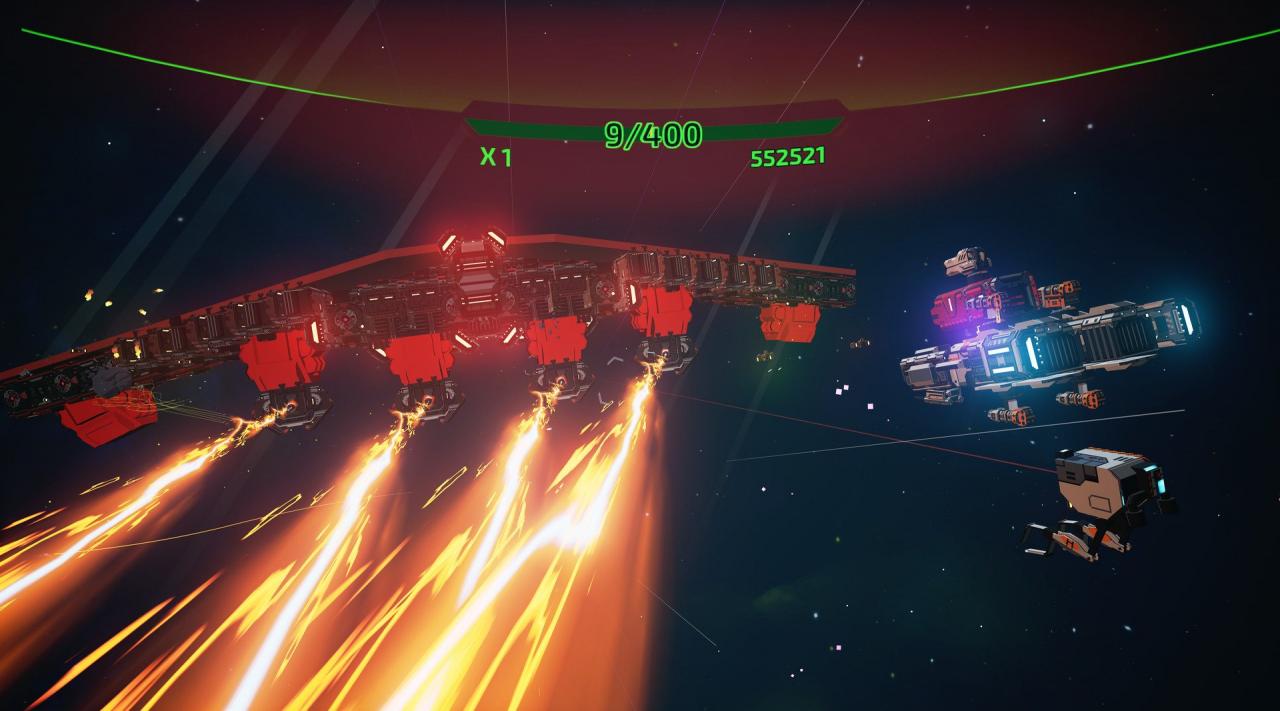
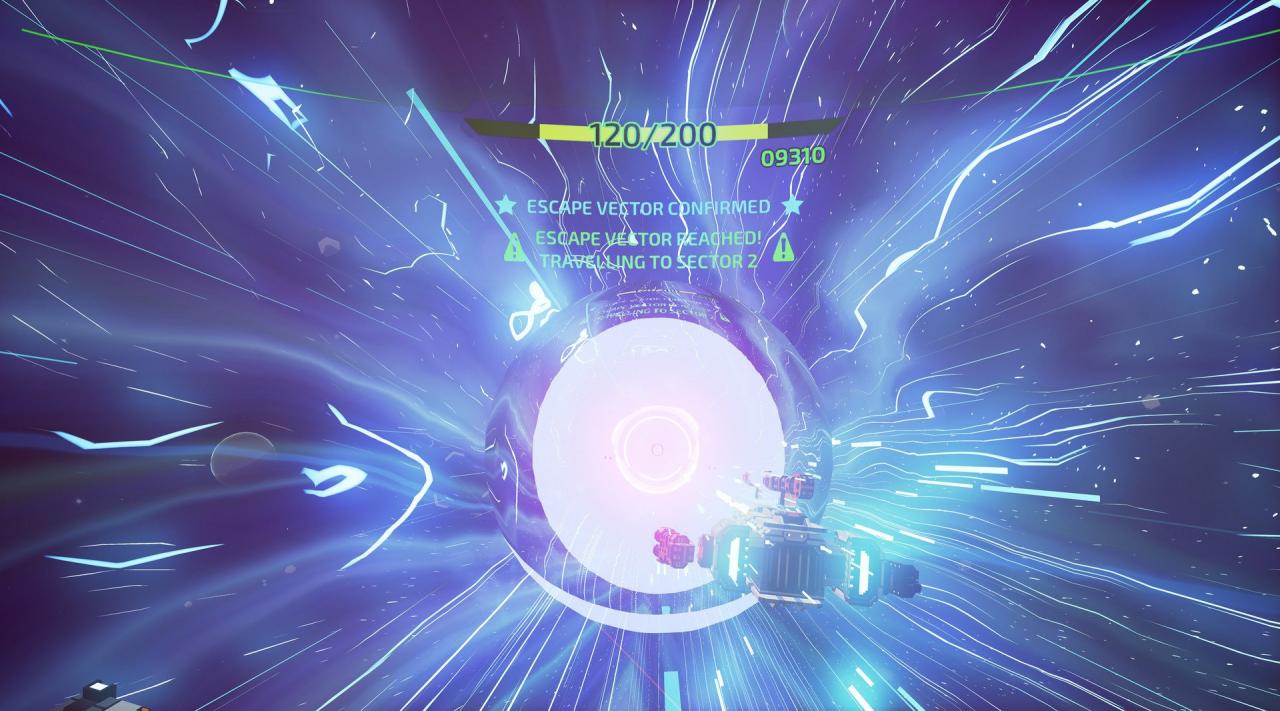
A modern twist on arcade shooters realized in VR. SHOOT. DESTROY. EQUIP. REPEAT. Command a heavily armed battlecruiser as you forge a fleet capable of stopping the enemy A.I. that has decimated mankind. Only with this alliance can you hope to bring humanity back from the brink. Features Pilot a Nightstar Battlecruiser with intuitive and reactive third person controls Customise your arsenal with a variety of bolt-on weapons and utility modules Build an Armada and control their inventory; the attack fleet will aid your fight Shoot a generated range of laser, blaster, flak and nuclear weapons Destroy an unending scourge of Supremacy ships Equip offensive and defensive shields, repair units, damage and fire rate mods Repeat the battle and become the most notorious Nightstar Commander with Local and Online Leaderboards Evolve your Battlecruiser with upgrades; increasing size, module slots, armour and firepower! Follow the story of the Commanders who survived the attack on Terra through in game cut-scenes

NIGHTSTAR: Alliance VR screenshotNIGHTSTAR: Alliance VR screenshotNIGHTSTAR: Alliance VR screenshotNIGHTSTAR: Alliance VR screenshotNIGHTSTAR: Alliance VR screenshotNIGHTSTAR: Alliance VR screenshot

How to redeem

  1. 1Check your Steam account and the listed region before purchasing.
  2. 2Find your code and supplier activation instructions in your confirmed order.
  3. 3Open the redeem-code section on Steam, enter the code and follow the platform’s prompts.

Supplier instructions

Go to: http://store.steampowered.com/ and download STEAM client Click "Install Steam" (from the upper right corner) Install and start application, login with your Account name and Password (create one if you don't have). Please follow these instructions to activate a new retail purchase on Steam: Launch Steam and log into your Steam account. Click the Games Menu. Choose Activate a Product on Steam... Follow the onscreen instructions to complete the process. After successful code verification go to the "MY GAMES" tab and start downloading.

You might also like