

SteamGlobal· Key
Dungeon Puzzle VR - Solve it or die
€204.56
+€20.46 cashback eligibility in Relic Coins
Check before you play
- Platform
- Steam
- Region
- Global
- Product type
- Key
- Supplier release date
- 2018-02-27
- Genres
- Adventure, Indie, Casual
SteamGlobal· Key
€204.56
+€20.46 cashback eligibility in Relic Coins
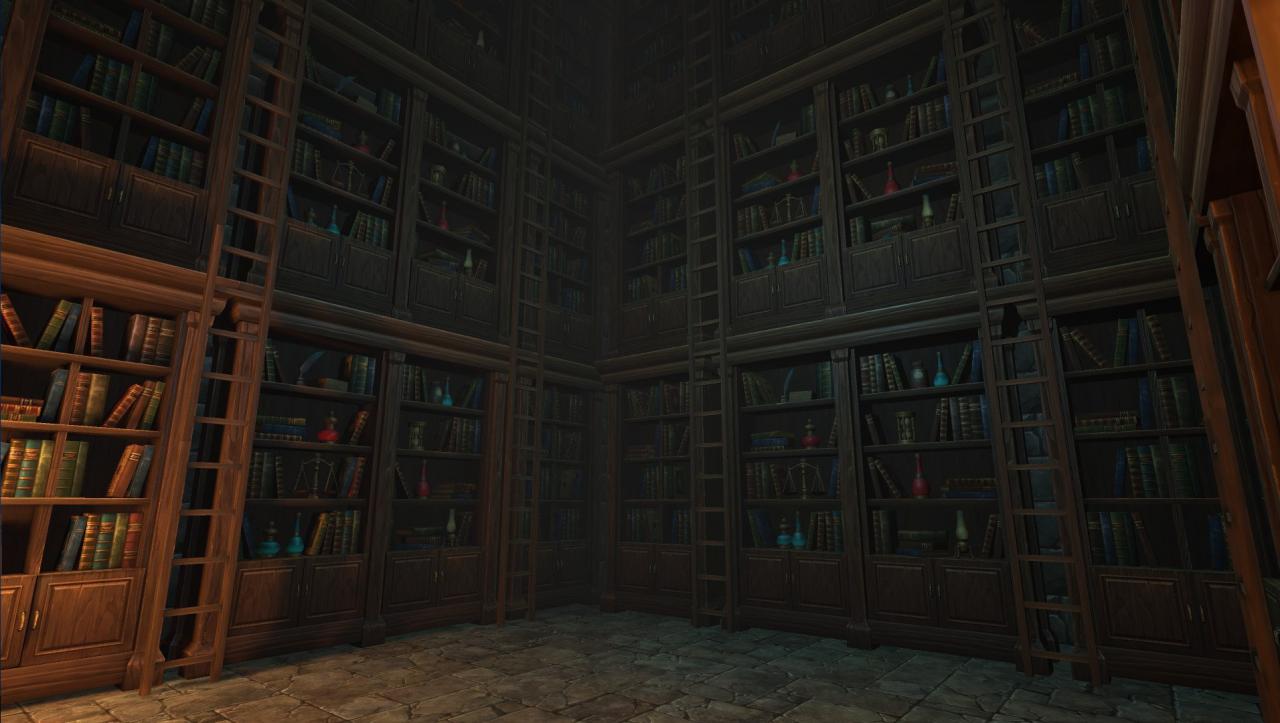
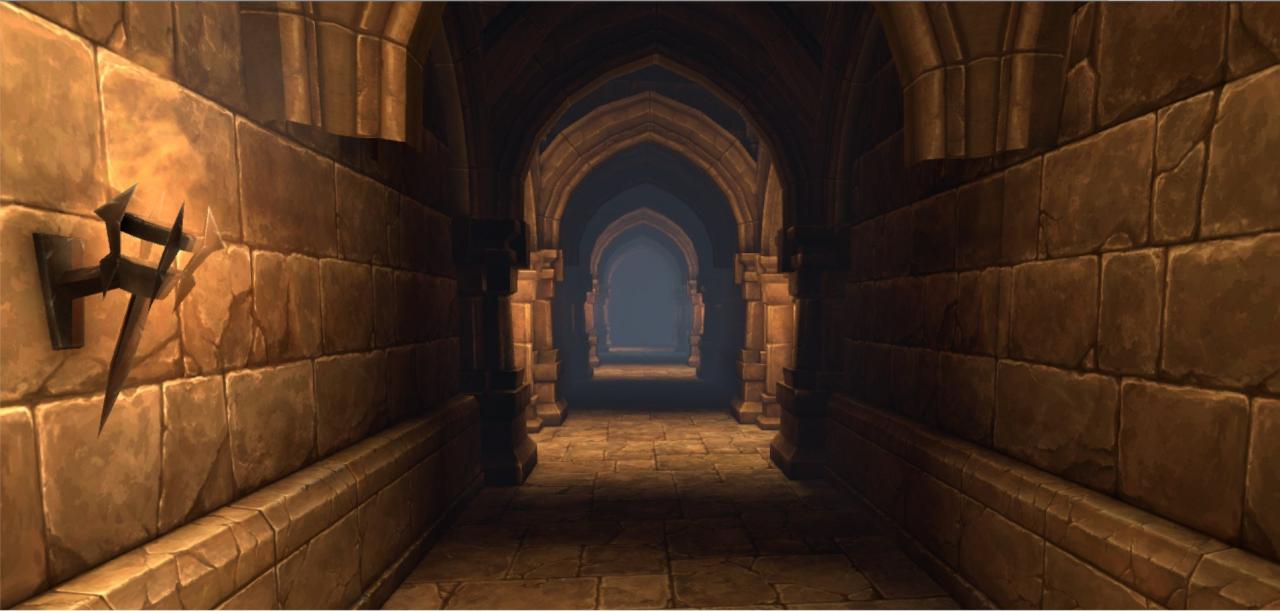
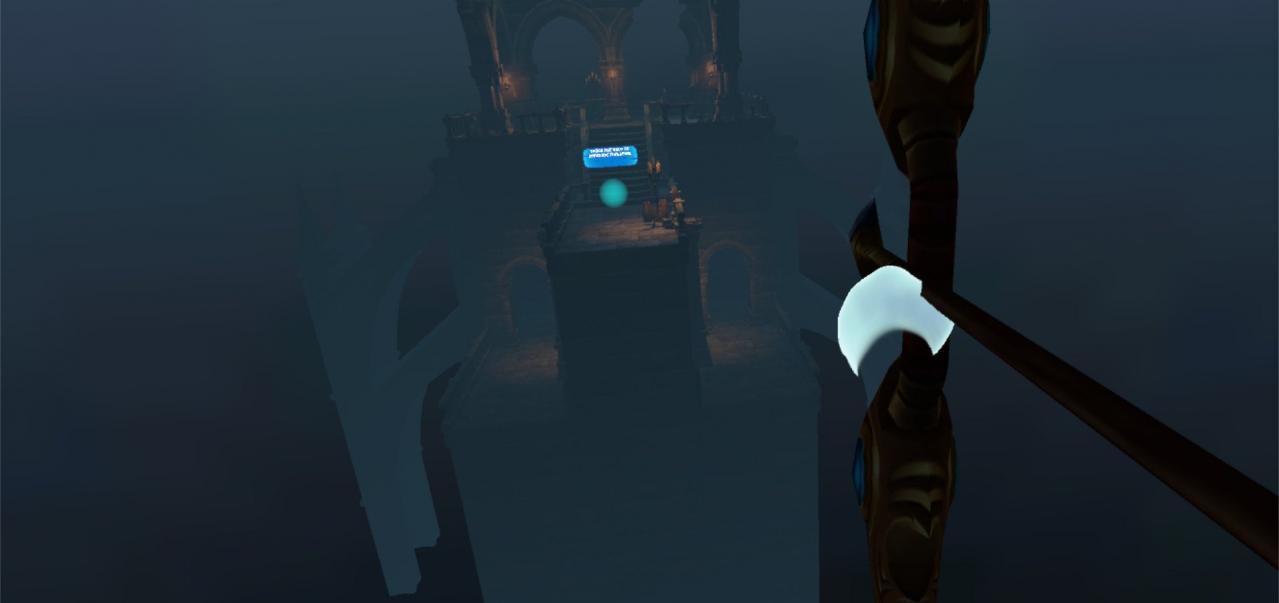
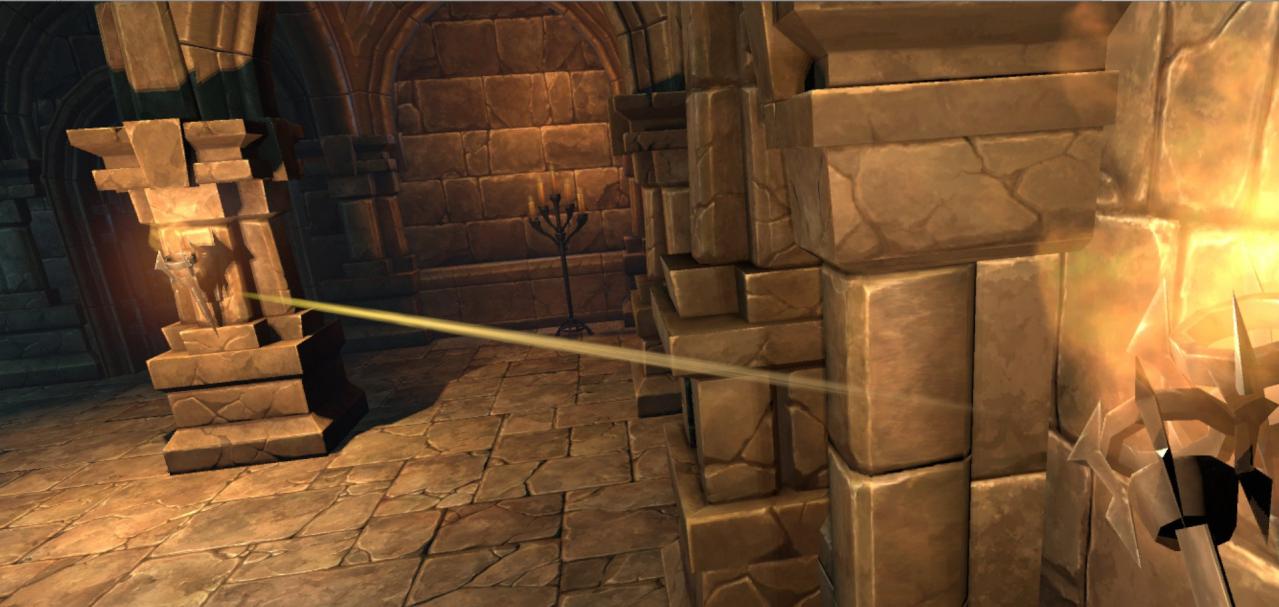
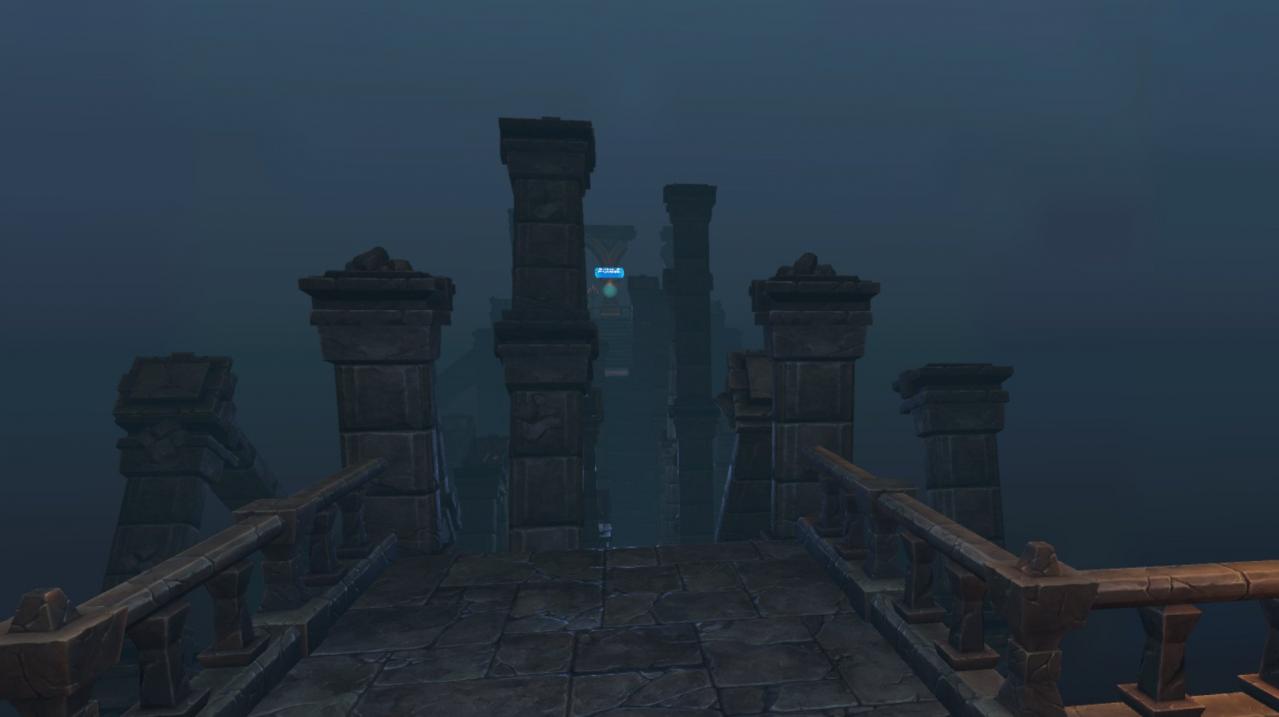
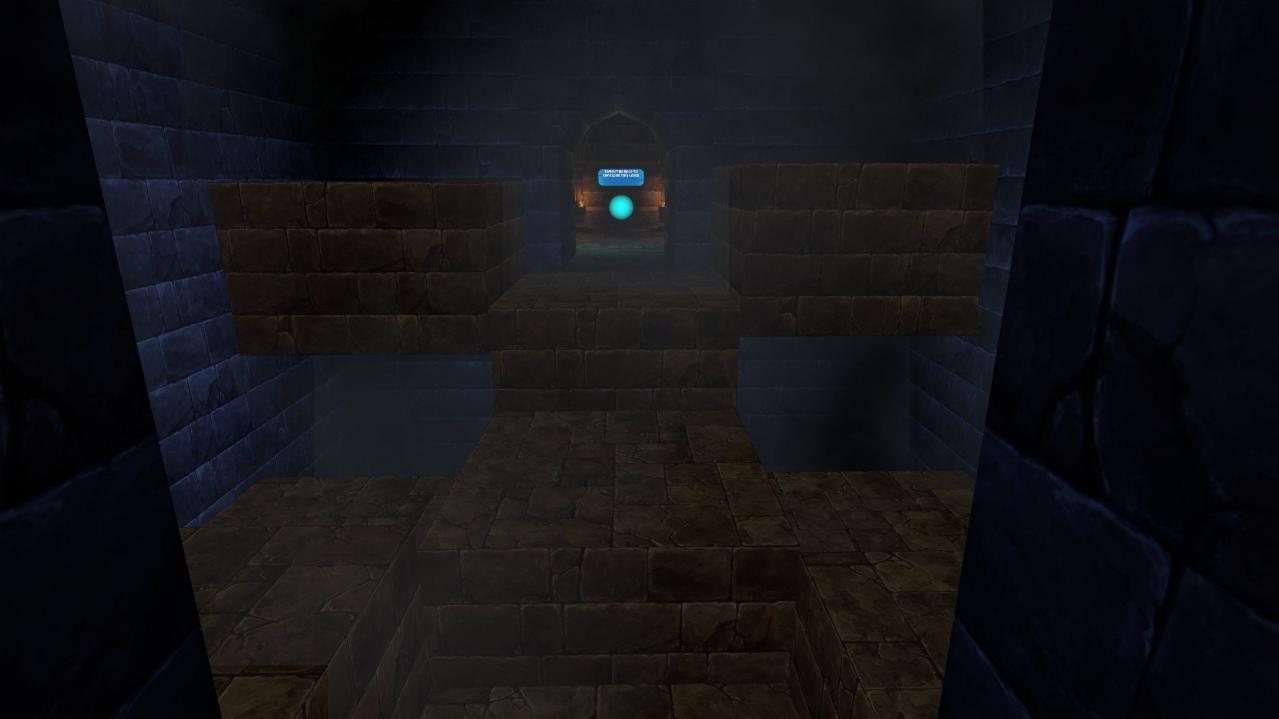
Dive in into the immersive Dungeon Puzzle VR game where you will be tested on your ability to pay attention to the smallest details, recognizing patterns and critical thinking. Puzzles in the dungeon are designed by the old cursed ghost who finds it amusing to trap people in his dungeon to satisfy his boredom. While providing you little to no assistance to help you solve the puzzles. It is up to you to use your intelligence to solve the puzzles and gain your freedom back. There are three set of puzzles, four levels in each set. First set of puzzles are locked doors. You must figure out how to open those doors to complete the level. Second set of puzzles are hidden rooms. You must find hidden rooms to complete the level. Third set of puzzles are reaching from point A to B. You must find a way to reach/touch a halo on point B to complete the level.
Go to: http://store.steampowered.com/ and download STEAM client Click "Install Steam" (from the upper right corner) Install and start application, login with your Account name and Password (create one if you don't have). Please follow these instructions to activate a new retail purchase on Steam: Launch Steam and log into your Steam account. Click the Games Menu. Choose Activate a Product on Steam... Follow the onscreen instructions to complete the process. After successful code verification go to the "MY GAMES" tab and start downloading.