Get 10% back in Relic Coins on every order
The Sims 4 - Perfect Patio Stuff Pack DLC cover

Xbox OneGlobal· DLC

The Sims 4 - Perfect Patio Stuff Pack DLC

€5.79

+€0.58 cashback eligibility in Relic Coins

Check before you play

Platform
Xbox One
Region
Global
Product type
DLC

Check the required base game and edition before purchasing this add-on.

Developer
The Sims Studio
Publisher
Electronic Arts
Supplier release date
2017-11-17
Genres
Simulation

About this product

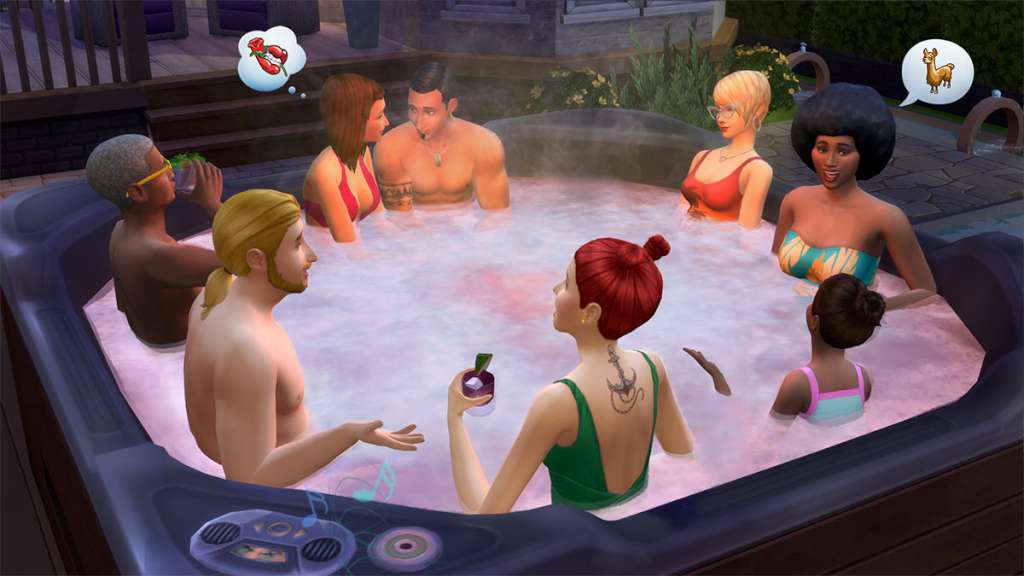
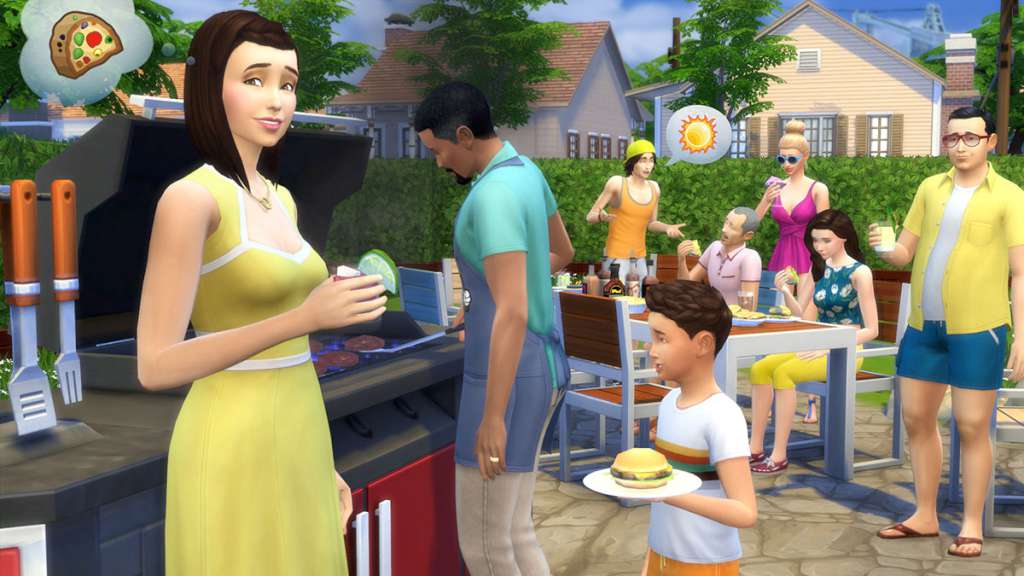
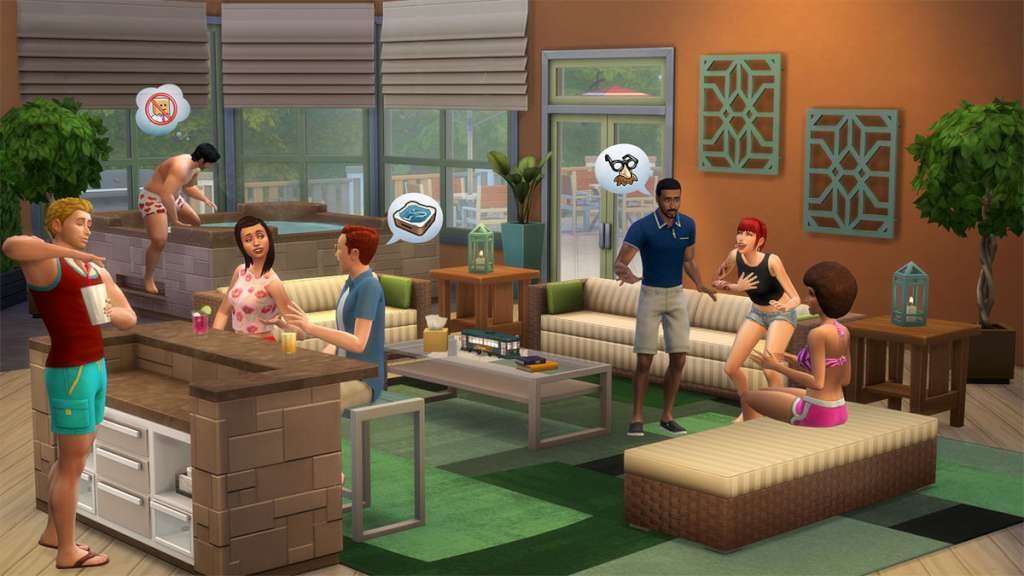
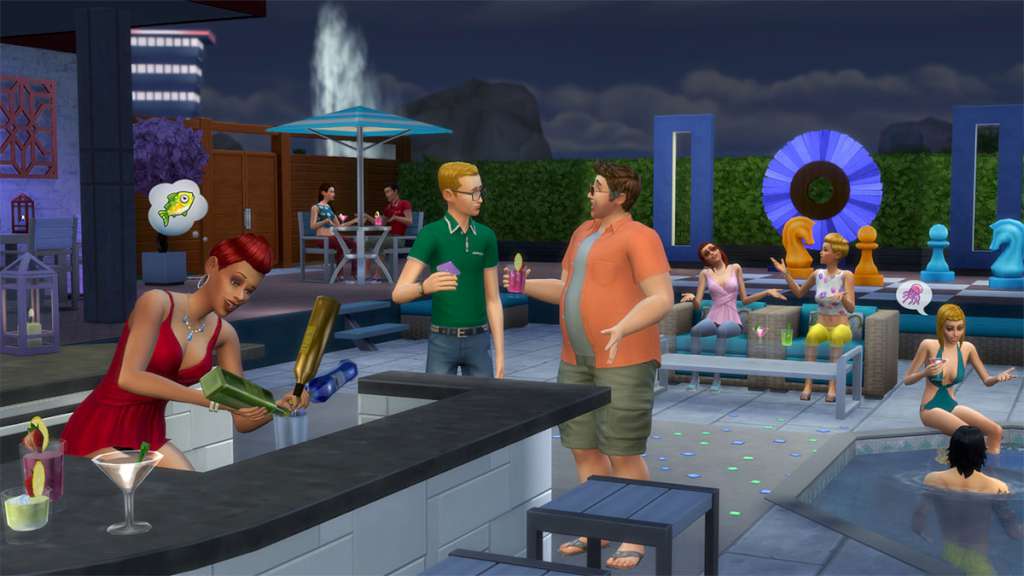
Hot Tubs Are Here!Lure your Sims outside with hot tubs, new furnishings, décor, hairstyles, and more in The Sims™ 4 Perfect Patio Stuff. Fire up the grill and change into something more casual so you can lounge in style. Serve up tasty refreshments with the new patio bar and unwind to the soothing bubbles of the hot tub - it’s hot, but not too hot. Features Relax in a hot tub. Add a hot tub to your Sims' patio! Let the bubbles melt your stress away, or splash around with friends. Handy Sims can upgrade each hot tub to include a stereo and even aromatherapy! Chill outside, pool-side. Create an open-air lounge by the pool with a variety of stylish furnishings and décor. Heat things up on the new barbecue grill and serve up some refreshments at the new patio bar. Dress down, kick back. Show the other Sims you know how to really relax outside with lots of casual, comfortable clothing options including swimsuits and slim-fit polos. Top it all off with new hairstyles and there’s no doubt who rules the laid-back look.


The Sims 4 - Perfect Patio Stuff Pack DLC screenshotThe Sims 4 - Perfect Patio Stuff Pack DLC screenshotThe Sims 4 - Perfect Patio Stuff Pack DLC screenshotThe Sims 4 - Perfect Patio Stuff Pack DLC screenshot

How to redeem

  1. 1Check the required base game, platform and edition before purchasing.
  2. 2Find the code or supplier activation instructions in your confirmed order.
  3. 3Redeem on Xbox One using the supplied instructions, then install the add-on with the compatible base game.

Supplier instructions

Go to https://www.xbox.com Login to your account Hover over your account link (the top right of the screen) a menu will appear, click on the "Redeem Code" button. On the next page, click "Redeem" Enter your code Click "Confirm" Click "Confirm" again to assign the key to your account.

You might also like