Get 10% back in Relic Coins on every order
Megabyte Punch cover

SteamGlobal· Key

Megabyte Punch

€2.72

+€0.27 cashback eligibility in Relic Coins

Check before you play

Platform
Steam
Region
Global
Product type
Key
Developer
Team Reptile
Publisher
Team Reptile
Supplier release date
2013-10-15
Genres
Action, Adventure, Indie, Fighting

About this product

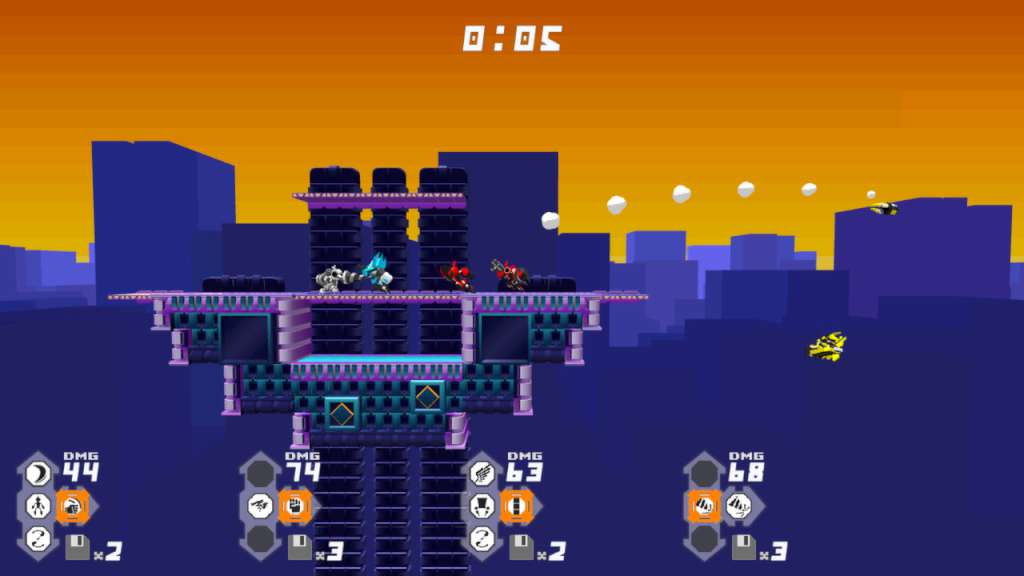
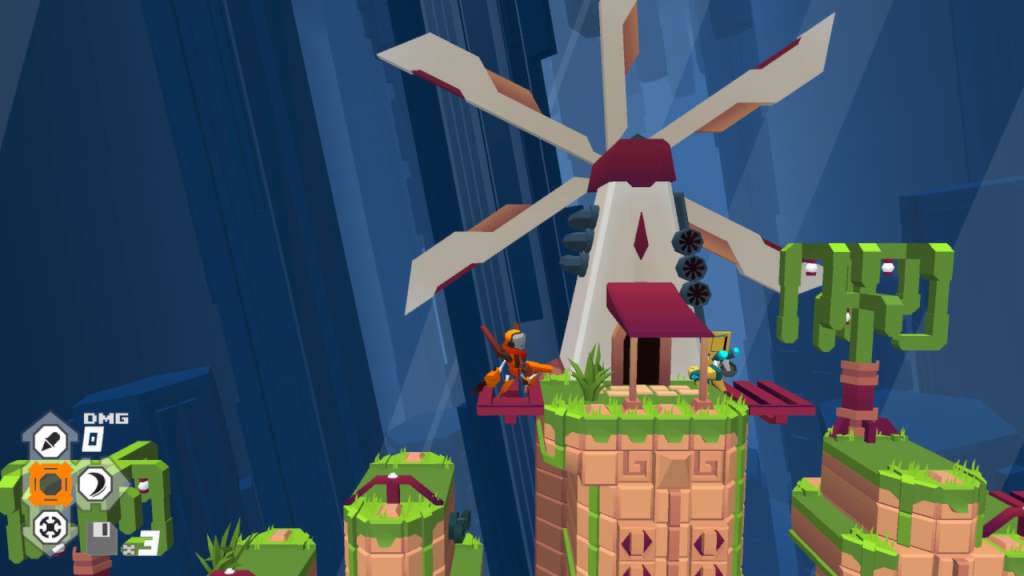
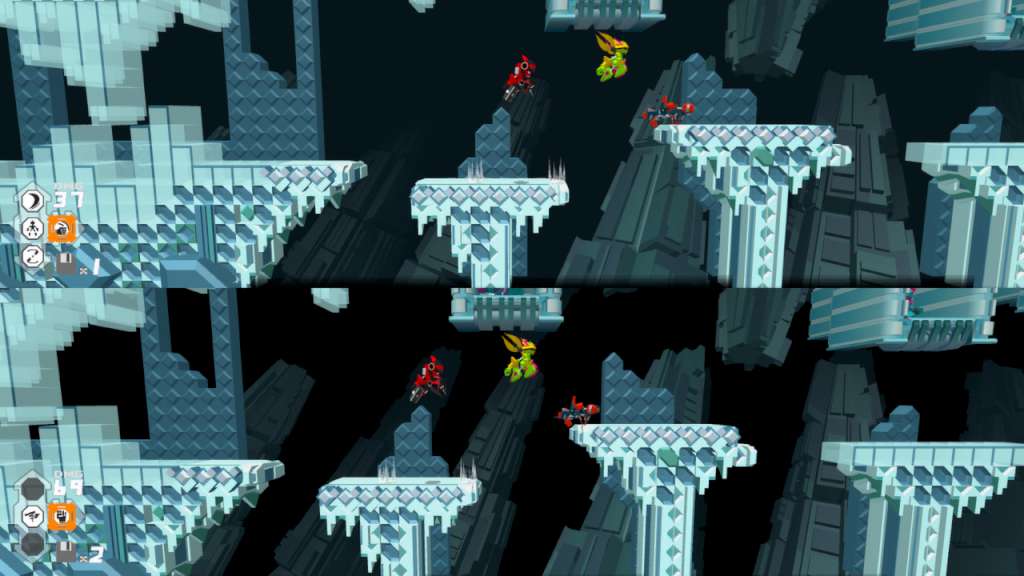
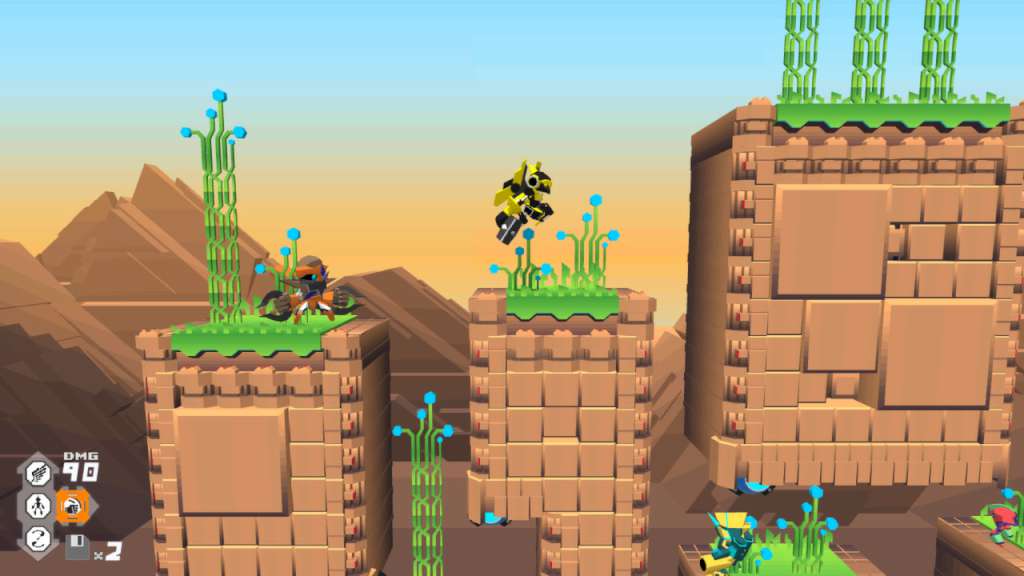
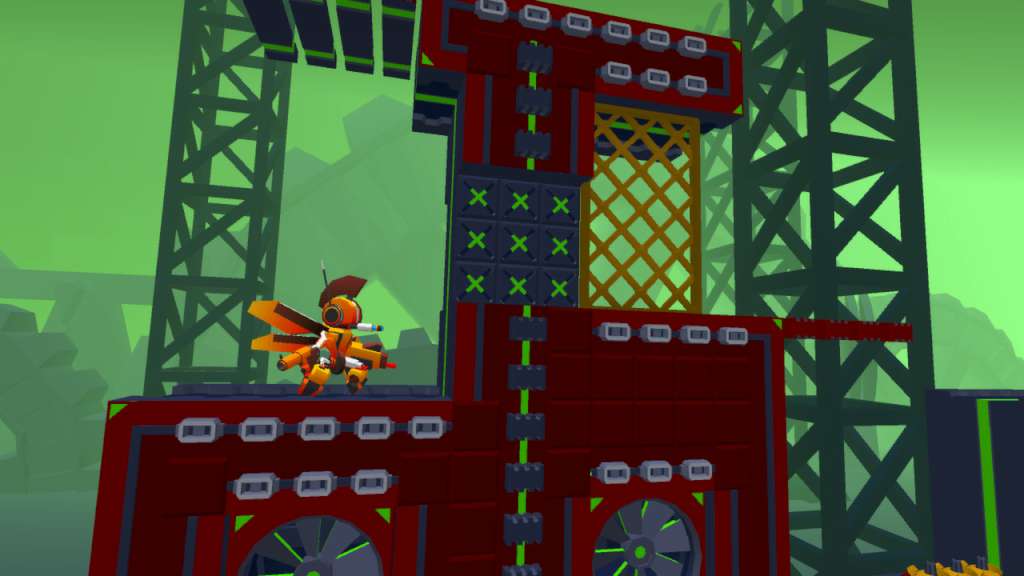
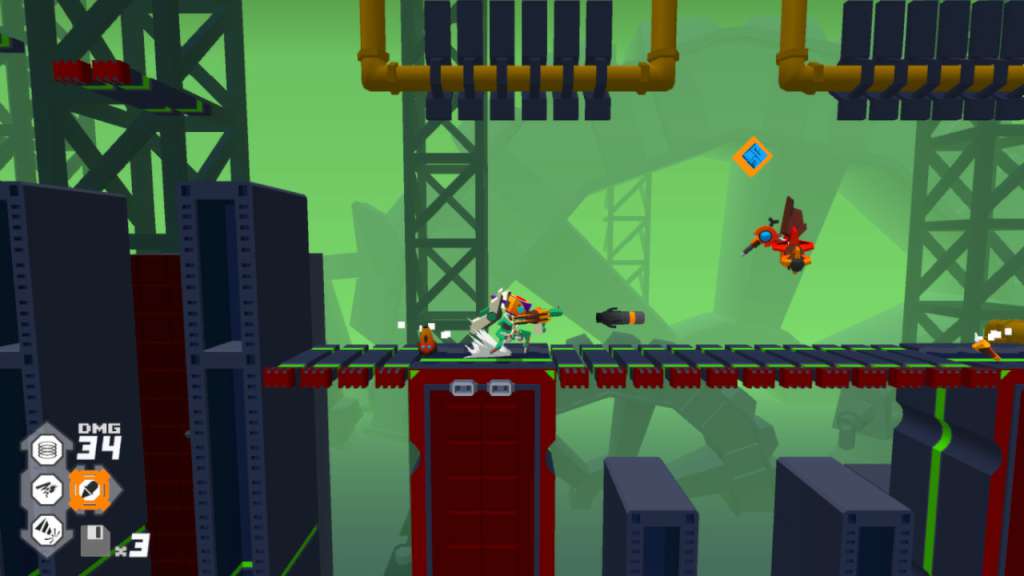
Megabyte Punch is a fighting/beat ‘em up game in which you build your own fighter! As you travel through different environments, you battle other creatures to get their parts. Parts have their own powers and bonuses, like gun arms for a shoot ability or powerful hips for a devastating pelvic thrust attack. Then, using the abilities of your customized fighter, you can compete in the tournament or battle against other players in a destructible arena. The game takes place in an computer world where you protect the Heartcore of your village against the likes of the Valk Empire and the dreaded Khoteps in 6 different levels with each 3 stages and a boss fight! Features: Chunky stylish graphics. 6 unique electro-worlds with boss fights 150 parts to collect and endless combinations to customize your character. Pumpin' Electro Soundtrack. Compete in the tournament for rare parts. Up to 4 player local co-op and versus mode.


Megabyte Punch screenshotMegabyte Punch screenshotMegabyte Punch screenshotMegabyte Punch screenshotMegabyte Punch screenshotMegabyte Punch screenshot

How to redeem

  1. 1Check your Steam account and the listed region before purchasing.
  2. 2Find your code and supplier activation instructions in your confirmed order.
  3. 3Open the redeem-code section on Steam, enter the code and follow the platform’s prompts.

Supplier instructions

Go to: http://store.steampowered.com/ and download STEAM client Click "Install Steam" (from the upper right corner) Install and start application, login with your Account name and Password (create one if you don't have). Please follow these instructions to activate a new retail purchase on Steam: Launch Steam and log into your Steam account. Click the Games Menu. Choose Activate a Product on Steam... Follow the onscreen instructions to complete the process. After successful code verification go to the "MY GAMES" tab and start downloading.

You might also like