

SteamGlobal· Key
LUMINES REMASTERED
€9.83
+€0.98 cashback eligibility in Relic Coins
Check before you play
- Platform
- Steam
- Region
- Global
- Product type
- Key
- Developer
- Resonair
- Publisher
- Enhance
- Supplier release date
- 2018-06-26
- Genres
- Indie, Casual
SteamGlobal· Key
€9.83
+€0.98 cashback eligibility in Relic Coins
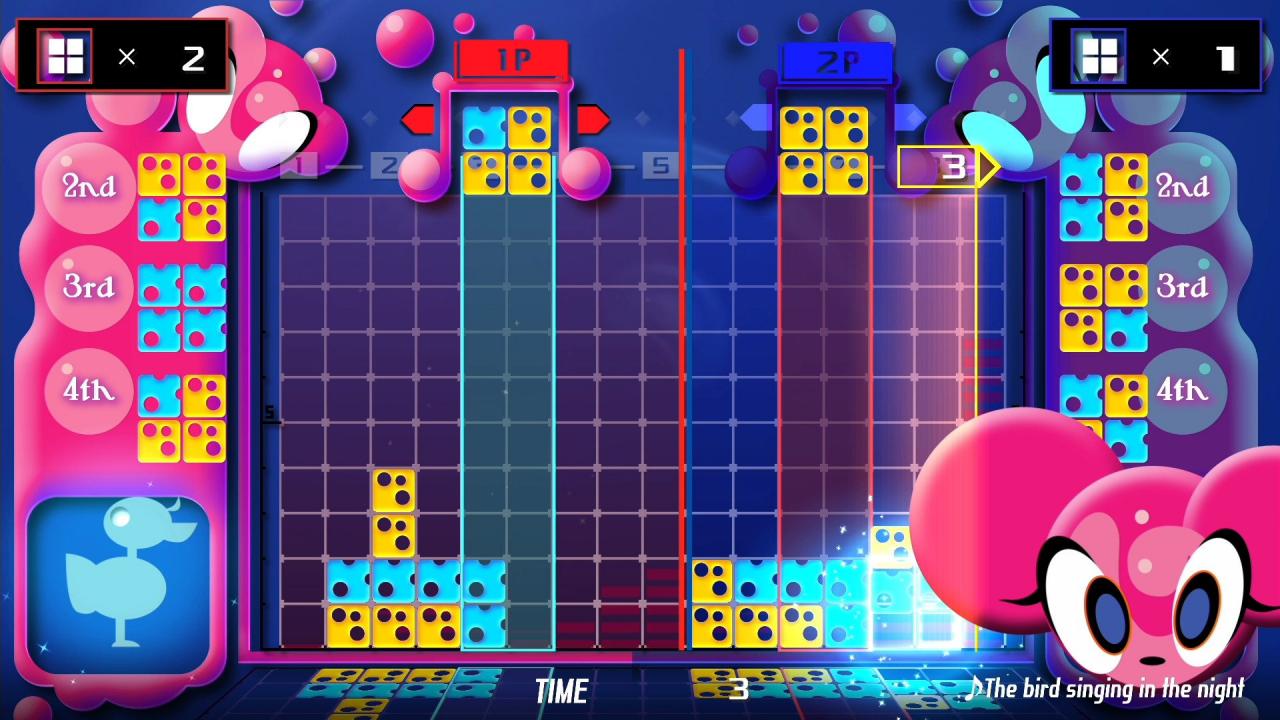
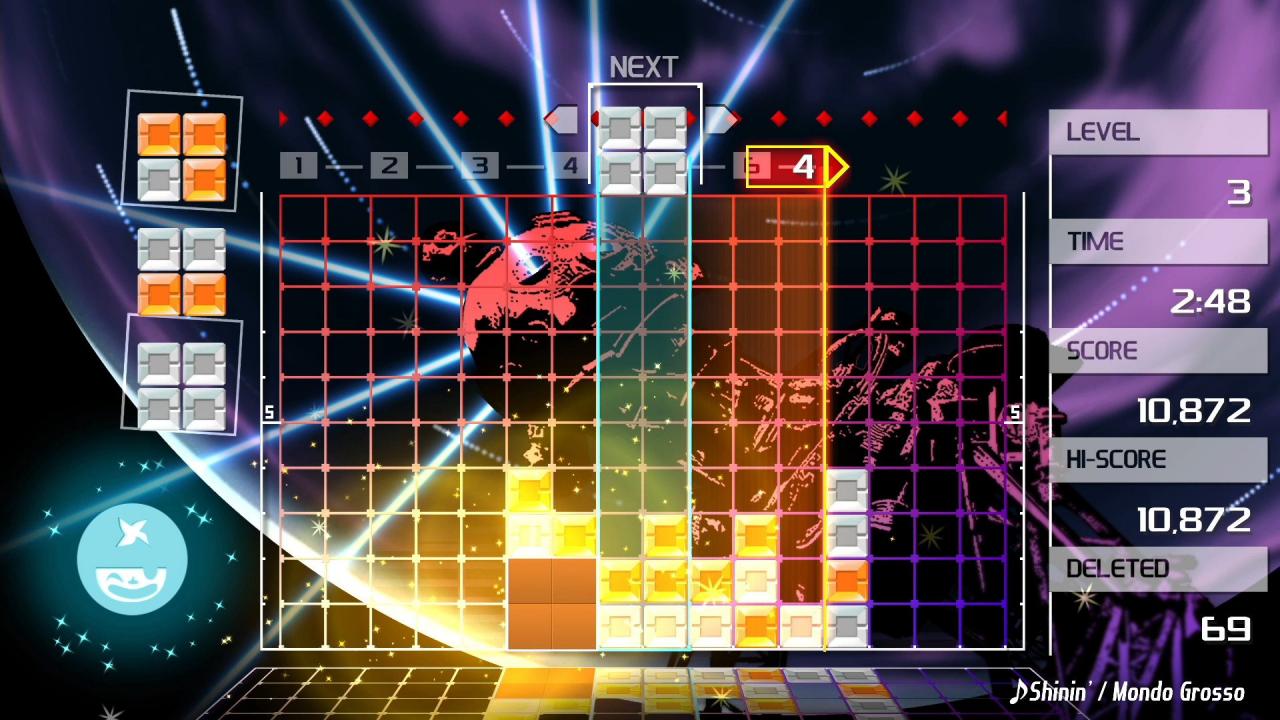
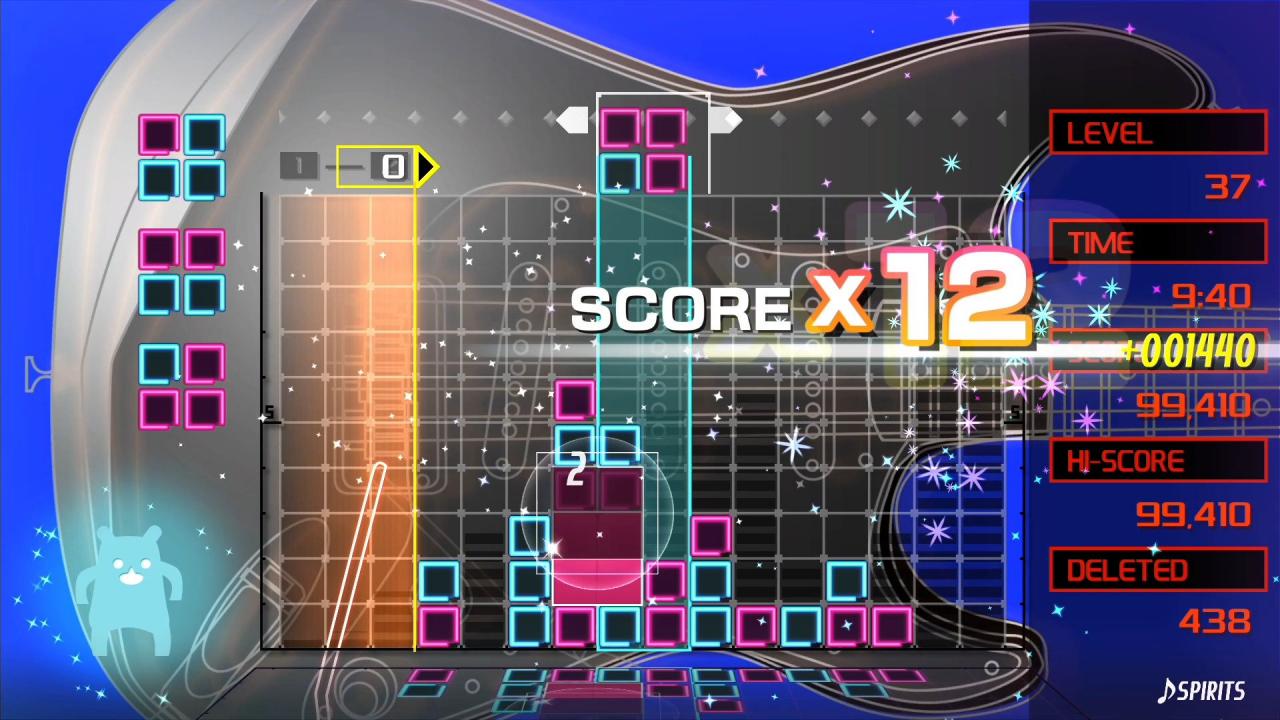
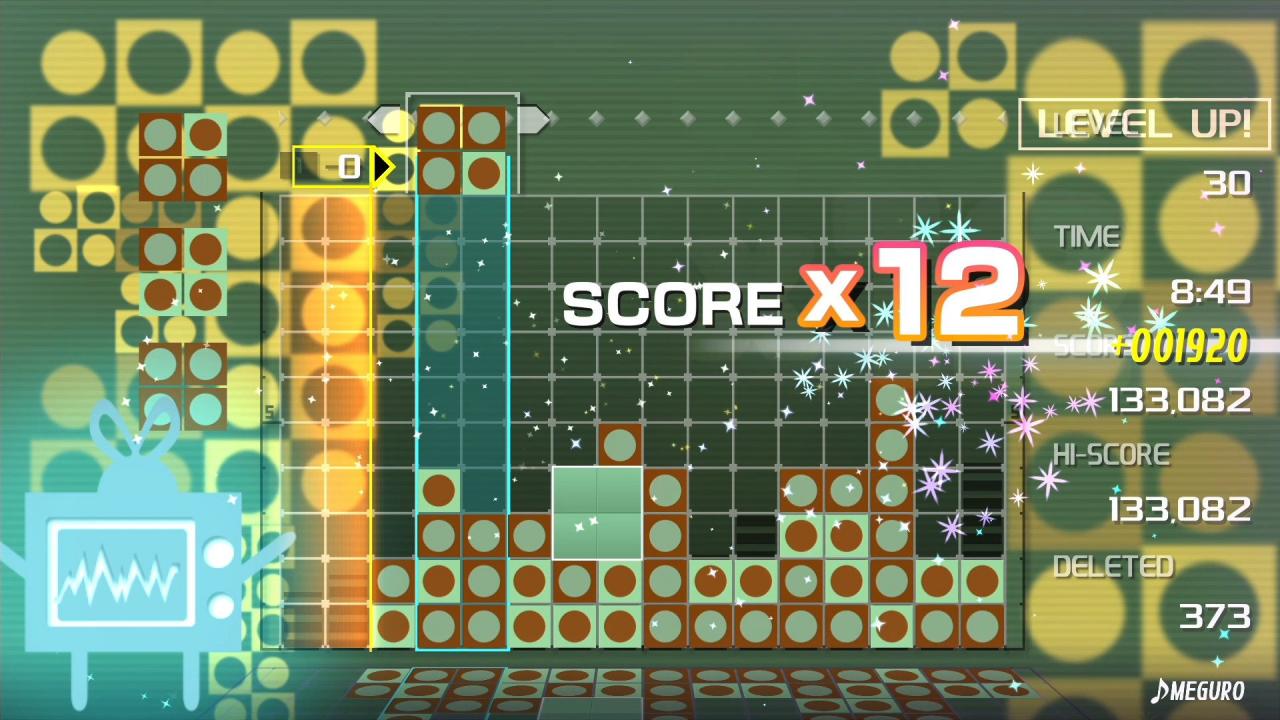
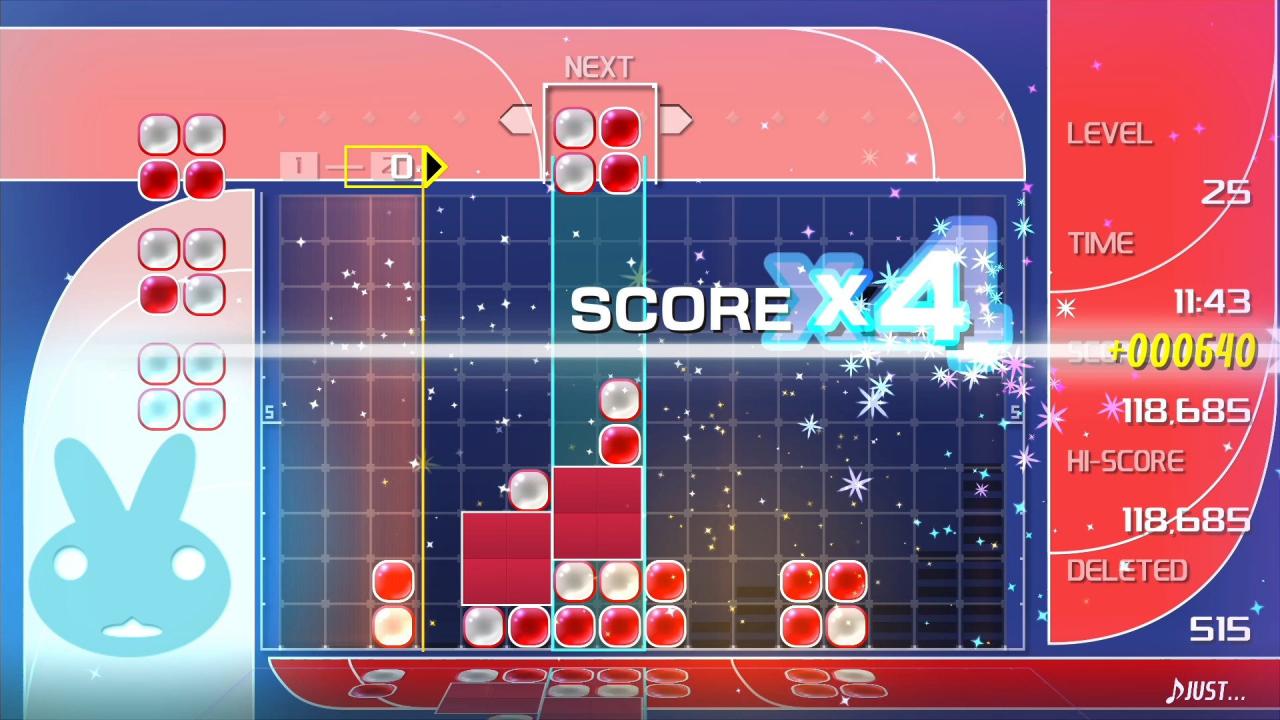
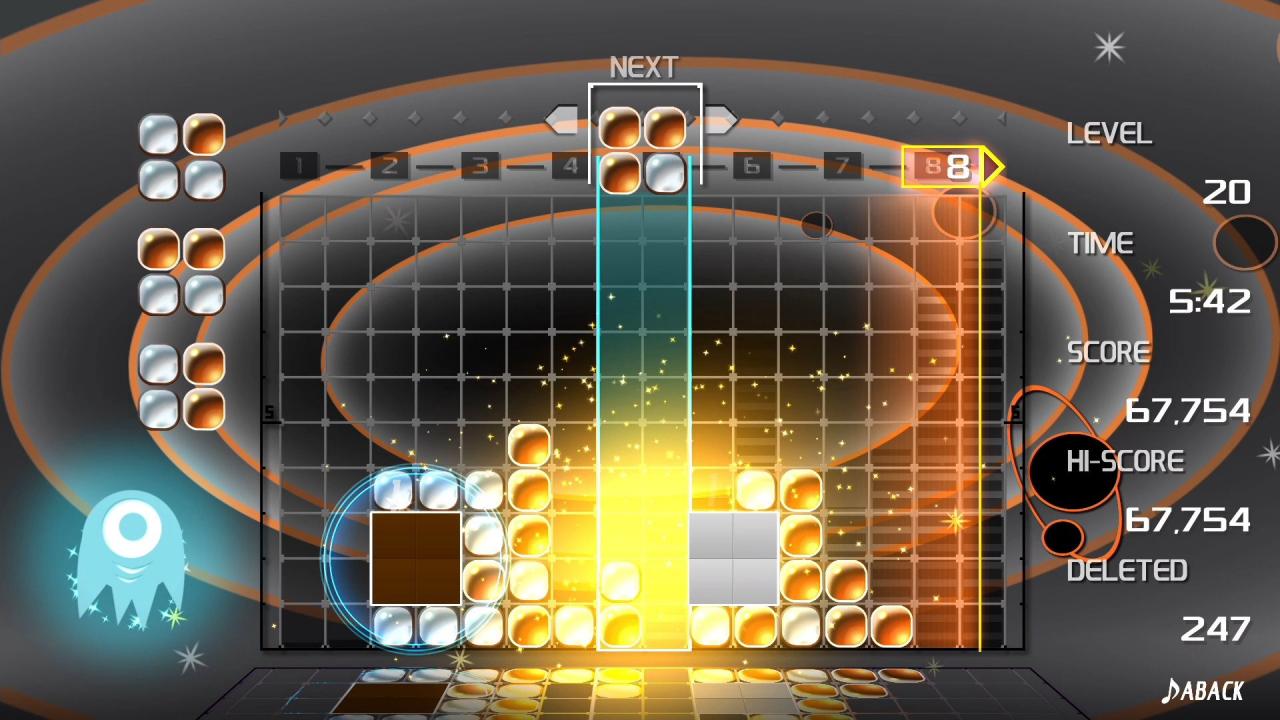
LUMINES REMASTERED brings minimalism to the puzzle genre where the fusion of light and sound sets the stage for a two-color falling block experience in HD and 4K. Groove to electronic jams while strategically dropping blocks before the BPM bar sweeps combos clean after each measure. Features Feel the sound: Play over 40 skins with electronic atmospheres from chill to upbeat. Shuffle skins (like a music playlist) as more are unlocked in a new Shuffle mode. Feel the challenge: Faster tempos means less time to make combos, but slower songs can mean uncleared stacks. You’ll get hooked. Feel the fun: Take the challenge to unlock all skins and avatars, play against friends in local VS 2-player mode, or climb the ranks to the top of the online leaderboards. Feel the vibration: Turn on Trance Vibration and sync multiple rumble-enabled controllers to feel the bass across your body.
Go to: http://store.steampowered.com/ and download STEAM client Click "Install Steam" (from the upper right corner) Install and start application, login with your Account name and Password (create one if you don't have). Please follow these instructions to activate a new retail purchase on Steam: Launch Steam and log into your Steam account. Click the Games Menu. Choose Activate a Product on Steam... Follow the onscreen instructions to complete the process. After successful code verification go to the "MY GAMES" tab and start downloading.