

SteamGlobal· Gift
Rock of Ages
€9.96
+€1.00 cashback eligibility in Relic Coins
Check before you play
- Platform
- Steam
- Region
- Global
- Product type
- Gift
- Developer
- ACE Team
- Publisher
- Atlus
- Genres
- Strategy, Indie
SteamGlobal· Gift
€9.96
+€1.00 cashback eligibility in Relic Coins
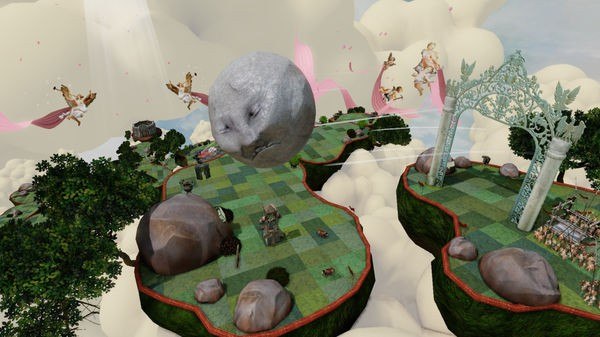
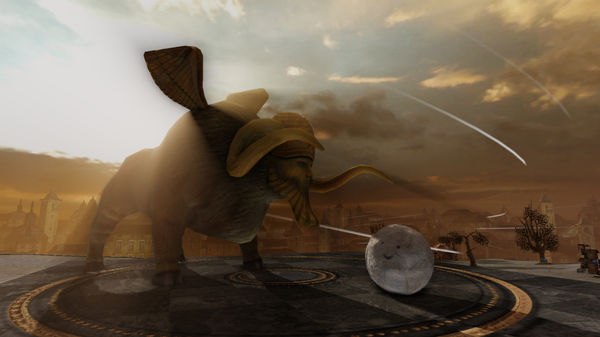
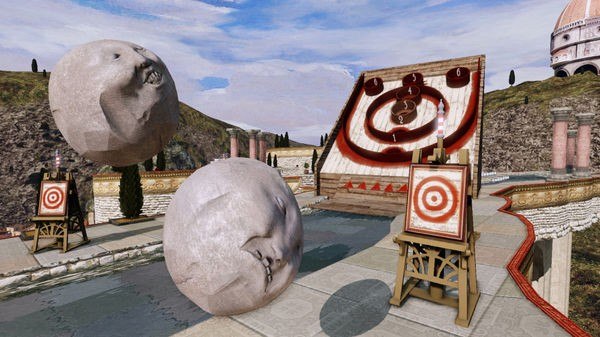
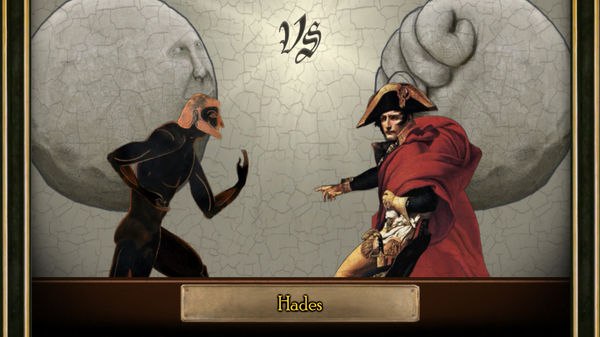
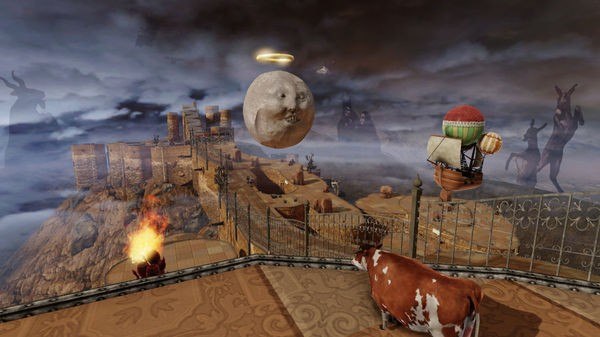
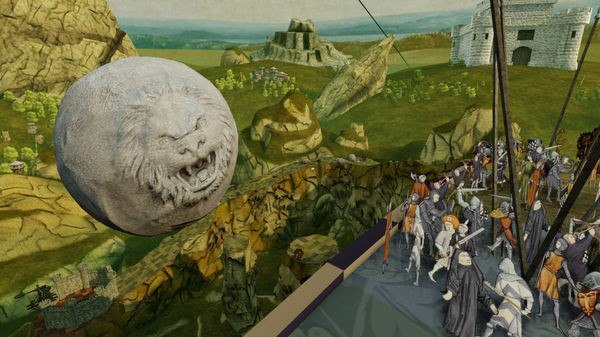
Rock of Ages Steam Gift Platform: Steam Languages: EN/FR/DE/IT/JP/RU/ES Release Date: 7 Sep 2011 Product Description A rock-solid combination of rock-rolling action, deep strategy, and captivating art and music from different ages of history, this is a game of crush or be crushed! Two castles stand opposed; one is yours, the other is your enemy’s. They're a jerk and their castle sucks, so you’re going to try to smash it using an enormous boulder. Even as they build up their defenses, you're ready to roll over them in order to raze that unsightly tower. But beware! There’s a giant boulder headed your way, too. Features Brought to you by the insanely creative minds of ACE Team, makers of Zeno Clash! Take control of a giant boulder and crush your enemies! Use an amazing variety of units to defend your tower and knock your enemy off course. Bring your fight to both online and offline multiplayer! 3 different modes: War, Time Trial, and SkeeBoulder. 5 rich, historic periods of art and music create a gaming atmosphere unlike any other. FREE Original Soundtrack included with the game download. System Requirements OS: Windows XP/Vista/7 Processor: Dual Core 1.6 GHz or better Memory: 1.5 GB or higher Graphics: 256mb video ram or better (GeForce 7 series or higher/Radeon HD3000 series or higher) DirectX®: 9.0c Hard Drive: 1.2 GB Sound: Windows supported Sound Card Internet: Online play requires Broadband Internet Connection
Go to: http://store.steampowered.com/ and download STEAM client Click "Install Steam" (from the upper right corner) Install and start application, login with your Account name and Password (create one if you don't have). Please follow these instructions to activate a new retail purchase on Steam: Launch Steam and log into your Steam account. Click the Games Menu. Choose Activate a Product on Steam... Follow the onscreen instructions to complete the process. After successful code verification go to the "MY GAMES" tab and start downloading.