
SteamGlobal· Key
SUPER BALL WRESTLE YES
€3.50
+€0.35 cashback eligibility in Relic Coins
Check before you play
- Platform
- Steam
- Region
- Global
- Product type
- Key
- Supplier release date
- 2018-06-19
- Genres
- Indie, Casual, Puzzle
SteamGlobal· Key
€3.50
+€0.35 cashback eligibility in Relic Coins
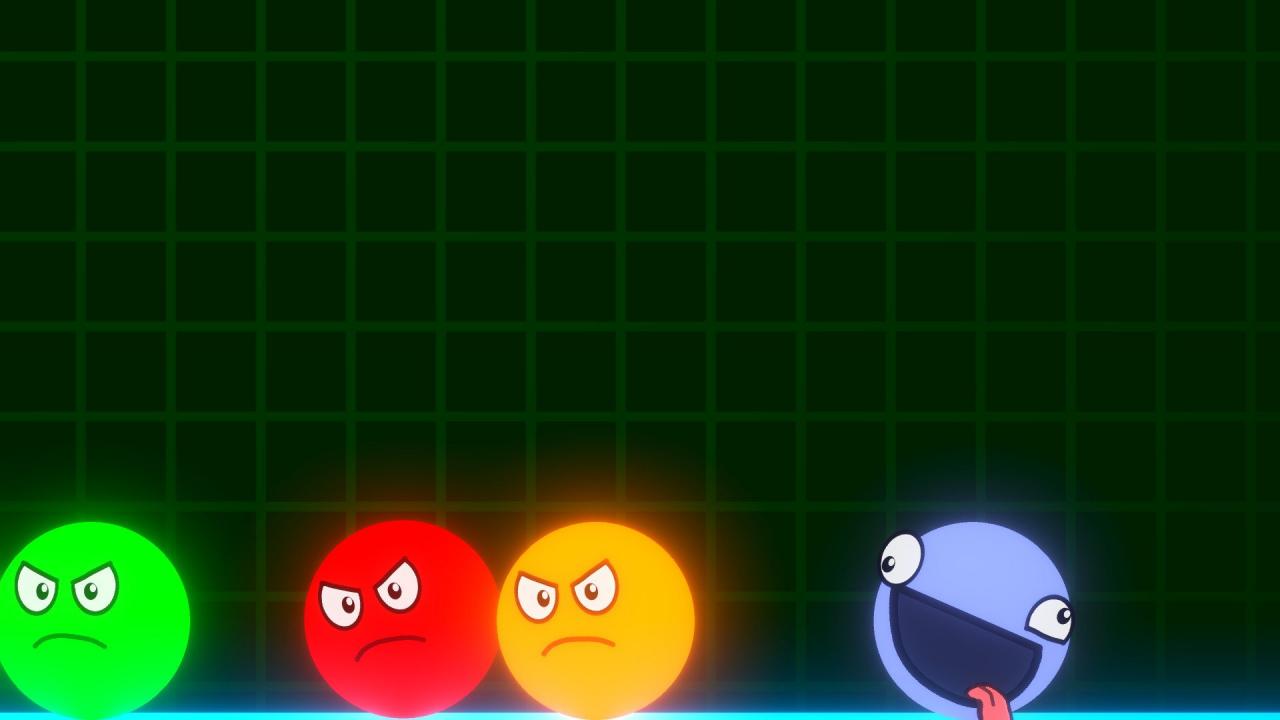
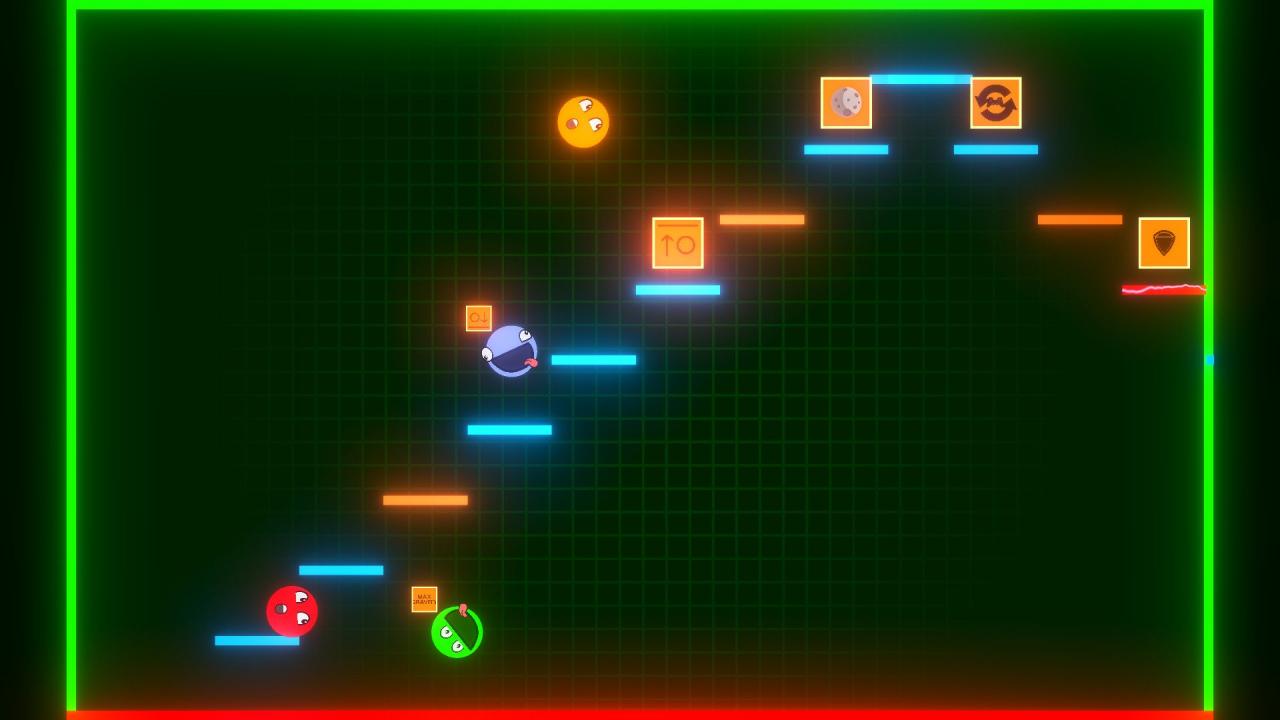
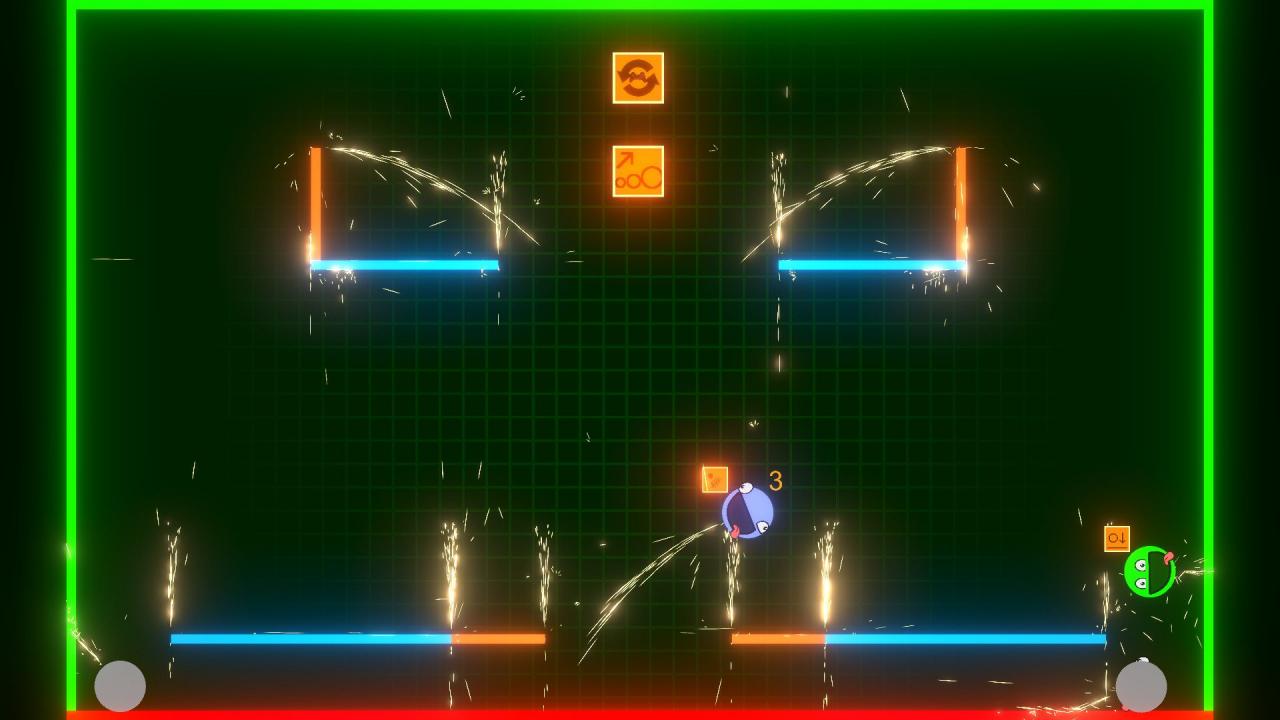
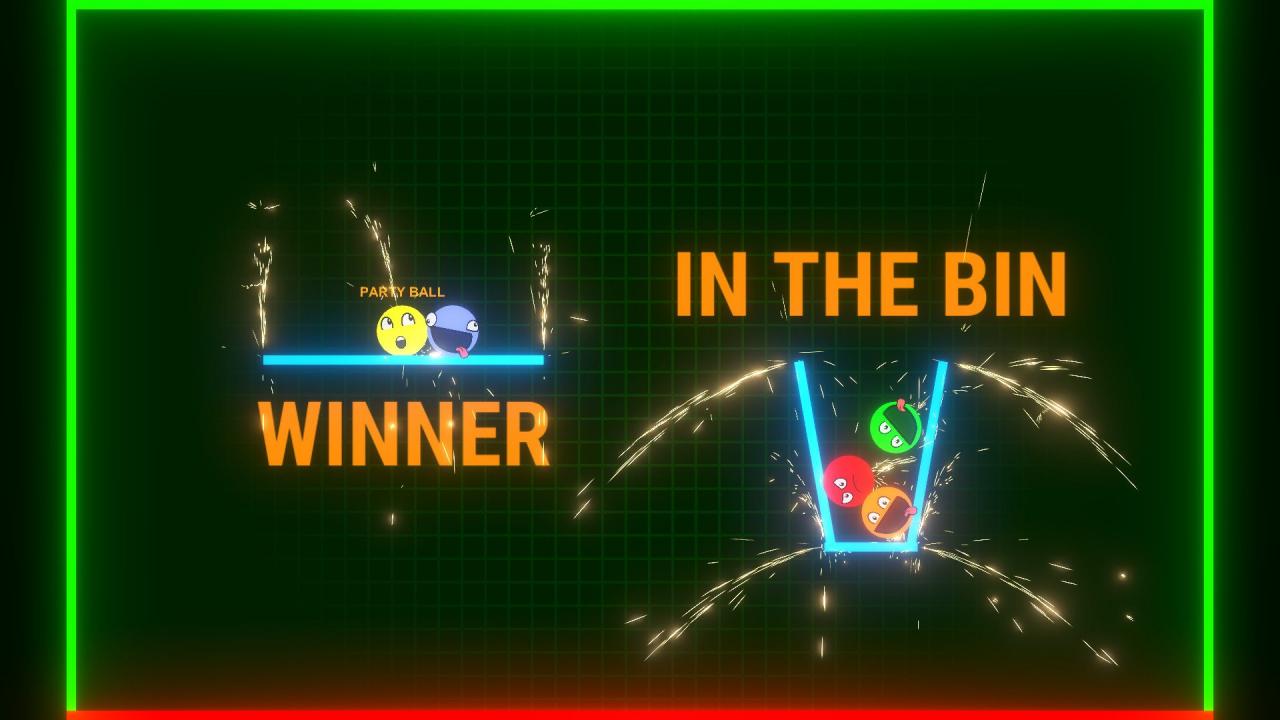
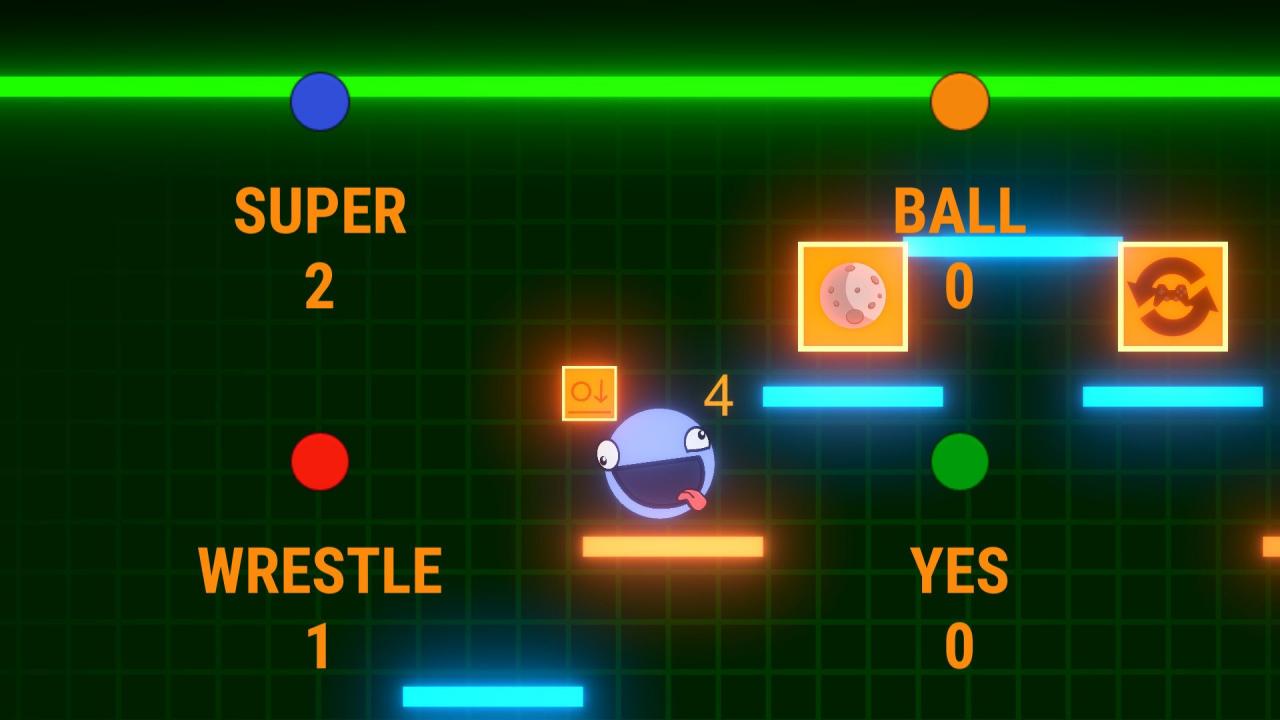
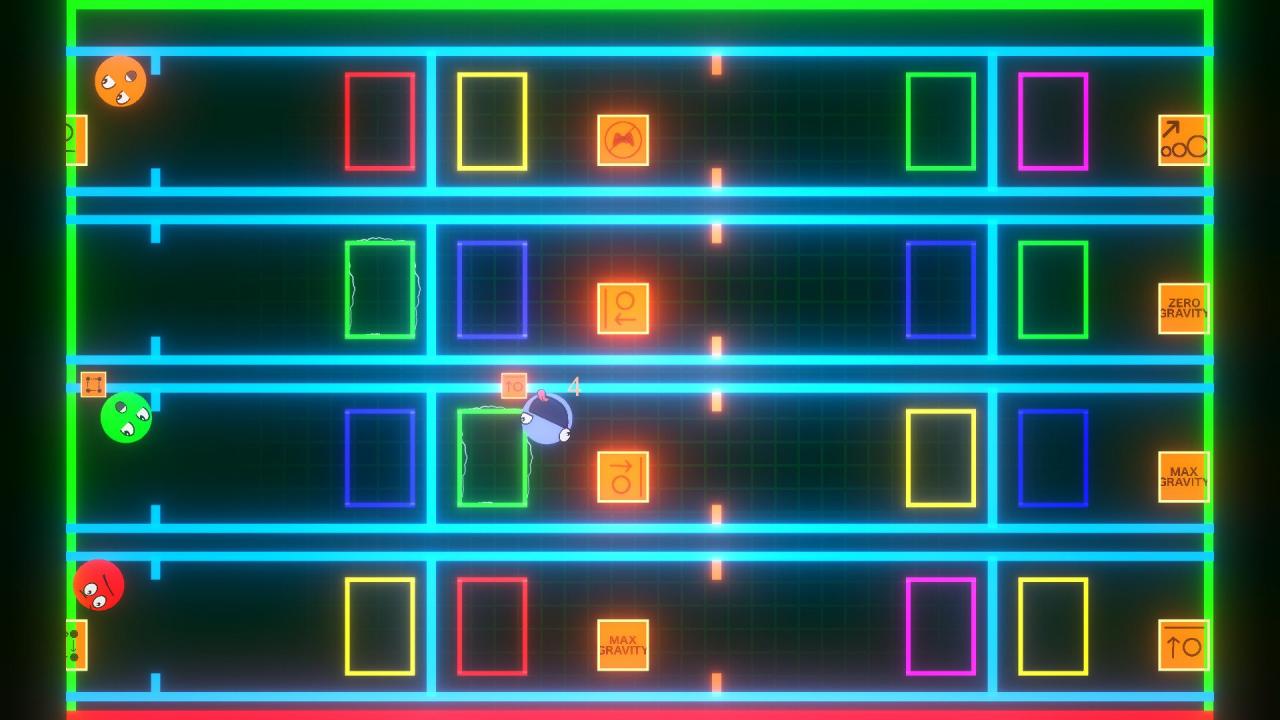
Now available on Steam is SUPER BALL WRESTLE YES, a frantic local multiplayer physics-based combat game from First Place Games. Challenge your friends in 2 to 4 player matches with goofy balls, tactical power ups and deep down silliness. The goal is to push your foes into anything red, and be the last player alive. As well as last ball standing, race mode is won by beating all other players to the finish line. Play each ball for themselves, or team up in 2v2, 3v1 or 2v1v1 matches in this fun party game. "Power ups" when fired affect all players, and tactical use of them is required to win consistently. Winners party with party ball, losers go in the bin. Features Physics based combat gameplay Local multiplayer 2-4 players 3 local modes, static fight, race and danger race. Over 30 levels and over 10 power ups Full controller support Original soundtrack
Go to: http://store.steampowered.com/ and download STEAM client Click "Install Steam" (from the upper right corner) Install and start application, login with your Account name and Password (create one if you don't have). Please follow these instructions to activate a new retail purchase on Steam: Launch Steam and log into your Steam account. Click the Games Menu. Choose Activate a Product on Steam... Follow the onscreen instructions to complete the process. After successful code verification go to the "MY GAMES" tab and start downloading.