Get 10% back in Relic Coins on every order
Destructions cover

SteamGlobal· Key

Destructions

€0.50

+€0.05 cashback eligibility in Relic Coins

Check before you play

Platform
Steam
Region
Global
Product type
Key
Developer
LUK KUS SOFT
Publisher
LUK KUS SOFT
Supplier release date
2018-07-03
Genres
Action, Adventure, Indie, Casual

About this product

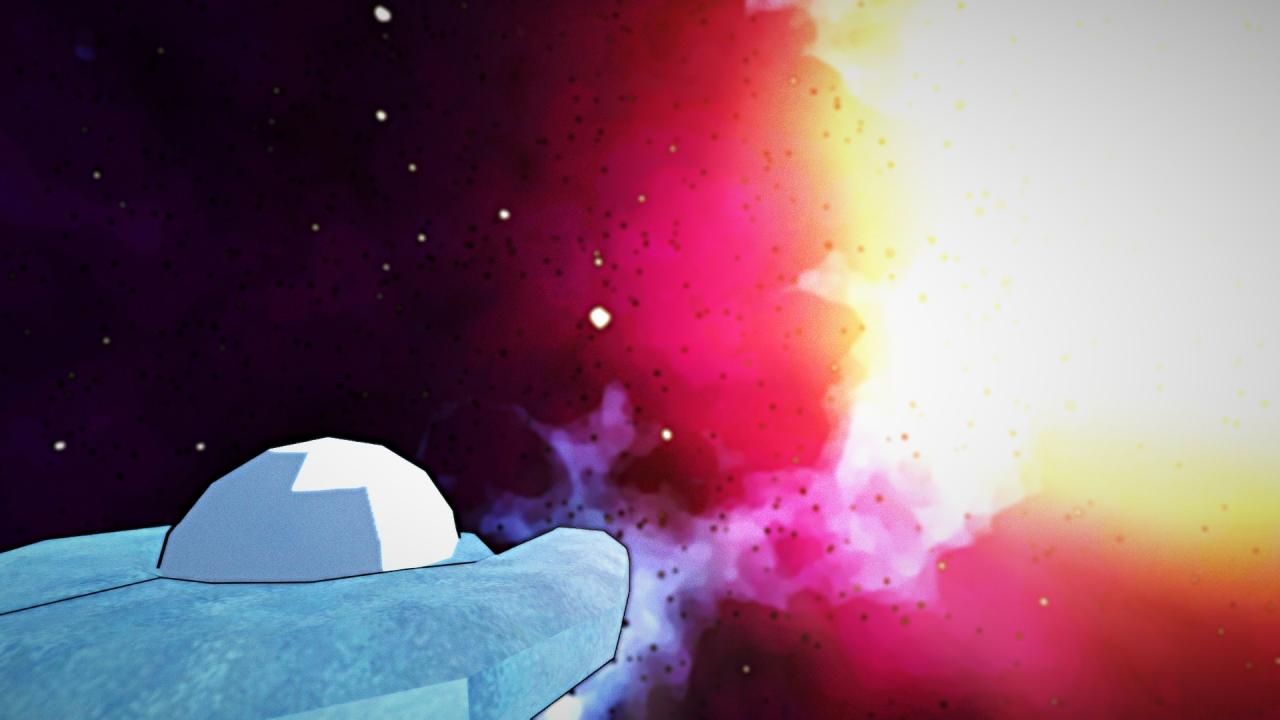
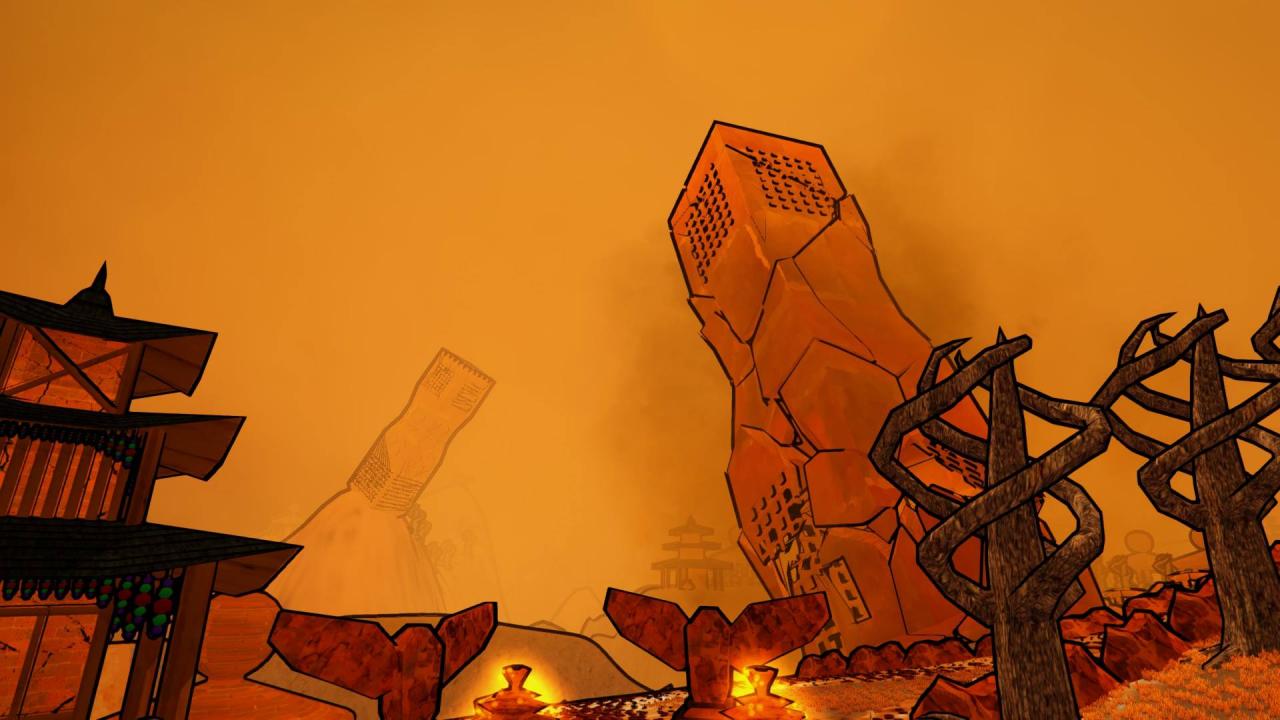
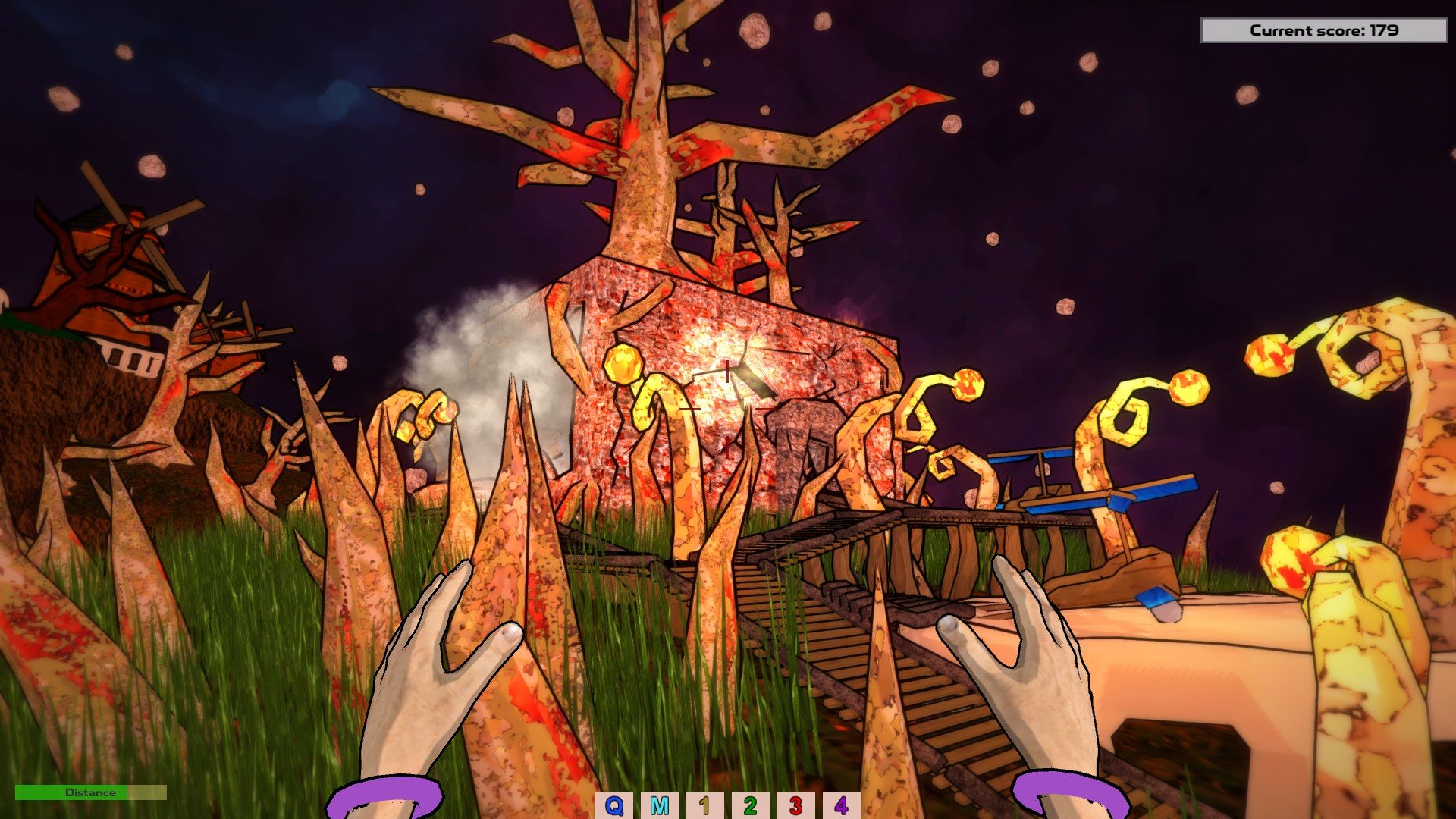
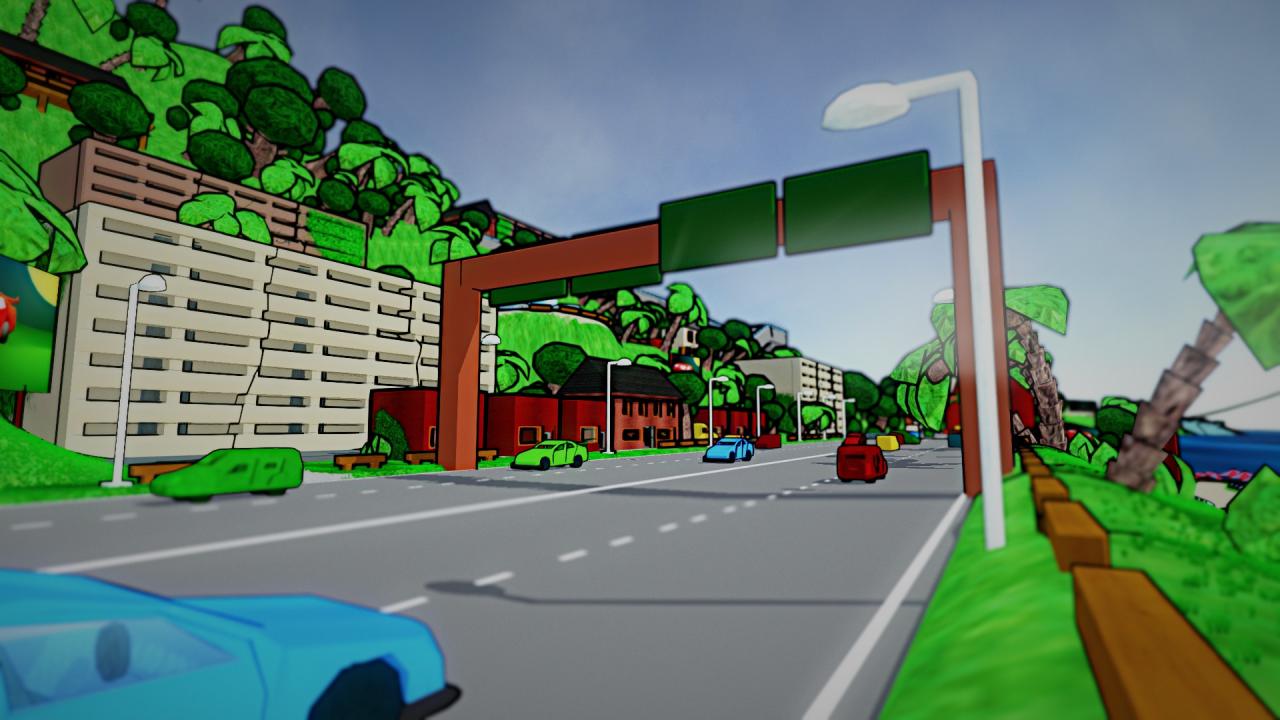
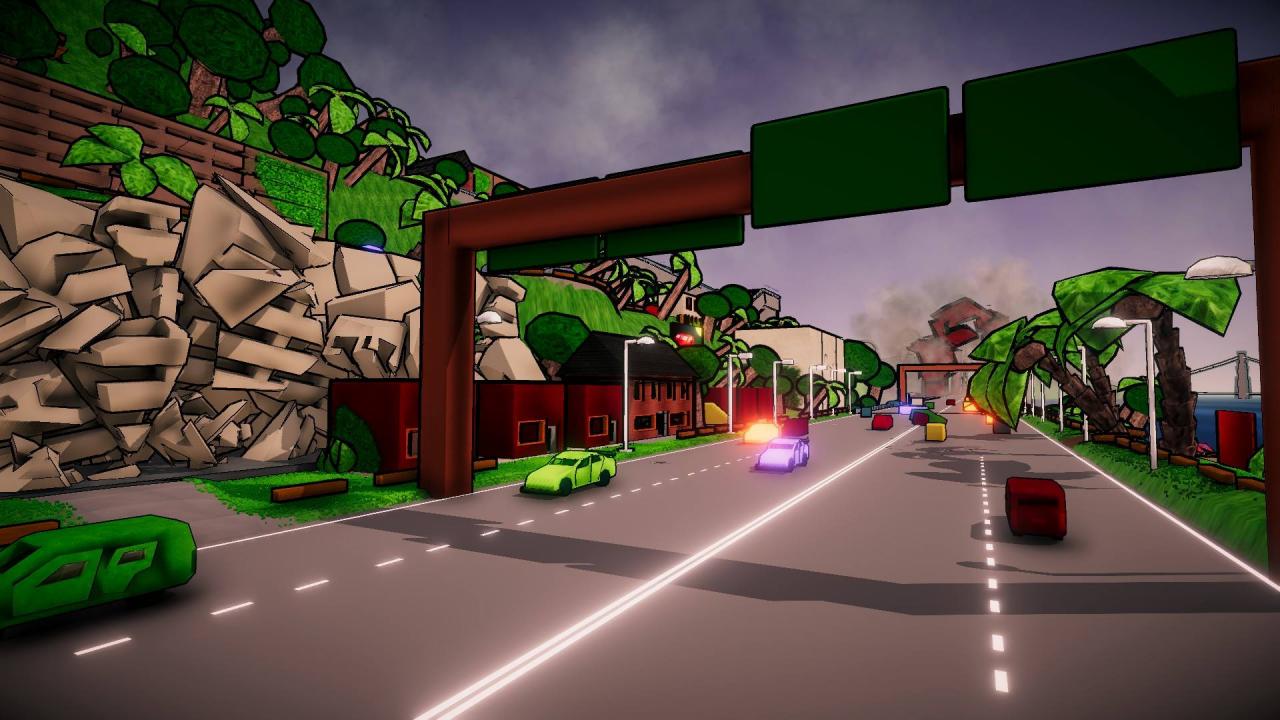
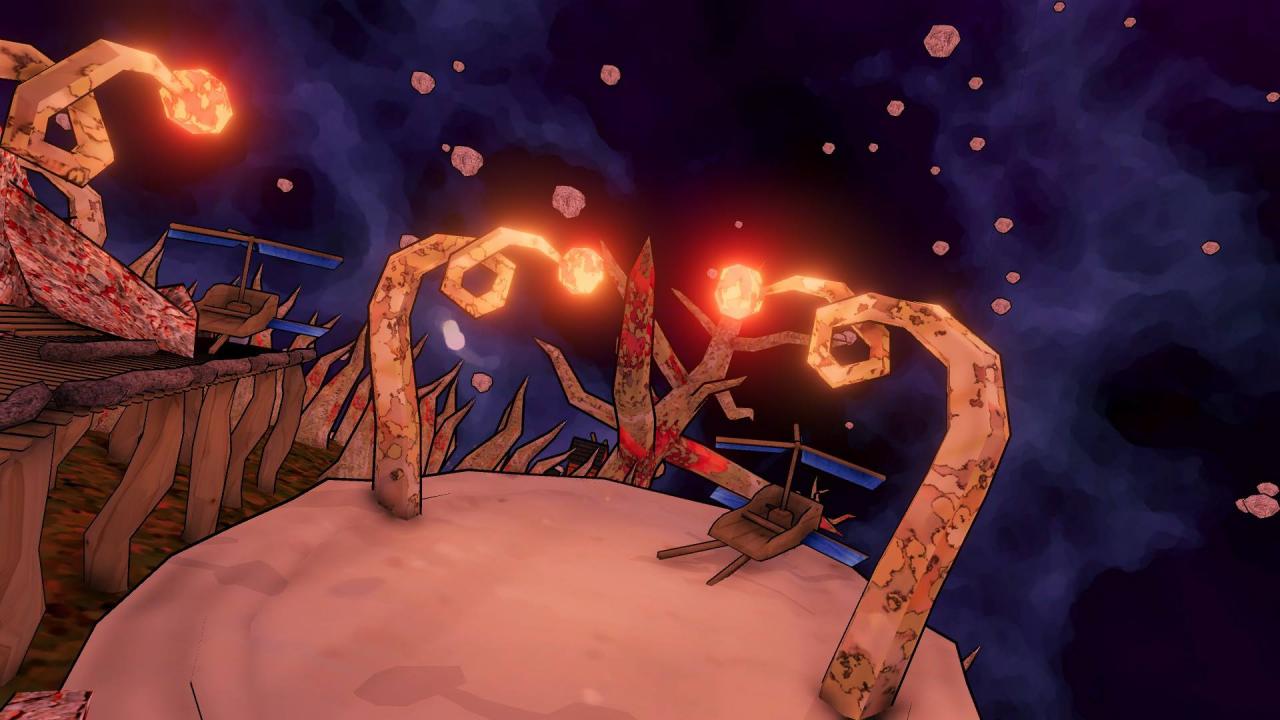
Destructions – the game which gives an opportunity of complete damage at the levels which were created with an idea of destruction. All the objects may be completely destroyed and the pieces of damaged buildings can turn visited places into a total ruin. GAME MODES: challenge mode free play mode without time limits level editor PLANETS The game offers four fully destructible maps. Planets have about 20 missions and is unlocked for free play mode after pass several mission. The player visits an abandoned island, a forgotten upland village, levitating islands and an underwater cemetery. LEVEL EDITOR Level editor offers a possibility to make own planet and save it into a file. The player can send the file to their friends. CHALLENGE MODE Challenge mode offers about twenty 2-5-minutes missions in the outer space and on every planet. The mission's goals are finding and destroying the chosen elements within a limited time.

Destructions screenshotDestructions screenshotDestructions screenshotDestructions screenshotDestructions screenshotDestructions screenshot

How to redeem

  1. 1Check your Steam account and the listed region before purchasing.
  2. 2Find your code and supplier activation instructions in your confirmed order.
  3. 3Open the redeem-code section on Steam, enter the code and follow the platform’s prompts.

Supplier instructions

Go to: http://store.steampowered.com/ and download STEAM client Click "Install Steam" (from the upper right corner) Install and start application, login with your Account name and Password (create one if you don't have). Please follow these instructions to activate a new retail purchase on Steam: Launch Steam and log into your Steam account. Click the Games Menu. Choose Activate a Product on Steam... Follow the onscreen instructions to complete the process. After successful code verification go to the "MY GAMES" tab and start downloading.

You might also like