

OtherGlobal· Key
Ashampoo Photo Converter 3 Activation
€1.16
+€0.12 cashback eligibility in Relic Coins
Check before you play
- Region
- Global
- Product type
- Key
- Developer
- Ashampoo GmbH & Co. KG
- Publisher
- Ashampoo GmbH & Co. KG
- Genres
- Software
OtherGlobal· Key
€1.16
+€0.12 cashback eligibility in Relic Coins
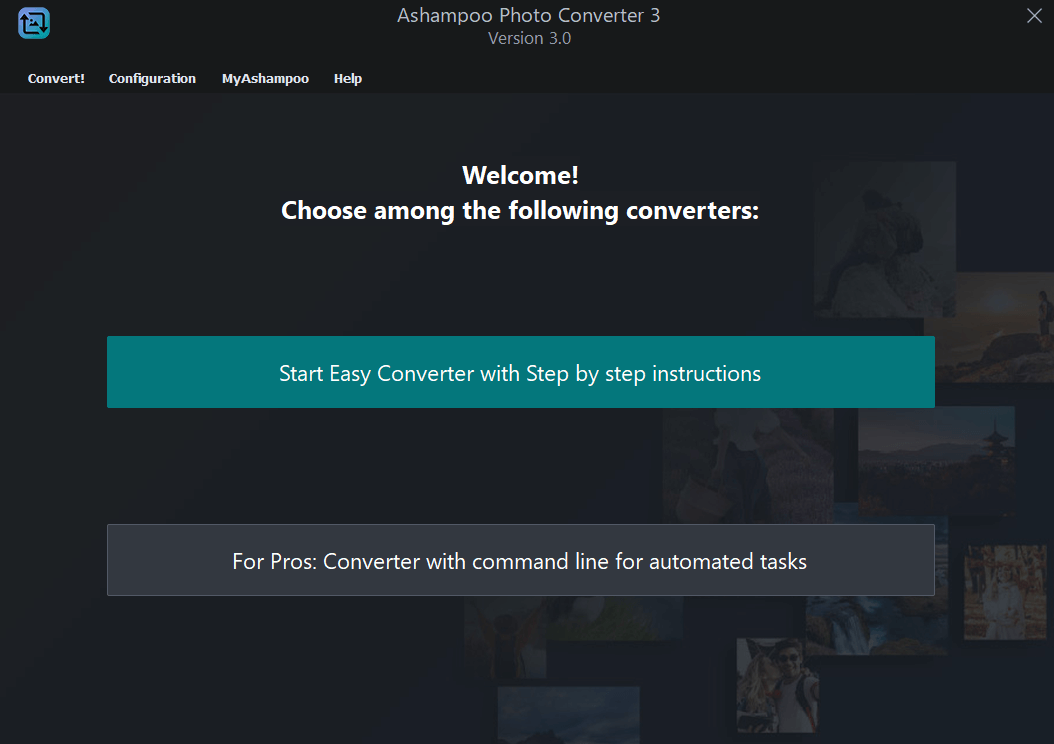
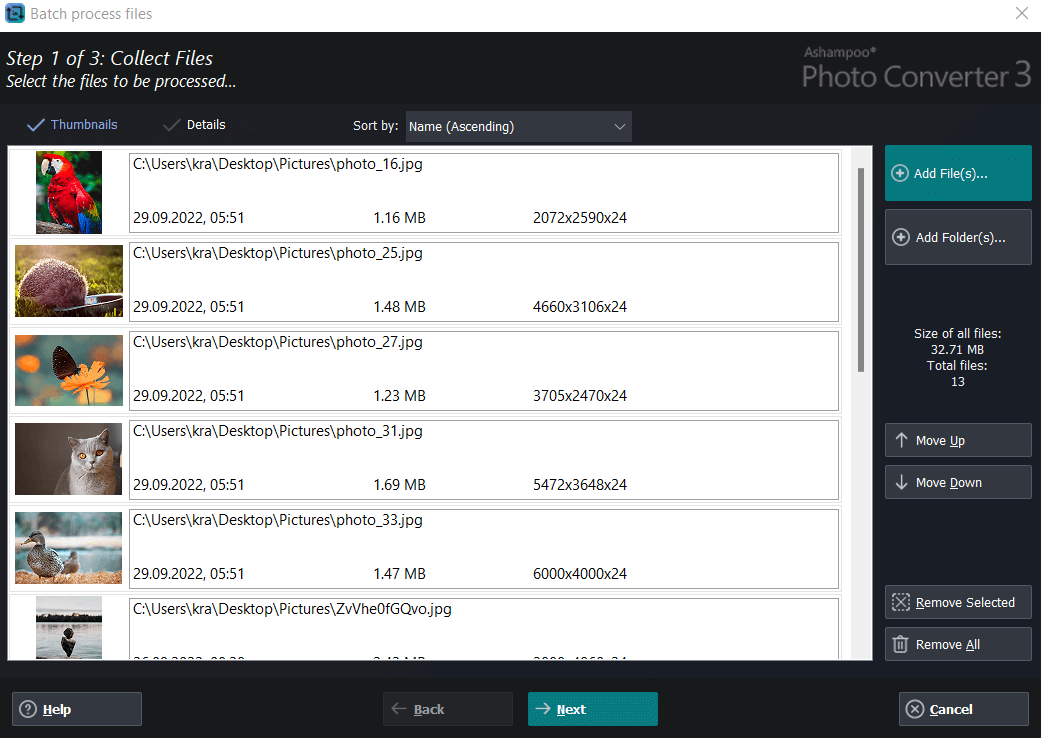
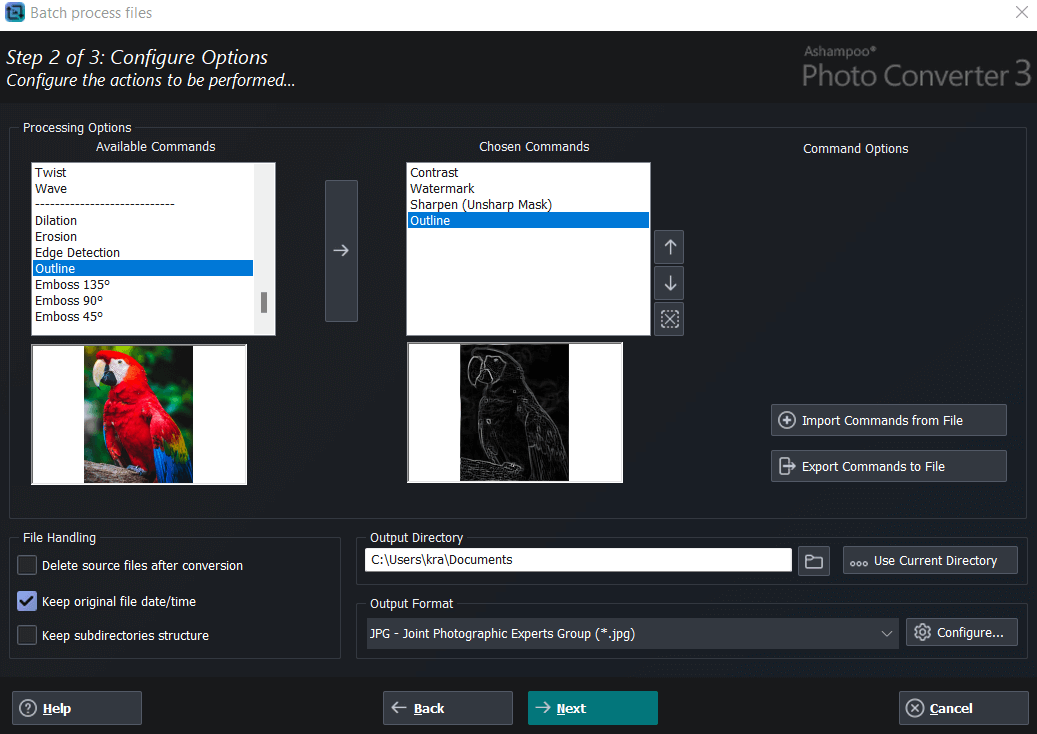
Convert your photos in no time–batch processing included! Ashampoo Photo Converter 3 allows you to quickly, easily, and efficiently convert your images into any format, whether it's a single photo or an entire folder. This program is a reliable partner for fast batch conversions, creative effects, or targeted image editing. Need to resize an image, select a different format, or optimize hundreds of pictures at once? It's all possible with just a few clicks. Whether you're a hobby photographer, content creator, or a professional working with automated workflows, Version 3 has the right tools for the job! Two modes: Simple GUI for beginners or powerful CLI tool for professionals and server use Native 64-bit support for optimal memory usage Modernized interface with animated progress indicator Significantly faster PNG and JPG processing (up to 50% faster) Extended format support: HEIF, RAW (including Canon, Nikon, DNG), SVG New batch wizard with drag & drop and sortable command list Exportable and reusable command sets (*.apcbatch files) DPI-based resizing with precise inch specifications CLI mode with extensive parameter control for automated workflows Easily apply frames and aspect ratio changes during batch processing Full-featured command-line tool with 10+ control parameters Automated processing with logging and output format selection via CLI Intuitive interface: Perfect for beginners Looking for quick results without a learning curve? The completely redesigned interface guides you step by step through all features. The new batch wizard with drag & drop support, a clear command list, and live preview makes processing even large collections a breeze. Convert entire folders with just a few clicks! Full control: Now with command line support Looking for maximum control and automation? The new CLI version is exactly what you need! With extensive parameters, you can manage every feature directly from the command line—perfect for advanced users and server environments. Enjoy batch processing, format conversion, quality settings, logging, and more—all with straightforward commands, no clicks required! More formats, speed, and convenience! Want to manage all your image files, no matter the format? Whether it's HEIF, SVG, or RAW (including the latest formats from Canon, Nikon, and more) – everything is supported. JPG and PNG load up to 50% faster, and metadata like EXIF and XMP are preserved. You can also adjust aspect ratios, add frames, or set exact DPI values to suit your needs. Cutting-edge technology Ashampoo Photo Converter 3 runs natively as a 64-bit application on Windows 10 and 11 and features a brand-new interface, high-DPI support for large monitors, and a sleek modern app design. The new menu layout is intuitive, and the program takes full advantage of your system’s power. Get our most efficient Ashampoo Photo Converter yet! Feature overview Ashampoo Photo Converter 3 offers a wide range of tools for creative and technical image editing. Choose from numerous formats, rotate, flip, or tilt your photos, and resize them by percentage, pixels, inches, or centimeters. Optimize contrast and color manually or automatically, boost color intensity, reduce compression artifacts, and fine-tune gamma, brightness, color depth, and saturation. Apply various effects like sepia, black & white, oil painting, borders, aspect ratio adjustment, pencil sketch, relief, or sharpening. Protect your work with the freely positionable watermark, and enjoy options like inserting the original shooting date, preserving file timestamps, or automatically deleting originals after conversion for full control and better organization.
Download the trial version here: https://www.ashampoo.com/en-us/photo-converter/ Install the software Activate the key directly in the software