Get 10% back in Relic Coins on every order
Farming Simulator 19 - Anderson Group Equipment Pack DLC Giants Software cover

Official WebsiteGlobal· DLC

Farming Simulator 19 - Anderson Group Equipment Pack DLC Giants Software

€3.09

+€0.31 cashback eligibility in Relic Coins

Check before you play

Platform
Official Website
Region
Global
Product type
DLC

Check the required base game and edition before purchasing this add-on.

Developer
Giants Software
Publisher
Focus Home Interactive
Supplier release date
2019-03-26
Genres
Simulation

About this product

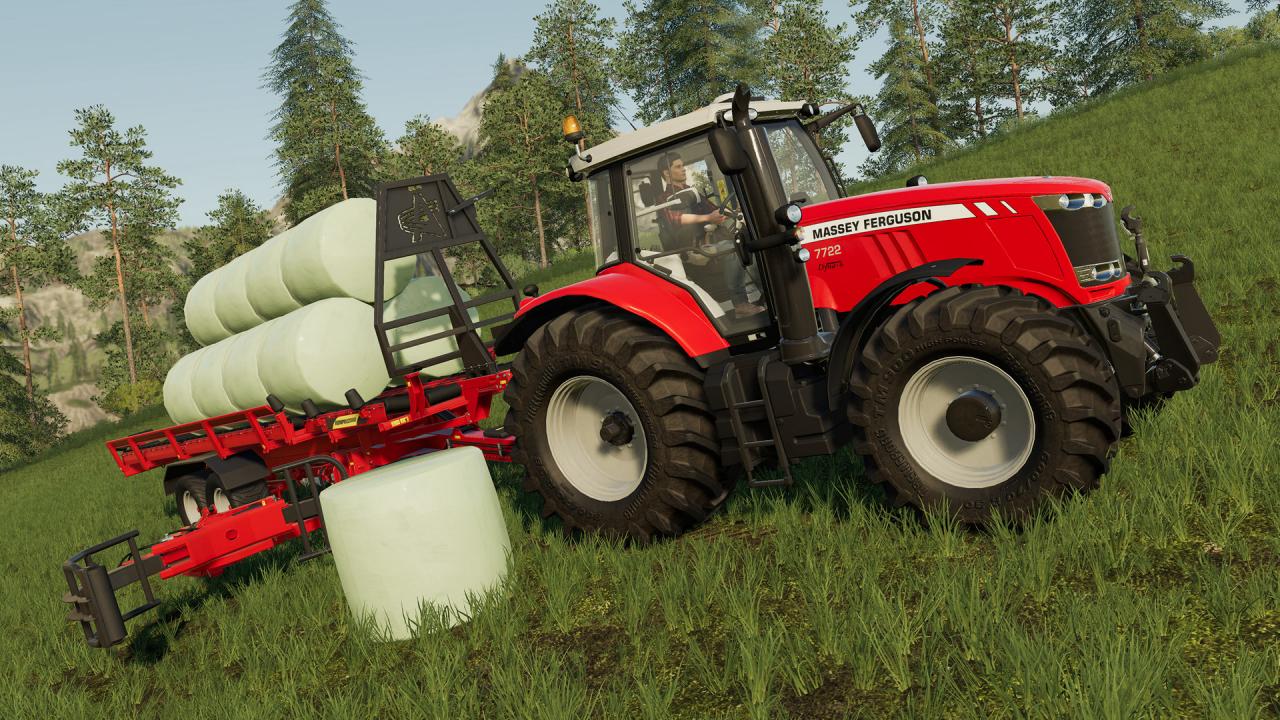
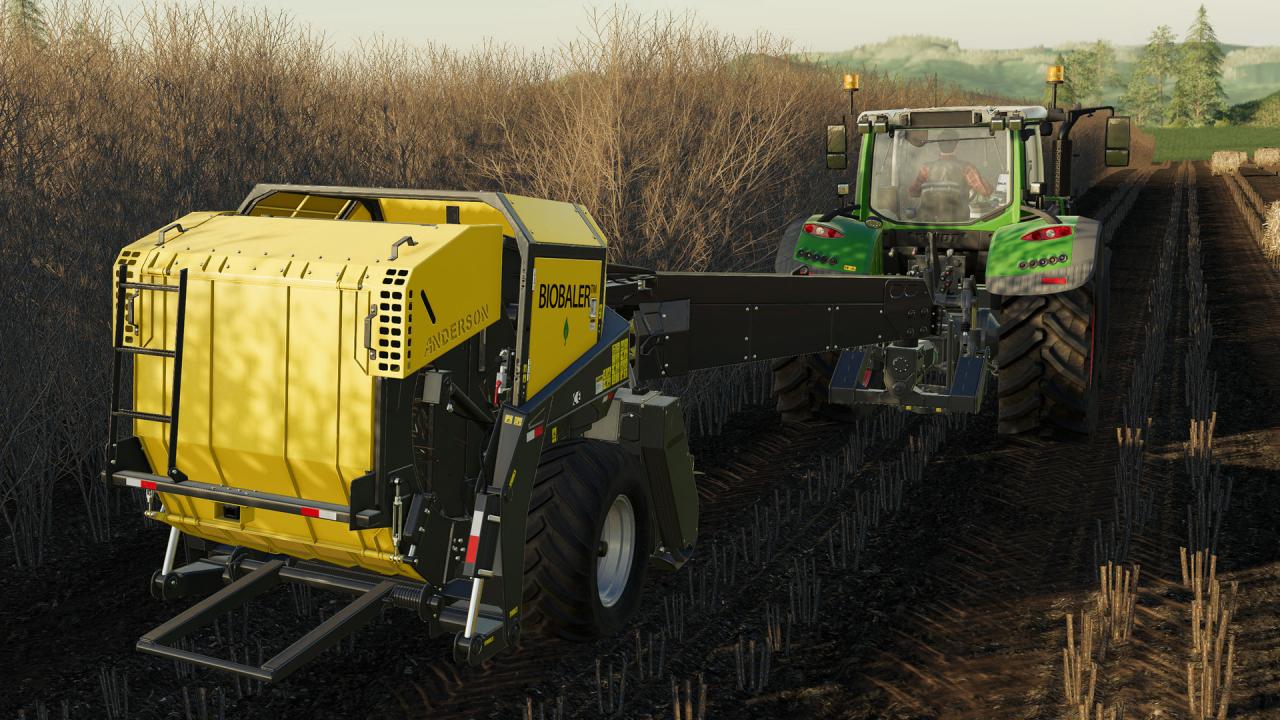
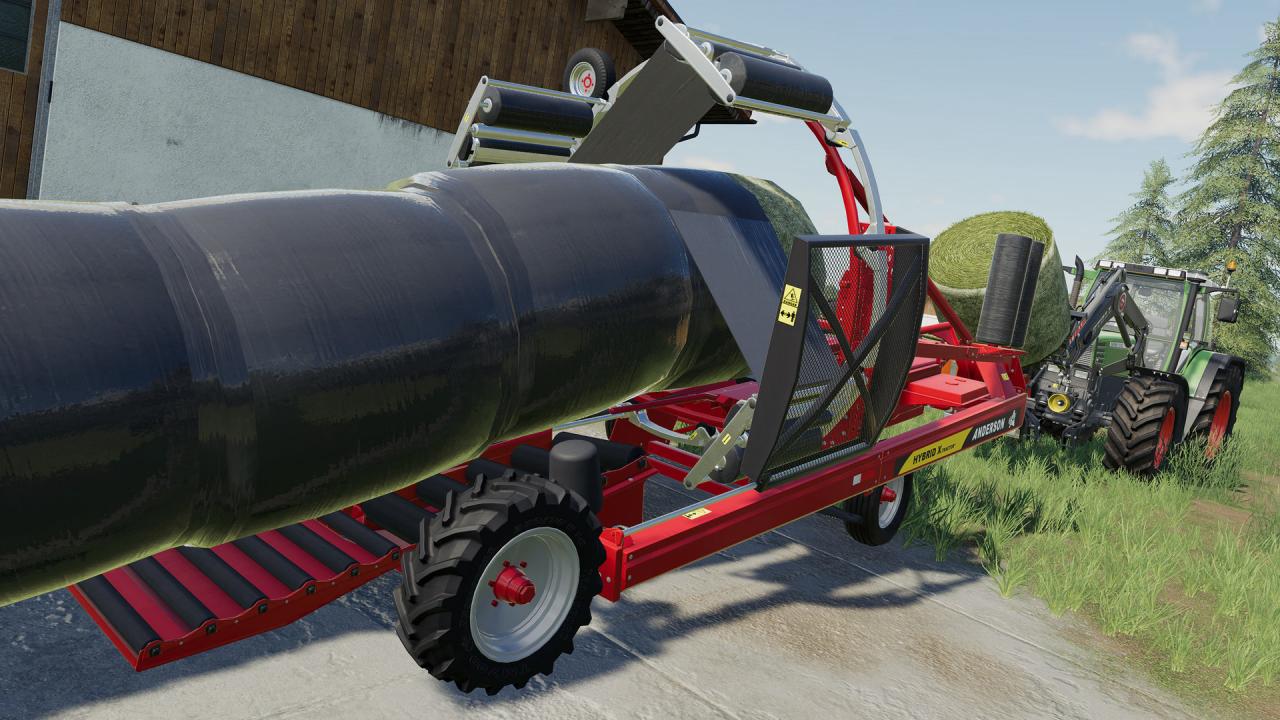
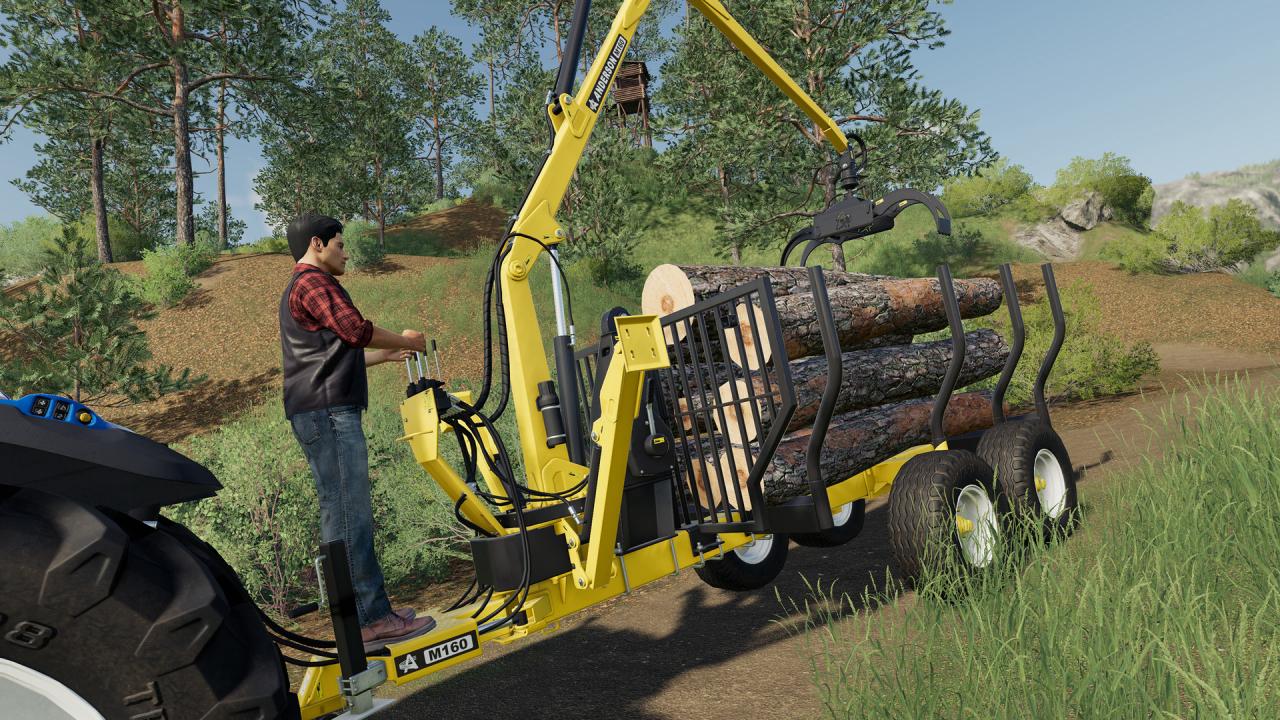
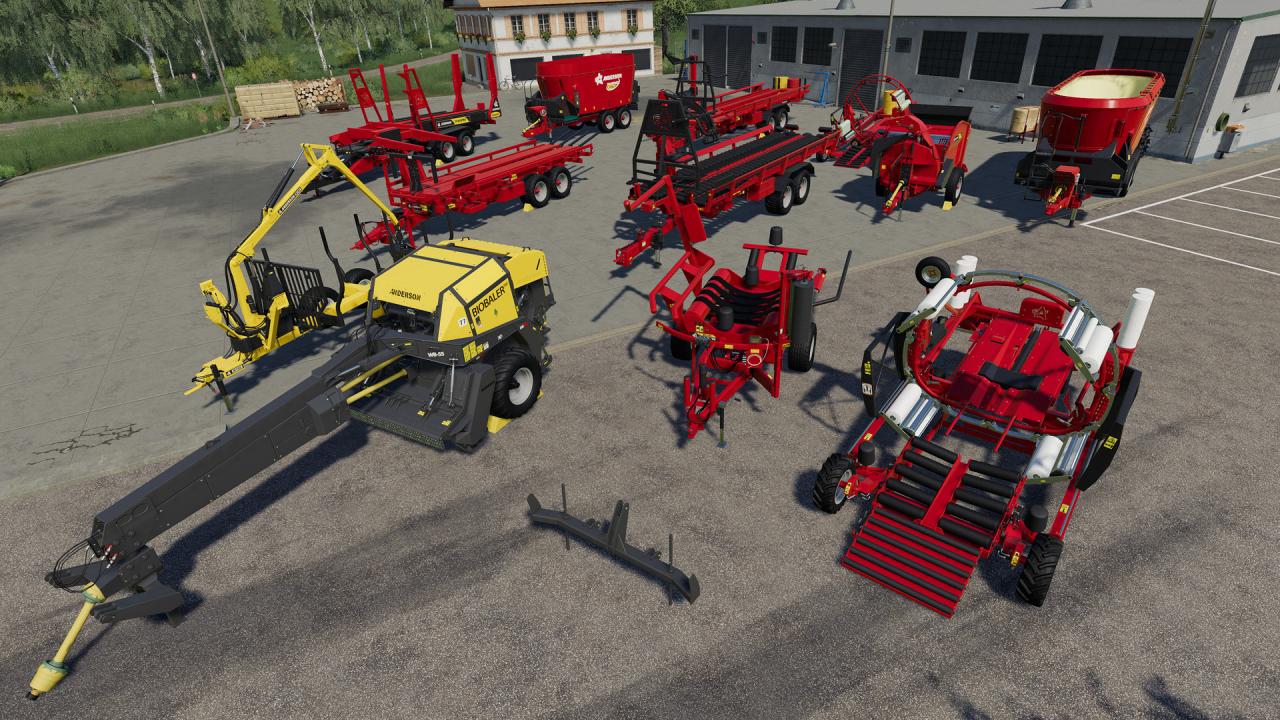
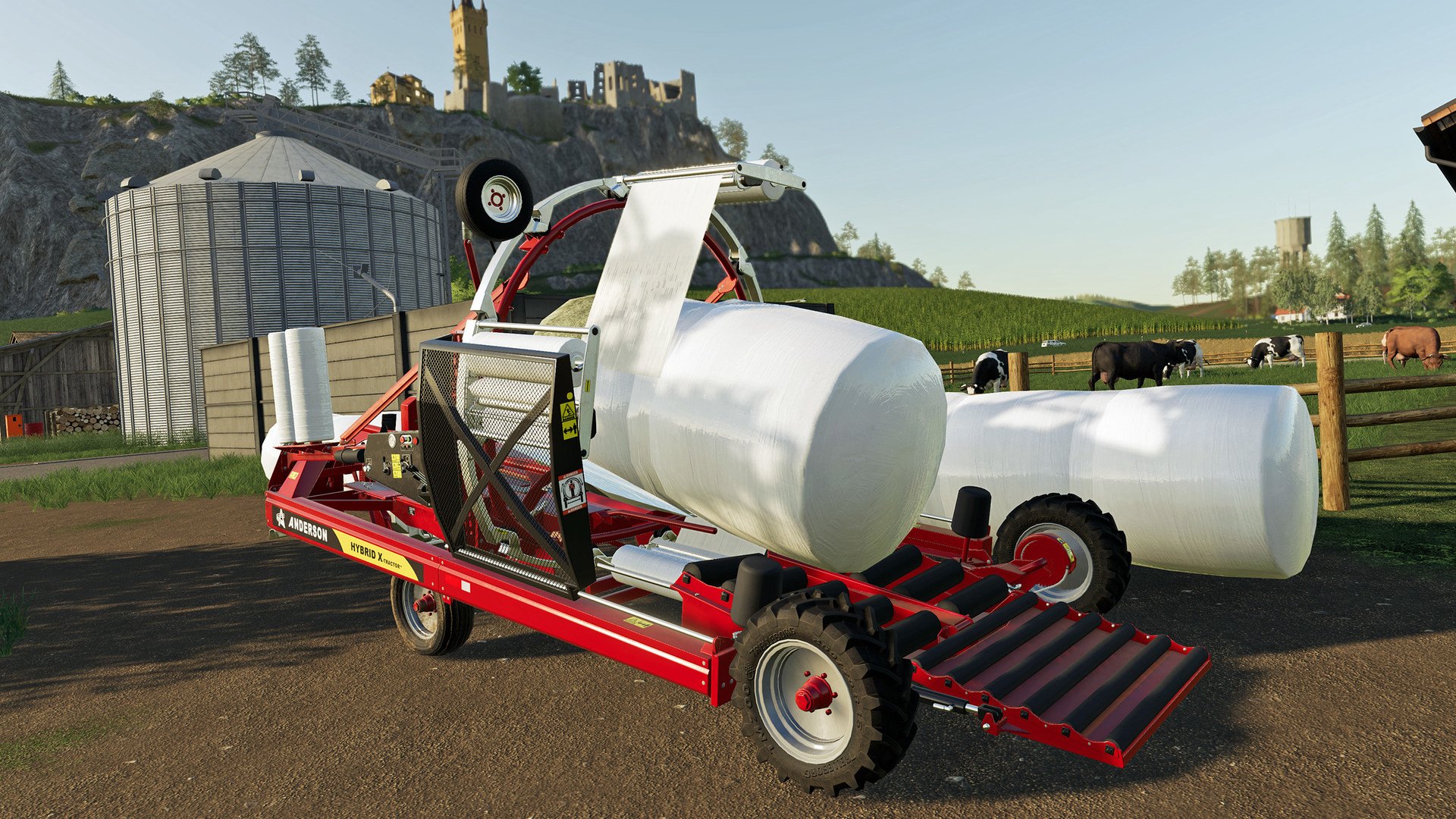
Expand your gaming experience with the new official extension for Farming Simulator 19! The DLC contains 13 new implements from Anderson Group: Anderson Group A700 – Mixer Anderson Group A950 – Mixer Anderson Group BioBaler WB-55 – Wood Baler Anderson Group Bumper – BioBaler WB-55 attachment Anderson Group HYBRID X XTRACTOR – Bale Wrapper (round and square bales) Anderson Group IFX720 XTRACTOR – Bale Wrapper (round bales) Anderson Group M160 – Log Loader Anderson Group PRO-CHOP150 – Bale Processor (round bales/square bales) Anderson Group RB580 – Bale Wrapper (round bales) Anderson Group RBM2000 –Bale Mover (round bales) Anderson Group RBMPRO 2000 – Silage Wrap Bale Mover (round bales) Anderson Group STACKPRO7200 – Bale Stacker (square bales) Anderson Group TSR3450 – Bale Mover (square bales) Once downloaded, the additional content will be available through the in-game shop. Be sure to have sufficient in-game currency to buy them!

Farming Simulator 19 - Anderson Group Equipment Pack DLC Giants Software screenshotFarming Simulator 19 - Anderson Group Equipment Pack DLC Giants Software screenshotFarming Simulator 19 - Anderson Group Equipment Pack DLC Giants Software screenshotFarming Simulator 19 - Anderson Group Equipment Pack DLC Giants Software screenshotFarming Simulator 19 - Anderson Group Equipment Pack DLC Giants Software screenshotFarming Simulator 19 - Anderson Group Equipment Pack DLC Giants Software screenshot

How to redeem

  1. 1Check the required base game, platform and edition before purchasing.
  2. 2Find the code or supplier activation instructions in your confirmed order.
  3. 3Redeem on Official Website using the supplied instructions, then install the add-on with the compatible base game.

You might also like