Get 10% back in Relic Coins on every order
The Unknown City (Horror Begins Now.....Episode 1) cover

SteamGlobal· Key

The Unknown City (Horror Begins Now.....Episode 1)

€0.93

+€0.09 cashback eligibility in Relic Coins

Check before you play

Platform
Steam
Region
Global
Product type
Key
Developer
Yash Future Tech Solutions Pvt Ltd
Publisher
Yash Future Tech Solutions Pvt Ltd
Supplier release date
2018-07-06
Genres
Action, FPS

About this product

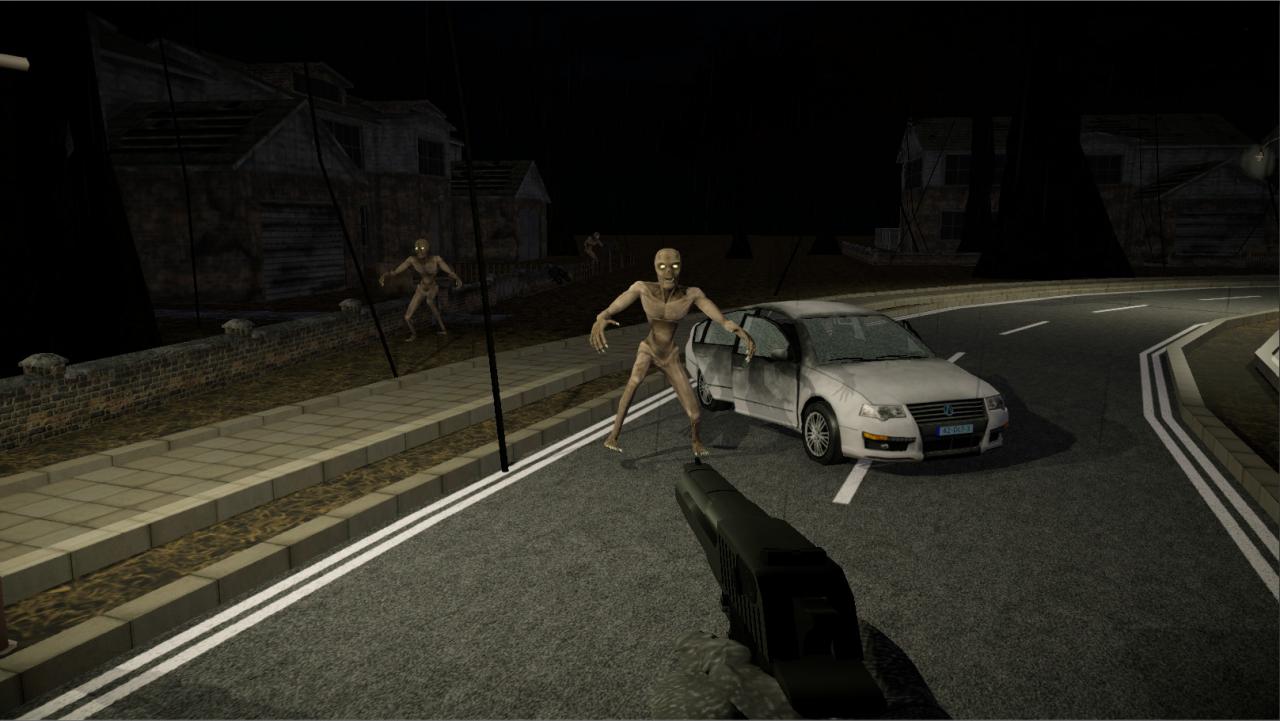
The Unknown City is a First Person Shooter game series based on a Horror Theme wrapped inside a gripping story along with amazing effects with a climax that will leave the players wanting to play next episodes of this series. The Story starts with two cops going to their headquarters in rainy night. They lost their way and reach haunted city with so many doubts in their mind. Features Story Based Gameplay. Choice of different weapons in the game. (Shotgun, Assault Rifle, Sniper, MG42, etc) Player can Upgrade weapon using the inventory system. Game is divided into 3 Levels. Player has to play all the levels to complete the game. Player have to kill various zombies, monsters in the game and save kidnapped cop from monster. (Kidnapped girl cop is wife of other cop) Player's interest & Game complexity increases as game move forward. Score system used in the Game. Game is suitable for mature audiences only. Tested successfullly on Windows 7, 10.

The Unknown City (Horror Begins Now.....Episode 1) screenshotThe Unknown City (Horror Begins Now.....Episode 1) screenshotThe Unknown City (Horror Begins Now.....Episode 1) screenshotThe Unknown City (Horror Begins Now.....Episode 1) screenshotThe Unknown City (Horror Begins Now.....Episode 1) screenshotThe Unknown City (Horror Begins Now.....Episode 1) screenshot

How to redeem

  1. 1Check your Steam account and the listed region before purchasing.
  2. 2Find your code and supplier activation instructions in your confirmed order.
  3. 3Open the redeem-code section on Steam, enter the code and follow the platform’s prompts.

Supplier instructions

Go to: http://store.steampowered.com/ and download STEAM client Click "Install Steam" (from the upper right corner) Install and start application, login with your Account name and Password (create one if you don't have). Please follow these instructions to activate a new retail purchase on Steam: Launch Steam and log into your Steam account. Click the Games Menu. Choose Activate a Product on Steam... Follow the onscreen instructions to complete the process. After successful code verification go to the "MY GAMES" tab and start downloading.

You might also like