

SteamGlobal· Key
Luxor 3
€9.96
+€1.00 cashback eligibility in Relic Coins
Check before you play
- Platform
- Steam
- Region
- Global
- Product type
- Key
- Developer
- MumboJumbo
- Publisher
- MumboJumbo
- Genres
- Indie
SteamGlobal· Key
€9.96
+€1.00 cashback eligibility in Relic Coins
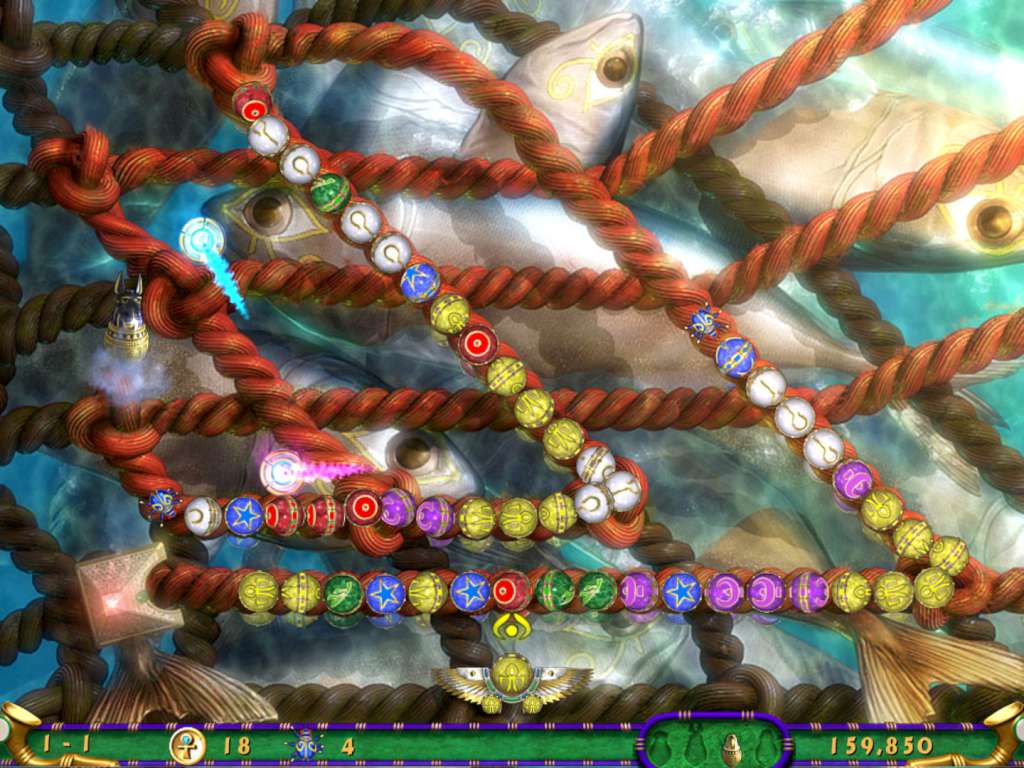
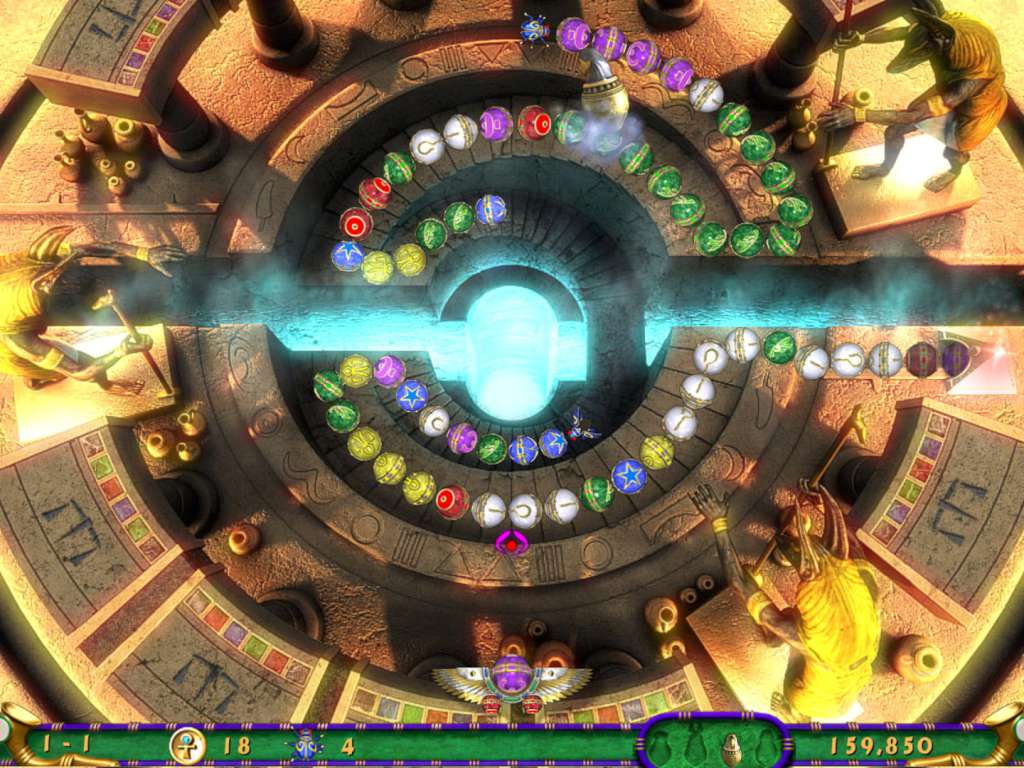
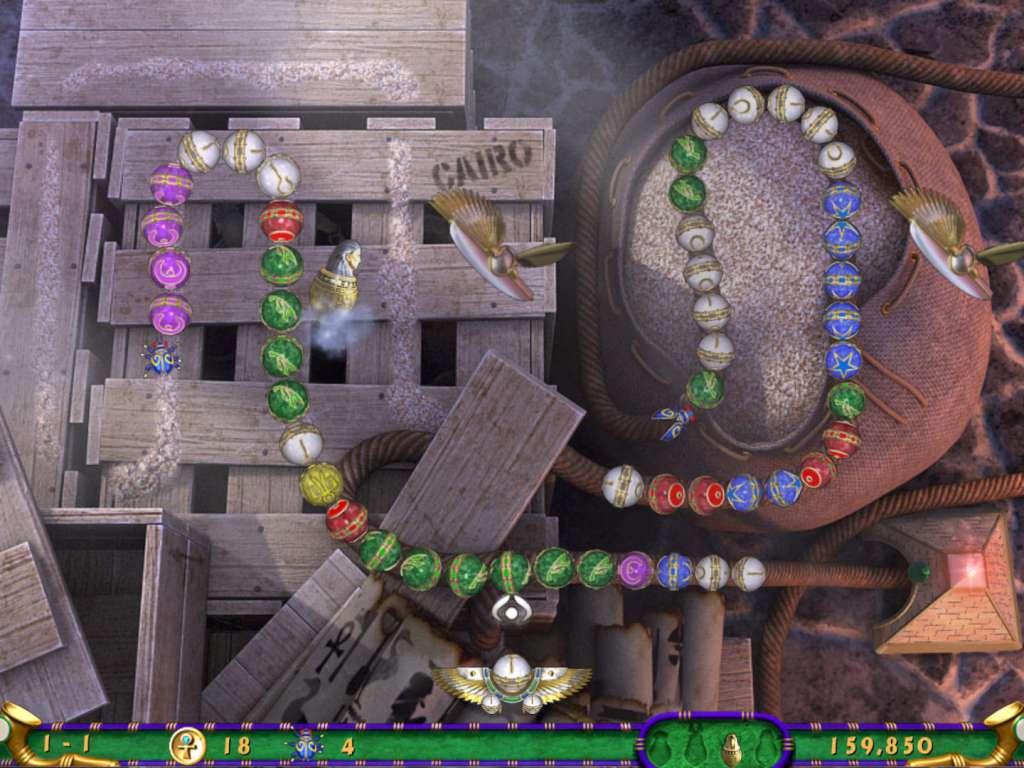
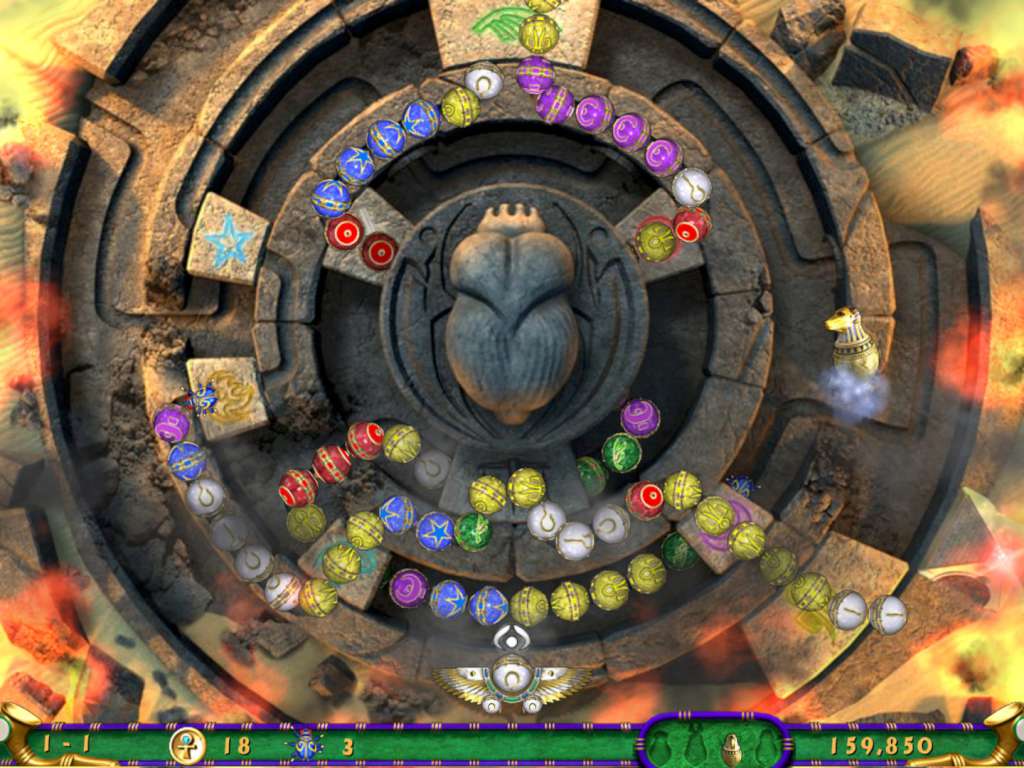
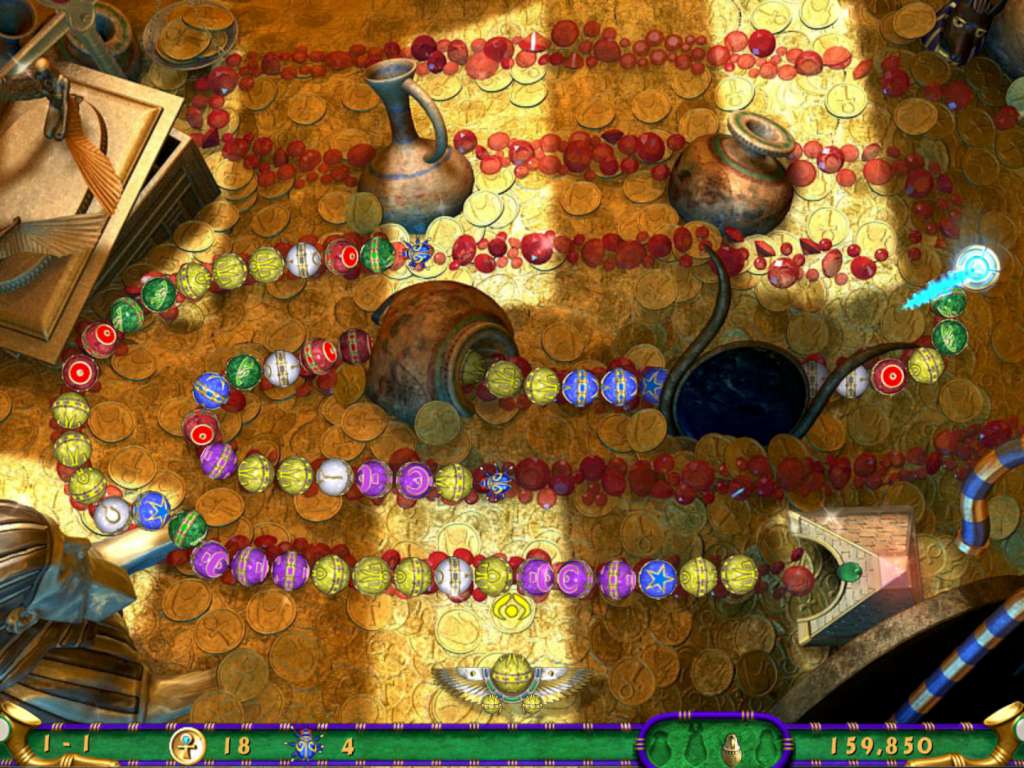
Luxor 3 Steam Key Platform: Steam Release Date: 13 Nov 2007 Product Description A brave young Pharaoh, killed prematurely by a fierce sandstorm and embodied by the gods as a skillful scarab, must battle the powerful god of Chaos, Set, to free the essences of other Egyptian gods contained within colorful magical spheres. Stop the procession of approaching spheres as they journey through the maze by matching three or more. Call upon the gods, denoted by color, to release specific power-ups and purchase upgrades with Ankh coins collected during gameplay. Free all the gods from captivity before they reach the pyramid at the end of their path, or all is forever lost. Features Original music, enhanced animation and even more spectacular effects Seven unique game modes, including five never before seen Over 140 nail-biting levels of gameplay Challenging and dynamic play with branching and merging pathways Utilize reflectors to make matches that were otherwise impossible Upgradable power-ups plus exciting ball sets and shooters to unlock New bonus level gameplay introduced System Requirements PC System Requirements: Supported OS: Microsoft® Windows® 2000/XP/Vista DirectX Version: 32 MB DirectX 8.1 compatible graphics card or better Processor: Pentium II 700MHz Memory: 256MB RAM Sound: DirectSound-compatible sound card Hard Drive: 60MB free HD space Mac System Requirements: OS: Mac OS X version 10.5 Processor: Intel Processor Memory: 256 MB RAM Video Memory: (VRAM) 32 MB
Go to: http://store.steampowered.com/ and download STEAM client Click "Install Steam" (from the upper right corner) Install and start application, login with your Account name and Password (create one if you don't have). Please follow these instructions to activate a new retail purchase on Steam: Launch Steam and log into your Steam account. Click the Games Menu. Choose Activate a Product on Steam... Follow the onscreen instructions to complete the process. After successful code verification go to the "MY GAMES" tab and start downloading.