Get 10% back in Relic Coins on every order
天使帝國四《Empire of Angels IV》 cover

SteamGlobal· Key

天使帝國四《Empire of Angels IV》

€3.30

+€0.33 cashback eligibility in Relic Coins

Check before you play

Platform
Steam
Region
Global
Product type
Key
Developer
SOFTSTAR ENTERTAINMENT INC.
Publisher
SOFTSTAR ENTERTAINMENT INC.
Supplier release date
2016-12-15
Genres
Adventure, Strategy

About this product

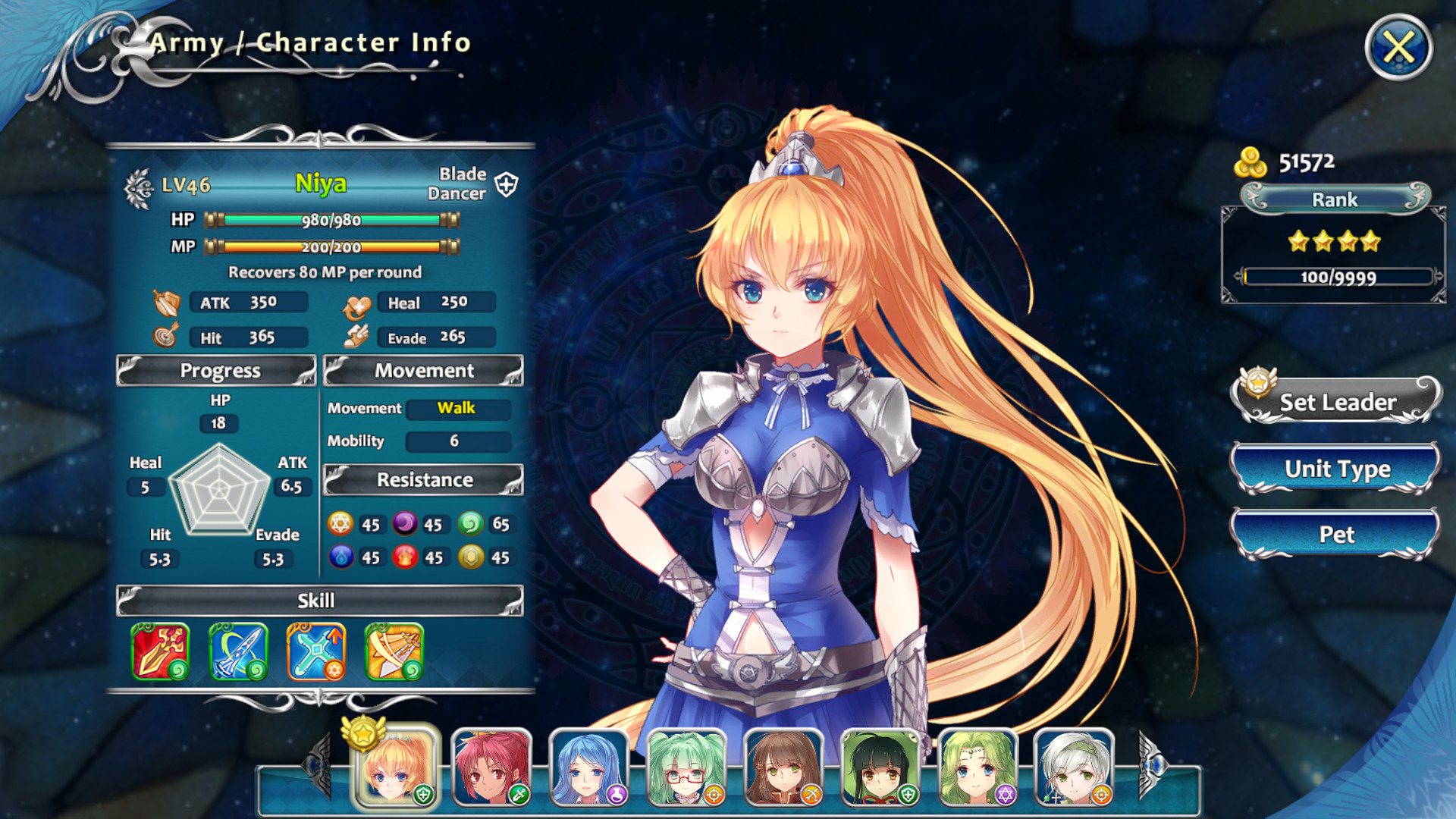
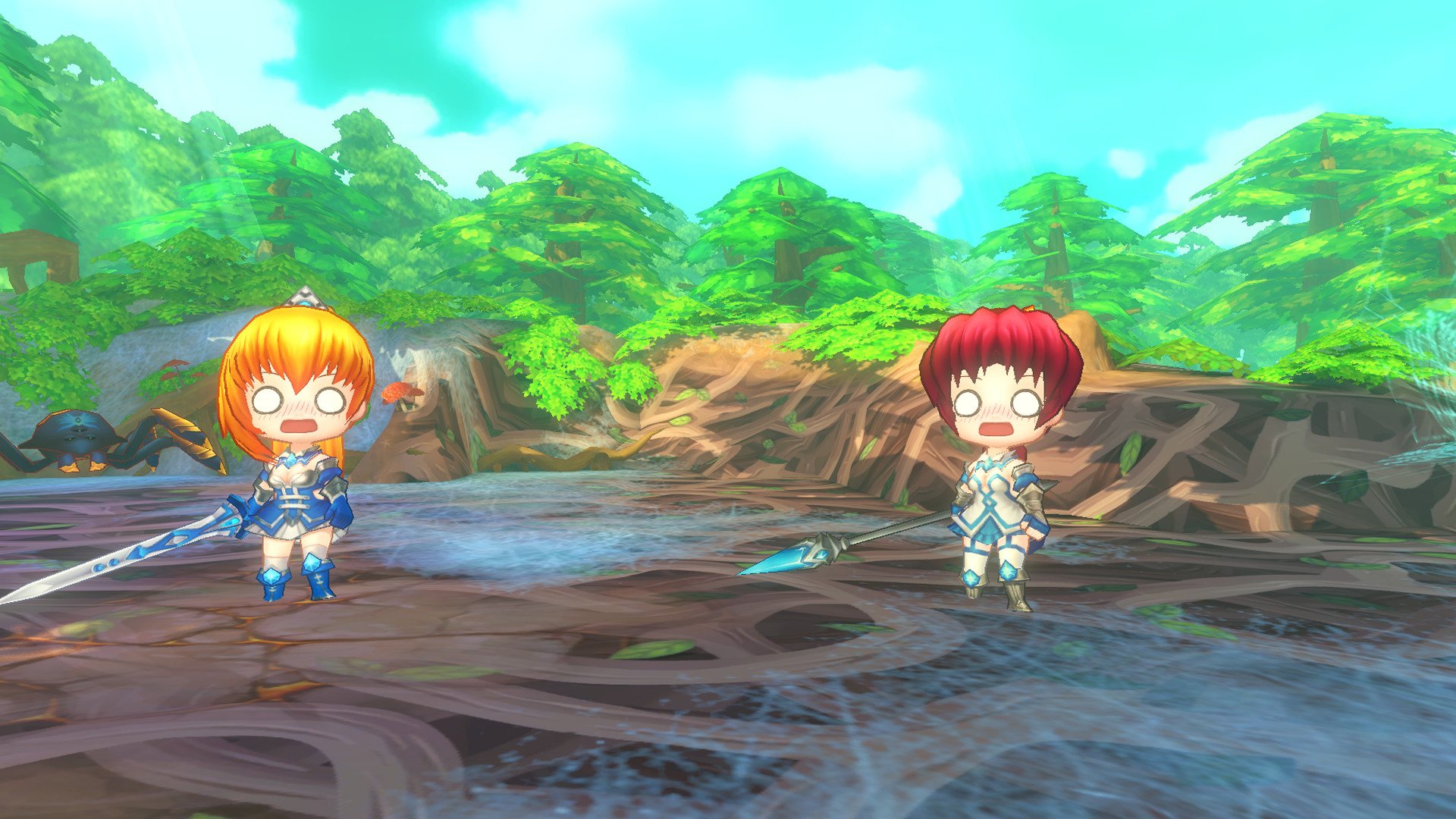
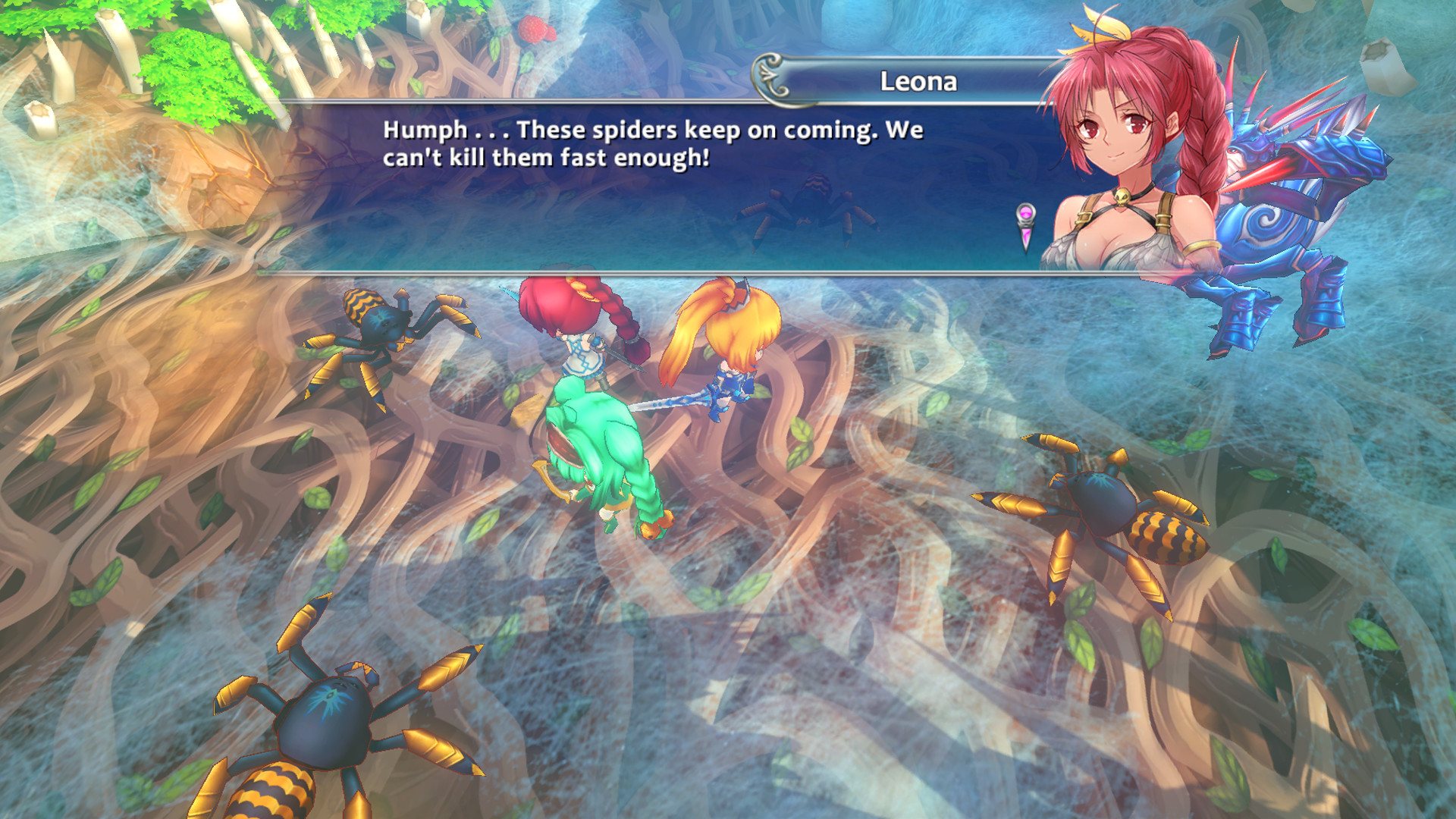
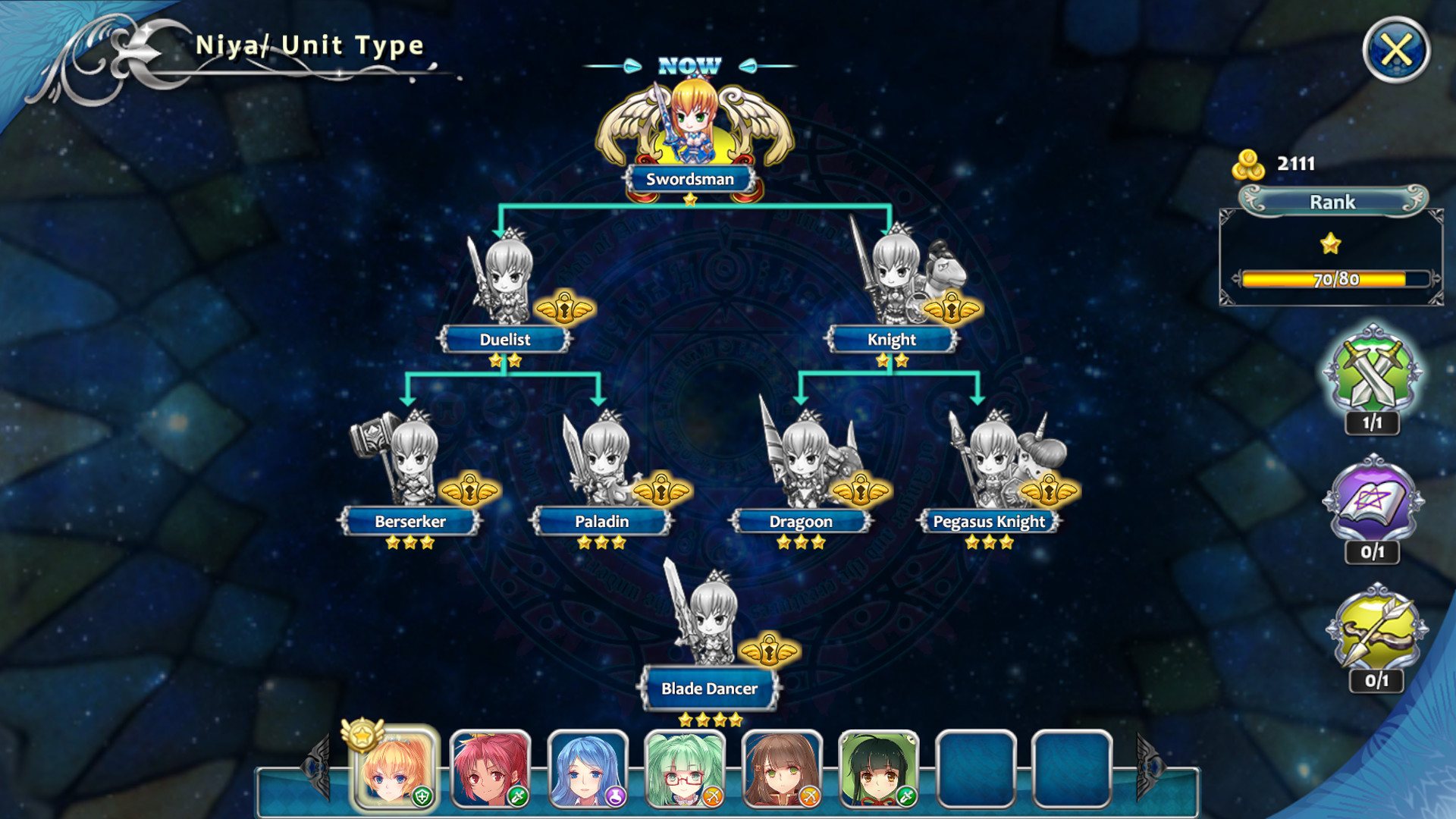
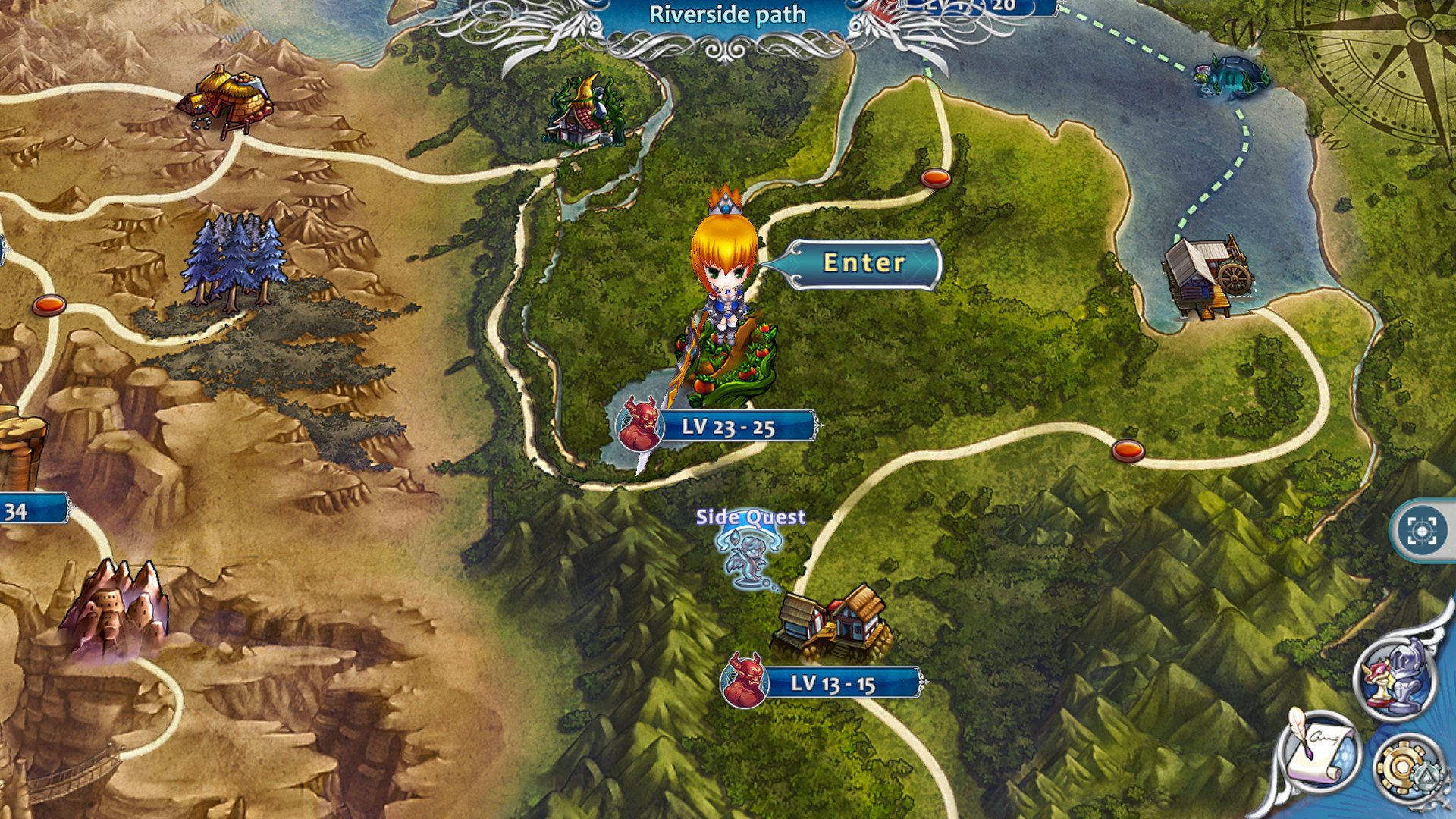
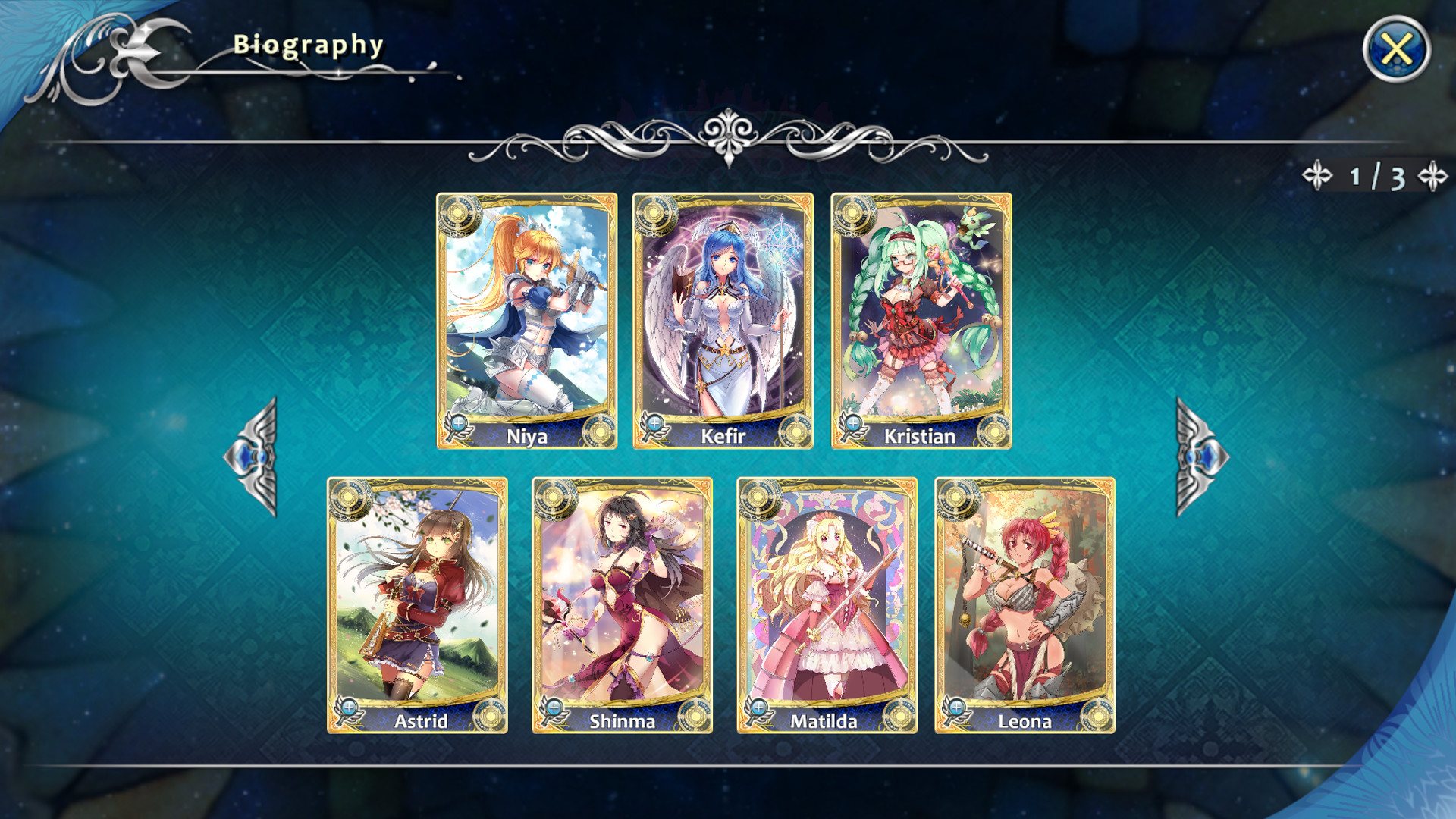
A shining orb that none have seen appears on the Land of Asgard. blows out the peaceful days sustained for a hundred years. Can Niya, the captain of Valkyrie Kingdom, become the savior of the world?Empire of Angels IV is a SLG with challenging puzzle, high freedom degree trans-job system, excellent art and humorous battle scene. Features Rich and intricate story Based on the back story, a brand new explanation of the history of the Land of Asgard. Exploring and Puzzling strategy stage Based on SLG game, add-on trick and tarp, make the battle more interesting. Exciting and Funny action Over 10 forces and exclusive skill, something cute, something fun, and amazing battle experience. Lovely and Funny characters Beautiful angel legion, pretty style of forces, and whole new character design.

天使帝國四《Empire of Angels IV》 screenshot天使帝國四《Empire of Angels IV》 screenshot天使帝國四《Empire of Angels IV》 screenshot天使帝國四《Empire of Angels IV》 screenshot天使帝國四《Empire of Angels IV》 screenshot天使帝國四《Empire of Angels IV》 screenshot

How to redeem

  1. 1Check your Steam account and the listed region before purchasing.
  2. 2Find your code and supplier activation instructions in your confirmed order.
  3. 3Open the redeem-code section on Steam, enter the code and follow the platform’s prompts.

Supplier instructions

Go to: http://store.steampowered.com/ and download STEAM client Click "Install Steam" (from the upper right corner) Install and start application, login with your Account name and Password (create one if you don't have). Please follow these instructions to activate a new retail purchase on Steam: Launch Steam and log into your Steam account. Click the Games Menu. Choose Activate a Product on Steam... Follow the onscreen instructions to complete the process. After successful code verification go to the "MY GAMES" tab and start downloading.

You might also like