Get 10% back in Relic Coins on every order
Rolling in the Reef cover

SteamGlobal· Key

Rolling in the Reef

€0.90

+€0.09 cashback eligibility in Relic Coins

Check before you play

Platform
Steam
Region
Global
Product type
Key
Developer
BrainGoodGames
Publisher
BrainGoodGames
Supplier release date
2018-07-13
Genres
Strategy

About this product

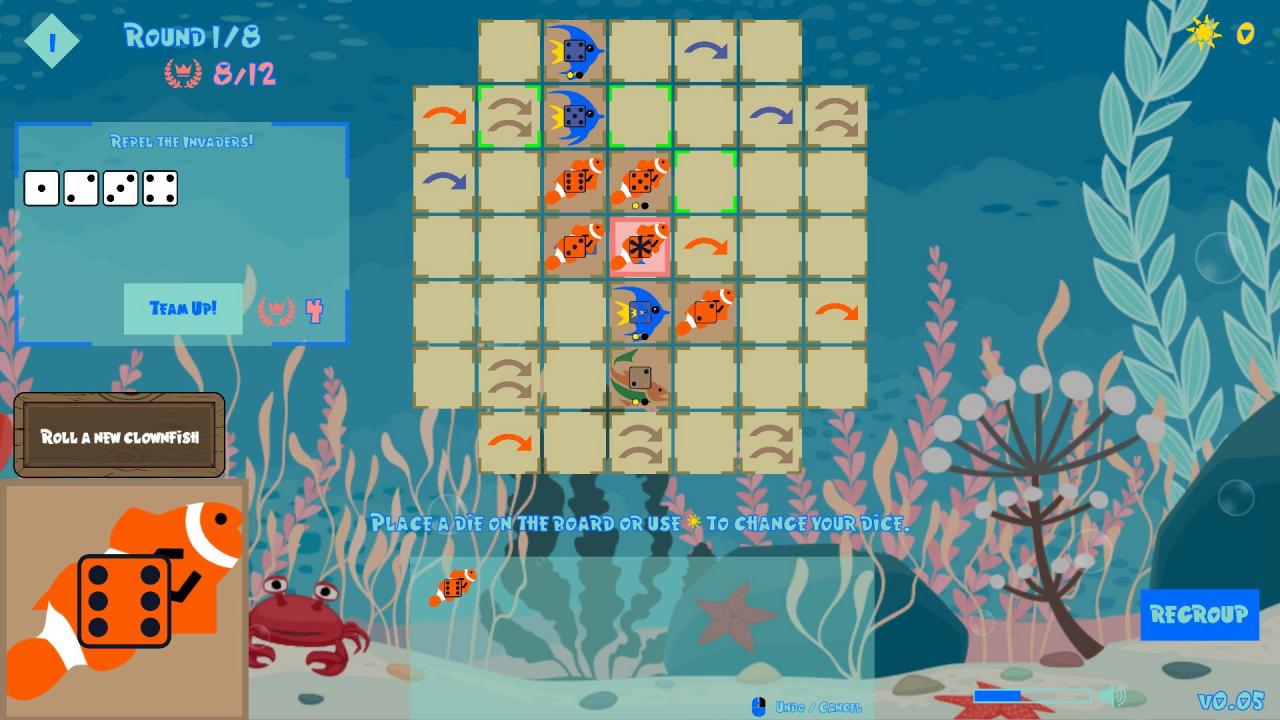
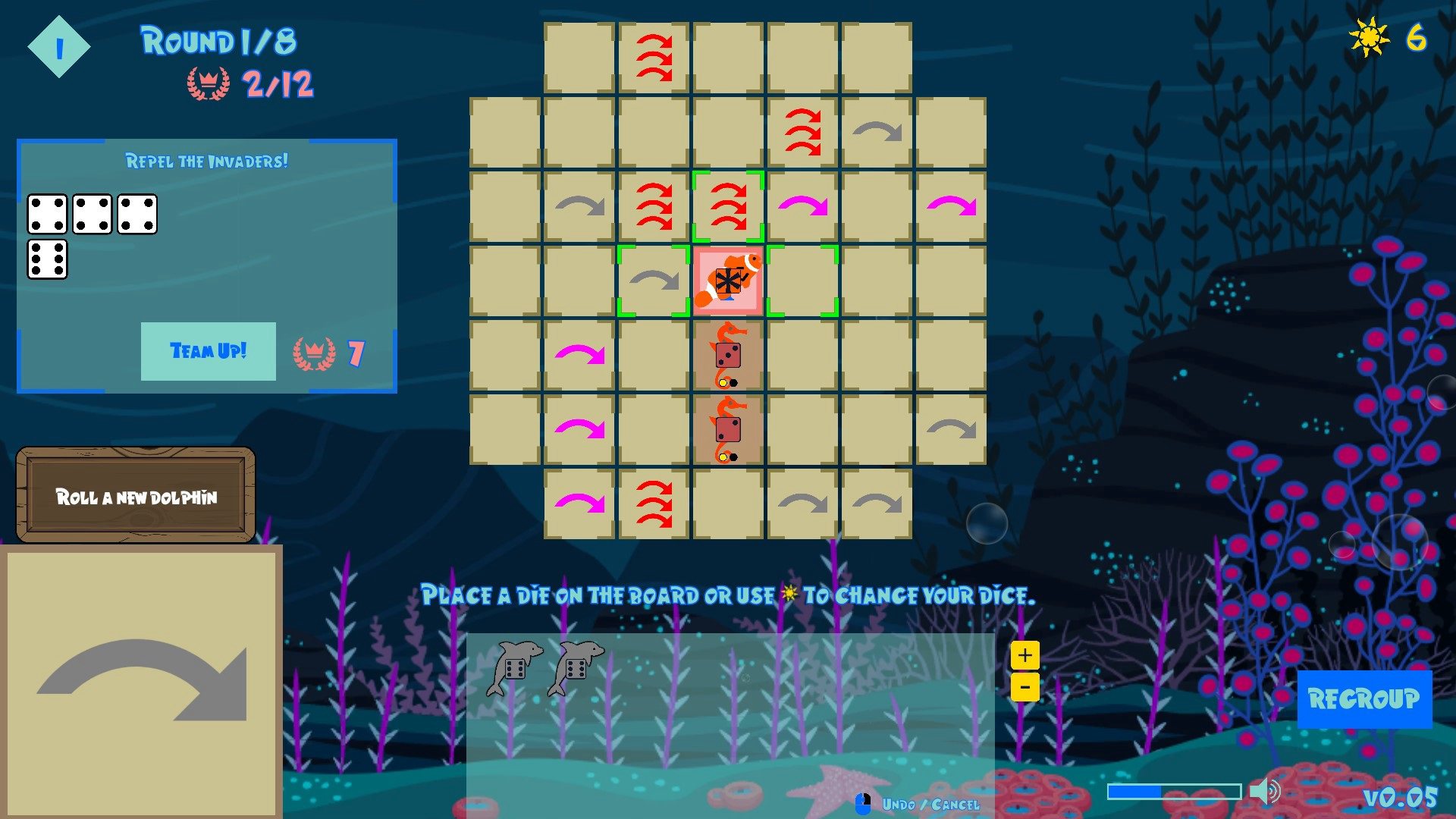
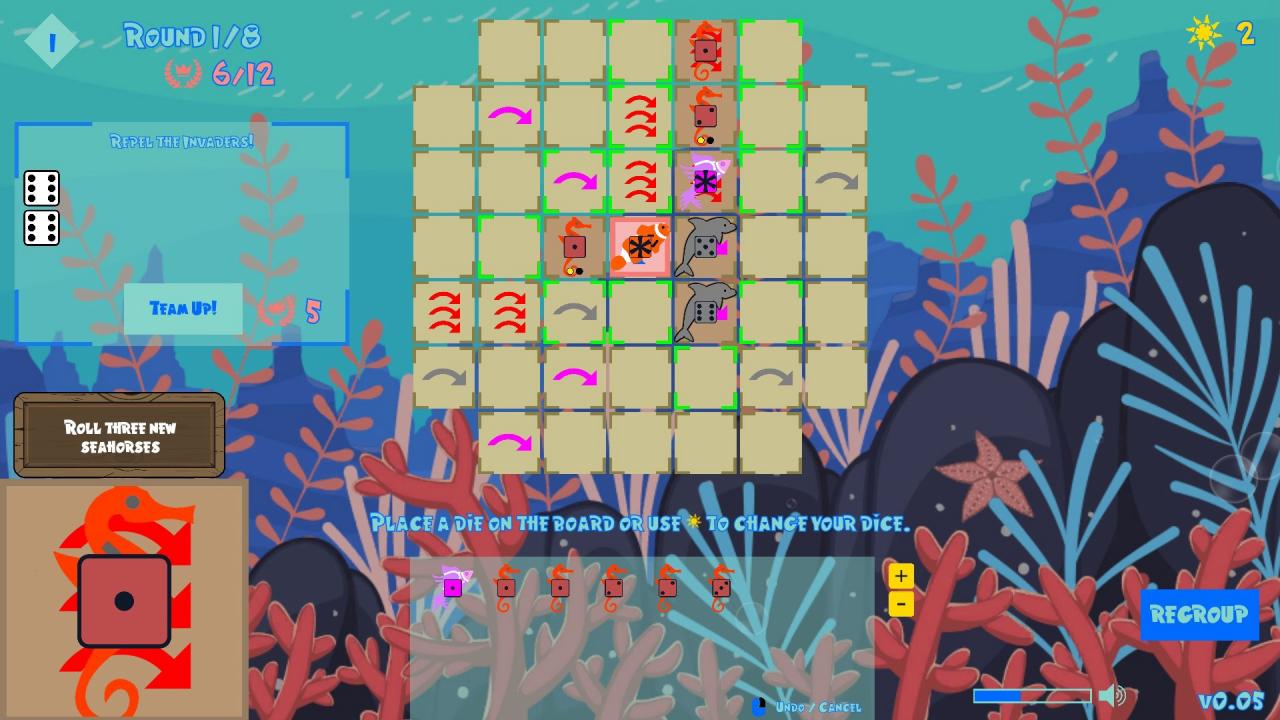
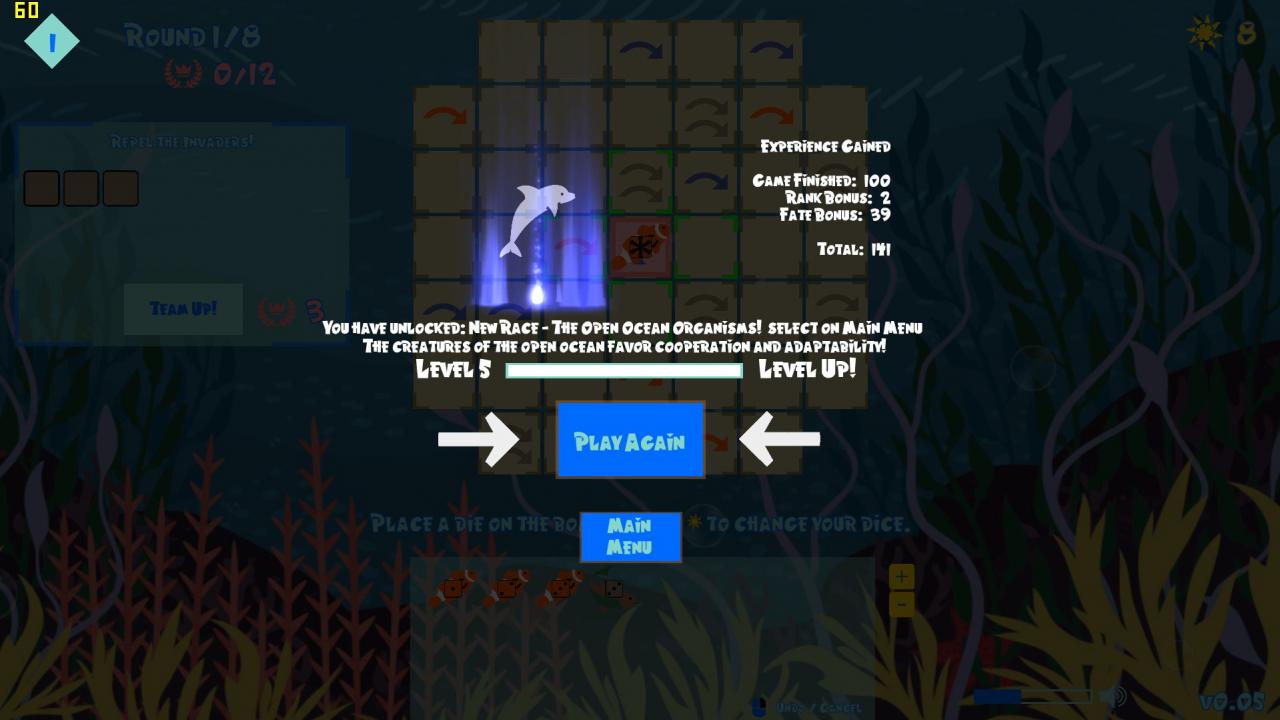
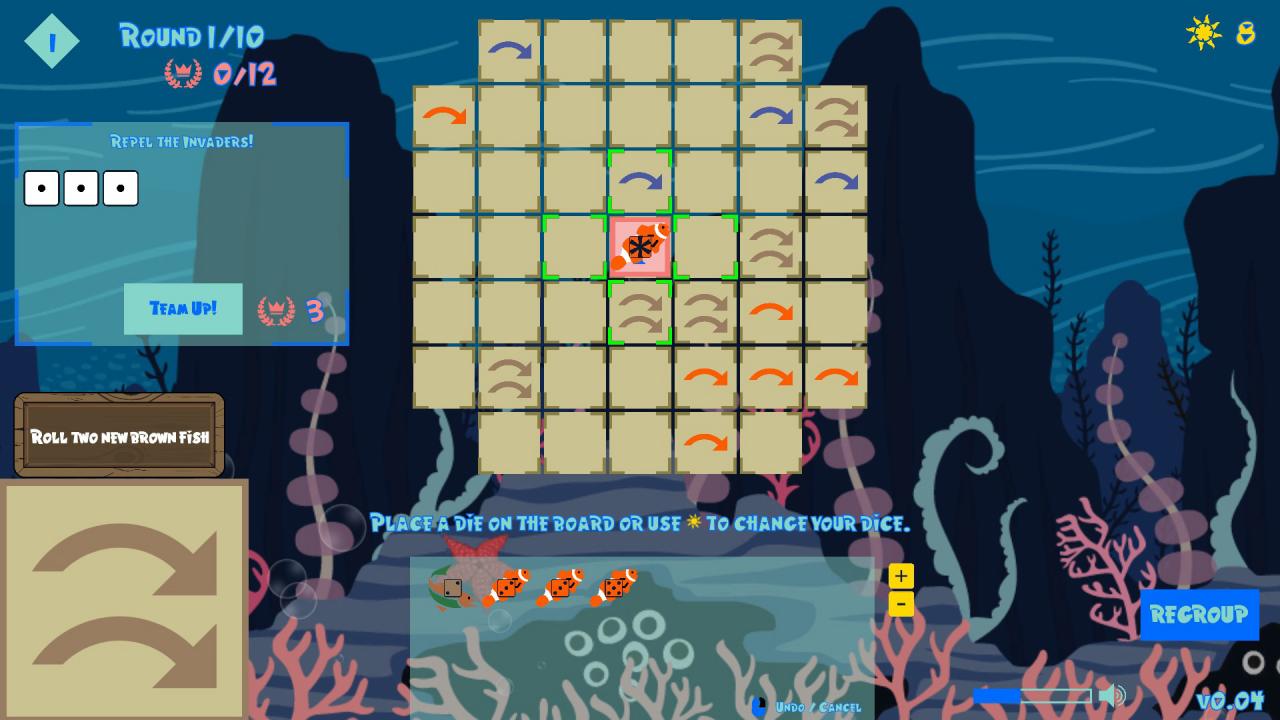
Rolling in the Reef is a dice-driven strategy game about guiding your fishy friends to thrive in their coral home. You are a Sea Spirit, sent by Poseidon to skillfully manipulate a pool of fish-dice, repel reef invaders and dig up treasures in the sand. Features Unlockable artifact powers and multiple playable "schools" of fish! Weekly challenge mode with leaderboards. Ladder/ranking system + procedural generation for endless replayability. A satisfying strategic experience in 15 minutes or less. The game combines and remixes many elements of euro-style designer board games like Castles of Burgundy, Troyes, Sagrada, and many more to create a thoughtful, interesting and deep experience. A large collection of unlockable artifacts and "schools" of fish together with BrainGoodGames' staple single-player ladder and random map generation ensure that Rolling in the Reef has plenty to explore.Rolling in the Reef is the 6th game from Canadian game design studio BrainGoodGames, creators of Militia, Axes and Acres, SkyBoats, Minos Strategos and Solar Settlers. BrainGoodGames is committed to making fun, engaging single-player strategy games that combine random generation with a single-player ladder so you can enjoy our games for as long as you like!

Rolling in the Reef screenshotRolling in the Reef screenshotRolling in the Reef screenshotRolling in the Reef screenshotRolling in the Reef screenshotRolling in the Reef screenshot

How to redeem

  1. 1Check your Steam account and the listed region before purchasing.
  2. 2Find your code and supplier activation instructions in your confirmed order.
  3. 3Open the redeem-code section on Steam, enter the code and follow the platform’s prompts.

Supplier instructions

Go to: http://store.steampowered.com/ and download STEAM client Click "Install Steam" (from the upper right corner) Install and start application, login with your Account name and Password (create one if you don't have). Please follow these instructions to activate a new retail purchase on Steam: Launch Steam and log into your Steam account. Click the Games Menu. Choose Activate a Product on Steam... Follow the onscreen instructions to complete the process. After successful code verification go to the "MY GAMES" tab and start downloading.

You might also like