Get 10% back in Relic Coins on every order
Clicker Heroes 2 cover

SteamGlobal· Key

Clicker Heroes 2

€3,149.99

+€315.00 cashback eligibility in Relic Coins

Check before you play

Platform
Steam
Region
Global
Product type
Key
Developer
Playsaurus
Publisher
Playsaurus
Supplier release date
2018-07-16
Genres
Action, Adventure, Strategy, RPG, Simulation, Indie, Casual

About this product

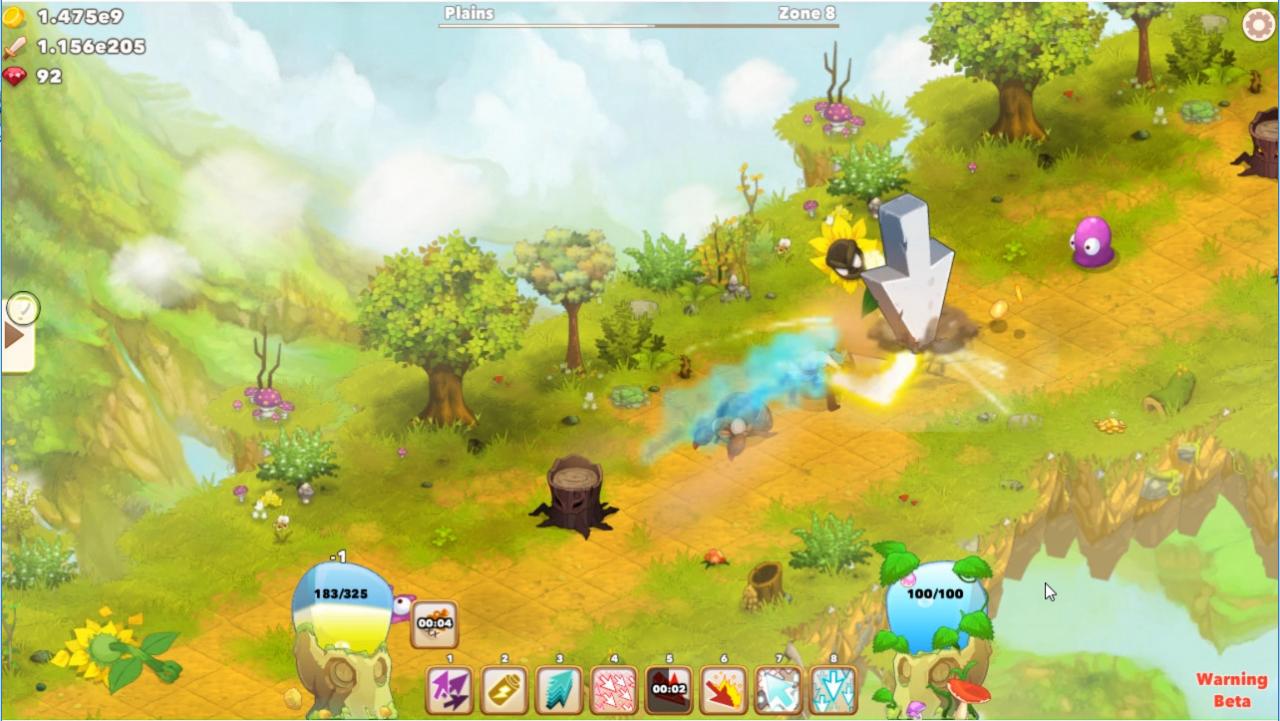
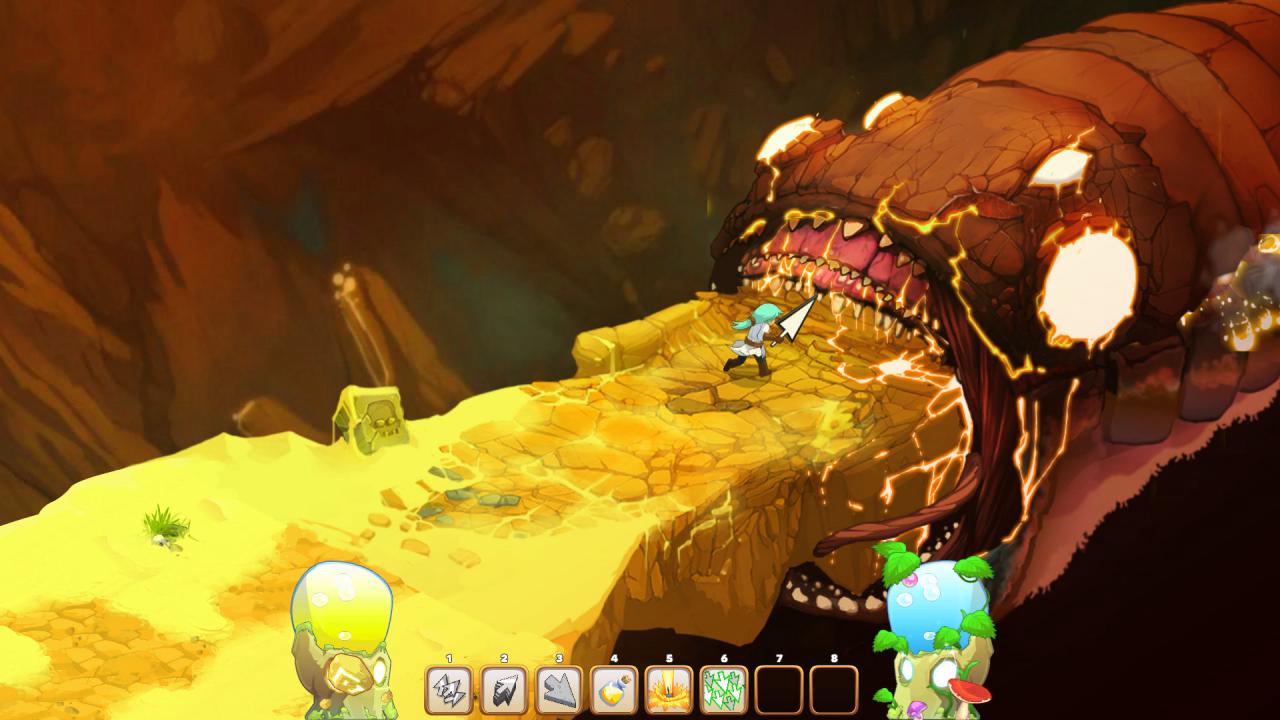
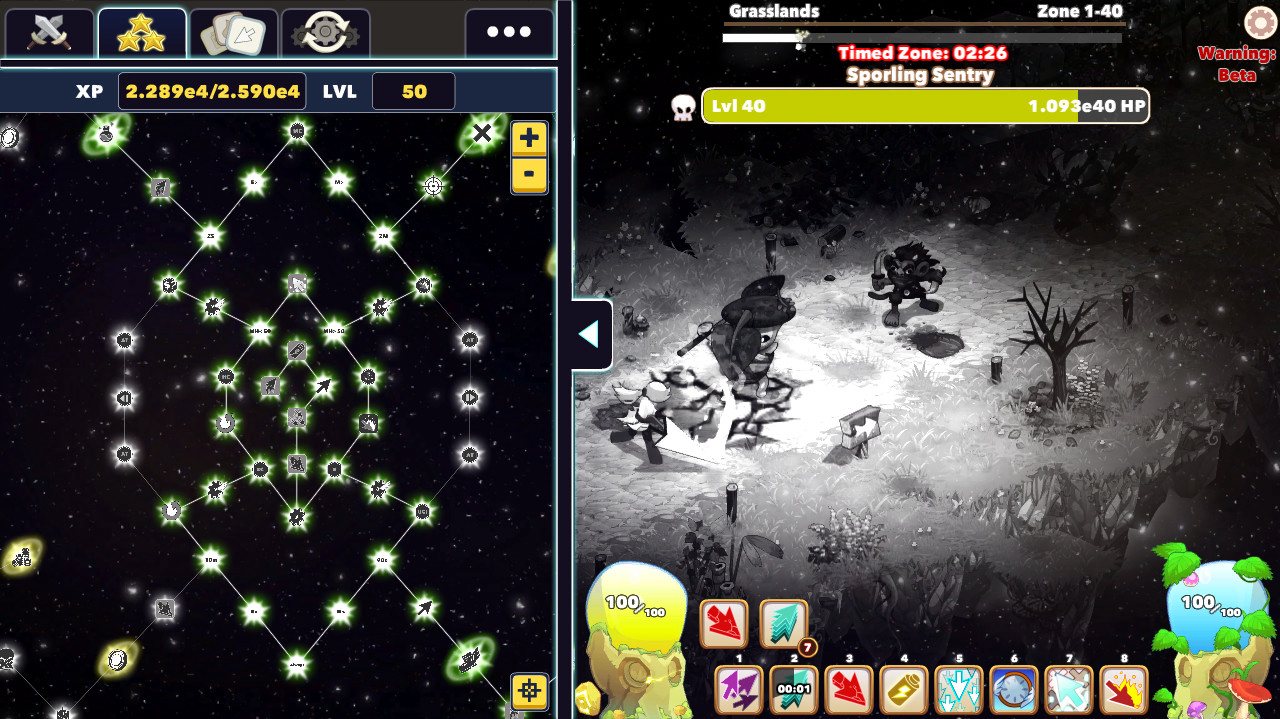
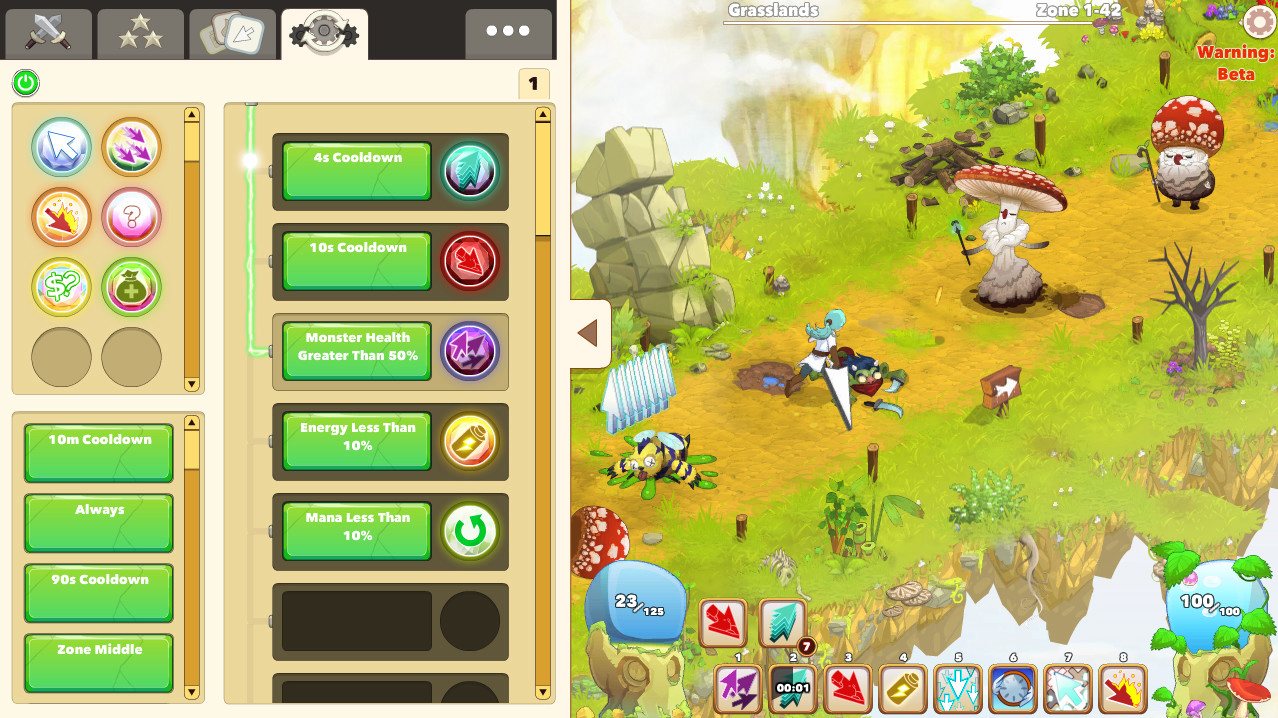
Clicker Heroes 2 is a game about the feeling of getting amazing powerups. You will embark on a never-ending journey to defeat mythical creatures, progressing through an infinite number of worlds. There will always be another upgrade. 1.52e394+ Hours Of Gameplay! Features Hop from zone to zone to defeat monsters and purchase gear and upgrades that will help you reach higher zones. Once you’re strong enough, advance from world to world where you’ll find even more powerful monsters and unlock even better upgrades! Unlock tons of satisfying skills to help you kill monsters faster. Big Clicks, Huge Click, Multiclick, and more. Find the perfect combination and rotation for maximum DPS! Conquer a vast number of worlds and defeat their unique monsters in search of more gold and experience! Customize the Automator to play the game for you while you’re away. Automatically level up your gear, buy new gear, and create complex skill combos. Maximize your efficiency by crafting the perfect Automator sequences. Choose your own path to success with hundreds of amazing upgrades for your stats and skills in the massive skill tree. Play the game the way you want to!

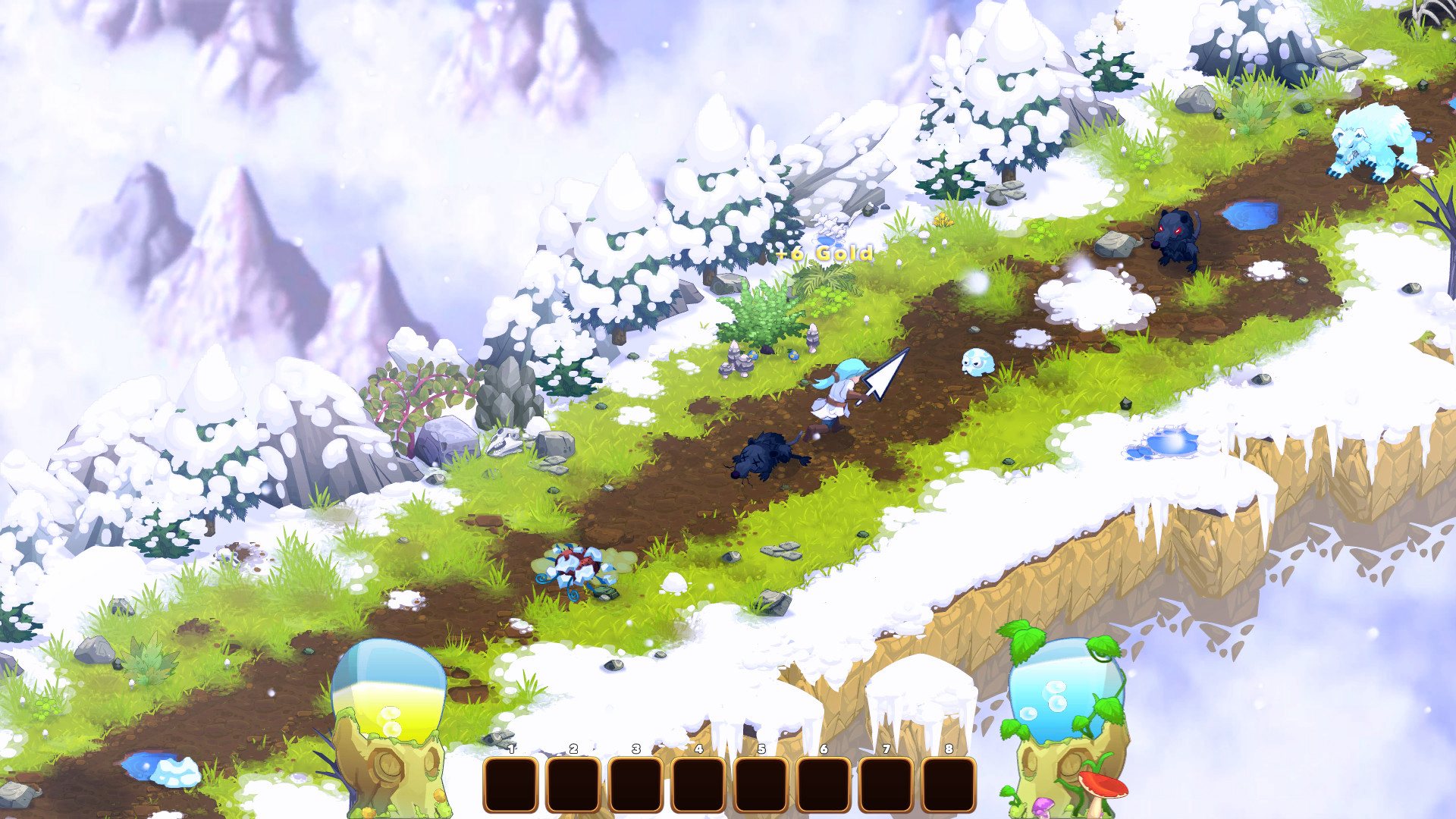
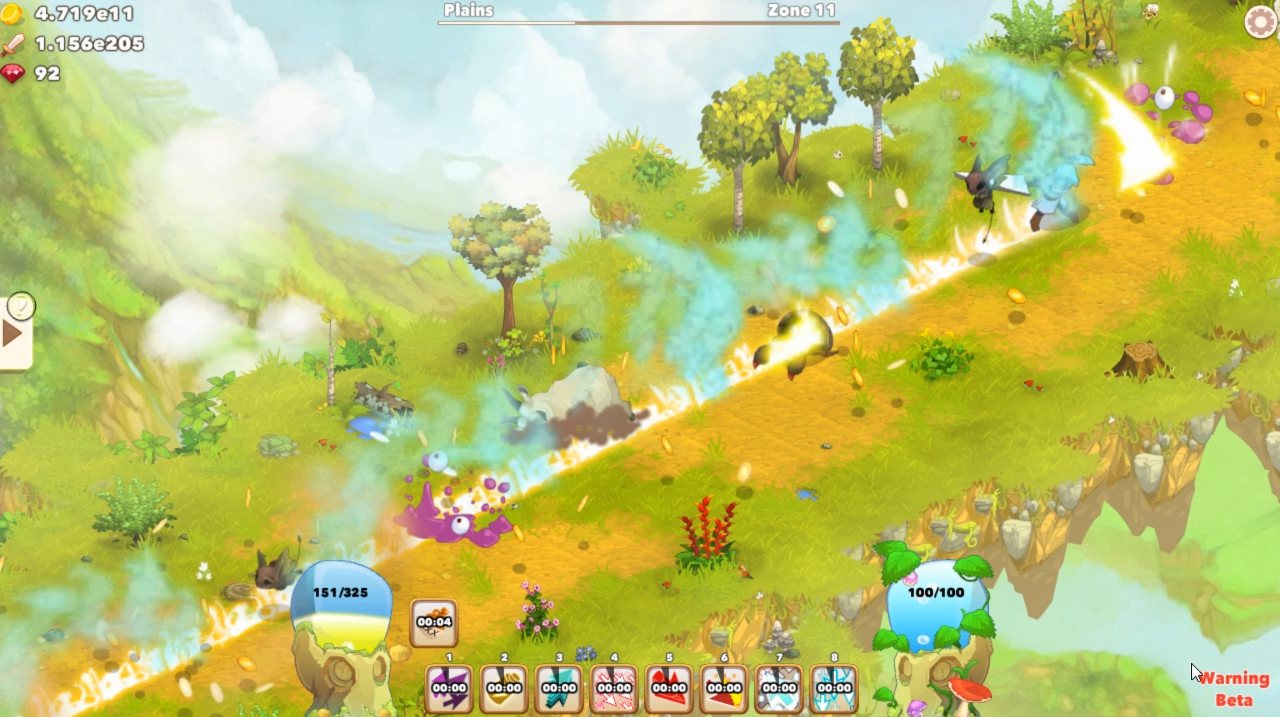
Clicker Heroes 2 screenshotClicker Heroes 2 screenshotClicker Heroes 2 screenshotClicker Heroes 2 screenshotClicker Heroes 2 screenshotClicker Heroes 2 screenshot

How to redeem

  1. 1Check your Steam account and the listed region before purchasing.
  2. 2Find your code and supplier activation instructions in your confirmed order.
  3. 3Open the redeem-code section on Steam, enter the code and follow the platform’s prompts.

Supplier instructions

Go to: http://store.steampowered.com/ and download STEAM client Click "Install Steam" (from the upper right corner) Install and start application, login with your Account name and Password (create one if you don't have). Please follow these instructions to activate a new retail purchase on Steam: Launch Steam and log into your Steam account. Click the Games Menu. Choose Activate a Product on Steam... Follow the onscreen instructions to complete the process. After successful code verification go to the "MY GAMES" tab and start downloading.

You might also like