Get 10% back in Relic Coins on every order
Super Skull Smash GO! 2 Turbo cover

SteamGlobal· Key

Super Skull Smash GO! 2 Turbo

€5.92

+€0.59 cashback eligibility in Relic Coins

Check before you play

Platform
Steam
Region
Global
Product type
Key
Developer
TACS Games
Publisher
TACS Games
Supplier release date
2018-07-17
Genres
Action, Indie

About this product

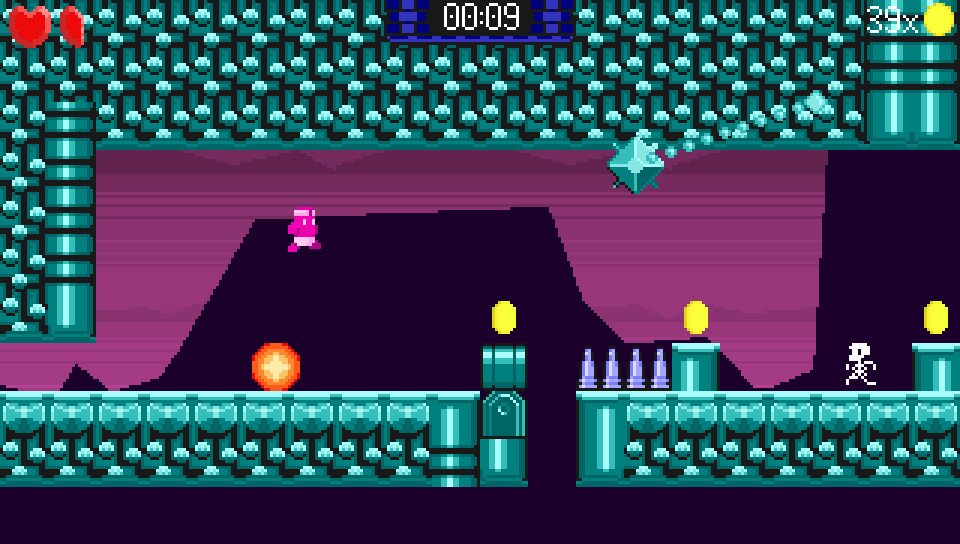
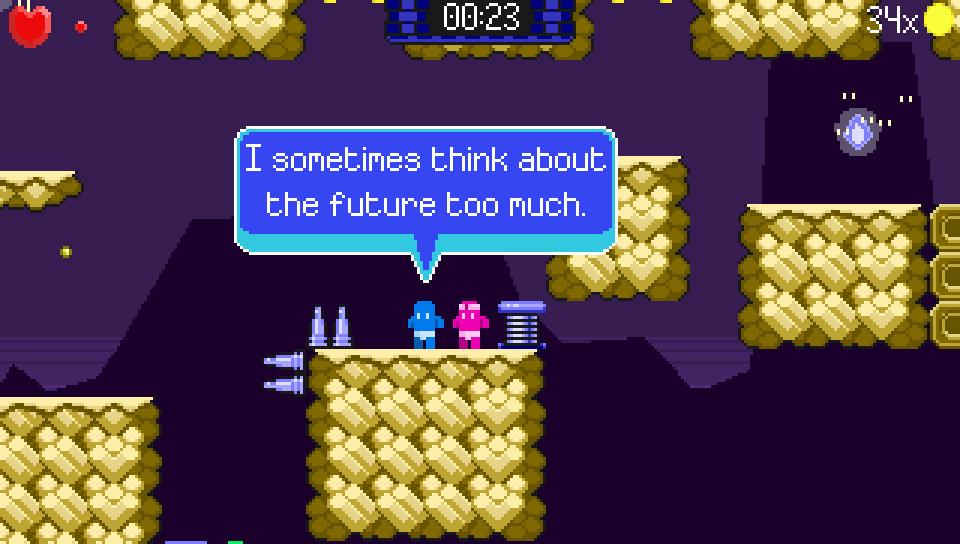
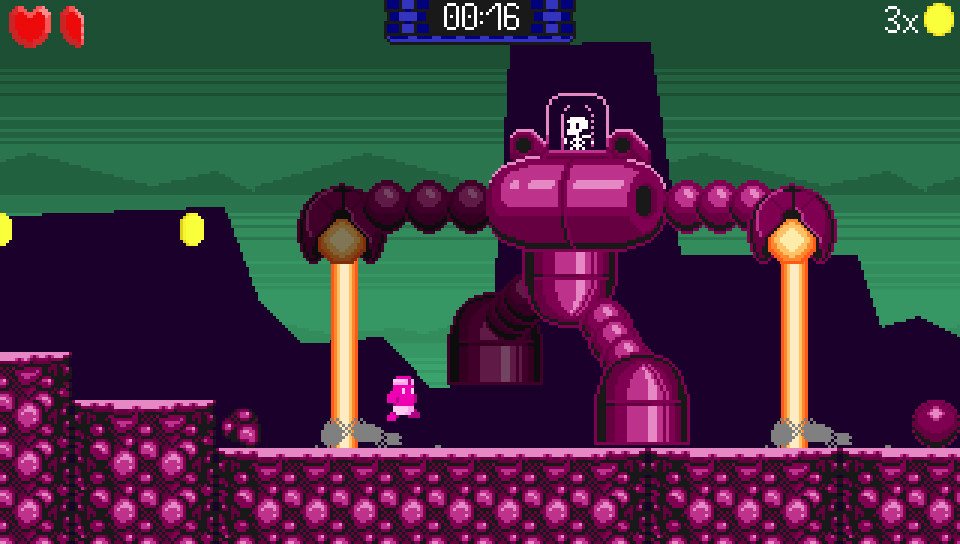
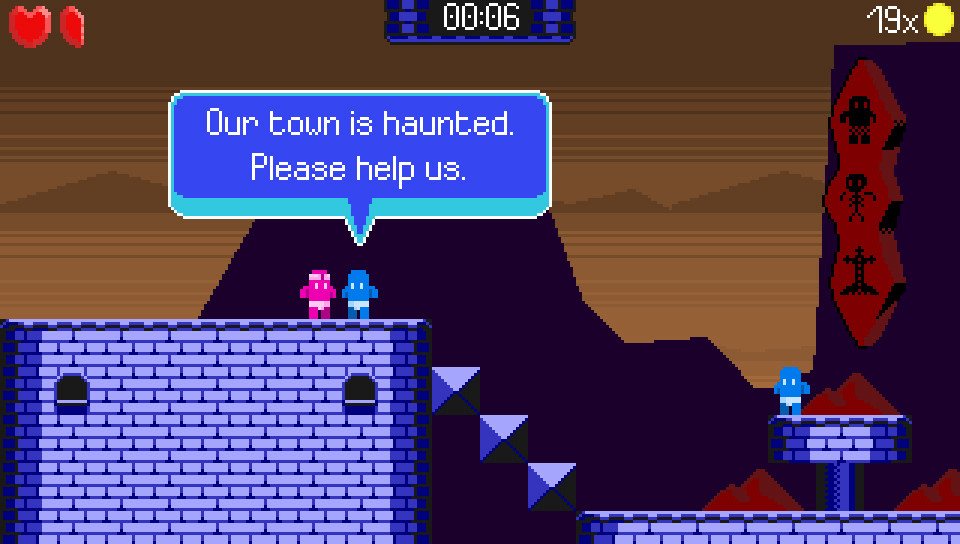
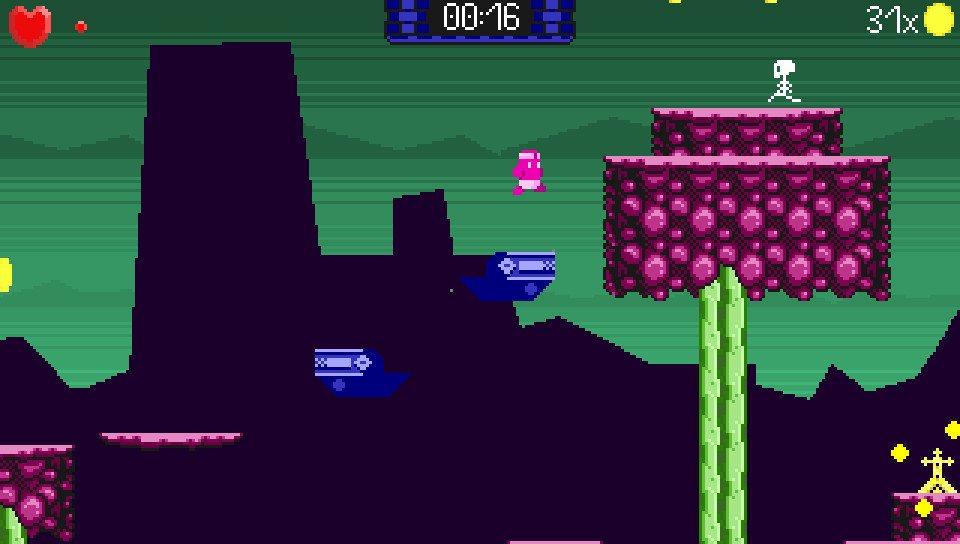
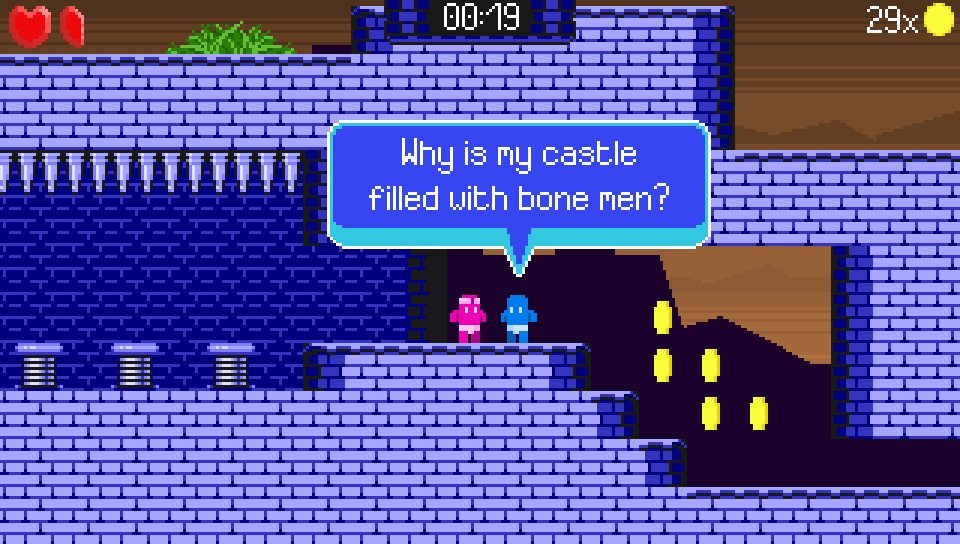
Playable in English/Deutsch/Français/日本語Return to the haunted town and save the villagers once again from Evil King, the worst king ever. He's sent his skeleton armies to defile the local countryside and has set a curse upon the townspeople. Help them out by smashing every skull in the country! Purify the land and stop Evil King once and for all. This sequel takes the skull-smashing puzzle platformer in a new direction with TURBO action, TURBO puzzles and TURBO boss battles.The Evil King is up to his old tricks again. He's concocted a new spell that will unleash hordes of skeletons, zombies, ghosts and even vampires. Run, jump and super-skull-smash your way through the kingdom purifying the land as you go. Battle giant robot skeleton bosses and avoid deadly traps. Journey through the eight unique lands in the Kingdom of Bones bashing monsters and solving puzzles as you go. Earn bonus hearts and find hidden secrets galore!The villagers are relying on you once again. Can you defeat the Evil King and and his outmoded ways?

Super Skull Smash GO! 2 Turbo screenshotSuper Skull Smash GO! 2 Turbo screenshotSuper Skull Smash GO! 2 Turbo screenshotSuper Skull Smash GO! 2 Turbo screenshotSuper Skull Smash GO! 2 Turbo screenshotSuper Skull Smash GO! 2 Turbo screenshot

How to redeem

  1. 1Check your Steam account and the listed region before purchasing.
  2. 2Find your code and supplier activation instructions in your confirmed order.
  3. 3Open the redeem-code section on Steam, enter the code and follow the platform’s prompts.

Supplier instructions

Go to: http://store.steampowered.com/ and download STEAM client Click "Install Steam" (from the upper right corner) Install and start application, login with your Account name and Password (create one if you don't have). Please follow these instructions to activate a new retail purchase on Steam: Launch Steam and log into your Steam account. Click the Games Menu. Choose Activate a Product on Steam... Follow the onscreen instructions to complete the process. After successful code verification go to the "MY GAMES" tab and start downloading.

You might also like