Get 10% back in Relic Coins on every order
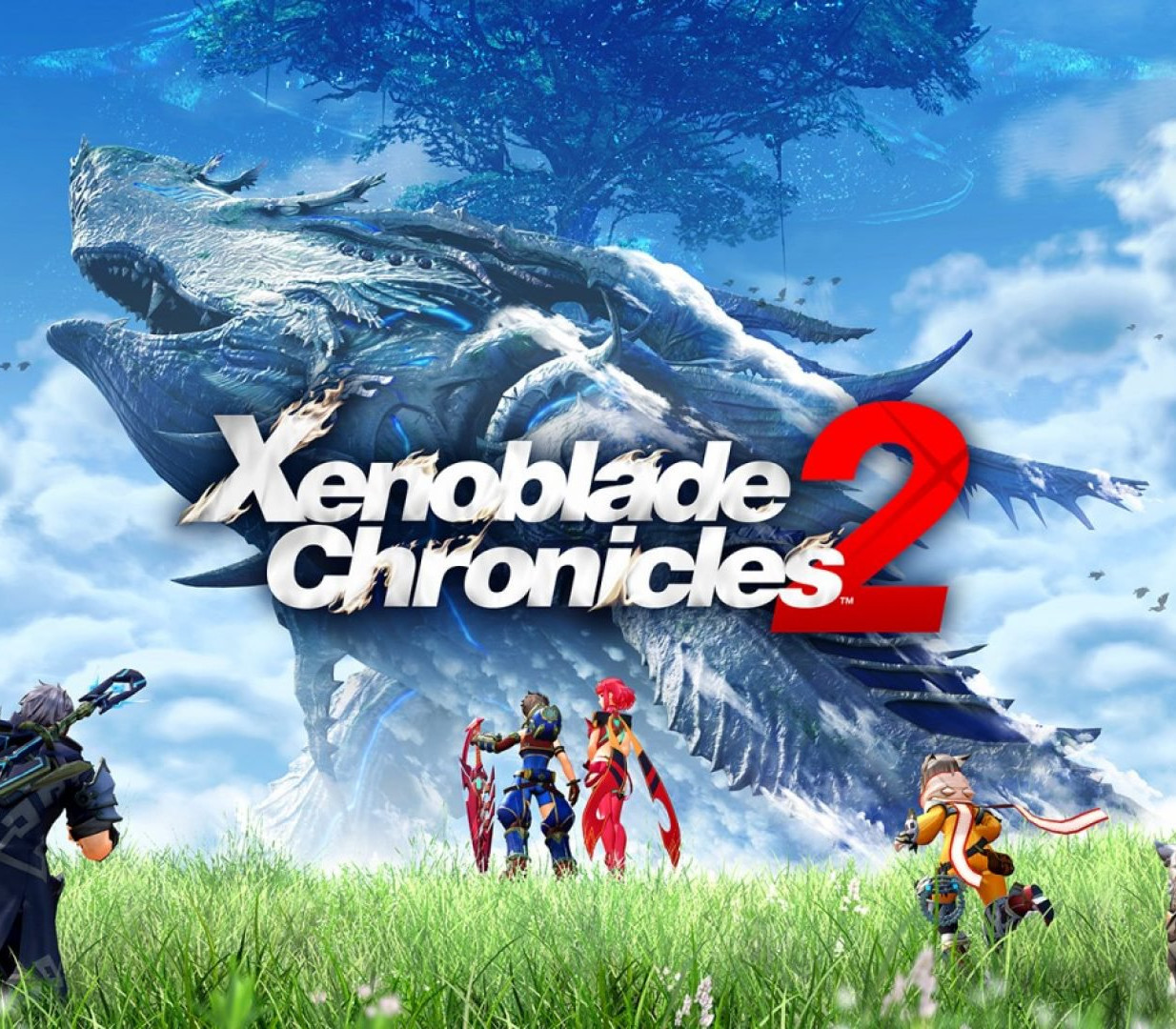
Xenoblade Chronicles 2 cover

Nintendo SwitchUnited States· Key

Xenoblade Chronicles 2

€46.81

+€4.68 cashback eligibility in Relic Coins

Check before you play

Platform
Nintendo Switch
Region
United States
Product type
Key
Developer
Monolith Soft
Publisher
Nintendo
Supplier release date
2017-12-01
Genres
Action, Adventure, RPG

About this product

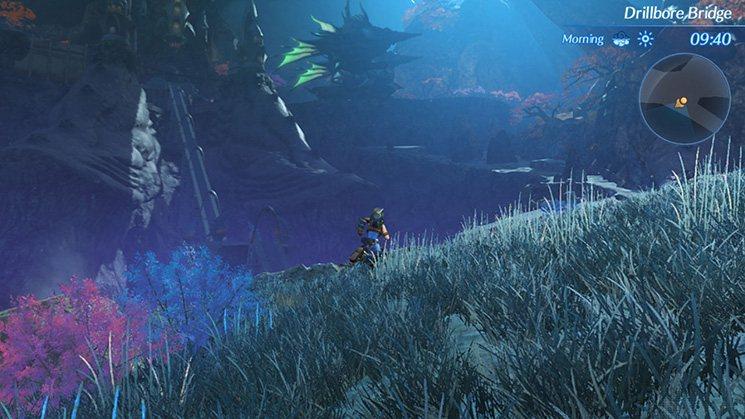
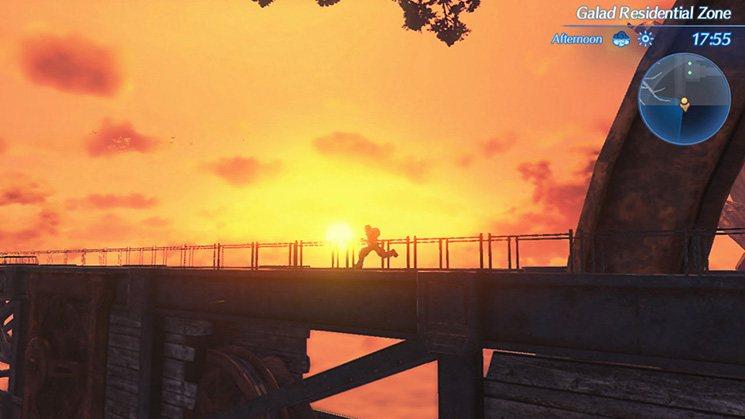
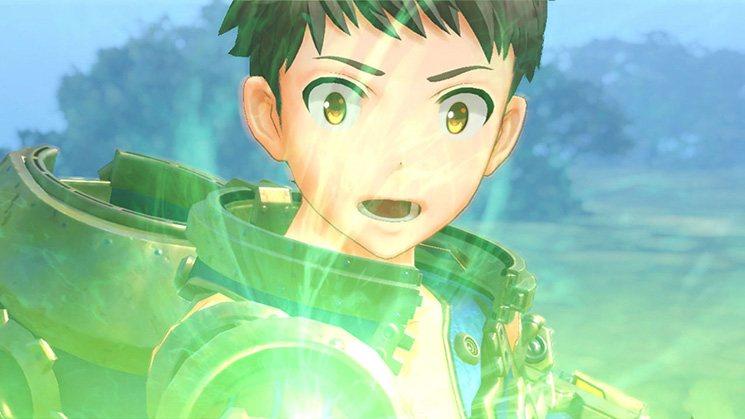
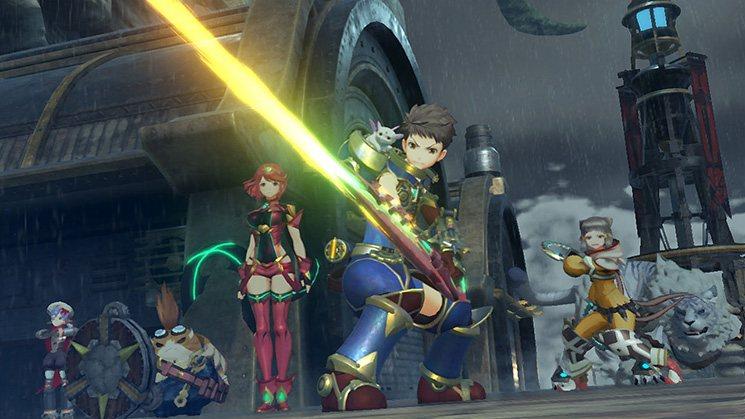
Lead Rex, Pyra, and the world to refuge. As the giant beasts march toward death, the last hope is a scavenger named Rex—and Pyra, a living weapon known as a Blade. Can you find the fabled paradise she calls home? Command a group of Blades and lead them to countless strategic victories before the world ends. Each Titan hosts its own distinct cultures, wildlife, and diverse regions to explore. Search the vast open areas and labyrinthine corridors for treasure, secret paths, and creatures to battle and index. During these escapades you'll get to know a large cast of eclectic characters, including the weaponized life forms known as Blades. Gather these allies, bond with them to increase their power, and utilize their special ARTS to devastate enemies. But to save the world of Alrest, you must first demystify its cloudy past. Features A new story in the Xenoblade Chronicles™ series The next adventure is on the Nintendo Switch™ console—set on the backs of colossal, living Titans Discover each Titan’s diverse regions, culture, wildlife, equipment, and hidden secrets Find, bond with, and command weaponized life forms known as Blades to earn abilities and enhance them Uncover the history of Alrest and the mystery of its endless ocean of clouds

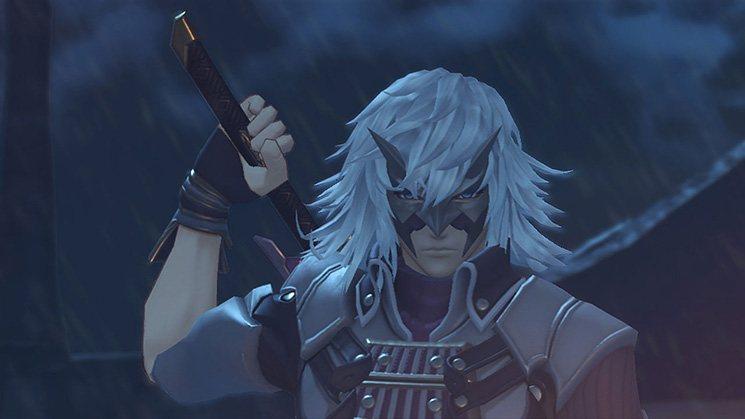
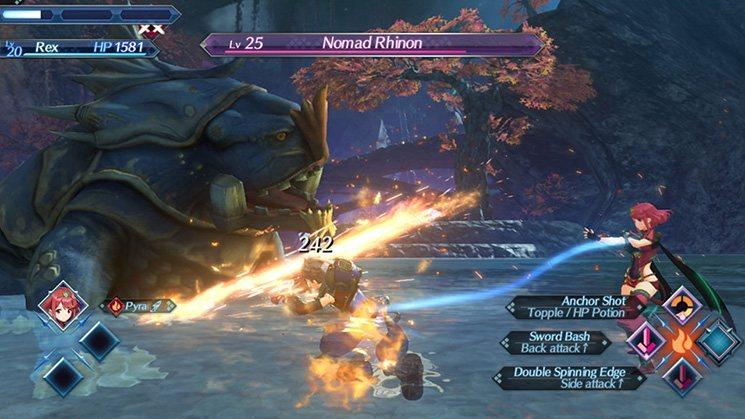
Xenoblade Chronicles 2 screenshotXenoblade Chronicles 2 screenshotXenoblade Chronicles 2 screenshotXenoblade Chronicles 2 screenshotXenoblade Chronicles 2 screenshotXenoblade Chronicles 2 screenshot

How to redeem

  1. 1Check your Nintendo Switch account and the listed region before purchasing.
  2. 2Find your code and supplier activation instructions in your confirmed order.
  3. 3Open the redeem-code section on Nintendo Switch, enter the code and follow the platform’s prompts.

Supplier instructions

Select “Nintendo eShop” on the HOME Menu to launch the Nintendo eShop. Select the account you want to use. Select “Enter Code” on the left side of the screen. Enter the 16-character download code.Any letters and symbols not used with prepaid codes (i.e. O, I, Z, commas, hyphens, etc.) will be disabled from the on-screen keyboard. Select “Send” to confirm. The game will begin downloading once the code is confirmed.The game icon will appear on the HOME menu, with a download status bar. The status bar will disappear once the game download is complete.

You might also like