

SteamGlobal· Key
Steampunker
€0.59
+€0.06 cashback eligibility in Relic Coins
Check before you play
- Platform
- Steam
- Region
- Global
- Product type
- Key
- Supplier release date
- 2018-07-06
- Genres
- Adventure
SteamGlobal· Key
€0.59
+€0.06 cashback eligibility in Relic Coins
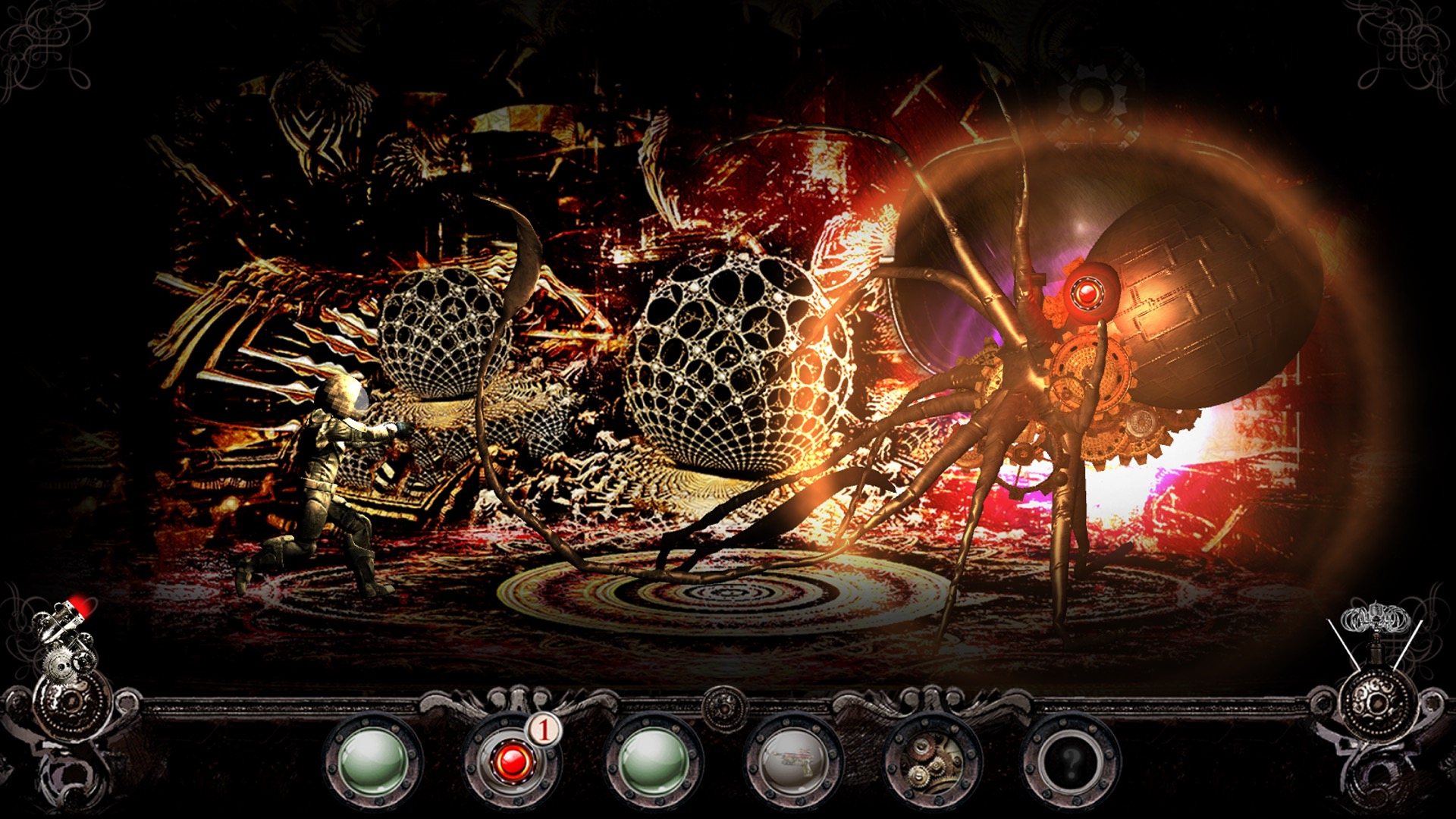
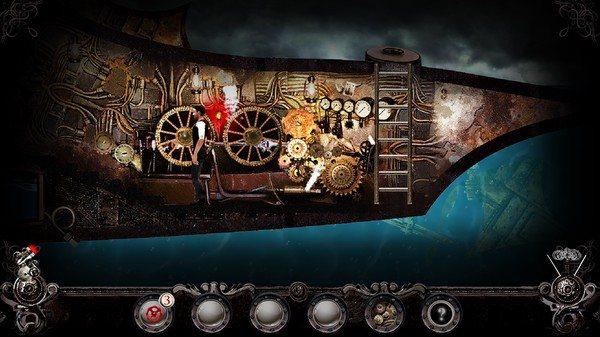
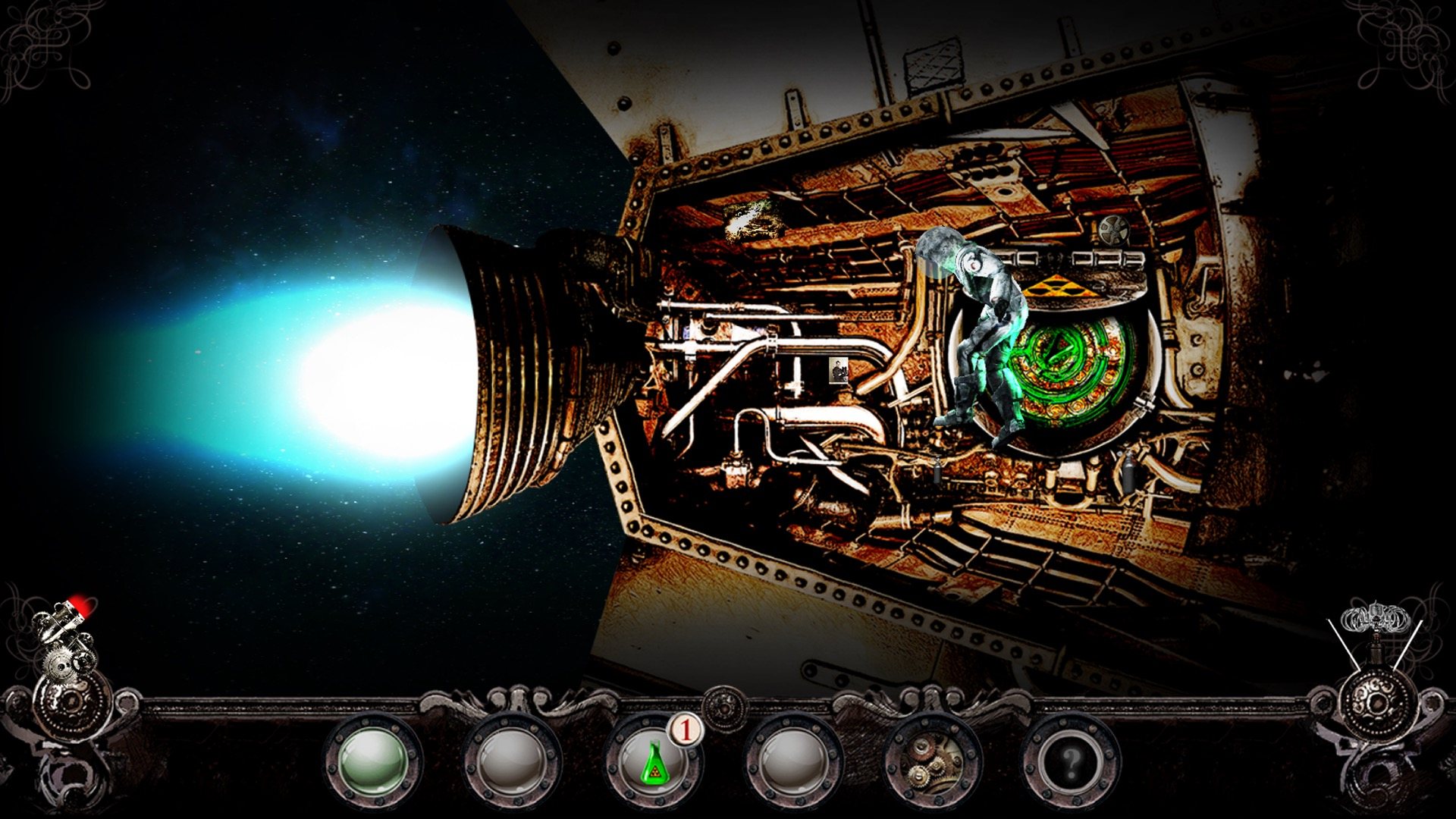
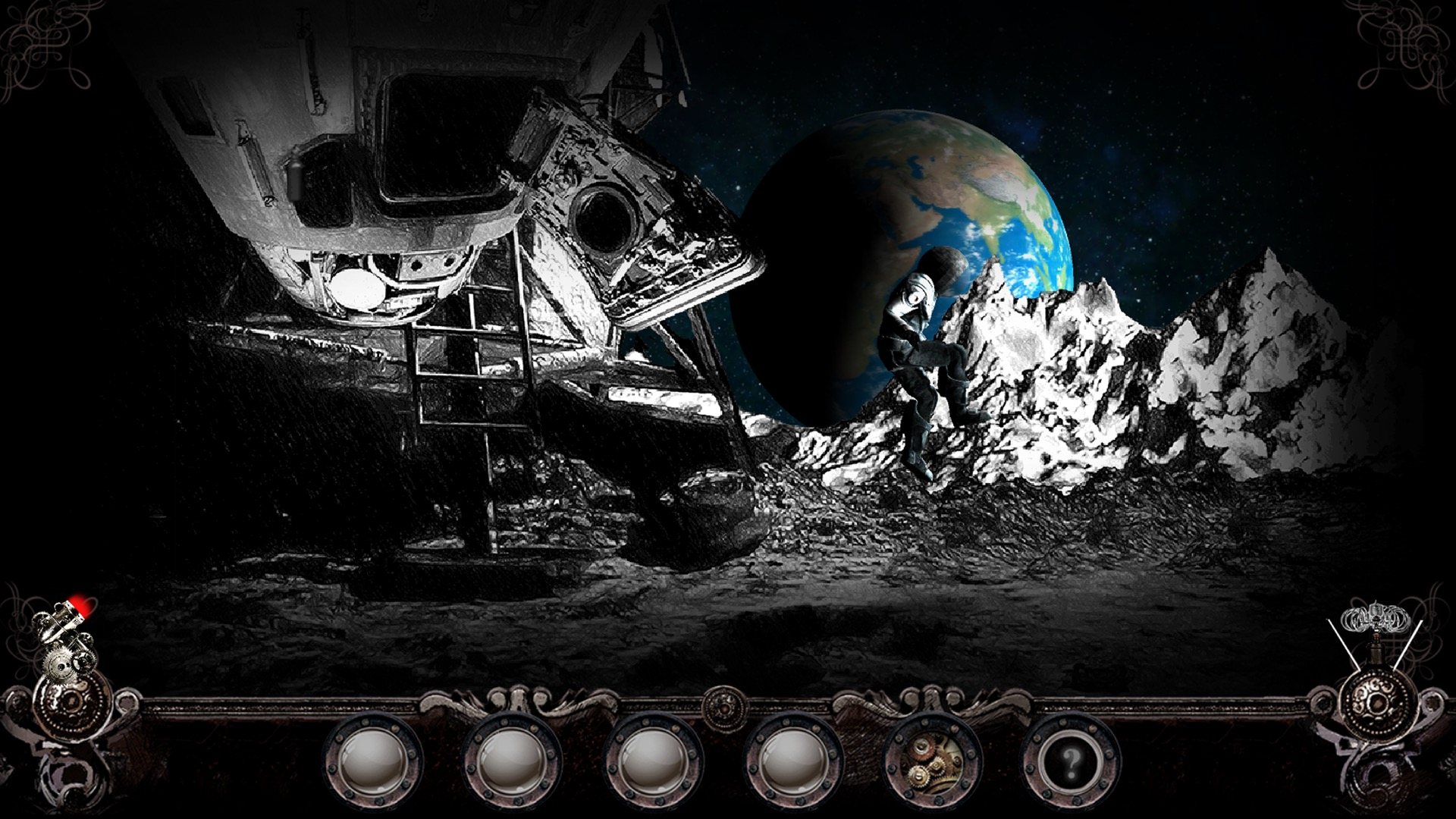
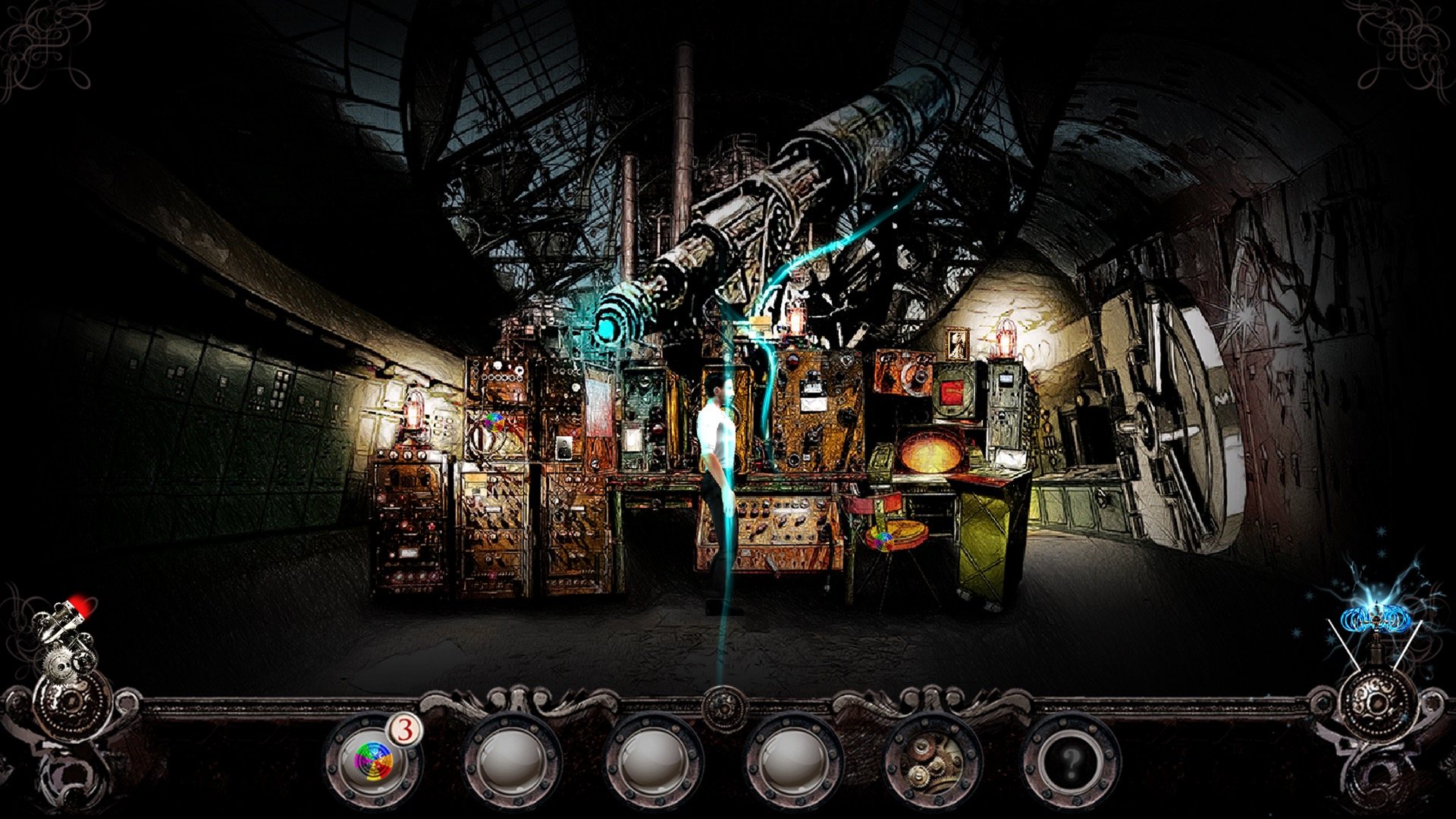
Steampunker is an award-winning point and click adventure game involving a search for hidden objects. It's set in an astonishing steampunk world. The adventures of Vincent, our hero, begin when evil robots attack the Earth. The game contains a series of puzzles linked together into a traditional point and click adventure story. We meet Vincent in a harbor, then he boards a submarine, travels to an island, flies to the Moon in a rocket and finally fights the robots in their spaceship. In order to complete the mission Vincent has to explore the world and find objects needed to fix the vehicles and move in his unique steampunk style world. The brain teasers include fighting a steam leakage, solving maths puzzles and many more. The game is simple and intuitive, naturally drawing the player into the main protagonist’s amazing world. Music and sound effects have been created by Silver Rocket which has also developed and recorded the concept-album "Tesla" about the iconic (not only for a steampunk lovers) genius – Nikola Tesla. Features Five chapters including more than 30 puzzles and brain teasers Hidden objects gameplay Unique hand-drawn steampunk graphics Original music recorded by Silver Rocket
Go to: http://store.steampowered.com/ and download STEAM client Click "Install Steam" (from the upper right corner) Install and start application, login with your Account name and Password (create one if you don't have). Please follow these instructions to activate a new retail purchase on Steam: Launch Steam and log into your Steam account. Click the Games Menu. Choose Activate a Product on Steam... Follow the onscreen instructions to complete the process. After successful code verification go to the "MY GAMES" tab and start downloading.