Get 10% back in Relic Coins on every order
BQM - BlockQuest Maker cover

SteamGlobal· Key

BQM - BlockQuest Maker

€8.34

+€0.83 cashback eligibility in Relic Coins

Check before you play

Platform
Steam
Region
Global
Product type
Key
Developer
WonderlandKazakiri
Publisher
Gamirror Games
Supplier release date
2018-07-27
Genres
Action, RPG, Indie

About this product

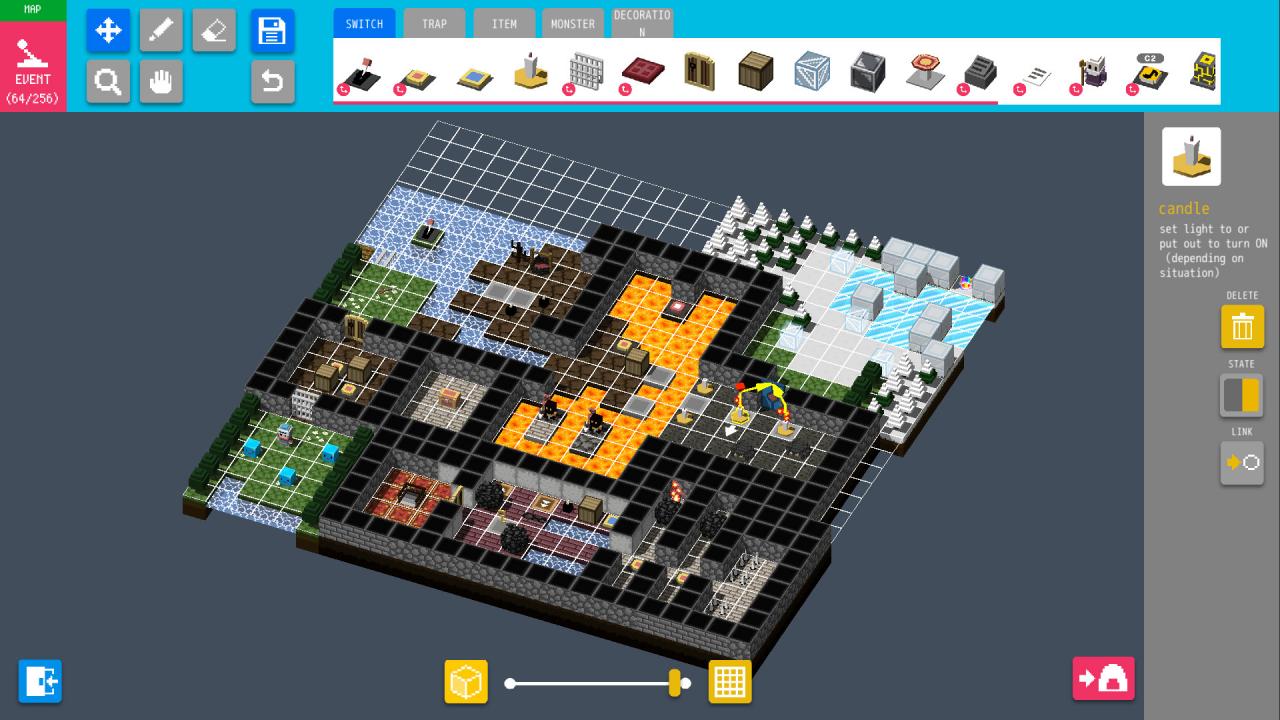
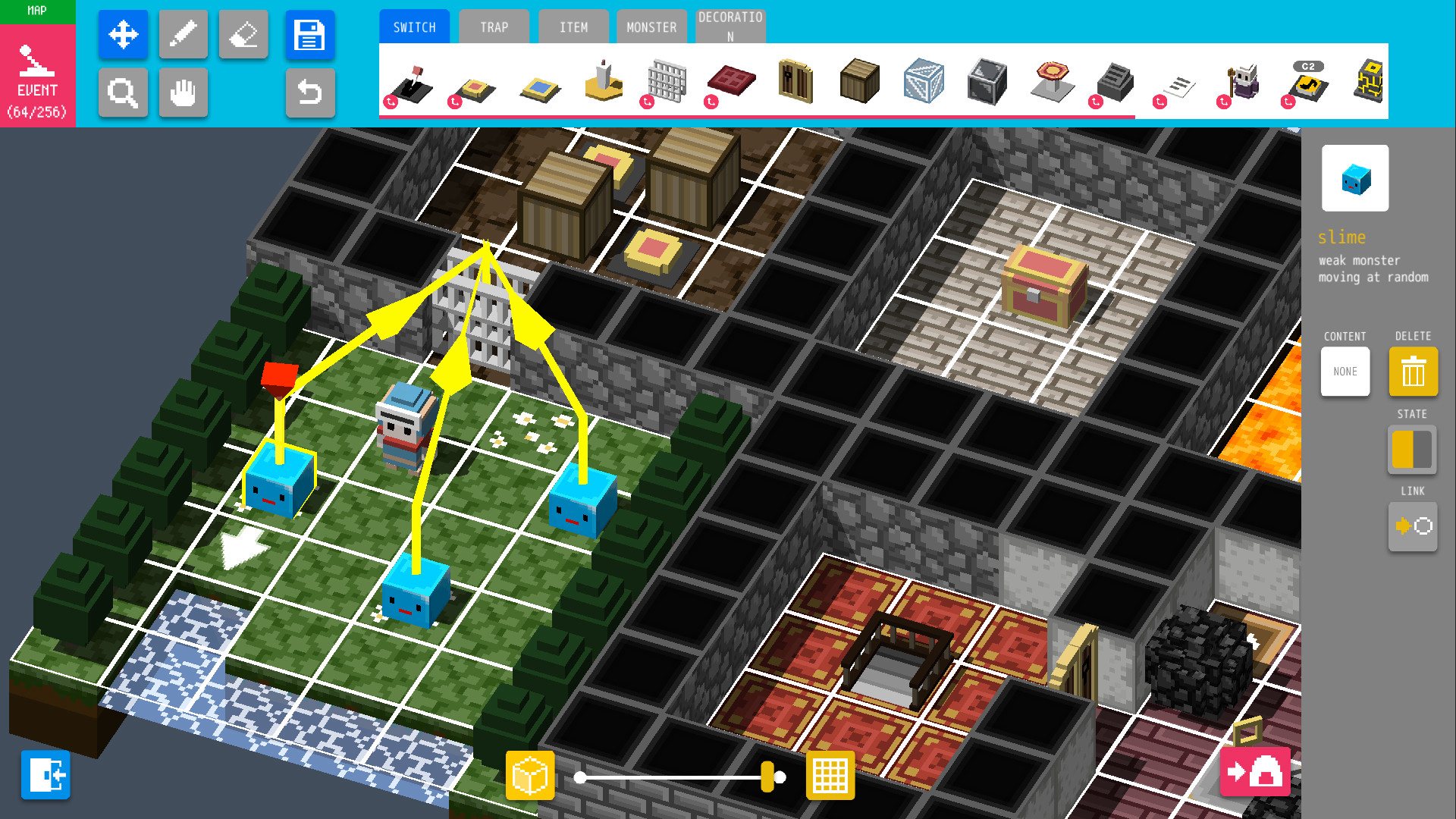
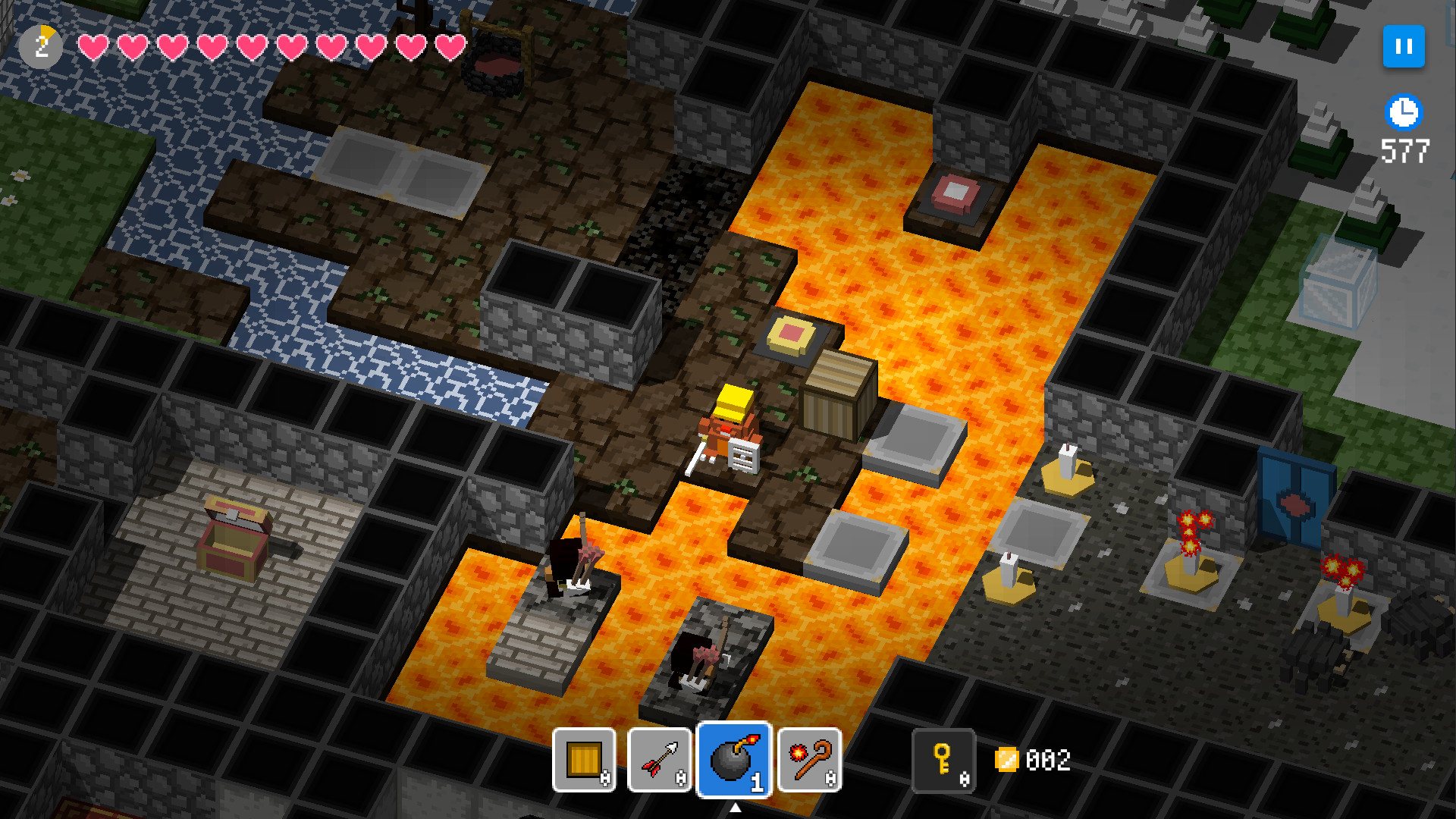
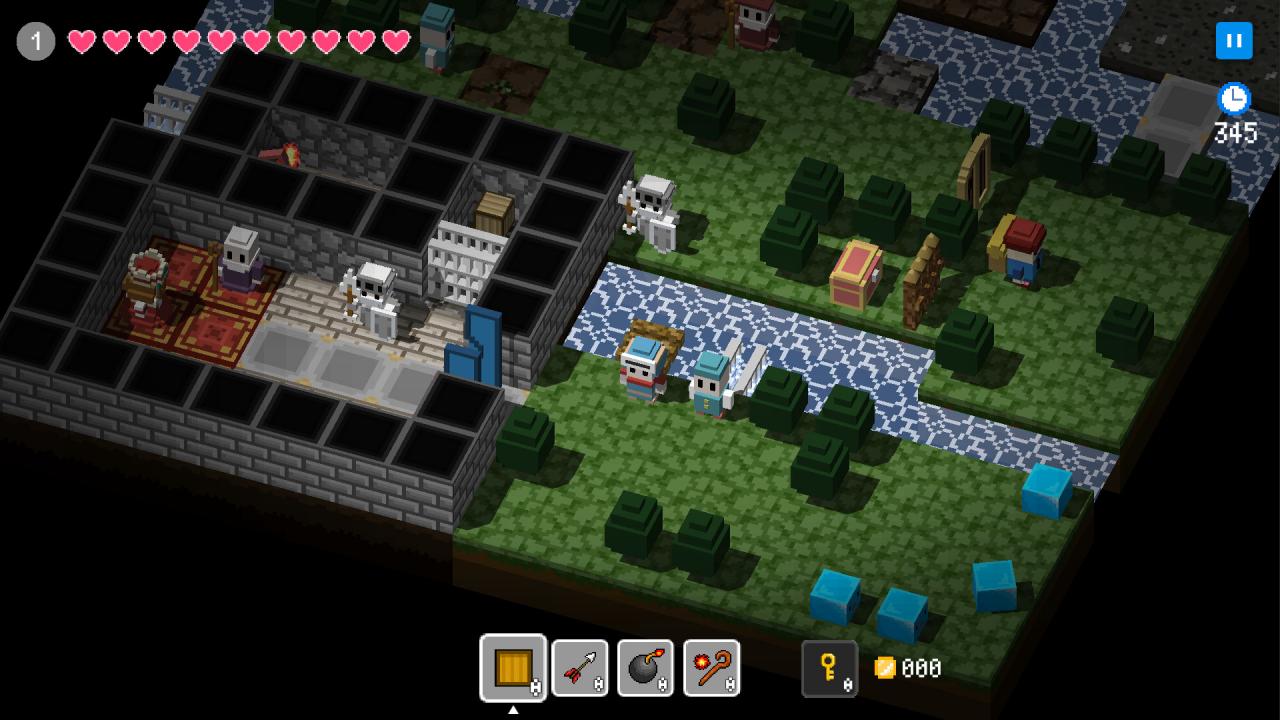
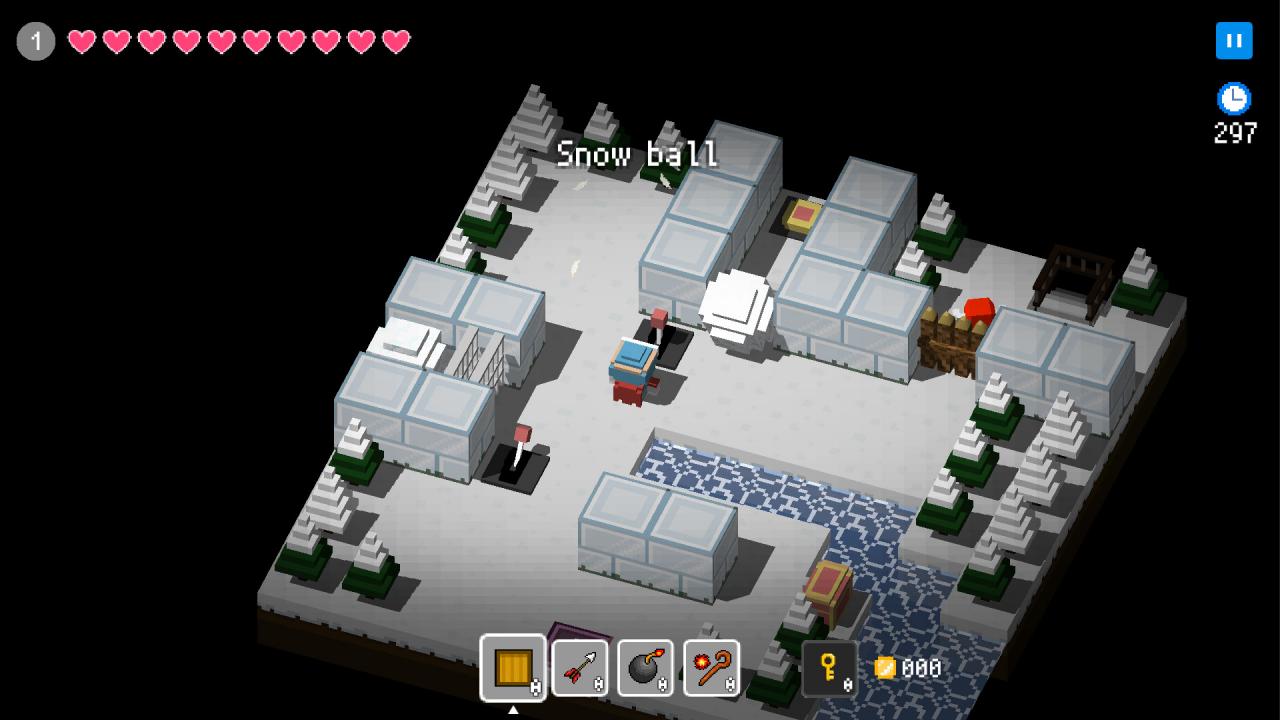
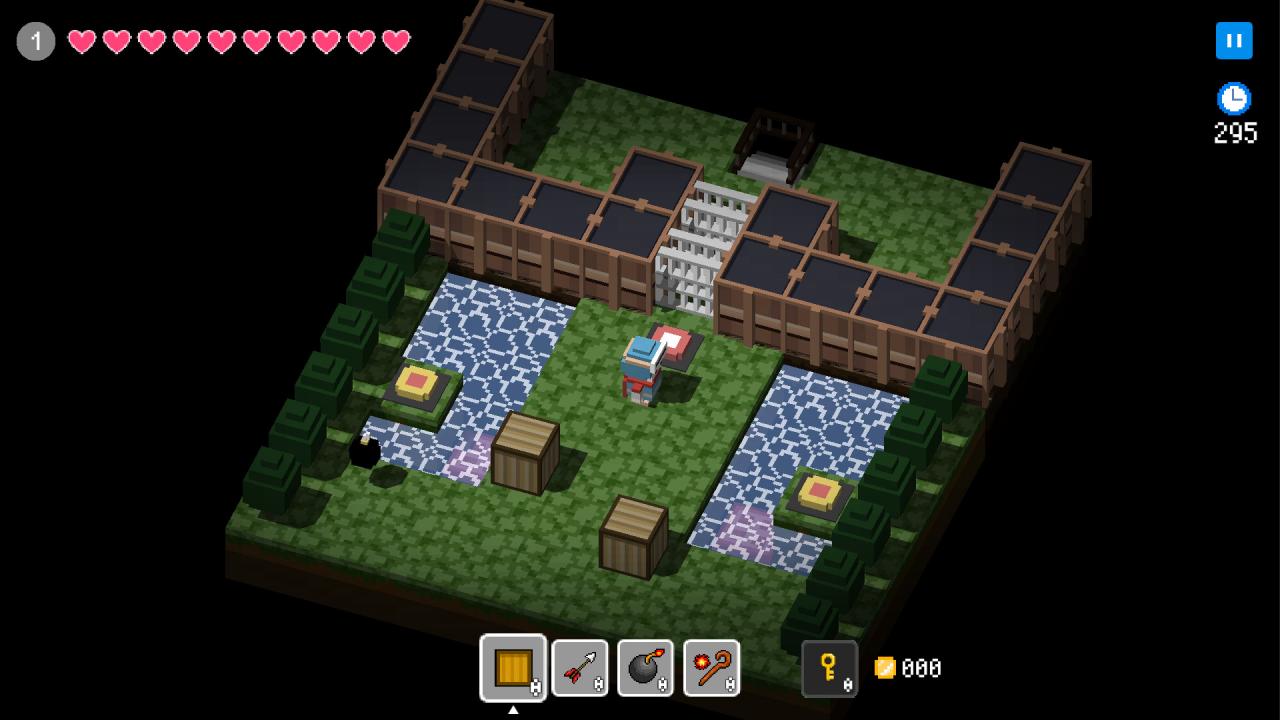
Create & play! New, instant death dungeon RPG “BQM -Block Quest Maker” is here! BQM enables you to create your very own dungeon RPG, packed with puzzles and traps. Secret doors, falling rocks, strong mobs – challenge them all and level up. What lies within the box? Unveil the secrets or… create them! But wait. Isn’t the stage design difficult? No, not with this maker! With just a click of a mouse it’s easy like playing with blocks. Controls may be easy, but dungeons you create can be as canny and deadly as your imagination dictates. Just use your head and BQM’s traps and gimmicks. Be it puzzle, action or story – which dungeon will you make? Share maze of your design with players all around the world and challenge them to beat your wit. But do not fret my friend. If you don’t feel like creating is your cup of tea, you can focus only on playing dungeons made by other users. ★ “PLAY” Take on dungeons! Let’s battle players around the world and their instant death dungeons. All kinds of mazes await you. Use items like bombs, arrows or magic wands and reveal all secrets. ★ “CREATE” Design dungeons and earn gold! It’s your turn to make dungeon and embarrass others. At your disposal is Dungeon Editor - create original dungeon and test players around the world. Everything depends on you! Fix the entrance fee and set your eyes on becoming most popular creator. Become wealthy!

BQM - BlockQuest Maker screenshotBQM - BlockQuest Maker screenshotBQM - BlockQuest Maker screenshotBQM - BlockQuest Maker screenshotBQM - BlockQuest Maker screenshotBQM - BlockQuest Maker screenshot

How to redeem

  1. 1Check your Steam account and the listed region before purchasing.
  2. 2Find your code and supplier activation instructions in your confirmed order.
  3. 3Open the redeem-code section on Steam, enter the code and follow the platform’s prompts.

Supplier instructions

Go to: http://store.steampowered.com/ and download STEAM client Click "Install Steam" (from the upper right corner) Install and start application, login with your Account name and Password (create one if you don't have). Please follow these instructions to activate a new retail purchase on Steam: Launch Steam and log into your Steam account. Click the Games Menu. Choose Activate a Product on Steam... Follow the onscreen instructions to complete the process. After successful code verification go to the "MY GAMES" tab and start downloading.

You might also like