

SteamGlobal· Gift
Family Guy: Back to the Multiverse
€346.49
+€34.65 cashback eligibility in Relic Coins
Check before you play
- Platform
- Steam
- Region
- Global
- Product type
- Gift
- Supplier release date
- 2012-11-20
- Genres
- Action, Adventure
SteamGlobal· Gift
€346.49
+€34.65 cashback eligibility in Relic Coins
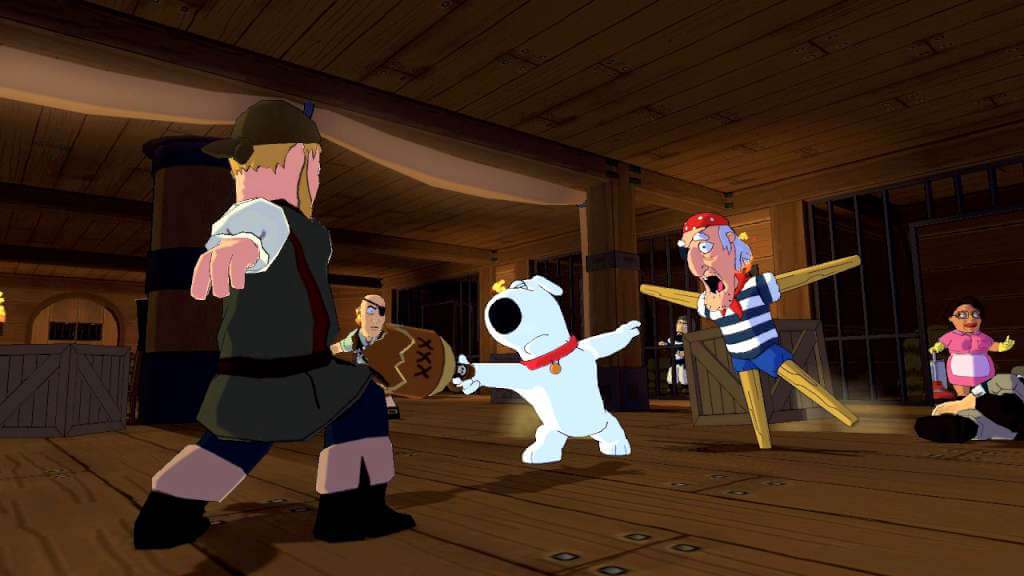
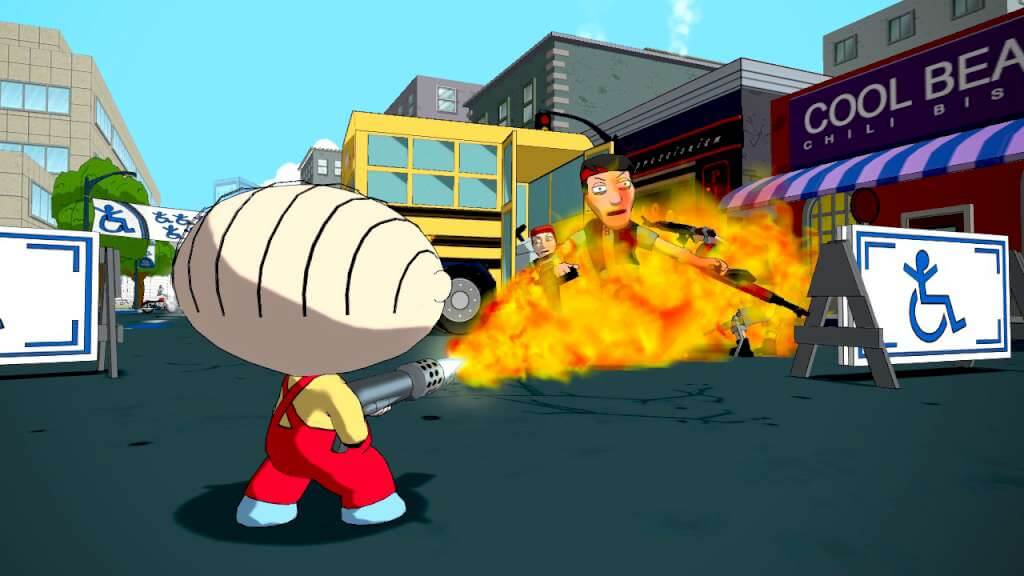
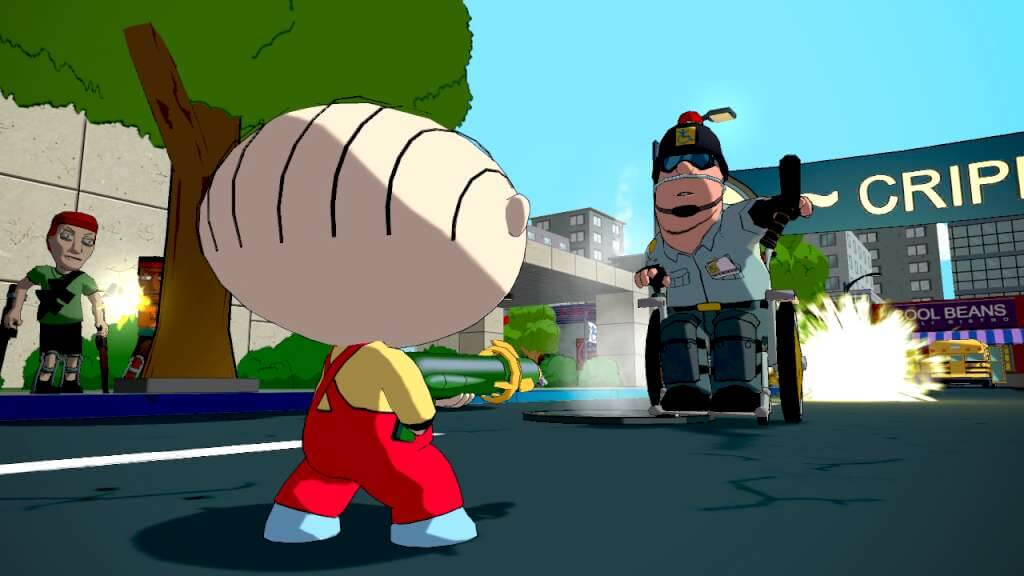
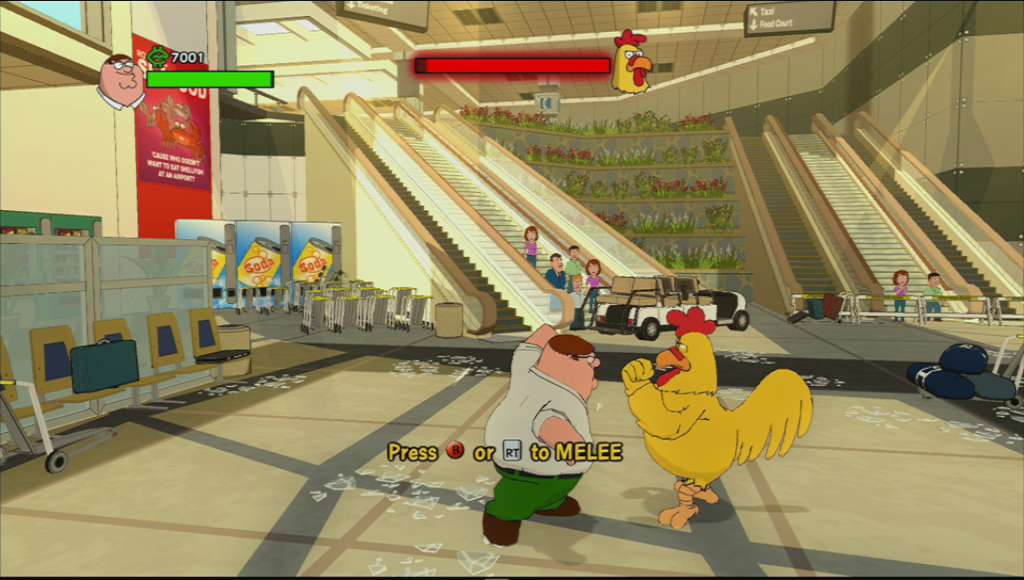
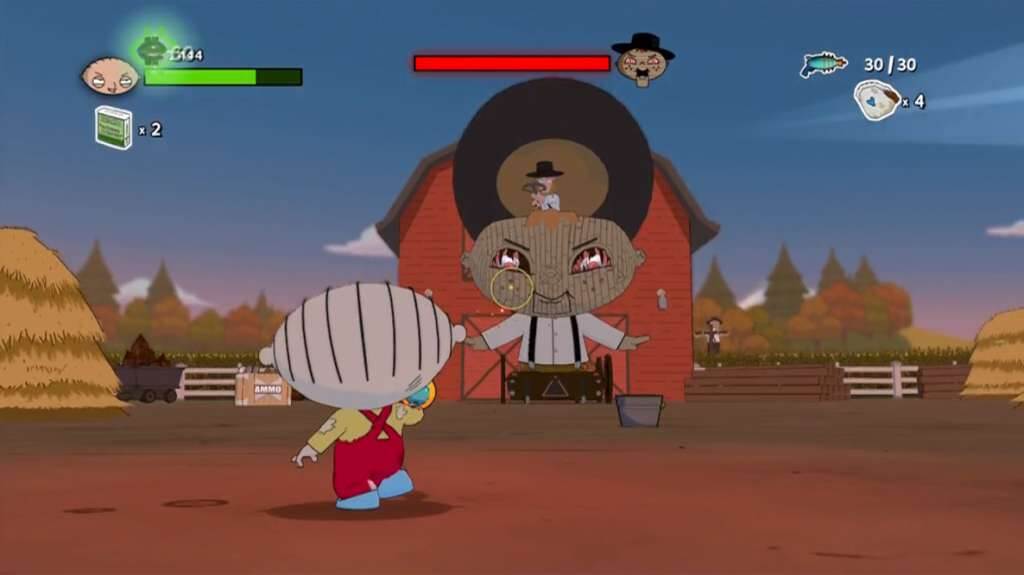
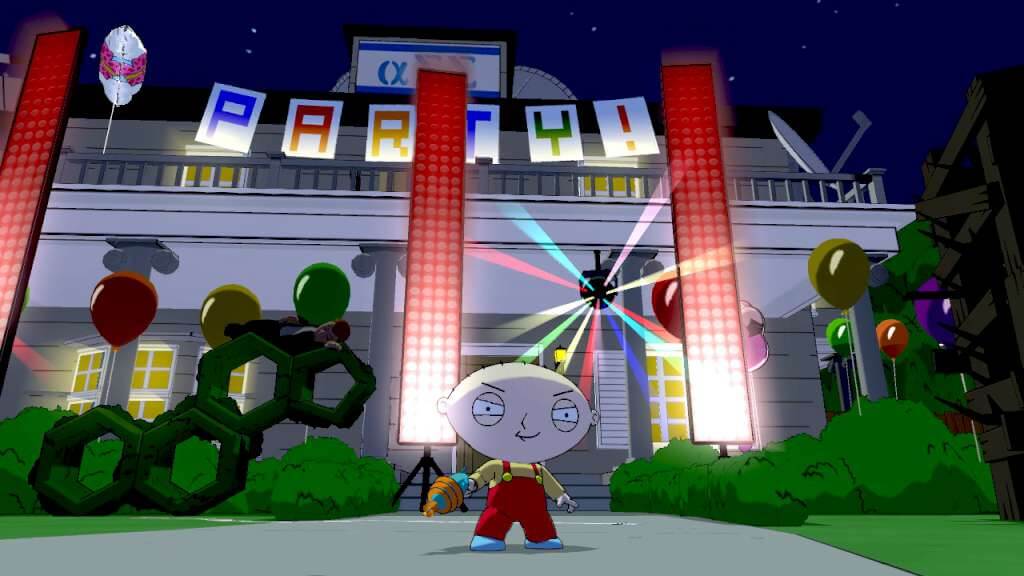
Everyone’s favorite foul-mouthed baby Stewie stars alongside his faithful booze hound Brian in the Family Guy event of the year - Family Guy: Back to the Multiverse! Save Quahog from utter annihilation! Stewie and Brian team up in an original Multiverse-spanning adventure to stop the evil Bertram from destroying everything! Features Bizarre Universes: Battle through all new demented universes that only the show’s writers could create. Extra-Dimensional Action: Face off against whacked out foes in INFILTRATION! and Multiverse Madness Modes. Create Epic Beat Downs: Switch between Brian and Stewie on the fly or grab a friend and play in 2-player Co-Op Mode to take down the enemies in the multiverse! Familiar Faces: Take the reins of 10 different characters plucked from the show and pit them against each other in 4-person local multiplayer!
"Please remember that we are NOT responsible for any problems that may arise from purchasing and using Steam Gifts. You are doing it at your own risk. "Please note, that due to recent Valve https://support.steampowered.com/kb_article.php?ref=1327-WUJX-5722 Steam Gifts for games that are covered by VAC ban program can no longer be added to Inventory. Make sure that you are logged in to the proper account before entering the link as Steam Gifts can be only added to your library or rejected. How do I use a Steam gift given to me? If you do not already have Steam, download and install Steam http://store.steampowered.com/about/. Once you have Steam installed, you will be prompted to create an account or login to an existing Steam account. If you do not have an account, please create one. You will receive an e-mail containing a link that will open Steam allowing you to redeem your gift. After clicking the link, you will receive a notification at the top right corner in the Steam client informing that you have a new gift.