Get 10% back in Relic Coins on every order
Chronicles of Mystery - The Legend of the Sacred Treasure cover

SteamGlobal· Key

Chronicles of Mystery - The Legend of the Sacred Treasure

€0.96

+€0.10 cashback eligibility in Relic Coins

Check before you play

Platform
Steam
Region
Global
Product type
Key
Developer
City Interactive S.A.
Publisher
City Interactive S.A.
Supplier release date
2018-07-13
Genres
Adventure

About this product

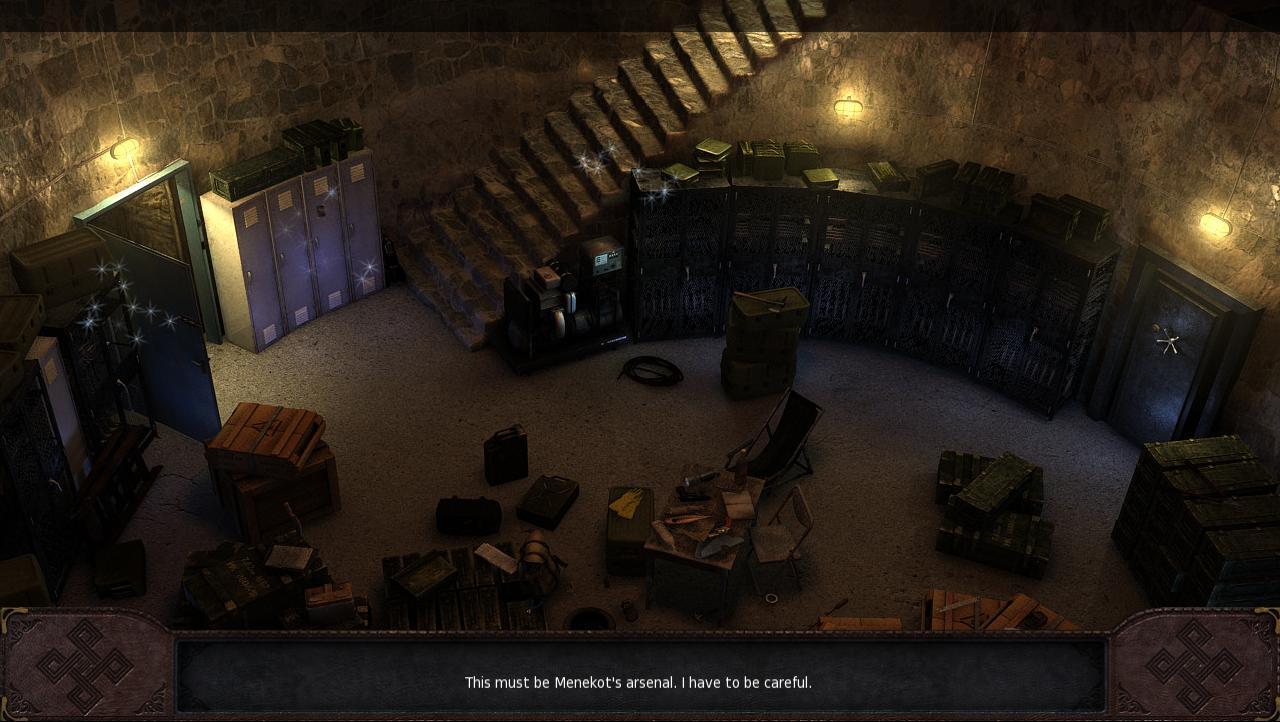
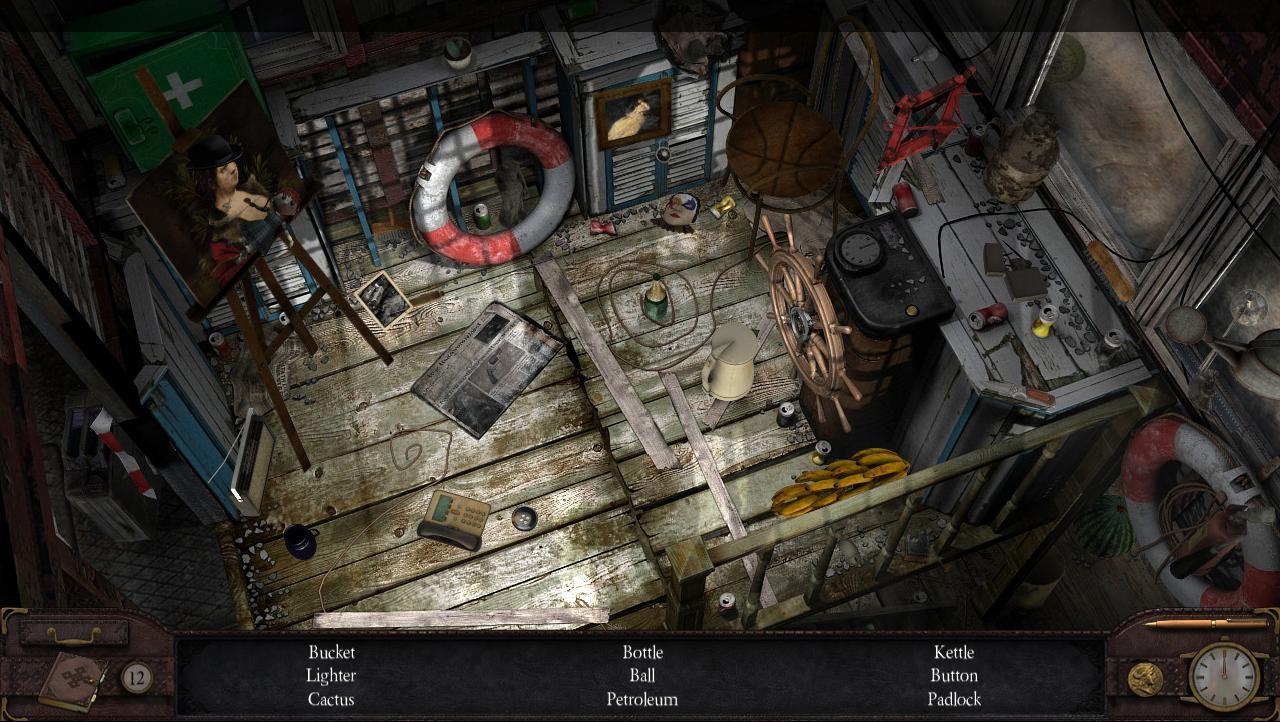
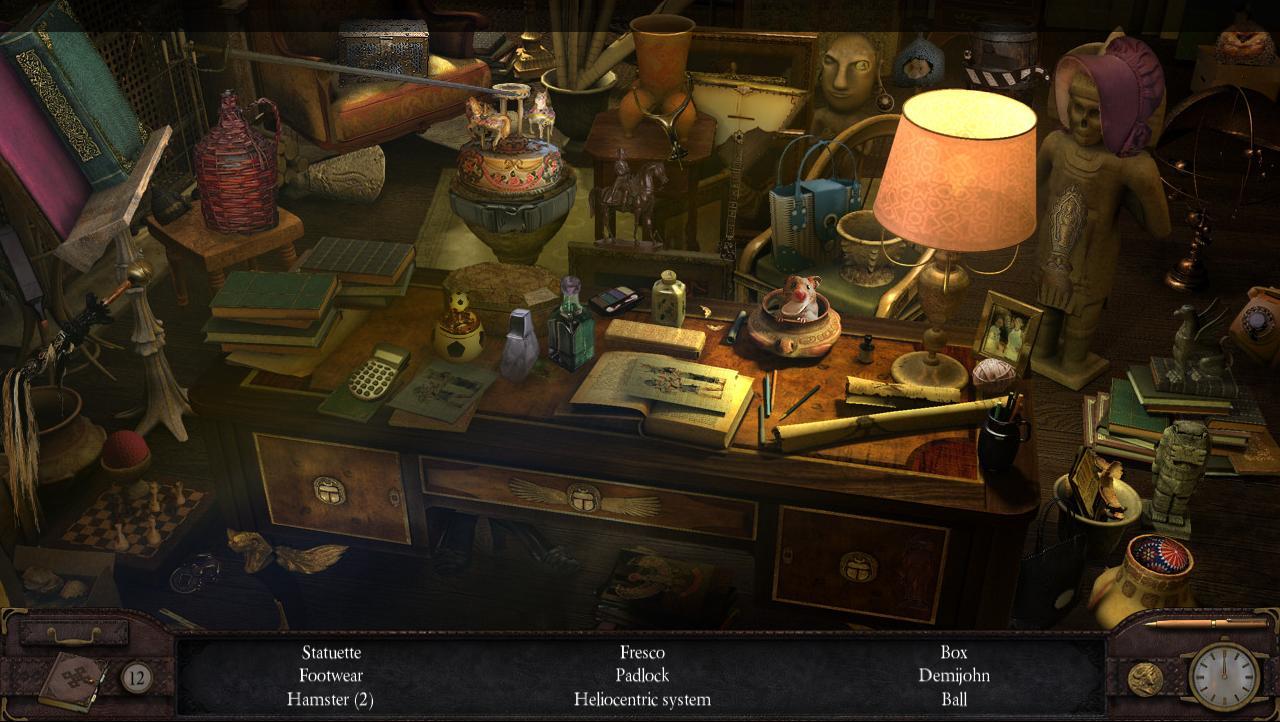
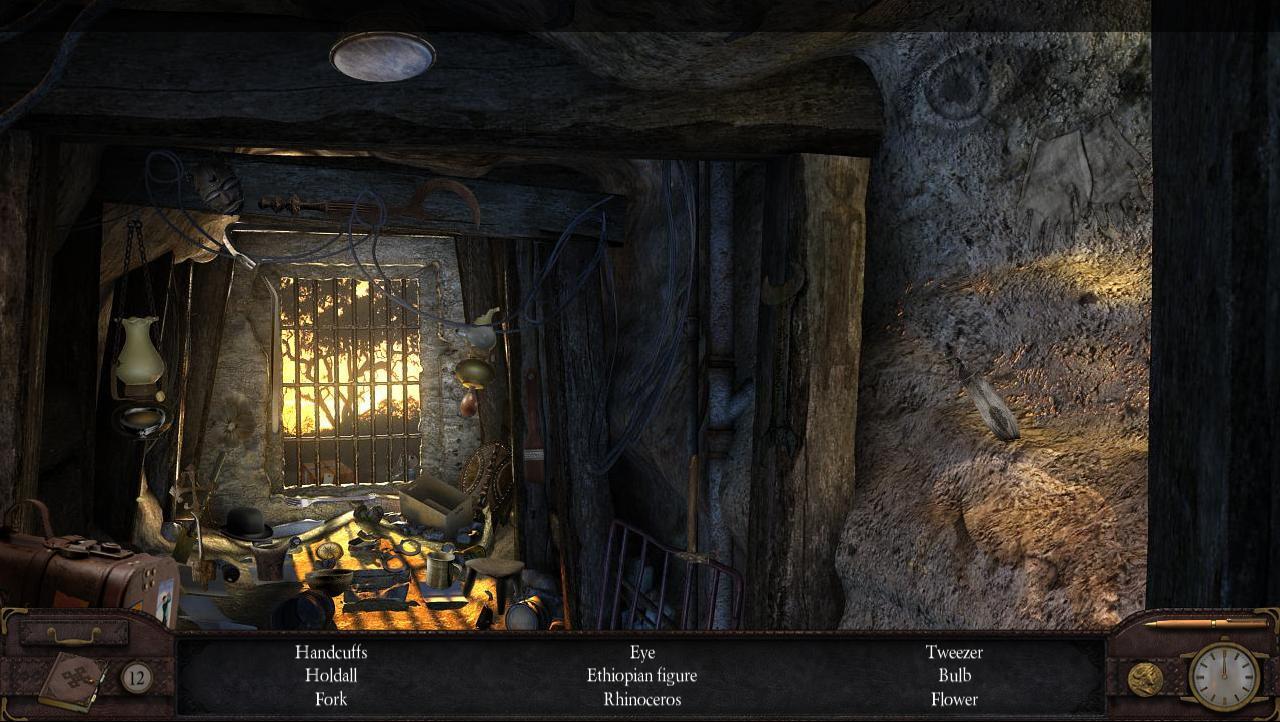
American Journalist Uncovers Mysterious Plot in Africa!With smarts, intelligence, and a zest for adventure, young American journalist Chelsea Connor decides to explore the mysterious circumstances surrounding her father’s death. Her father, an experienced treasure hunter, never returned home from his grand expedition to Africa. Her search for answers will take her from Paris to Ethiopia, as she pieces together the clues about an elusive hidden object that may present evidence as to his disappearance. Along the way, Chelsea will come face to face with powerful bent on preserving their dark secrets. Features Intriguing plot full of twists and turns creates an atmosphere of danger Compelling adventure told through hidden-object clues and riddles Beautiful graphics of exotic locations including Paris and Ethiopia\ Hidden-object puzzles and a variety of mini-games challenge players’ skills

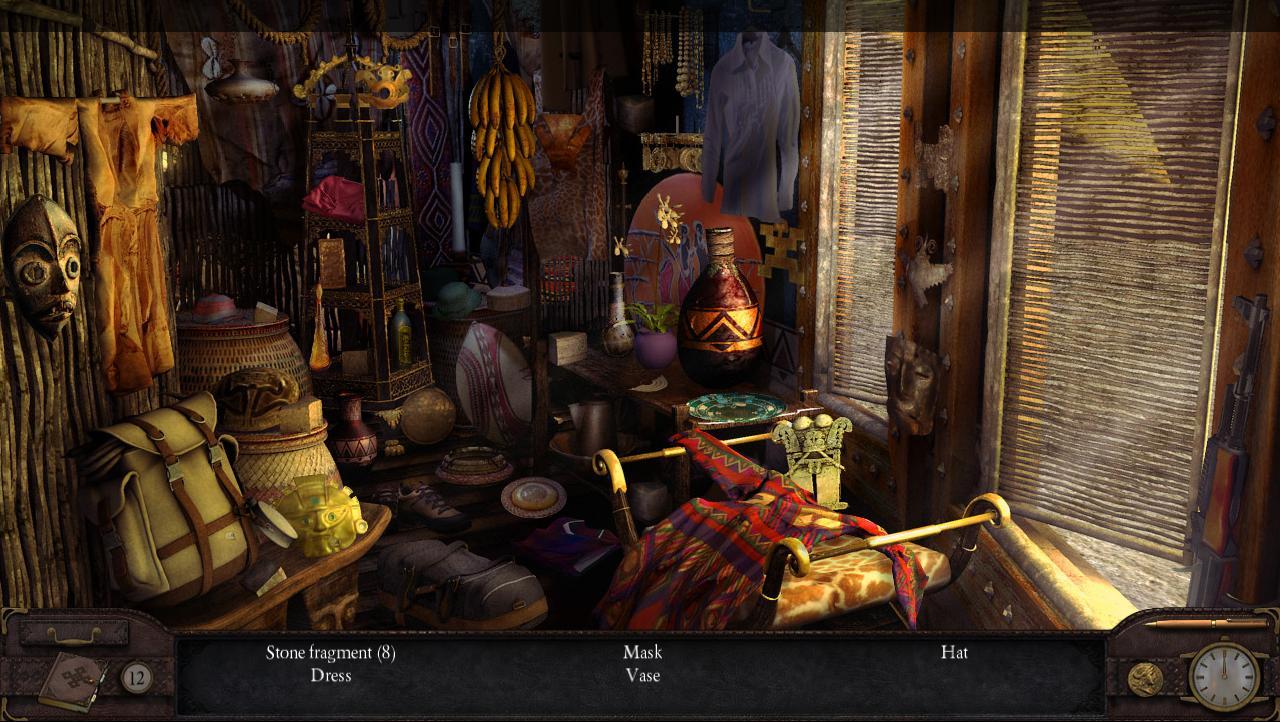
Chronicles of Mystery - The Legend of the Sacred Treasure screenshotChronicles of Mystery - The Legend of the Sacred Treasure screenshotChronicles of Mystery - The Legend of the Sacred Treasure screenshotChronicles of Mystery - The Legend of the Sacred Treasure screenshotChronicles of Mystery - The Legend of the Sacred Treasure screenshot

How to redeem

  1. 1Check your Steam account and the listed region before purchasing.
  2. 2Find your code and supplier activation instructions in your confirmed order.
  3. 3Open the redeem-code section on Steam, enter the code and follow the platform’s prompts.

Supplier instructions

Go to: http://store.steampowered.com/ and download STEAM client Click "Install Steam" (from the upper right corner) Install and start application, login with your Account name and Password (create one if you don't have). Please follow these instructions to activate a new retail purchase on Steam: Launch Steam and log into your Steam account. Click the Games Menu. Choose Activate a Product on Steam... Follow the onscreen instructions to complete the process. After successful code verification go to the "MY GAMES" tab and start downloading.

You might also like