
OtherGlobal· Key
Ashampoo Burning Studio 2026 (2 PCs)
€0.91
+€0.09 cashback eligibility in Relic Coins
Check before you play
- Region
- Global
- Product type
- Key
- Developer
- Ashampoo GmbH & Co. KG
- Publisher
- Ashampoo GmbH & Co. KG
- Genres
- Software
OtherGlobal· Key
€0.91
+€0.09 cashback eligibility in Relic Coins
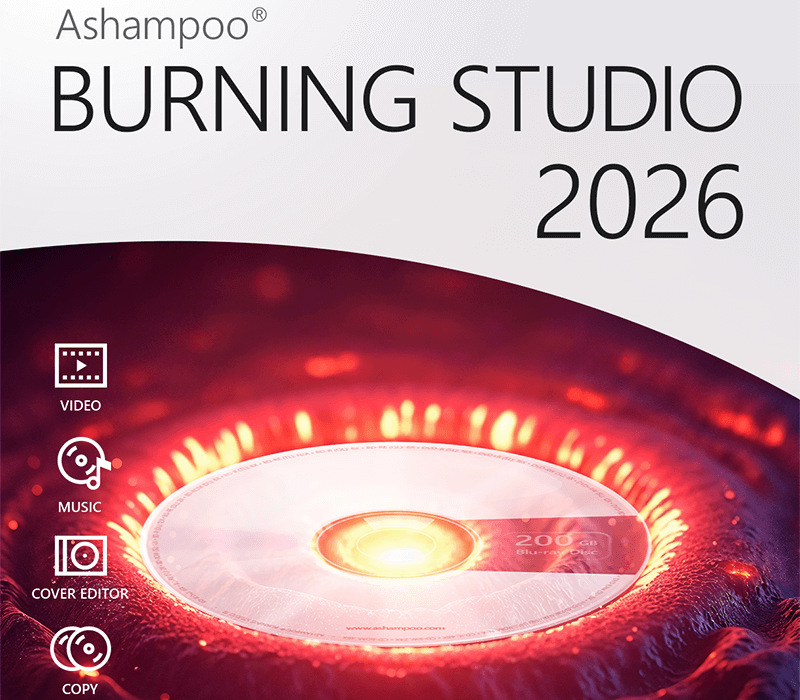
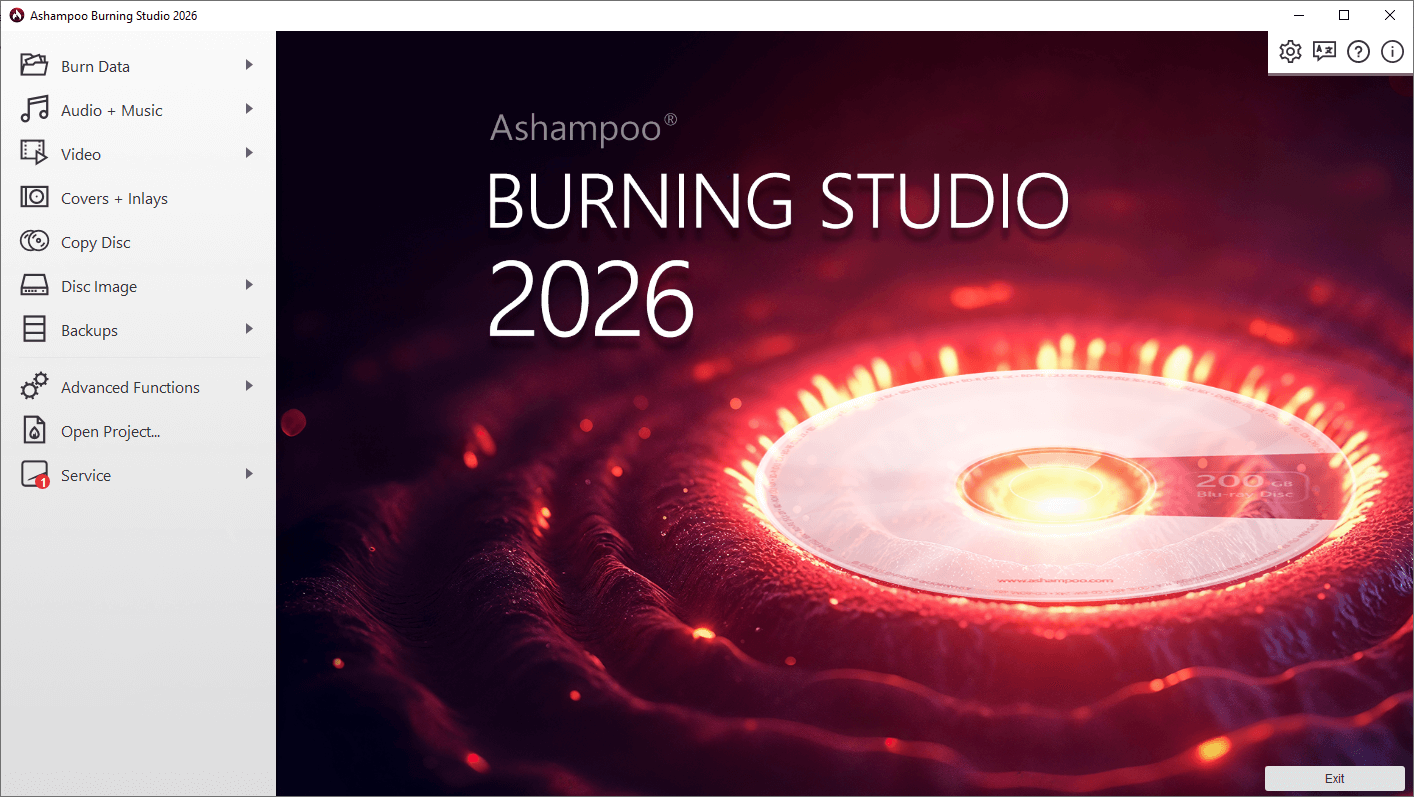
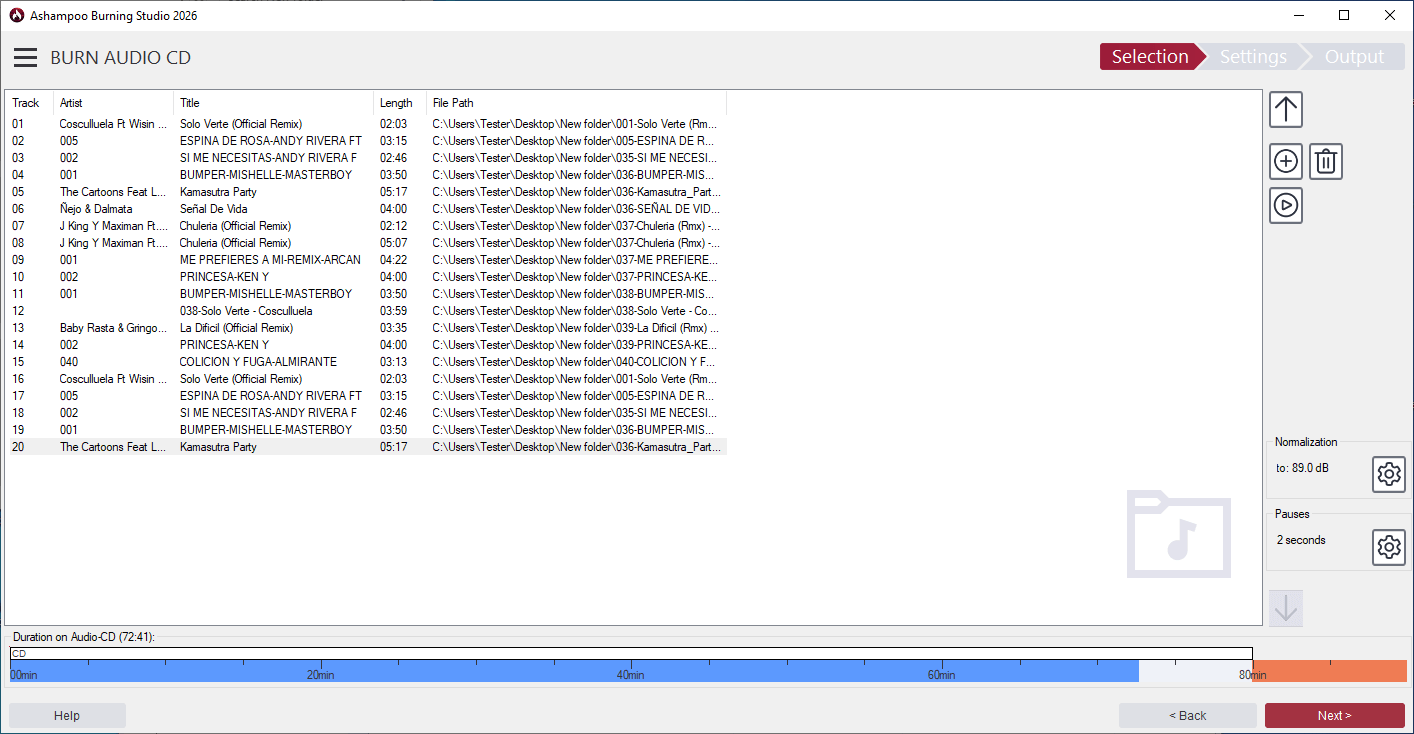
The classic tool to safely burn CDs, DVDs and Blu-rays Ashampoo Burning Studio 2026 reliably burns movies, music, and data to all types of disc media. It also supports data backups, CD ripping, and custom cover designs–perfect for all types of burning projects. Ashampoo Burning Studio 2026 provides a comprehensive solution for burning CDs, DVDs, and Blu-rays. It efficiently writes various file types, including music and videos, to different media, including BDXL and high-security discs. Importing music CDs is straightforward, with automatic track identification and naming. Designing covers and cases is user-friendly. Copying audio CDs and other discs is seamless. During ripping, playlists are created to maintain the desired music order. If a disc lacks sufficient storage, the disc spanning feature distributes data across multiple discs, allowing for secure storage and easy restoration of large photo, document, or music collections. The software also offers tools for creating and browsing disc images like ISO or CUE/BIN, complete with previews. Ashampoo Burning Studio 2026 includes a backup feature to secure files on CDs, DVDs, USB drives, or external hard drives. Backing up data from mobile devices, USB drives, and tablets is just a click away. A scratch protection function ensures that essential data remains readable even from damaged discs. The latest version reads CD-text data when available, utilizing it during the ripping process. Features Compatible with all current Windows versions Burn files to single or multiple CDs, DVDs and Blu-ray discs Copy CDs, DVDs and Blu-ray discs Burn scratch-protected discs Back up cellphones, tablets or other external devices Create audio CDs Design and print covers and inlays for all disc types Sleek new user interface
Download your program here and follow the instruction during the installation.