Get 10% back in Relic Coins on every order
The Z Axis: Continuum cover

SteamGlobal· Key

The Z Axis: Continuum

€5.92

+€0.59 cashback eligibility in Relic Coins

Check before you play

Platform
Steam
Region
Global
Product type
Key
Developer
Lazerpants Studios LLC
Publisher
Lazerpants Studios LLC
Supplier release date
2018-07-31
Genres
Action, Indie

About this product

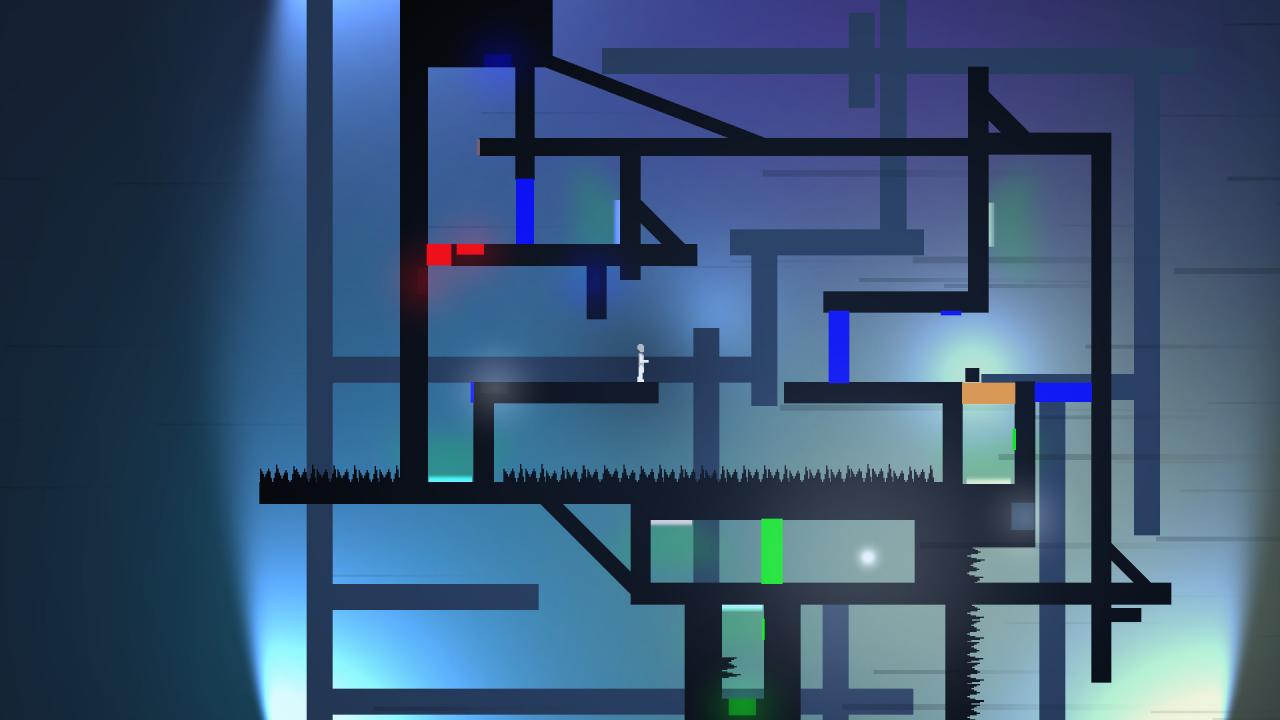
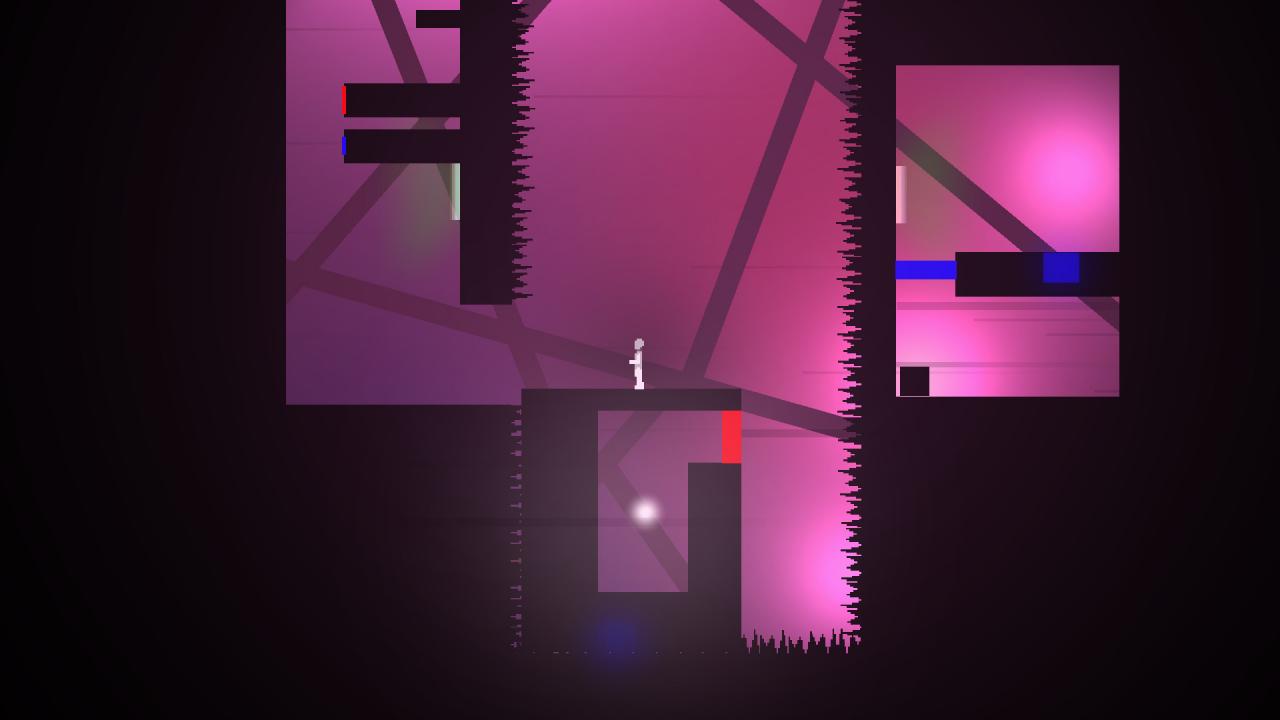
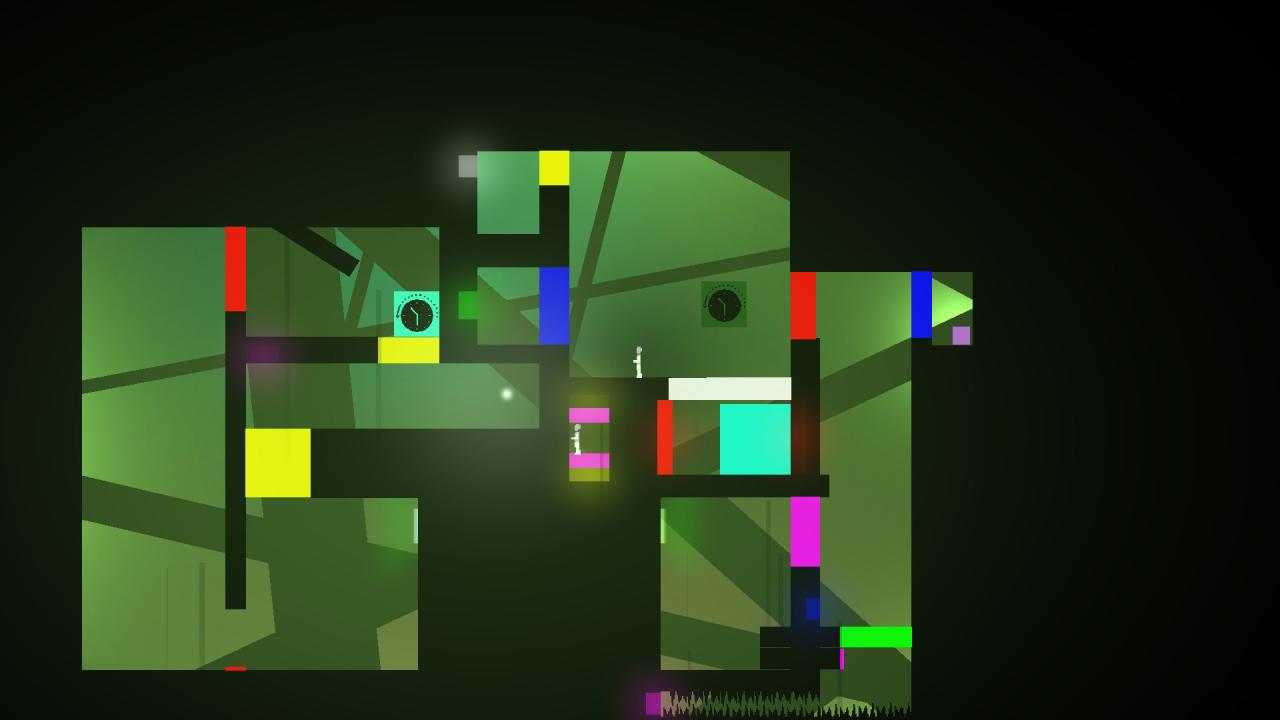
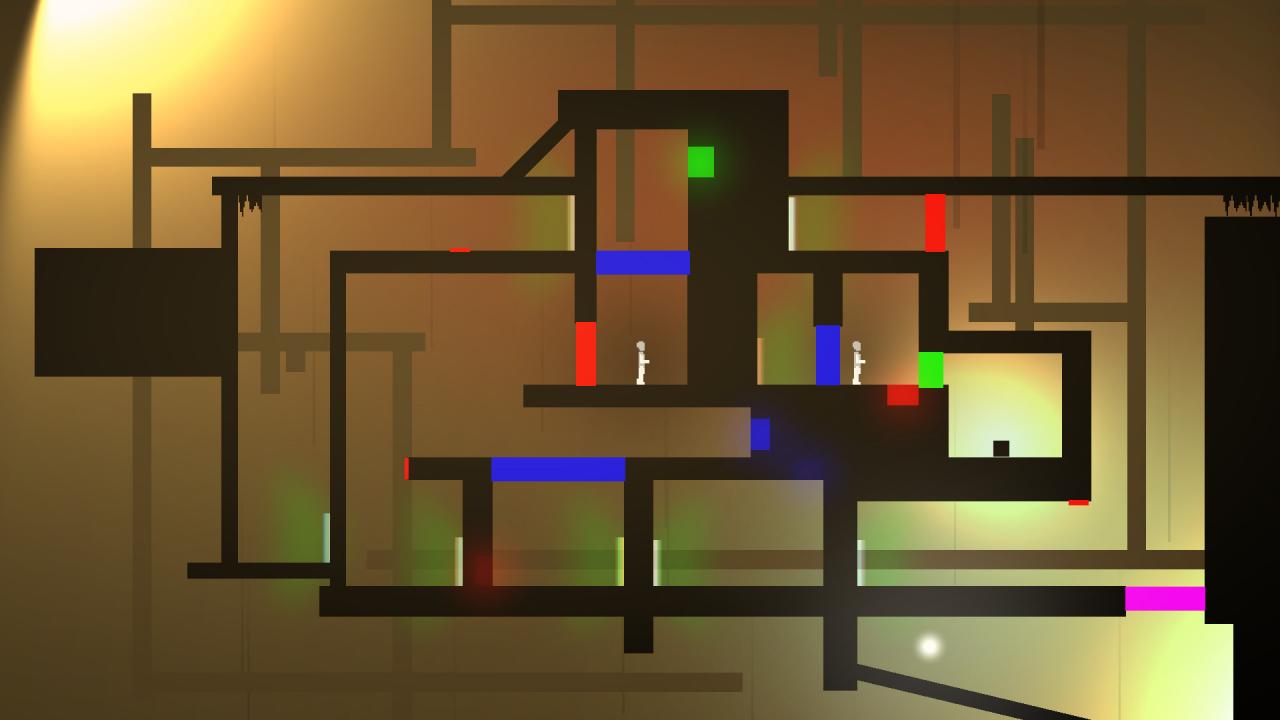
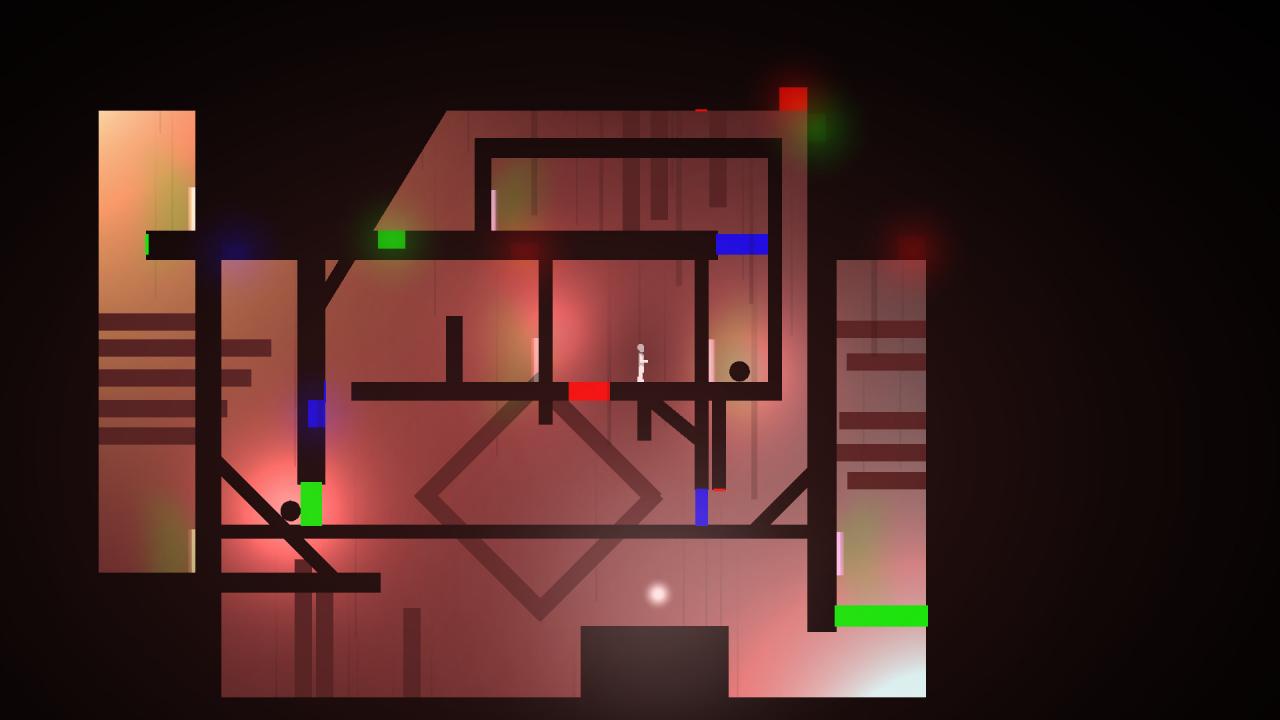
Escape a bizarre world by rotating the universe. Use portals, physics, time, and clones as floors become walls, walls become ceilings, left becomes down, and right becomes up. You manipulate time and space at will, but do you have the mind to solve the warped reality that imprisons you? Play the 2D puzzle platformer game inspired by Portal which started off as a popular little jam entry and has since blossomed into the 30 level reality-defying monstrosity that it has become. All levels are carefully handcrafted (not randomly generated) to challenge even the most seasoned puzzle platformer fan's understanding of physics, time, and space. No one escapes the Continuum unscathed. Features 2D Puzzle platformer Dark pixel art style with an ambient horror soundtrack 30 Handcrafted levels (no procedural generation) Includes 6 tutorial levels and 9 "extra hard" remix levels at the end for a formidable challenge Rotate the environment to change gravity Portals Clones Character death becomes a puzzle element Time manipulation 34 Individual achievements to gather Includes a slew of timed achievements for speedrunners

The Z Axis: Continuum screenshotThe Z Axis: Continuum screenshotThe Z Axis: Continuum screenshotThe Z Axis: Continuum screenshotThe Z Axis: Continuum screenshot

How to redeem

  1. 1Check your Steam account and the listed region before purchasing.
  2. 2Find your code and supplier activation instructions in your confirmed order.
  3. 3Open the redeem-code section on Steam, enter the code and follow the platform’s prompts.

Supplier instructions

Go to: http://store.steampowered.com/ and download STEAM client Click "Install Steam" (from the upper right corner) Install and start application, login with your Account name and Password (create one if you don't have). Please follow these instructions to activate a new retail purchase on Steam: Launch Steam and log into your Steam account. Click the Games Menu. Choose Activate a Product on Steam... Follow the onscreen instructions to complete the process. After successful code verification go to the "MY GAMES" tab and start downloading.

You might also like