Get 10% back in Relic Coins on every order
Pillars of Eternity II: Deadfire - Beast of Winter DLC cover

SteamGlobal· DLC

Pillars of Eternity II: Deadfire - Beast of Winter DLC

€2.15

+€0.22 cashback eligibility in Relic Coins

Check before you play

Platform
Steam
Region
Global
Product type
DLC

Check the required base game and edition before purchasing this add-on.

Developer
Obsidian Entertainment
Publisher
Obsidian Entertainment
Supplier release date
2018-08-02
Genres
Adventure, RPG, Story rich

About this product

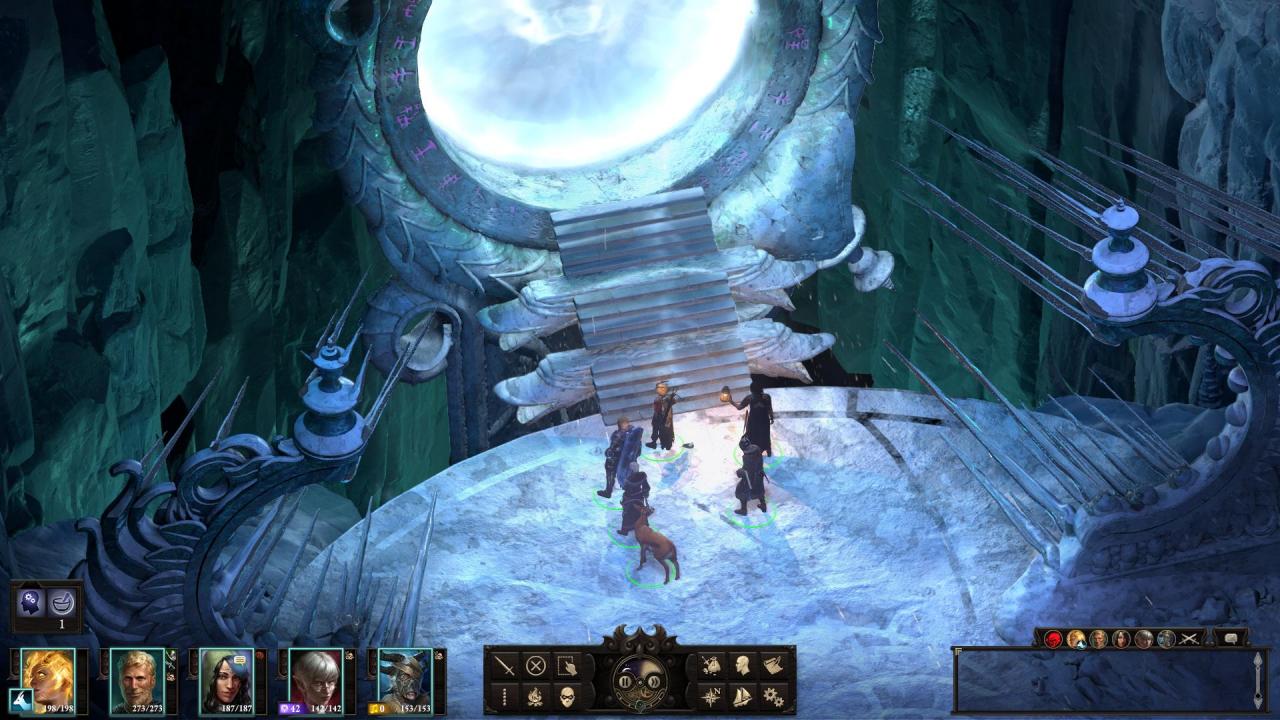
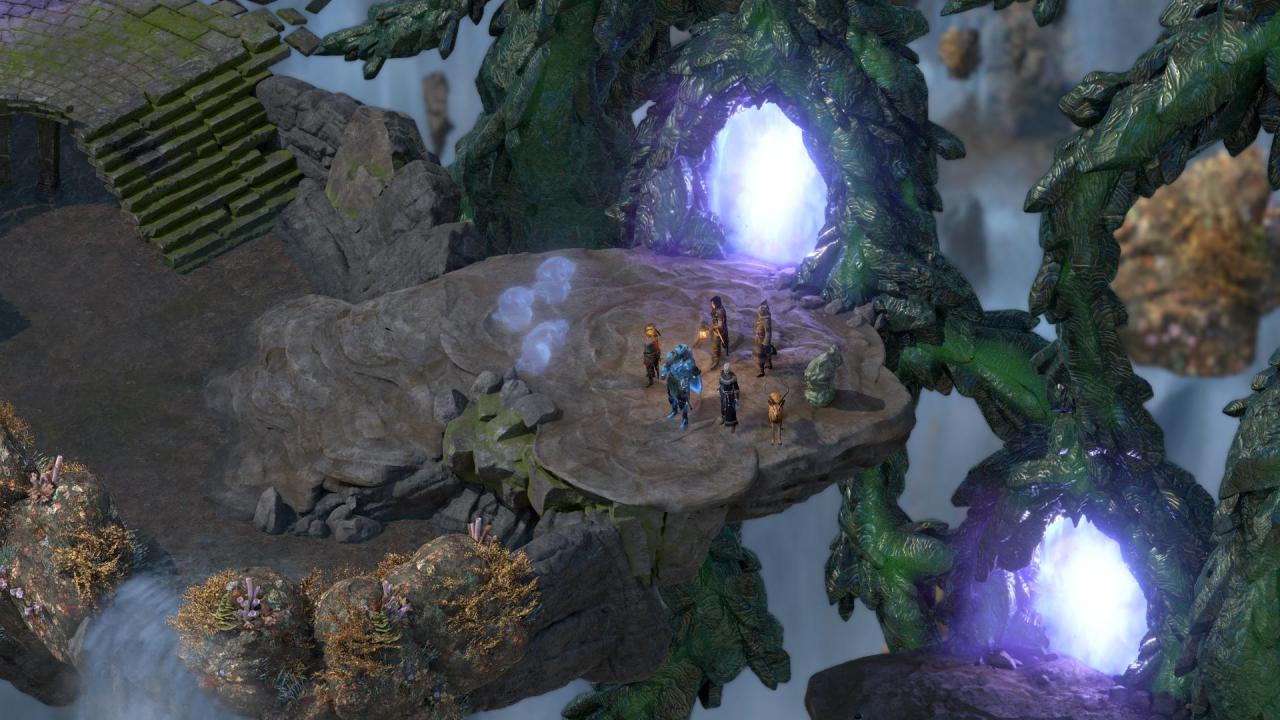
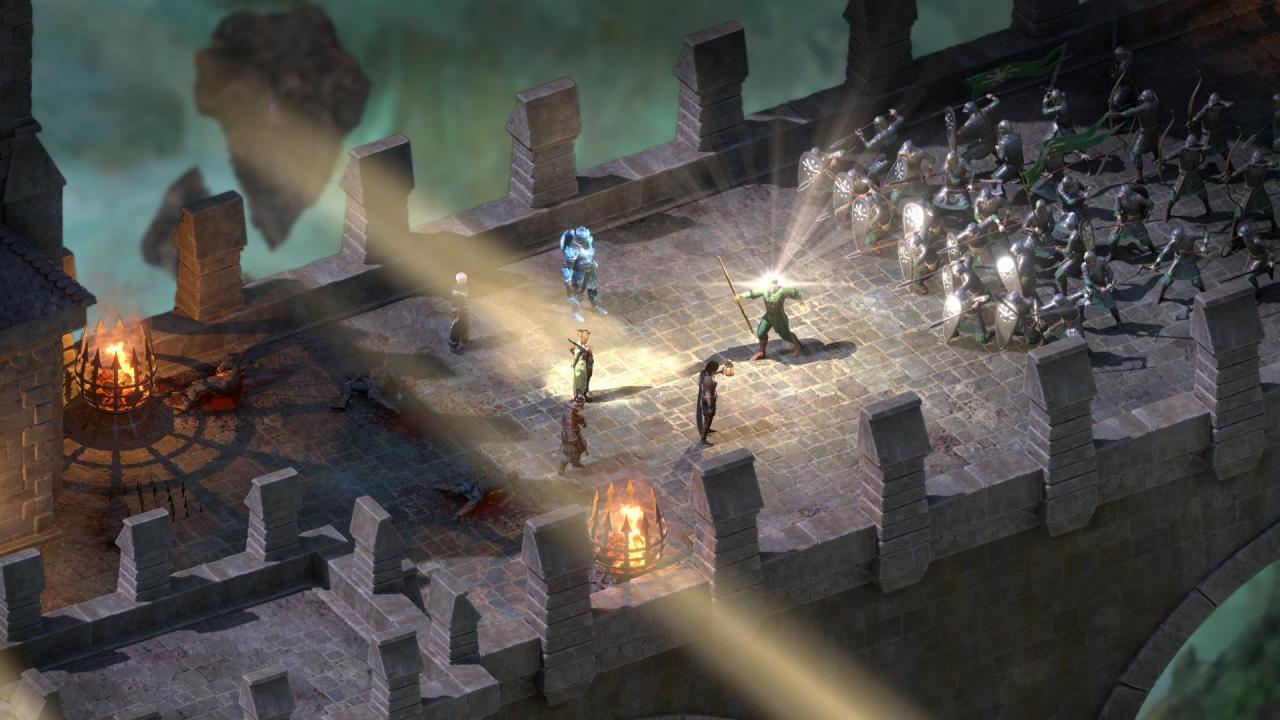
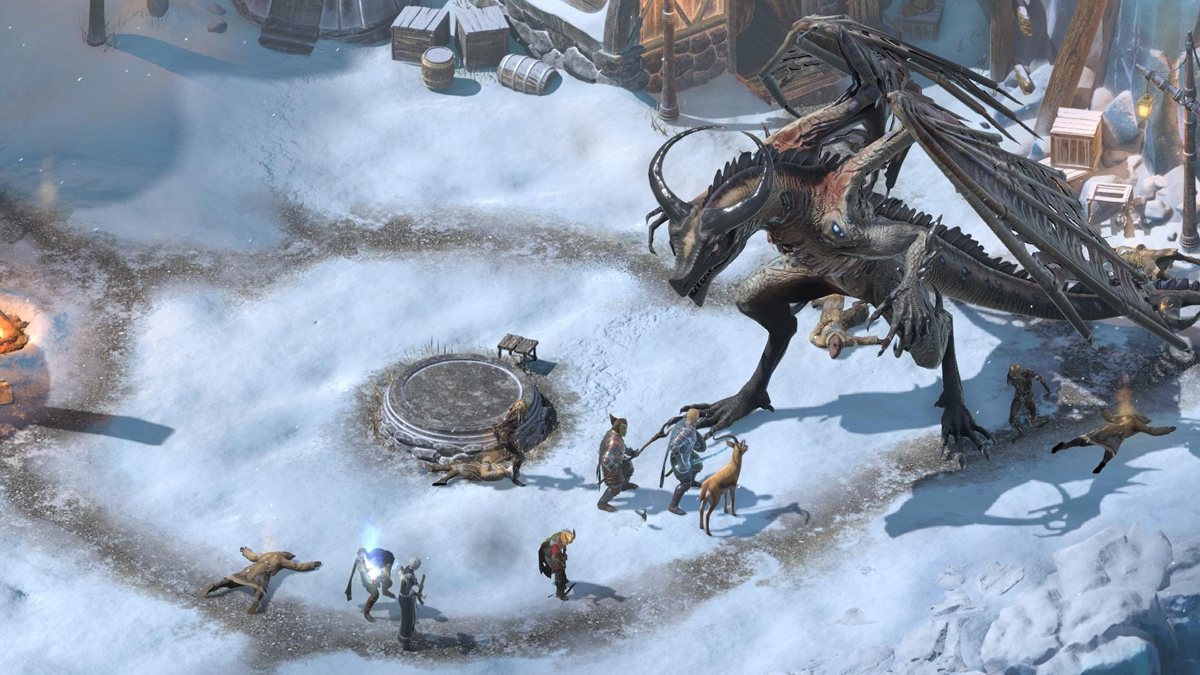
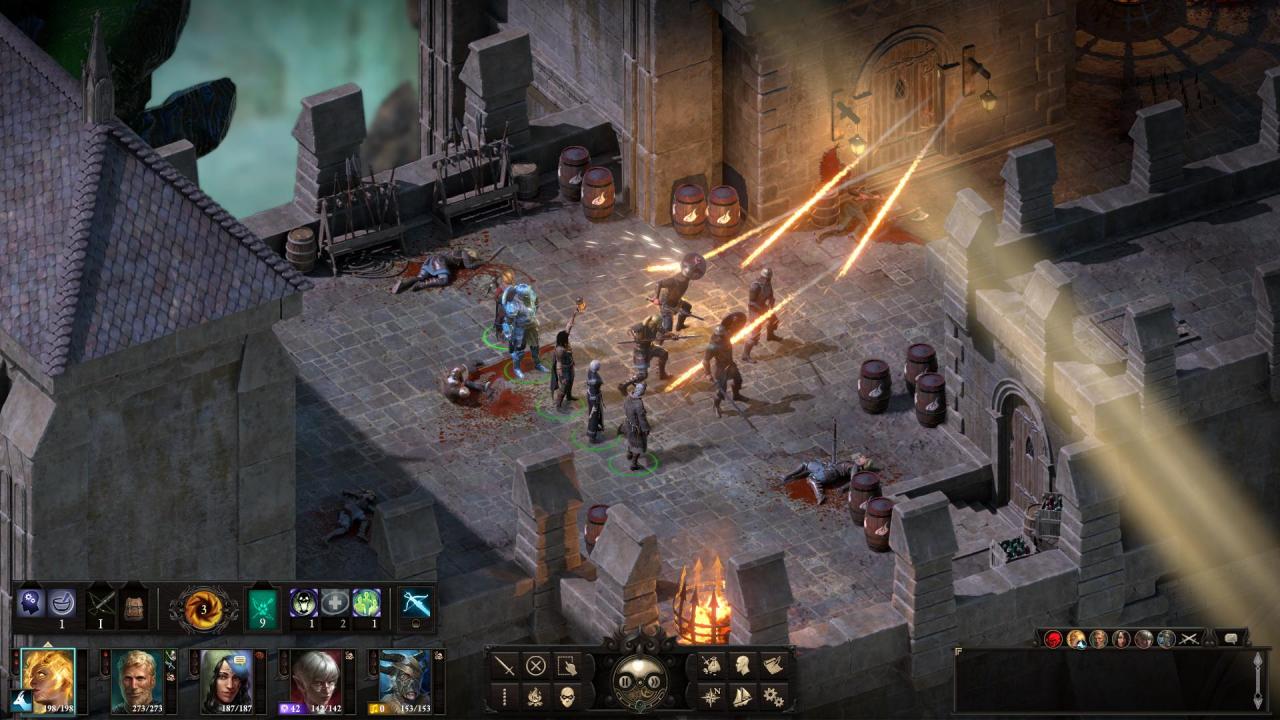
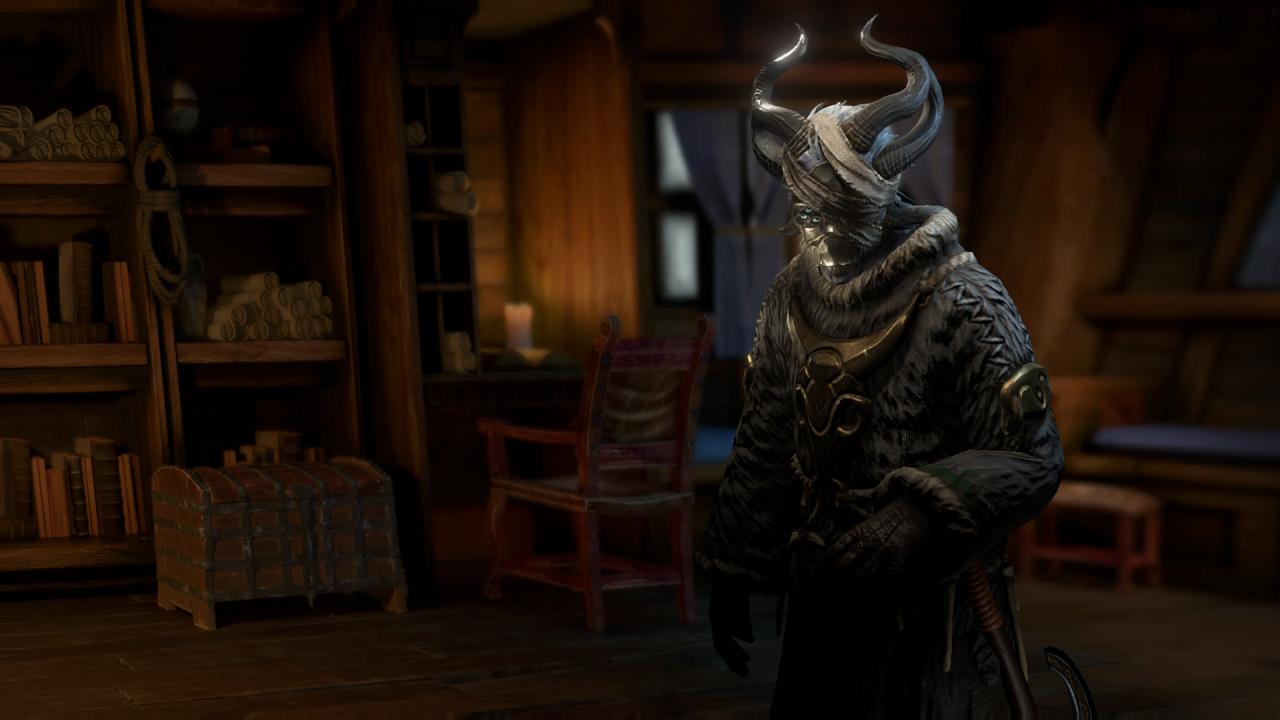
Far in the southernmost reaches of the Deadfire Archipelago, frost and death have encroached upon the land of the living. You, Watcher, have received a missive from the isle's residents: worshipers of Rymrgand, the god of entropy and disaster. They call you Duskspeaker, a harbinger of the end, and pray you fulfill your destiny. In this new DLC for Pillars of Eternity II: Deadfire: Embark upon an adventure that will take you to Hel itself. Join forces with Vatnir, an Endings Godlike, and Priest of Rymrgand, to bring the battle to the monstrosities that roam the Beyond. Confront an ancient dragon, whom even the gods fear, before she brings Eora to an icy end.

Pillars of Eternity II: Deadfire - Beast of Winter DLC screenshotPillars of Eternity II: Deadfire - Beast of Winter DLC screenshotPillars of Eternity II: Deadfire - Beast of Winter DLC screenshotPillars of Eternity II: Deadfire - Beast of Winter DLC screenshotPillars of Eternity II: Deadfire - Beast of Winter DLC screenshotPillars of Eternity II: Deadfire - Beast of Winter DLC screenshot

How to redeem

  1. 1Check the required base game, platform and edition before purchasing.
  2. 2Find the code or supplier activation instructions in your confirmed order.
  3. 3Redeem on Steam using the supplied instructions, then install the add-on with the compatible base game.

Supplier instructions

Go to: http://store.steampowered.com/ and download STEAM client Click "Install Steam" (from the upper right corner) Install and start application, login with your Account name and Password (create one if you don't have). Please follow these instructions to activate a new retail purchase on Steam: Launch Steam and log into your Steam account. Click the Games Menu. Choose Activate a Product on Steam... Follow the onscreen instructions to complete the process. After successful code verification go to the "MY GAMES" tab and start downloading.

You might also like