Get 10% back in Relic Coins on every order
Titan Quest Switch cover

Nintendo Europe - All Countries· Key

Titan Quest Switch

€16.62

+€1.66 cashback eligibility in Relic Coins

Check before you play

Platform
Nintendo
Region
Europe - All Countries
Product type
Key
Publisher
THQ Nordic
Supplier release date
2018-03-20
Genres
Action, Adventure, RPG, Hack and Slash
About this product

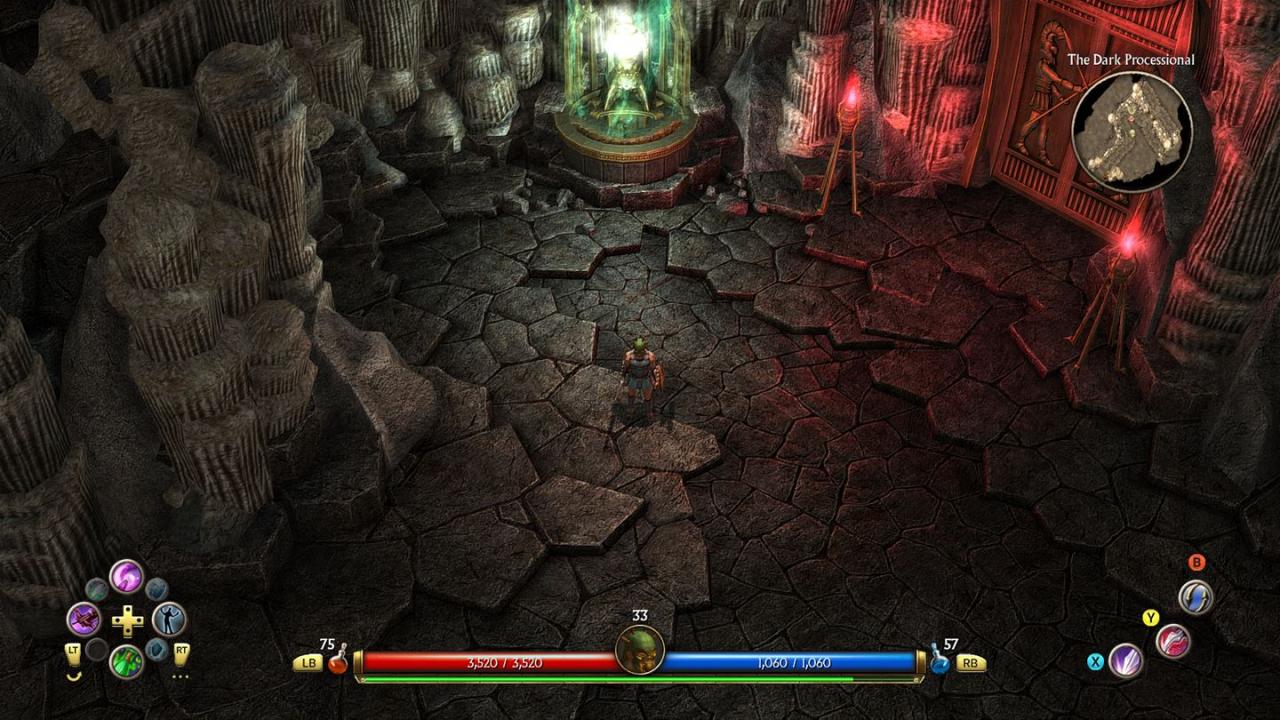
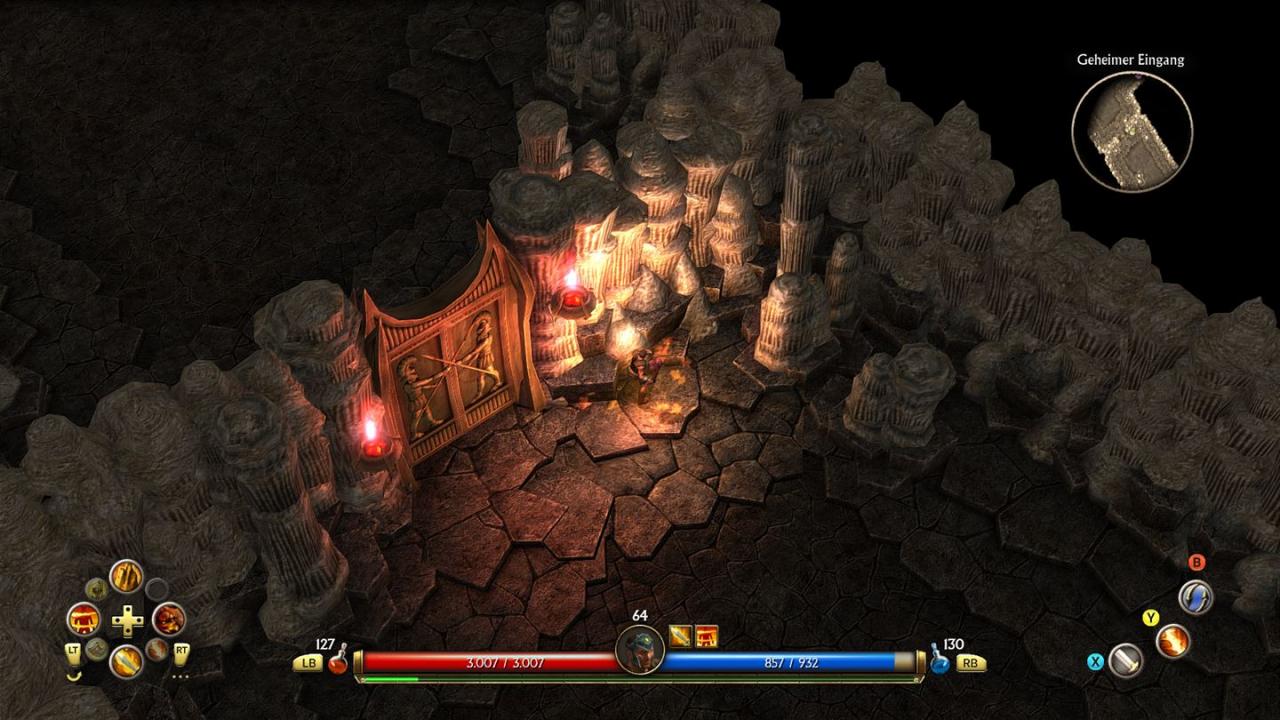
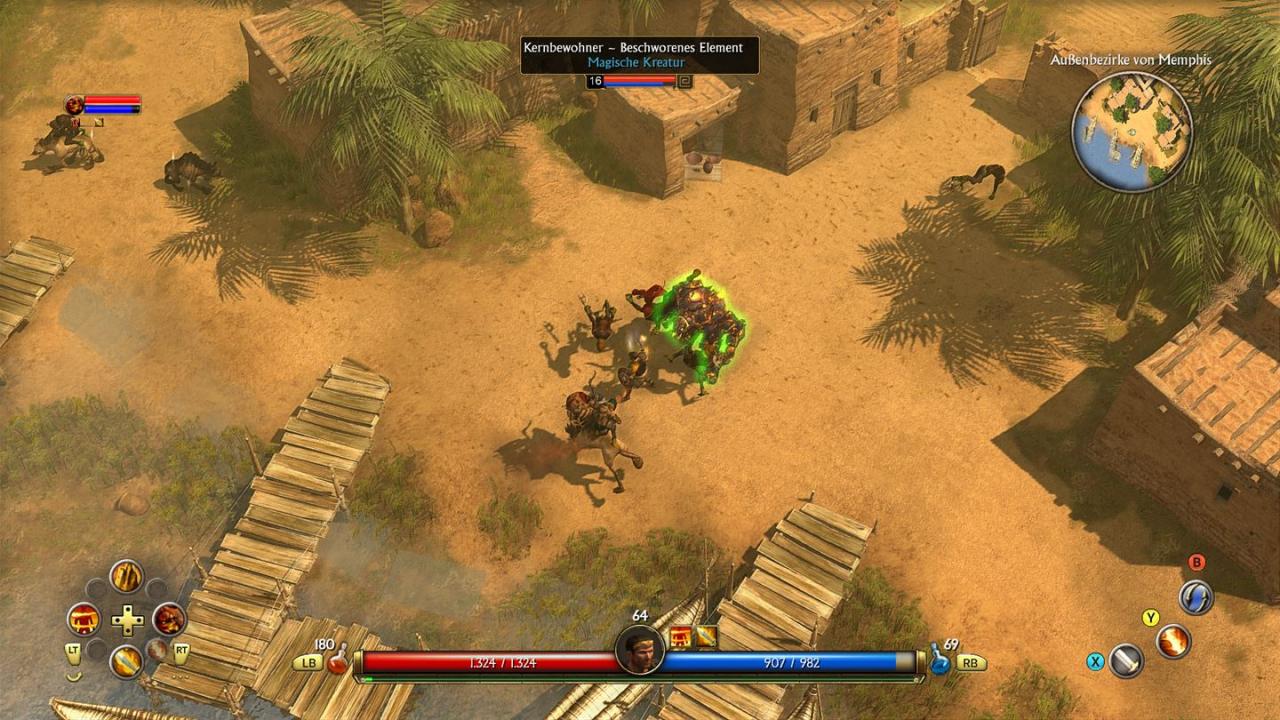
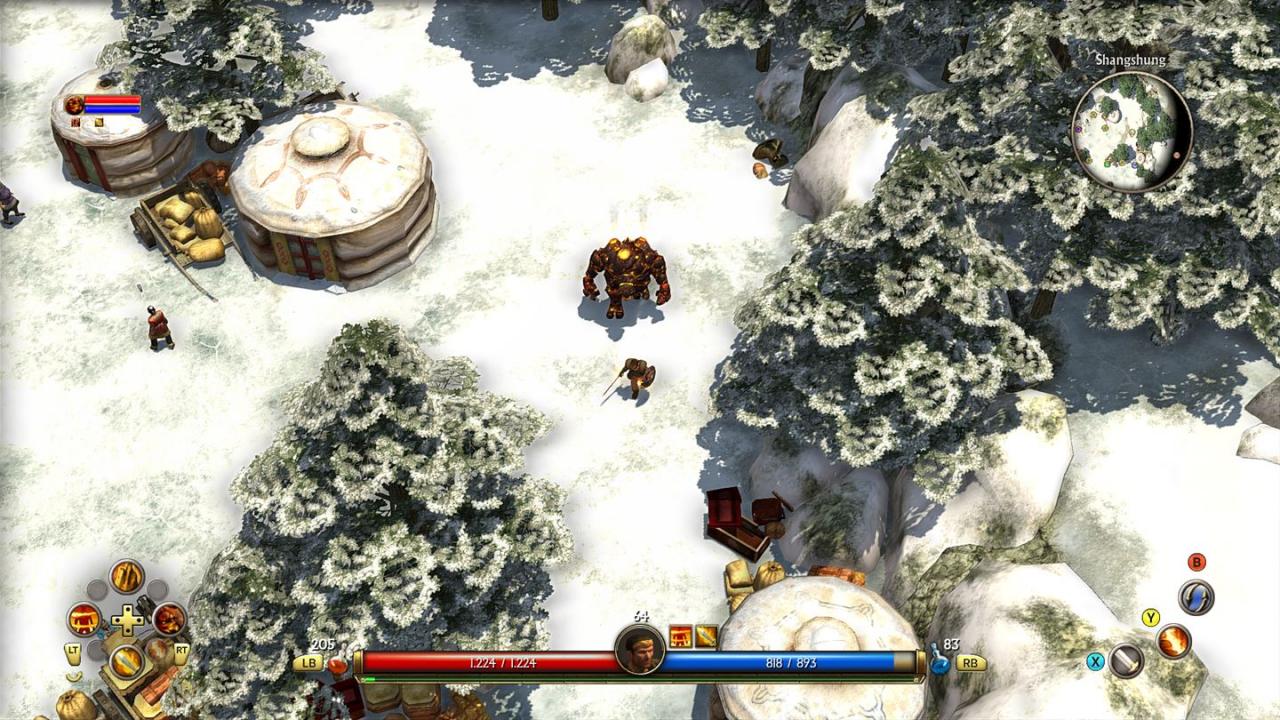
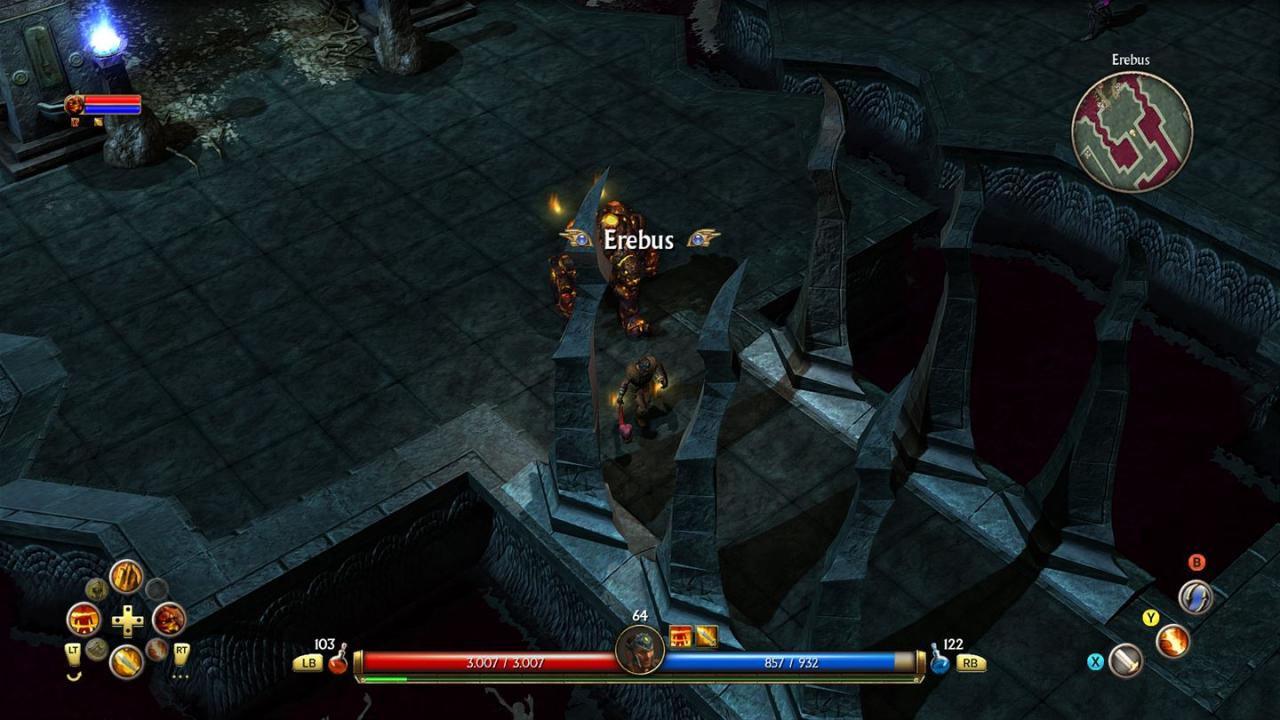
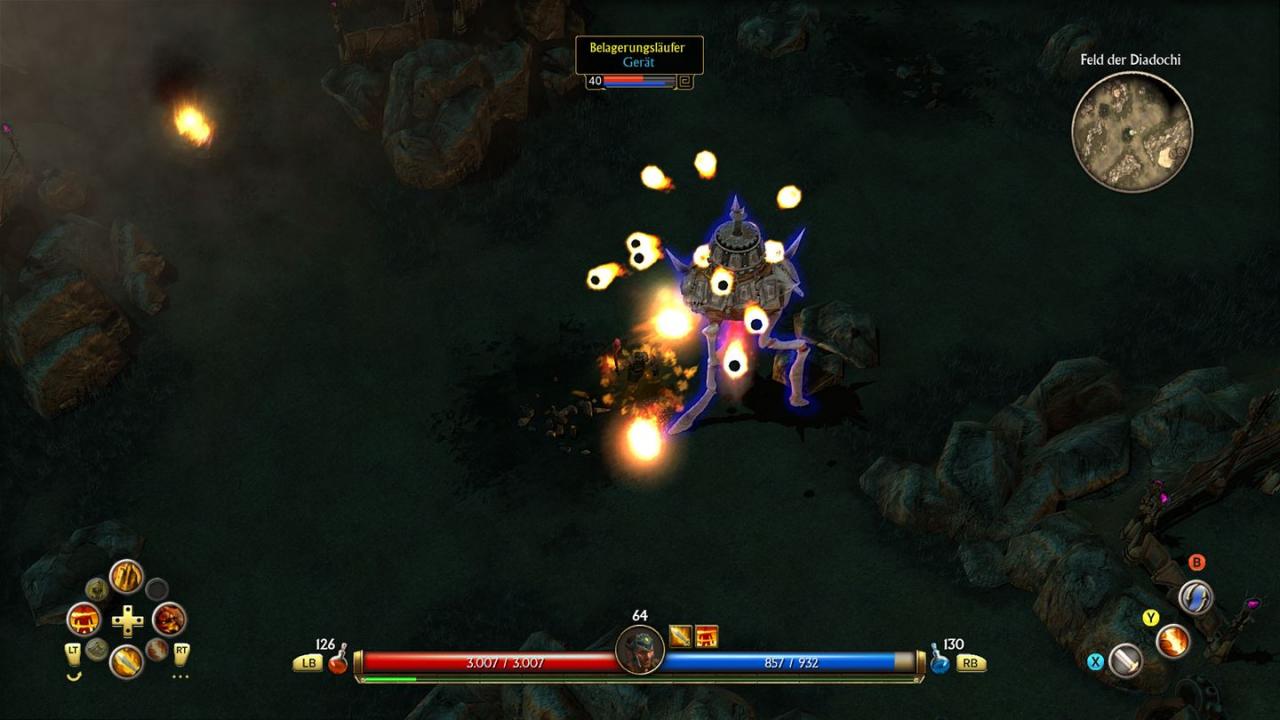
From Age of Empires co-creator Brian Sullivan and Braveheart writer Randall Wallace comes an innovative action role playing game set in ancient Greece, Egypt and Asia. The Titans have escaped their eternal prison, wreaking havoc upon the earth. The gods seek a hero who can turn the tide in an epic struggle that will determine the fate of both men and gods. Are you ready for the quest? Explore the Ancient World - Unlock arcane mysteries as you journey to legendary locations Conquer Monsters of Legend - Battle mythical beasts in a story-driven campaign that will determine the fate of all existence Highly Customizable Characters - Build and customize your characters with 28 classes and over 1000 pieces of unique and legendary items to create the ultimate champion Online Multiplayer Gameplay - Challenge others to experience the story in fast-action, 2-6 player online cooperative gameplay Console controls & UI – Tailor made UI and controls for a perfect ARPG experience using a gamepad

Titan Quest Switch screenshotTitan Quest Switch screenshotTitan Quest Switch screenshotTitan Quest Switch screenshotTitan Quest Switch screenshotTitan Quest Switch screenshot

How to redeem

  1. 1Check your Nintendo account and the listed region before purchasing.
  2. 2Find your code and supplier activation instructions in your confirmed order.
  3. 3Open the redeem-code section on Nintendo, enter the code and follow the platform’s prompts.

Supplier instructions

Select “Nintendo eShop” on the HOME Menu to launch the Nintendo eShop. Select the account you want to use. Select “Enter Code” on the left side of the screen. Enter the 16-character download code.Any letters and symbols not used with prepaid codes (i.e. O, I, Z, commas, hyphens, etc.) will be disabled from the on-screen keyboard. Select “Send” to confirm. The game will begin downloading once the code is confirmed.The game icon will appear on the HOME menu, with a download status bar. The status bar will disappear once the game download is complete.

You might also like