Get 10% back in Relic Coins on every order
IL-2 Sturmovik: Cliffs of Dover cover

SteamGlobal· Key

IL-2 Sturmovik: Cliffs of Dover

€3.40

+€0.34 cashback eligibility in Relic Coins

Check before you play

Platform
Steam
Region
Global
Product type
Key
Developer
1C: Maddox Games
Publisher
Ubisoft
Supplier release date
2011-03-30
Genres
Simulation

About this product

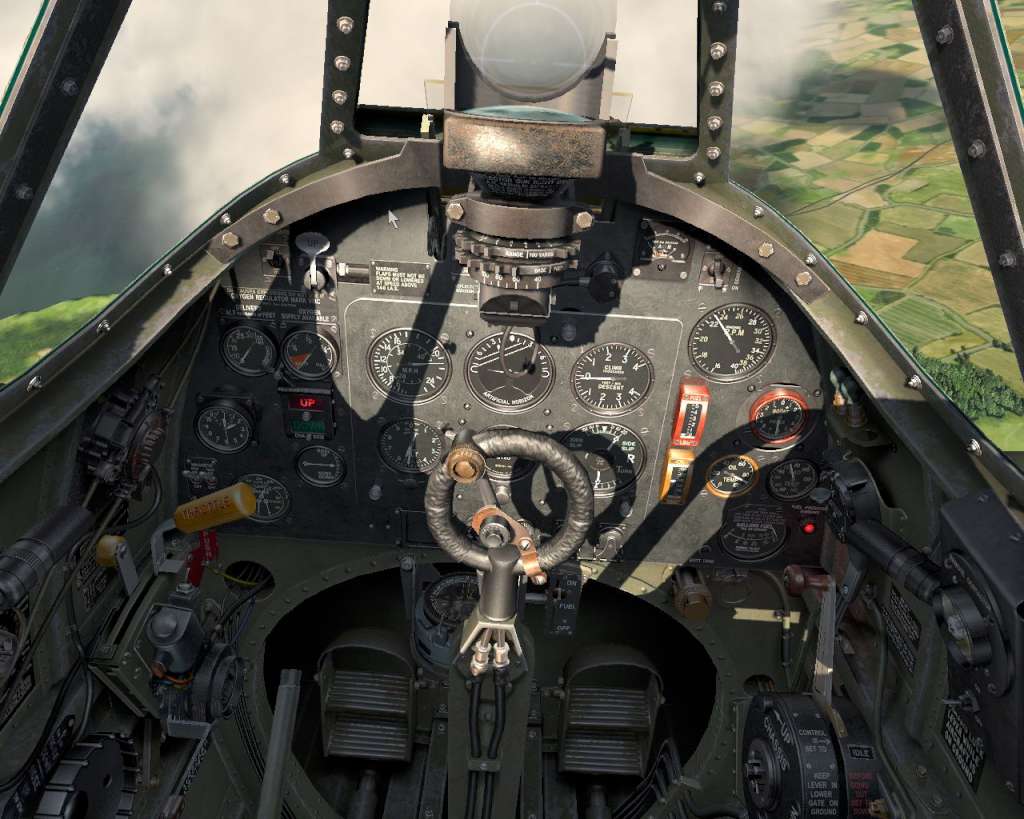
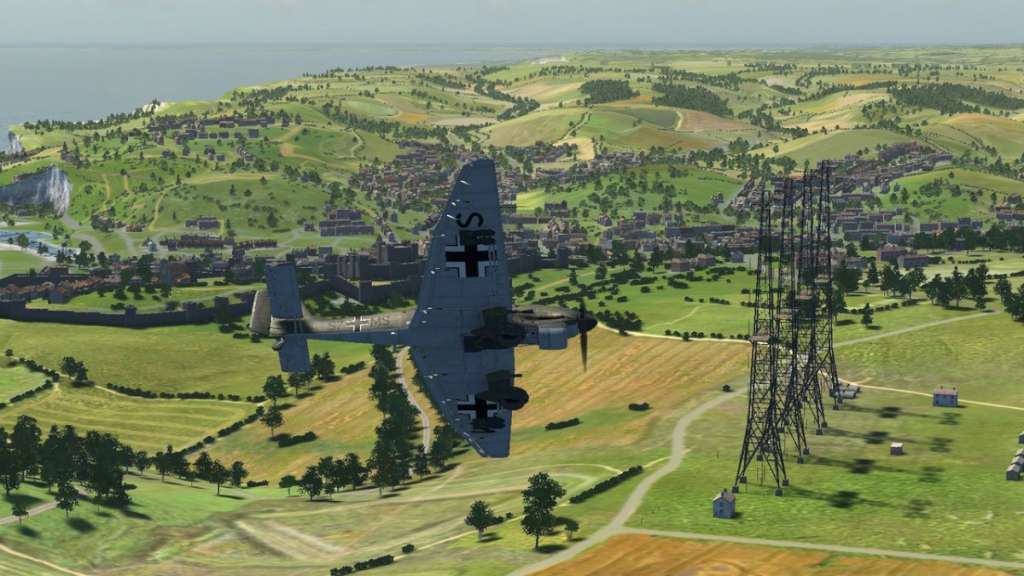
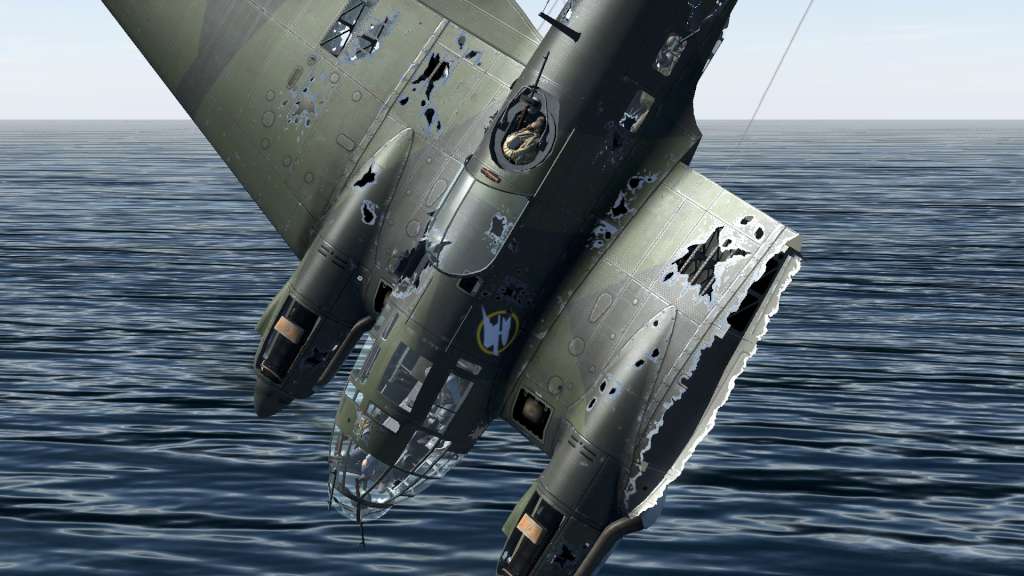
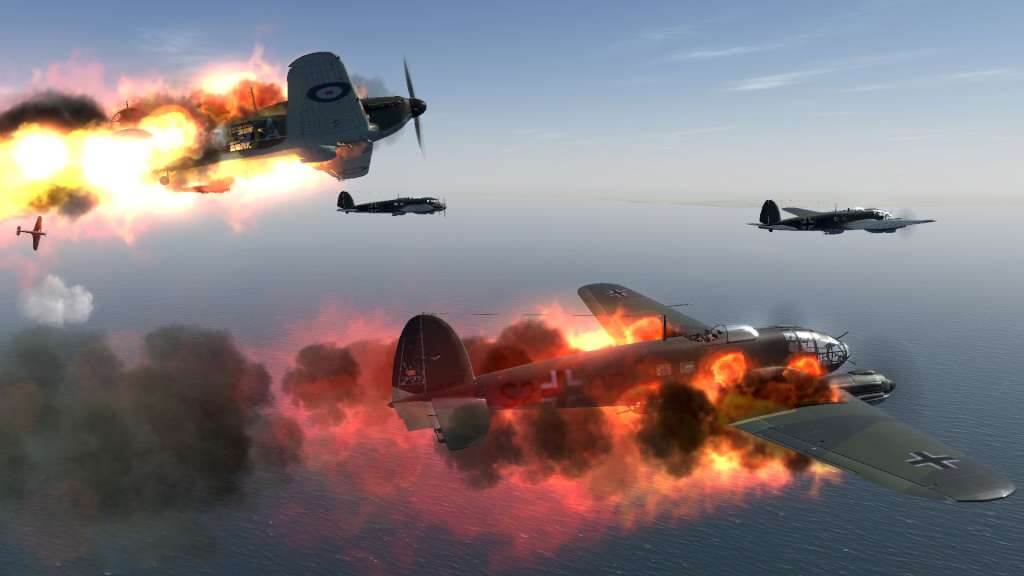
Join the Royal Air Force and Battle for Britain! Fly into the pivotal aerial battle for the skies of Britain. As a member of the British RAF, face off against the deadly German Luftwaffe and the Italian air forces. IL-2 Sturmovik: Cliffs of Dover is the next exciting World War II flight combat simulation title from 1C: Maddox Games, creators of the critically acclaimed IL-2 Sturmovik series. Features Fight the Wars of History – England, 1940; Germany is waging a massive air campaign for the absolute supremacy of the skies. Join the battle to save Britain. Over 25 Aircrafts – English, German & Italian aircraft including the Spitfire, The Hurricane, and the Messerschmitt Bf-109. Every detail faithfully recreated. Enormous Environments – Fly through the cities and towns of London, southern and northern England, northern France, southern Belgium and more. Incredible Damage Model – Every single aircraft component can be damaged for incredibly realistic and satisfying results. Massive Multiplayer – Customizable modes allow for up to 128 players in huge ongoing battles or hop in deathmatch-style free-for-alls. New Groundbreaking 3D Engine – Huge variety of photorealistic ground vehicles, buildings and environments.

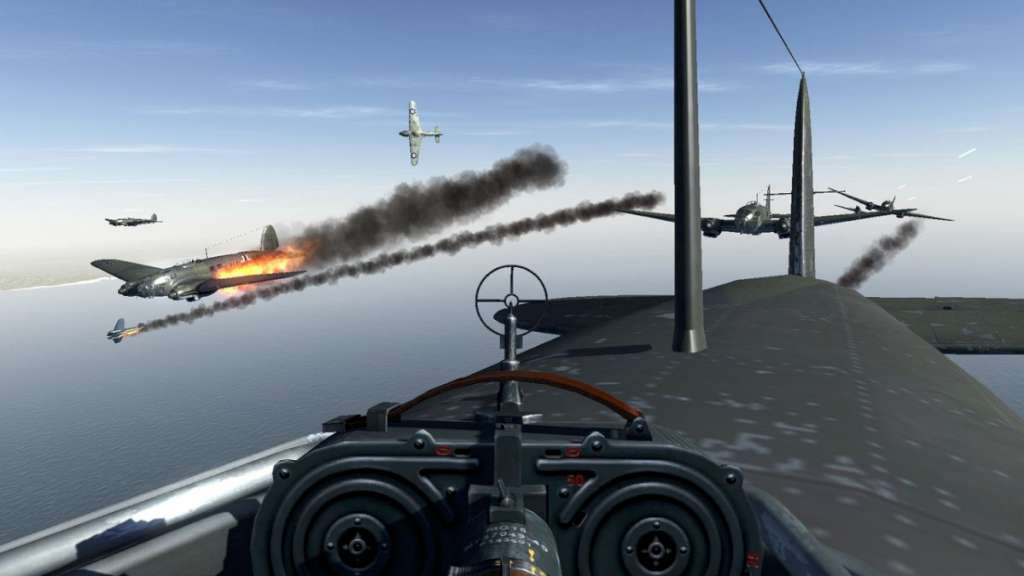
IL-2 Sturmovik: Cliffs of Dover screenshotIL-2 Sturmovik: Cliffs of Dover screenshotIL-2 Sturmovik: Cliffs of Dover screenshotIL-2 Sturmovik: Cliffs of Dover screenshotIL-2 Sturmovik: Cliffs of Dover screenshotIL-2 Sturmovik: Cliffs of Dover screenshot

How to redeem

  1. 1Check your Steam account and the listed region before purchasing.
  2. 2Find your code and supplier activation instructions in your confirmed order.
  3. 3Open the redeem-code section on Steam, enter the code and follow the platform’s prompts.

Supplier instructions

Go to: http://store.steampowered.com/ and download STEAM client Click "Install Steam" (from the upper right corner) Install and start application, login with your Account name and Password (create one if you don't have). Please follow these instructions to activate a new retail purchase on Steam: Launch Steam and log into your Steam account. Click the Games Menu. Choose Activate a Product on Steam... Follow the onscreen instructions to complete the process. After successful code verification go to the "MY GAMES" tab and start downloading.

You might also like