Get 10% back in Relic Coins on every order
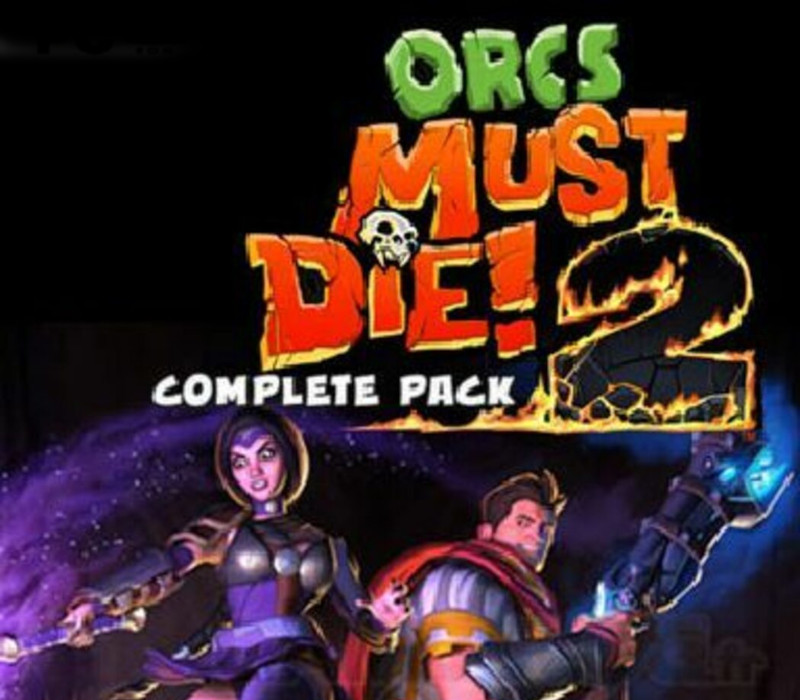
Orcs Must Die! 2 Complete Pack cover

SteamGlobal· Key

Orcs Must Die! 2 Complete Pack

€3.00

+€0.30 cashback eligibility in Relic Coins

Check before you play

Platform
Steam
Region
Global
Product type
Key
Developer
Robot Entertainment
Publisher
Robot Entertainment
Supplier release date
2012-07-30
Genres
Action, Strategy, Indie

About this product

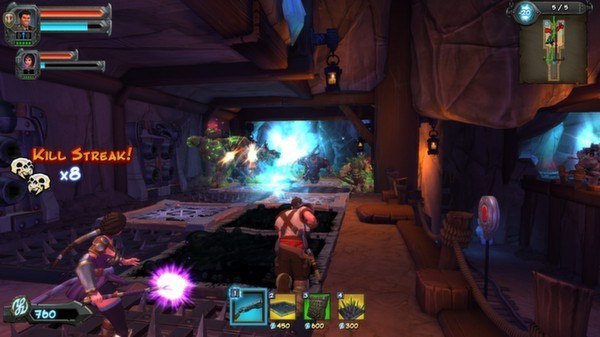
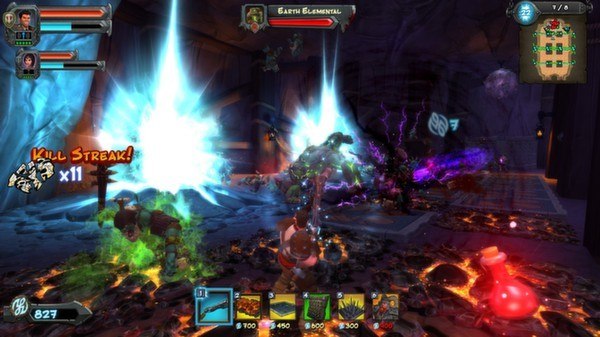
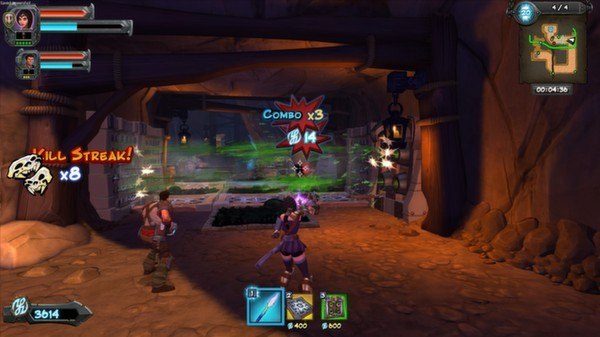
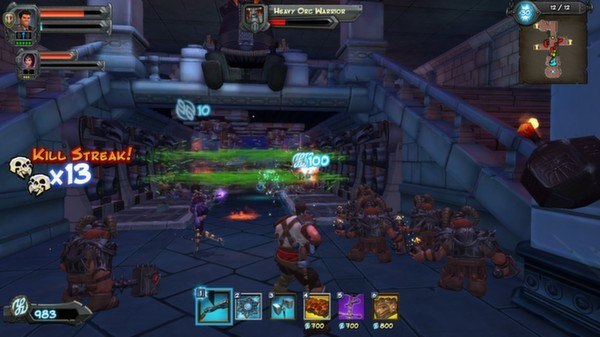
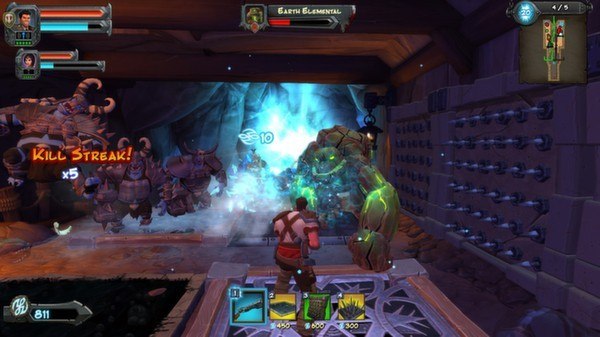
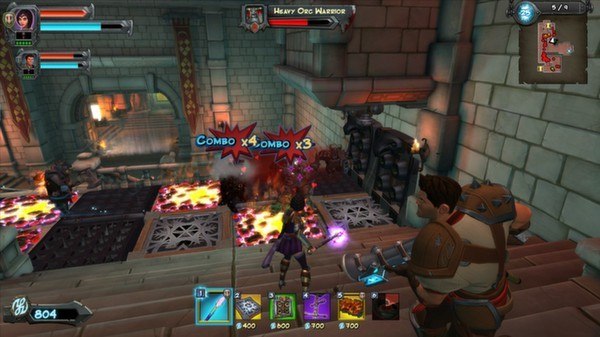
Includes: Orcs Must Die! 2 Orcs Must Die! 2 - Are We There Yeti? Orcs Must Die! 2 - Fire and Water Booster Pack Orcs Must Die! 2 - Family Ties Booster Pack You’ve tossed, burned and sliced them by the thousands – now orcs must die more than ever before! Grab a friend and slay orcs in untold numbers in this sequel to the 2011 AIAS Strategy Game of the Year from Robot Entertainment. Leap back into the fray as a powerful War Mage or crafty Sorceress. Defend new fortresses and dwarven mines, laying waste to thousands of orcs and other monsters with a dizzying array of weapons, spells, guardians, traps, and trinkets. Play co-op with a friend and continue the battle in a brand new campaign mode, or fight to stay alive in the challenging new Endless Mode! Unlock new defenses and old favorites, upgrade them like never before, and unleash them on the nearest pile of slobbering orcs!

Orcs Must Die! 2 Complete Pack screenshotOrcs Must Die! 2 Complete Pack screenshotOrcs Must Die! 2 Complete Pack screenshotOrcs Must Die! 2 Complete Pack screenshotOrcs Must Die! 2 Complete Pack screenshotOrcs Must Die! 2 Complete Pack screenshot

How to redeem

  1. 1Check your Steam account and the listed region before purchasing.
  2. 2Find your code and supplier activation instructions in your confirmed order.
  3. 3Open the redeem-code section on Steam, enter the code and follow the platform’s prompts.

Supplier instructions

1. Go to: http://store.steampowered.com/ and download STEAM client. 2. Click "Install Steam" (from the upper right corner) http://cdn.steampowered.com/download/SteamInstall.msi 3. Install and start application, login with your Account name and Password (create one if you don't have). 4. Please follow these instructions to activate a new retail purchase on Steam: Launch Steam and log into your Steam account. Click the Games Menu. Choose Activate a Product on Steam... Follow the onscreen instructions to complete the process. If you have any problems regarding key activation, please contact our https://www.kinguin.net/helpdeskultimate/customer/newticket/

You might also like